
In this note-taking app, you can record, transcribe, and organize class notes to support learning. Includes audio recording, transcription, and note organization features.
AppRecs review analysis
AppRecs rating 3.4. Trustworthiness 77 out of 100. Review manipulation risk 29 out of 100. Based on a review sample analyzed.
★★★☆☆
3.4
AppRecs Rating
Ratings breakdown
5 star
32%
4 star
15%
3 star
16%
2 star
9%
1 star
28%
What to know
✓
Low review manipulation risk
29% review manipulation risk
✓
Credible reviews
77% trustworthiness score from analyzed reviews
⚠
High negative review ratio
37% of sampled ratings are 1–2 stars
About Genio Notes
Note taking in class is hard. It’s impossible to choose whether to write everything down or pay attention and contribute. With Genio Notes, you no longer have to choose.
Genio Notes boosts your ability to learn and build knowledge from class.
Follow our note taking process to record audio notes and then identify and summarise key information more effectively.
Note taking for learning on the go
Use our step-by-step process to take brief notes and review on-the-go, then sync with our web app to make your notes even more meaningful.
On our mobile app you can:
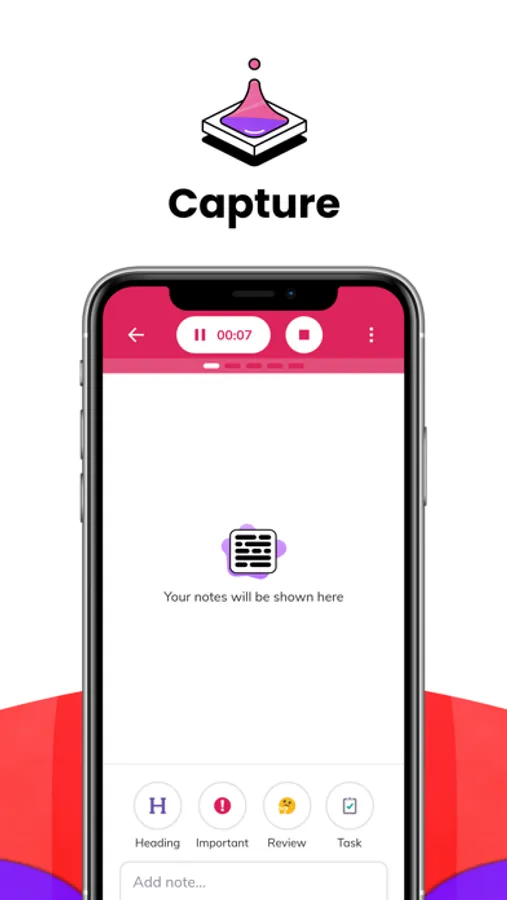
Capture information
- Record your class so nothing is missed
- Add handwritten or typed time stamped notes
- Import slides
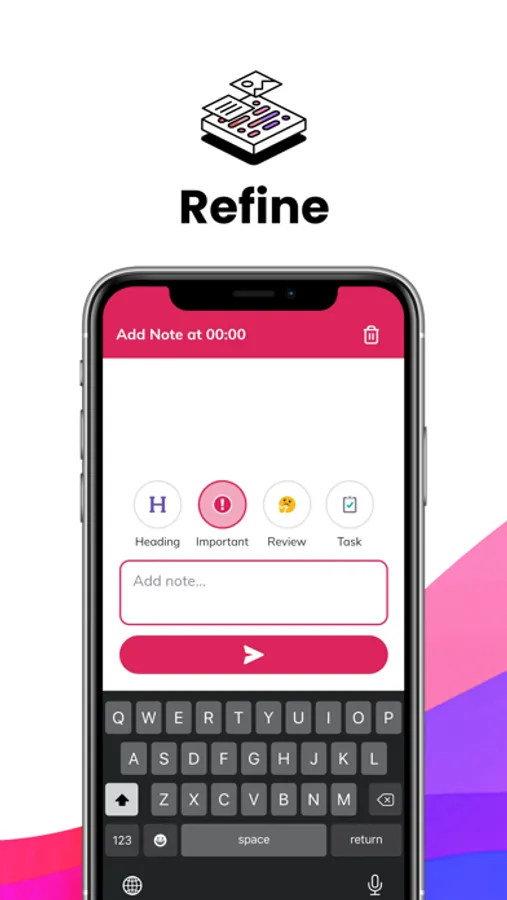
Refine the important parts
- Transcribe your recording
- Listen back to key moments and improve your notes
- Track tasks
Apply information to your studies
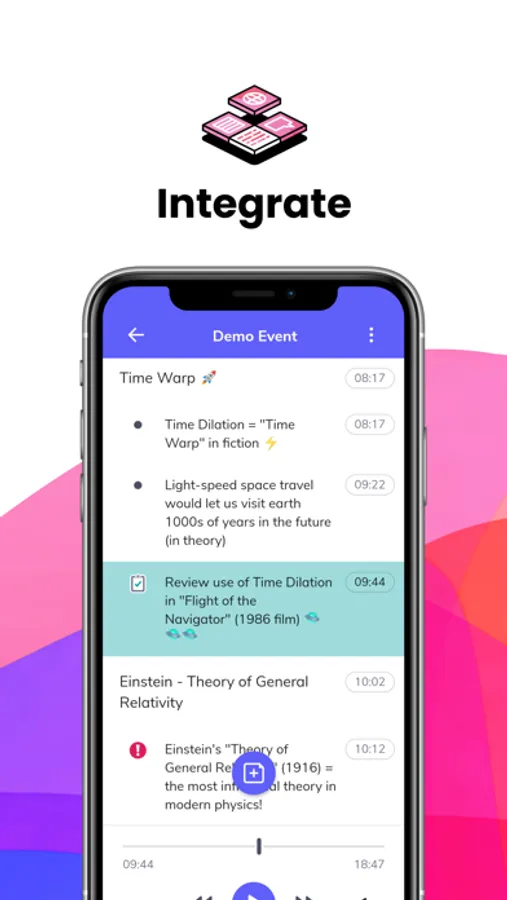
- Regularly revisit to absorb information
- Download your notes to review them anywhere
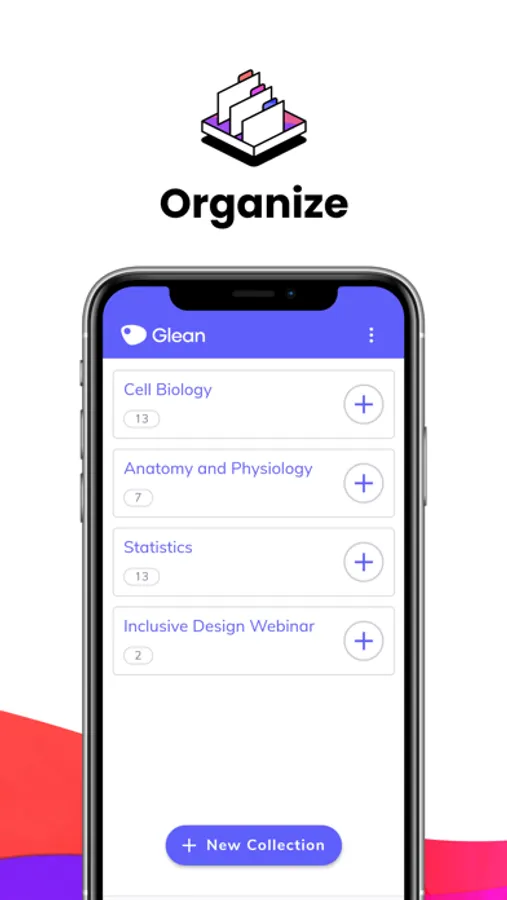
- Organise into collections of useful information
You need an account to get going with Genio Notes
The Genio Notes mobile app works alongside our web app so you can take notes from any device. If you haven't signed up to Genio Notes yet, follow these simple steps:
1. Go to app.genio.co/notes/try to sign up for your free trial
2. Get started in just 5 minutes
3. Download Genio Notes for on-the-go note taking
If you already have Genio Notes, then you can get started with Genio Notes Notes right away.
We're continually adding new features to help improve your learning, so keep checking in for updates.
Genio Notes Screenshots

Tap to Rate:
Reviews for Genio Notes
AbbieSchool
Scribble
The scribble will not let me post my notes to the recording
awst90
App is stripped down. Would be acceptable if the web version didn’t punish you for using iOS.
Top right corner menu is buggy, closing by itself unless you treat the cursor with a surgeon’s precision, making changing the settings mid-session exceedingly difficult or impossible. Overall, markedly less functionality than the web version, which, after contacting support, I learned I can’t use in a browser on my iPad anyway. I was told by support that mobile browsers “do not have the functionality needed to run the website version”, which might be true for all I know, I’m not a developer, but from an end-user standpoint it seems ridiculous to me when NotebookLM runs just fine on every browser on every machine I own, and my old crunchy desktop computer is less powerful than the brand new over-engineered iPad I use during grad school lectures and while studying out and about. I’ve informed my case manager to ask for a refund for the license. There must be parity, even if imperfect, between this version and the web version for the purchase to be worthwhile—if I’m not allowed to use the web version. If I can’t use the features that have been paid for on a device the company says is supported, why use the service?