
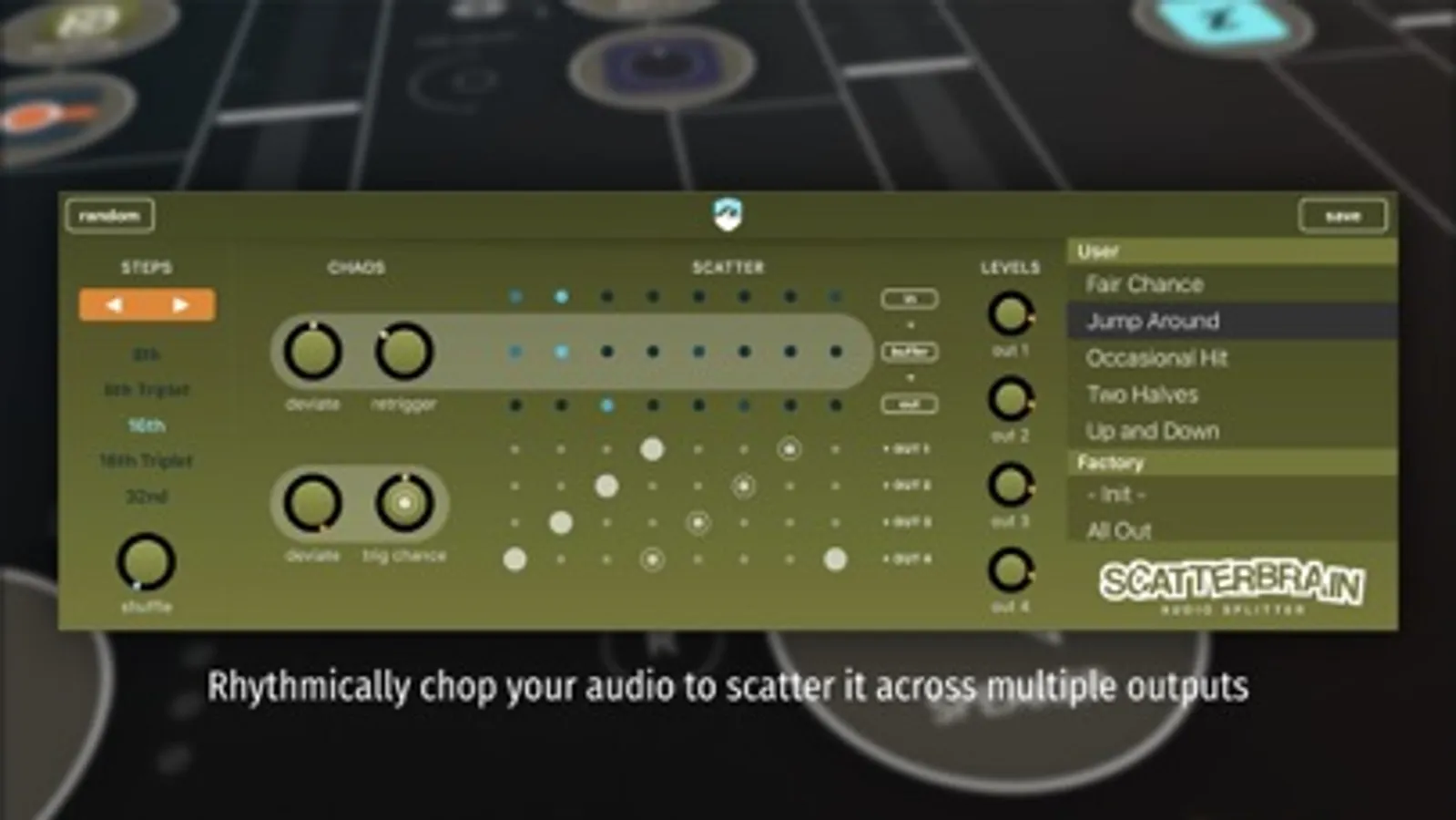
In this audio plugin, you can slice incoming audio into rhythmic steps and route these slices to multiple outputs using sequencing or live-mixing features. Includes buffers for stutter effects, probability controls, and automation options.
AppRecs review analysis
AppRecs rating 4.8. Trustworthiness 81 out of 100. Review manipulation risk 23 out of 100. Based on a review sample analyzed.
★★★★☆
4.8
AppRecs Rating
Ratings breakdown
5 star
86%
4 star
12%
3 star
0%
2 star
0%
1 star
2%
What to know
✓
Low review manipulation risk
23% review manipulation risk
✓
Credible reviews
81% trustworthiness score from analyzed reviews
✓
High user satisfaction
86% of sampled ratings are 5 stars
About Scatterbrain Audio Splitter
Scatterbrain has 2 modes:
SEQ mode...
You can sequence how the steps are scattered over the (maximum 4) different outputs, or leave that up to chance.
MIX mode...
You can live-mix (or automate) how steps are distributed over the 4 available outputs and trigger stutter repeats.
Stutter and buffer effects:
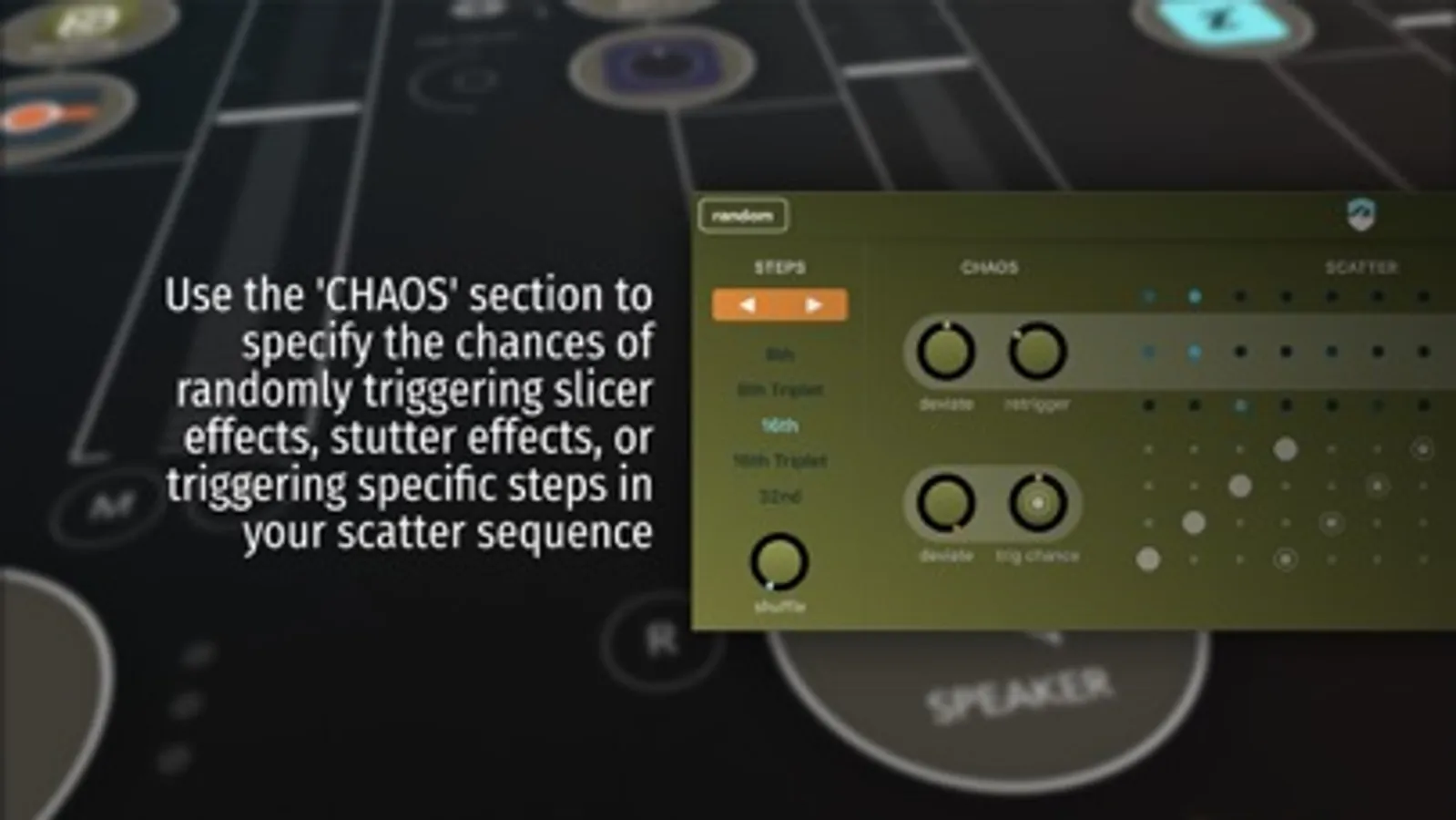
Scatterbrain records the incoming audio onto a hidden internal tapeloop. Using the buffer effects you can specify the probability of randomly triggering slicer or stutter effects for an extra seasoning of chaos and mayhem.
Note: to use the multi-out effect, this AUv3 plugin requires an AU host which supports multiple outputs. If the host does not support multi-out, only the first channel will work.
Also note that due to the multi-out nature of the plugin there is no meaningful standalone functionality. You will need a plugin host to make use of this plugin.
Scatterbrain Audio Splitter Screenshots
Tap to Rate:
Reviews for Scatterbrain Audio Splitter
BossHaussguymanbrotha
cool
syncs to bpm which is very important, its has a destructive implication with the use of percussive patterns, sometimes it rearranges music to were is doesn’t sound right, love that it uses chance so that it’s unpredictable
let me buy mp3's and keep 'em
Paid for it. Run app and nothing but instruction on UI
I think someone forgot to test the last update maybe? On my iPad I paid for the app, loaded it, opened it, and all it does is show a picture with. notes explaining all the buttons on the user interface. No way to get beyond that. I will rate it higher if it is fixed and works.