AppRecs review analysis
AppRecs rating 2.3. Trustworthiness 65 out of 100. Review manipulation risk 21 out of 100. Based on a review sample analyzed.
★★☆☆☆
2.3
AppRecs Rating
Ratings breakdown
5 star
0%
4 star
0%
3 star
0%
2 star
0%
1 star
100%
What to know
✓
Low review manipulation risk
21% review manipulation risk
⚠
Mixed user feedback
Average 2.3★ rating suggests room for improvement
About NDP Charts
As in real life aviation many users are aiming at conducting their simulated flights with the aid of real and up to date airport and enroute charts. Numerous add-ons use navdatabases for Microsoft Flight Simulator as well as X-Plane for planning and performing flights. Aerosoft already offers the NavDataPro update service for the FMS navdata. With NavDataPro Charts Aerosoft will expand the regular update service to the airport and enroute charts.
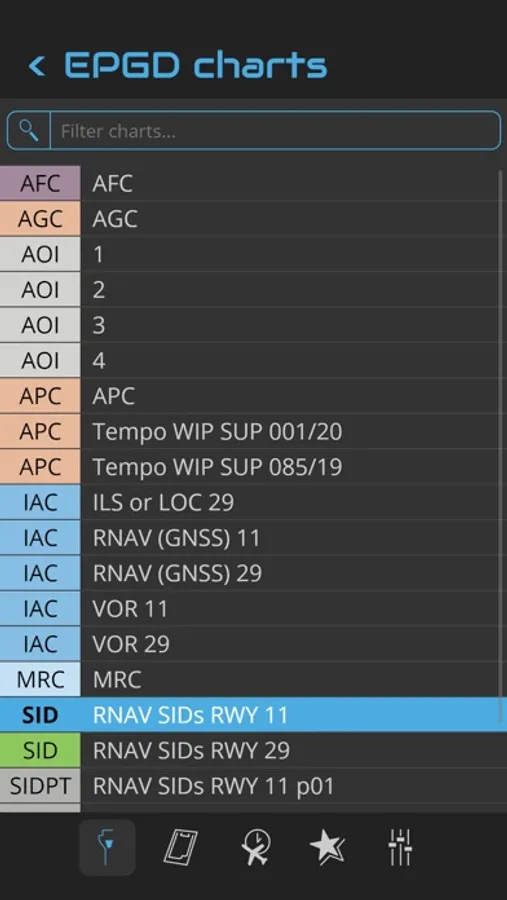
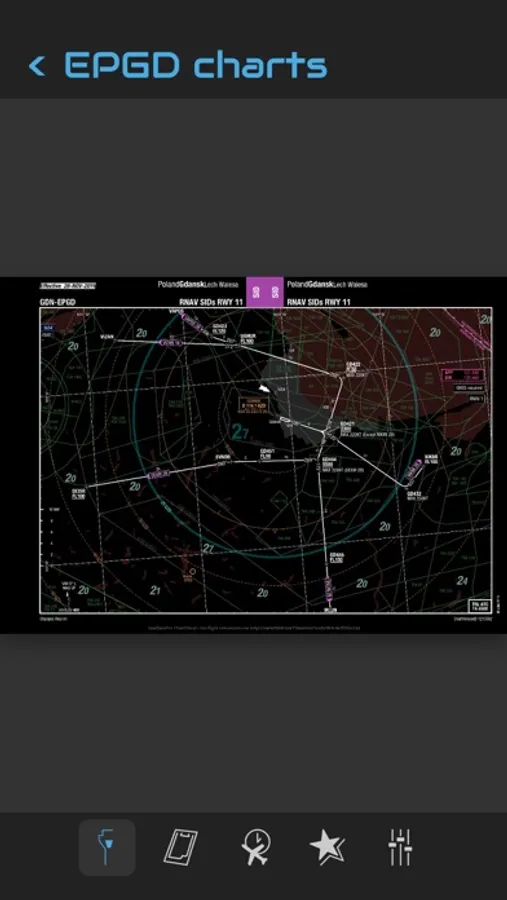
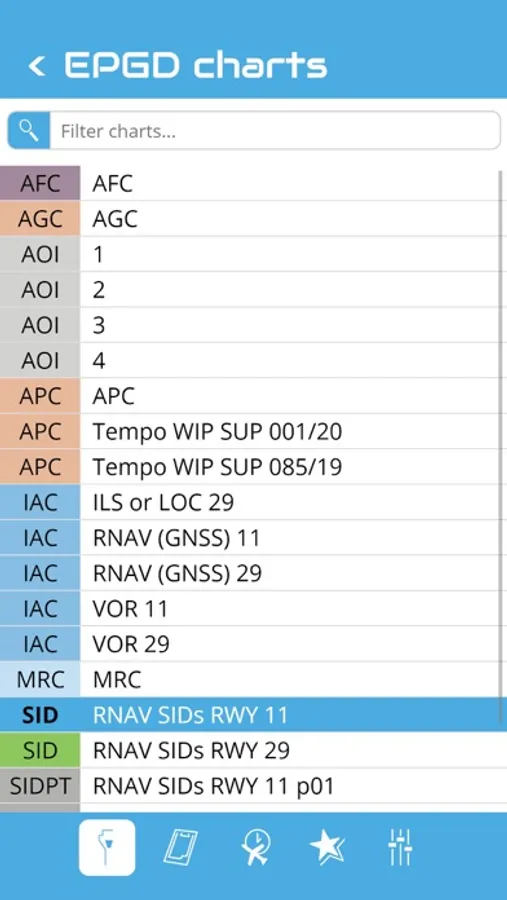
Like the navdata the chart data are supplied by Lufthansa Sytems and are used in real world aviation by more than 180 airlines throughout the world. The chart data will be updated monthly. Every time the user logs in he will get access to the up-to-date charts automatically. You don’t have to do anything to get the charts updated. The NavDataPro Charts Desktop Client is an easy to handle user interface. It allows you to choose an airport, select and view the charts and print a chart.
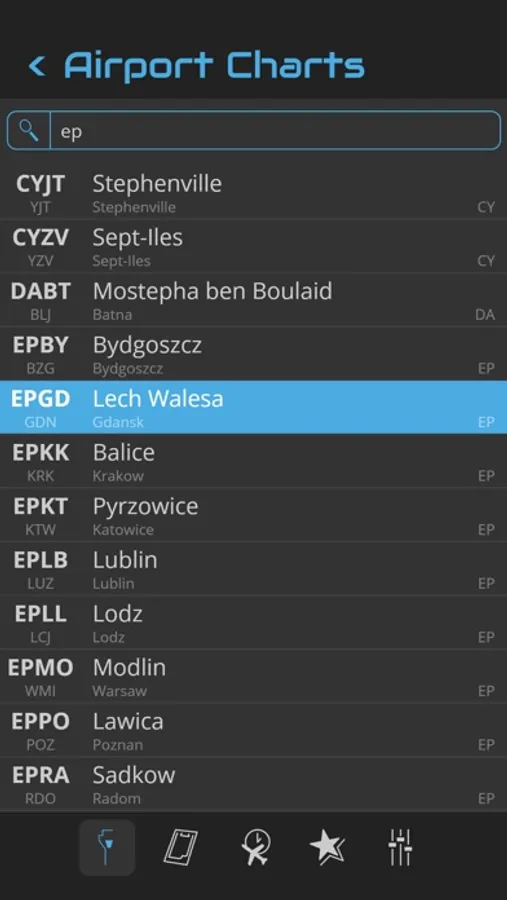
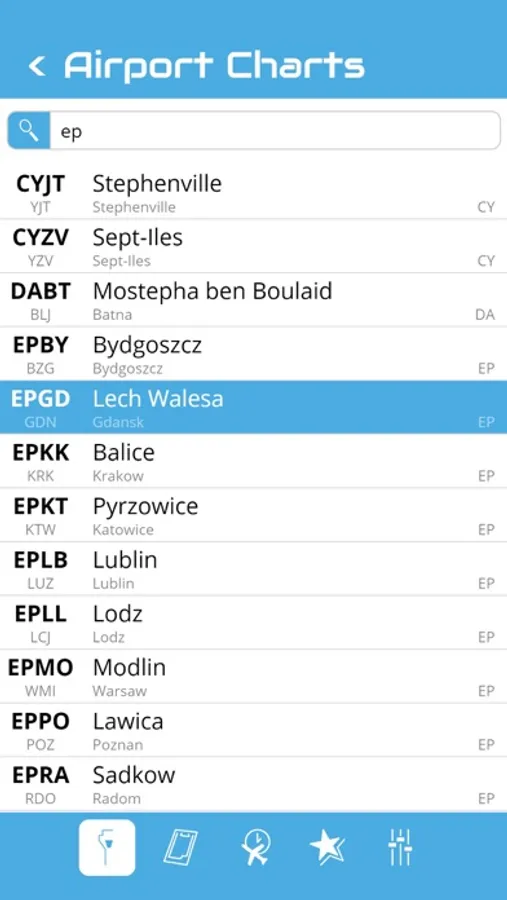
You can search an airport in the airport list. Simply enter your departure, destination and alternate airport in the Quick Flight menu for a quick access to the airport charts. Use the kneeboard feature during your flight to have all needed charts handy.
Like the navdata the chart data are supplied by Lufthansa Sytems and are used in real world aviation by more than 180 airlines throughout the world. The chart data will be updated monthly. Every time the user logs in he will get access to the up-to-date charts automatically. You don’t have to do anything to get the charts updated. The NavDataPro Charts Desktop Client is an easy to handle user interface. It allows you to choose an airport, select and view the charts and print a chart.
You can search an airport in the airport list. Simply enter your departure, destination and alternate airport in the Quick Flight menu for a quick access to the airport charts. Use the kneeboard feature during your flight to have all needed charts handy.
NDP Charts Screenshots
Tap to Rate:
Reviews for NDP Charts
Kashf Iqbal
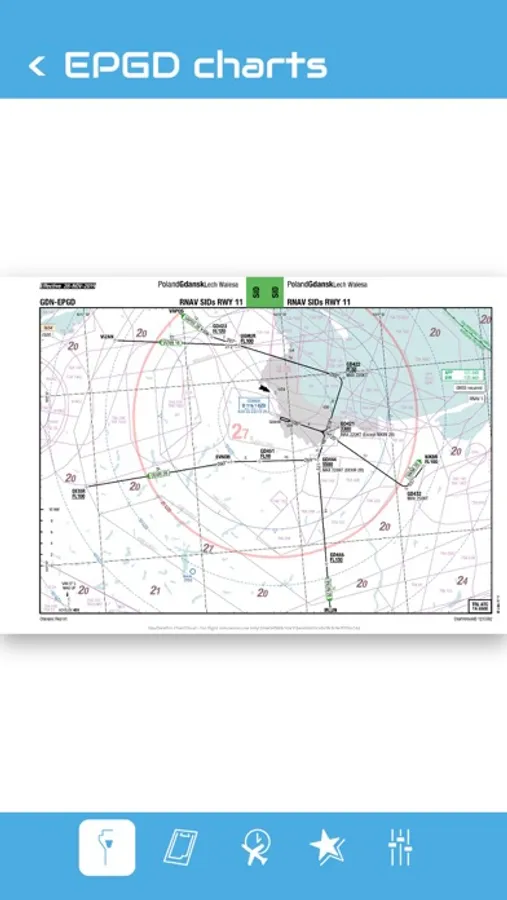
The App Does Not Fill The Screen of an iPad Pro
Pretty outrageous for the price you pay to not even provide a proper aspect ratio. The charts are tiny, and even more squashed thanks to the design of the app.