
AppRecs review analysis
AppRecs rating 3.1. Trustworthiness 81 out of 100. Review manipulation risk 26 out of 100. Based on a review sample analyzed.
★★★☆☆
3.1
AppRecs Rating
Ratings breakdown
5 star
50%
4 star
0%
3 star
0%
2 star
8%
1 star
42%
What to know
✓
Low review manipulation risk
26% review manipulation risk
✓
Credible reviews
81% trustworthiness score from analyzed reviews
About Matrio Control
Command of All Zone Functions
Matrio™ gives you complete command over each of your eight output zones. The Zone Control menu allows you to adjust all zone settings, including power on/off, source selection, volume control, and mute on/off. Additional functions, including bass, treble, and the left/right balance, are available for each zone. Matrio™ features a simple to navigate interface that gives you streamlined control over your DAX88.
Control Multiple Zones at Once
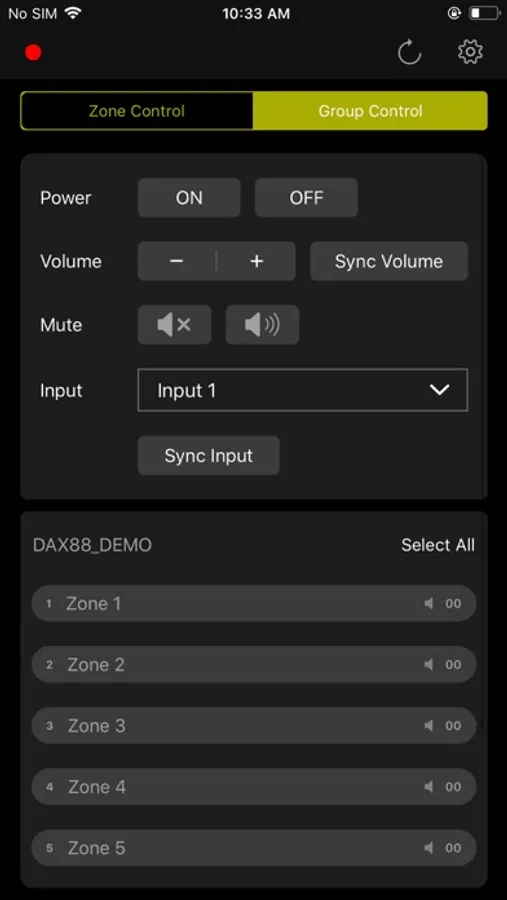
In addition to individual zone control, Matrio™ gives you the ability to group multiple zones for streamlined command. The Group Control menu allows you to adjust all possible zone settings, including power on/off and mute on/off. From the menu, you can also sync volumes and input sources across grouped zones. Choose any combination of zones from all DAX88 units on your network for custom group control.
Use Your Preferred Streaming Service
You are already familiar with your go-to streaming app, the DAX88 simplifies listening to the music you love directly from your favorite service. Stream directly to the DAX88 via Apple AirPlay, Spotify Connect, or DLNA. The flexibility of streaming options makes it easy to listen to services such as Spotify, Apple Music, Amazon Music, Pandora, TIDAL, iHeartRadio, and TuneIn throughout your home or business.
Give Your System Custom Names
Customize all of your source, zone, and DAX88 device names to ensure that you can quickly identify zones and inputs. Name each of the eight zones to keep track of what zone you are controlling. Custom zone names help when grouping zones together to ensure you select the correct zone combination. The custom names, changeable at any time, appear in Matrio™ for all users on your network.
Demo Matrio™ Now
Download and demo all of the features in Matrio™ without a hardware DAX88 unit needed. The demo mode is fully functional and gives you access to all app controls.
Matrio Control Screenshots
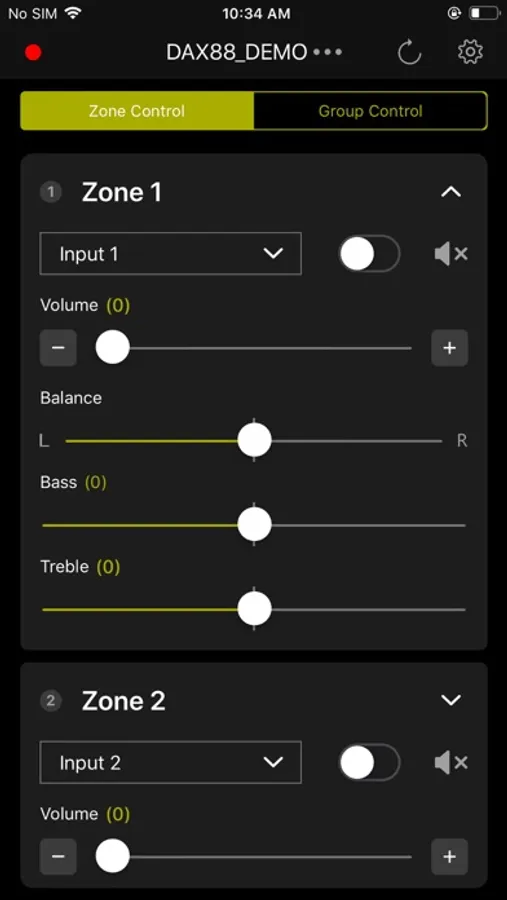
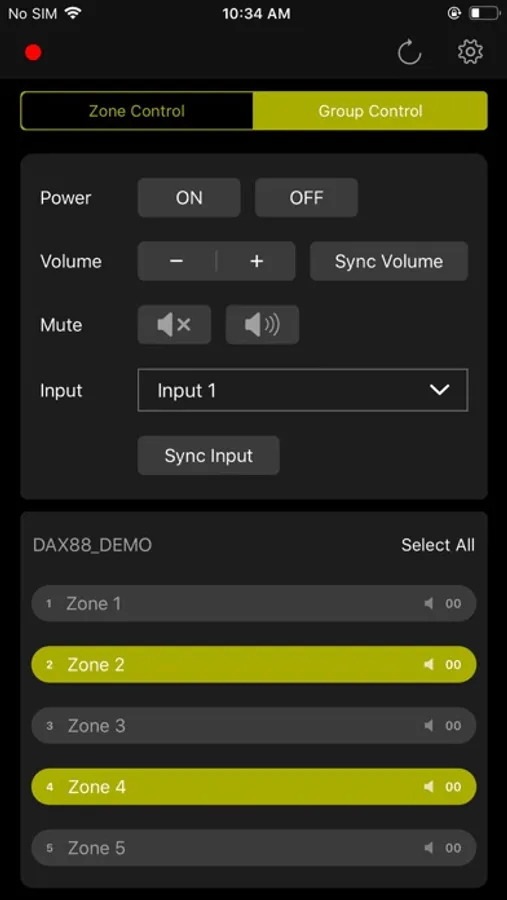
Tap to Rate:
Reviews for Matrio Control
JPL3”2025
Unreliable with android.
Sound quality is good but the app is garbage, needs major improvement… all other app like Wiim and 4Stream would find my DAX88, but this app wouldn’t, Making it impossible to Control my zones. Please fix it
tamer313
Connected once but failed forever
It worked perfectly on the first day, but since then the app hasn’t connected to the receiver even once. Every time I try, I just get the same generic error message: “The app is unable to find your device on the network. Please confirm whether the device is on and has been connected to the network with an ethernet patch cable or through Wi-Fi using the Dayton Audio Hi-Fly app. See the user guide of your device for help. Do you wish to retry? No, Demo Yes, Retry” Very disappointing — it’s basically unusable after day one.