
AppRecs review analysis
AppRecs rating 2.0. Trustworthiness 78 out of 100. Review manipulation risk 26 out of 100. Based on a review sample analyzed.
★★☆☆☆
2.0
AppRecs Rating
Ratings breakdown
5 star
0%
4 star
0%
3 star
50%
2 star
0%
1 star
50%
What to know
✓
Low review manipulation risk
26% review manipulation risk
✓
Credible reviews
78% trustworthiness score from analyzed reviews
⚠
Mixed user feedback
Average 2.0★ rating suggests room for improvement
About Namo eBook Reader
It is easy to use and intuitive, and expresses e-books fast and accurately.
1. Complies with the IDPF EPUB standard.
- Supports both reflowable and fixed-layout e-books.
- Expresses HTML5, Javascript, and CSS3 completely.
- Check out Namo Reader for e-books (reflowable vertical writing e-books, fixed-layout e-books) that are not properly represented by other readers.
2. Provides a variety of user-friendly features.
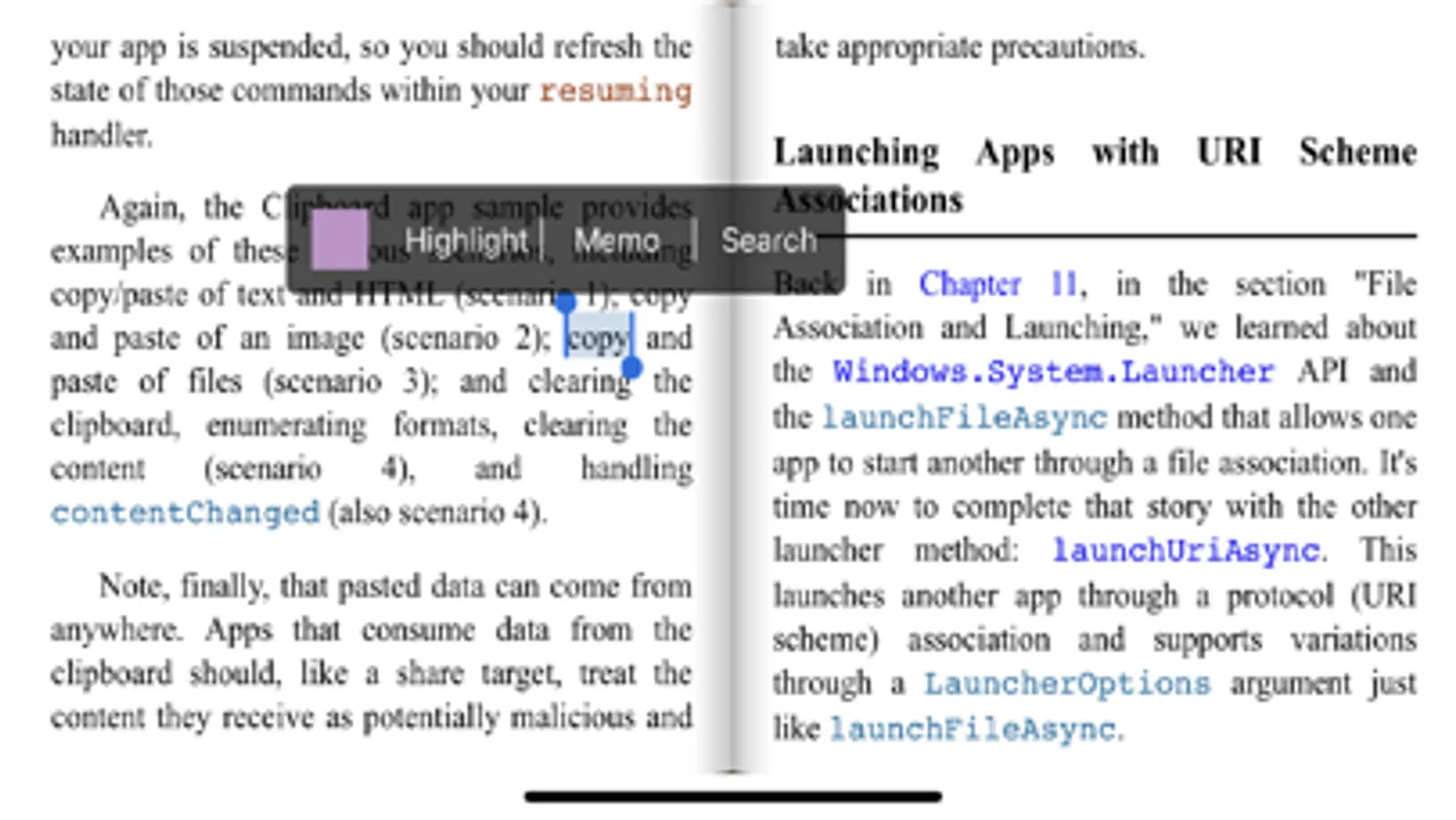
- Table of contents, bookmarks, memos, highlights
- Changing themes and fonts, adjusting font size and line height, and controlling brightness
- Screen rotation lock
- Text search
- Zooming in and out
- User library settings
- A shortcut and a collection of recently read books
- Collection functions based on reading situation
- Adding e-books by file sharing feature such as AirDrop, open in, iTunes
3. Provides perfect contents security by viewing without decompressing e-books, and enables efficient use of device storage space.
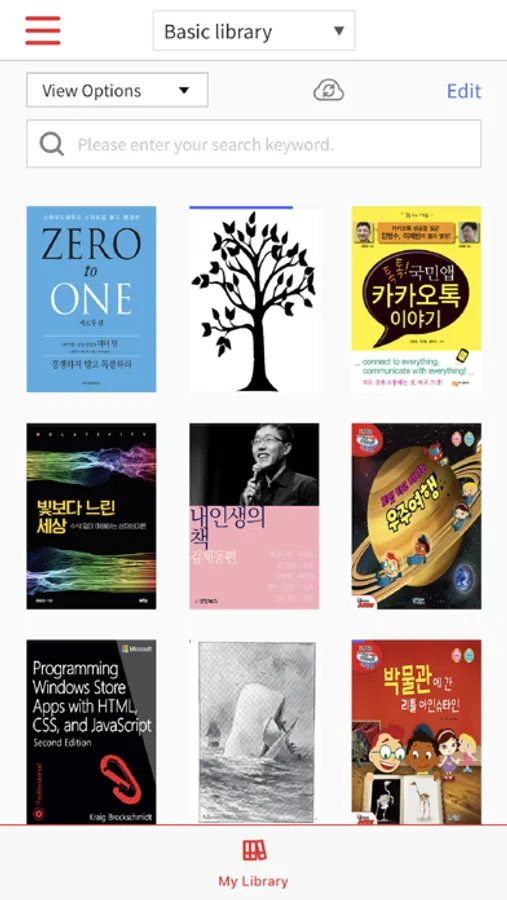
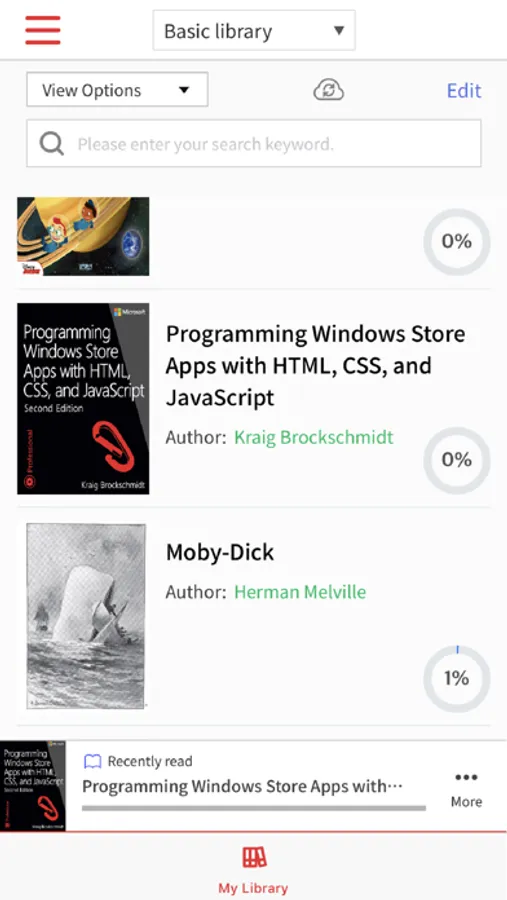
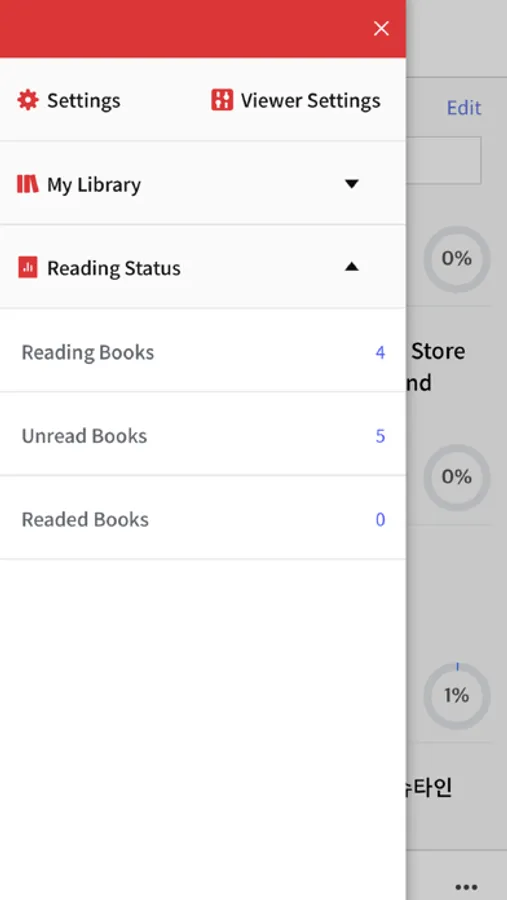
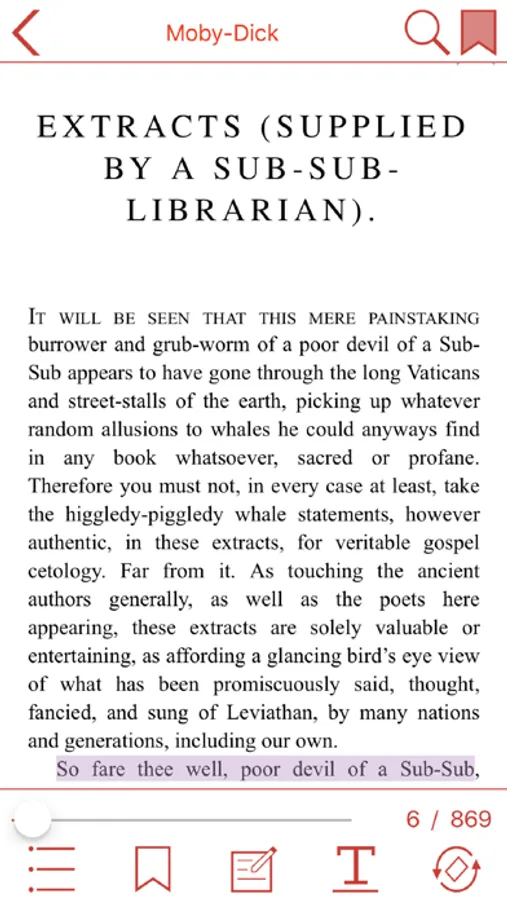
Namo eBook Reader Screenshots
Tap to Rate:
Reviews for Namo eBook Reader
Squirrely_in_Chicago
Junk
Extremely primitive. Controls don’t work half the time (meaning you touch them and nothing happens). Like tapping on the screen 3 times instead of once to bring up the menu bar. You can change the font size from 1 to 2 but no more. Absurd. Absolutely no UI functionality for import books. Getting all your books by using the share sheet from the files app is pretty lame. If you press and hold on the library screen (like if you’re desperately hunting for some UI control to actually import a book) then the app crashes. Don’t waste your time on this one.
jah123456
Very basic
🎀Nice privacy. Didn’t have a built in dictionary no doubt widget support. I put the screen in dark mode and the text disappeared .