In this app, you can manage and monitor cellular trail cameras, view HD images, and customize settings. Includes camera control, image sharing, and mapping features.
AppRecs review analysis
AppRecs rating 4.4. Trustworthiness 76 out of 100. Review manipulation risk 24 out of 100. Based on a review sample analyzed.
★★★★☆
4.4
AppRecs Rating
Ratings breakdown
5 star
76%
4 star
15%
3 star
4%
2 star
2%
1 star
3%
What to know
✓
Low review manipulation risk
24% review manipulation risk
✓
Credible reviews
76% trustworthiness score from analyzed reviews
⚠
Pricing complaints
Many low ratings mention paywalls or pricing
About COMMAND PRO
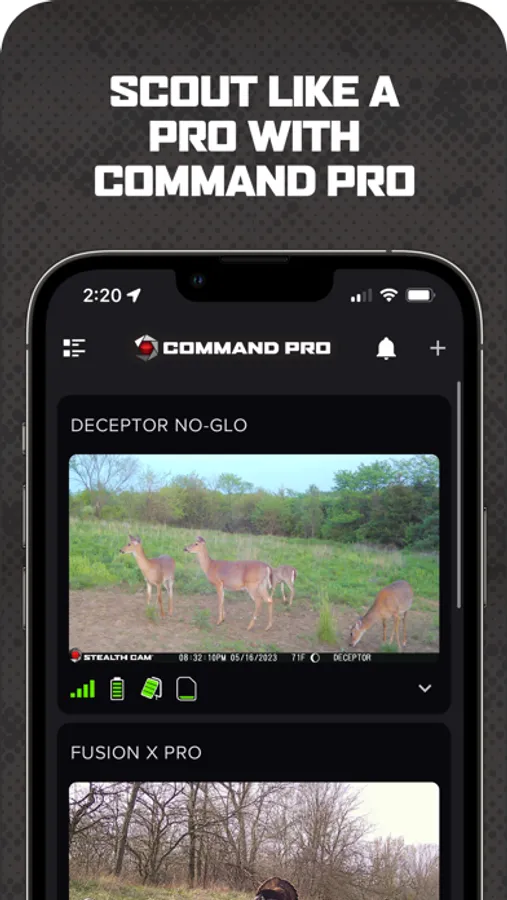
Experience the new features of Command with support for the Revolver and Revolver Pro 360-degree cellular trail cameras, including panoramic 360 and 180 photo review directly within the app. Enjoy advanced mapping capabilities with new maps such as property lines and hunting land maps, enhancing your scouting and planning efforts like never before. Command is your go-to tool for the ultimate scouting and hunting experience.
► COMMAND Features ►
◆ Quick camera setup and activation through Command
◆ Access and monitor all your Stealth Cam and Muddy cellular trail cameras
◆ Manage your cellular data plans and billing in the app
◆ View panoramic 360 and 180-degree images from new Revolver series cameras
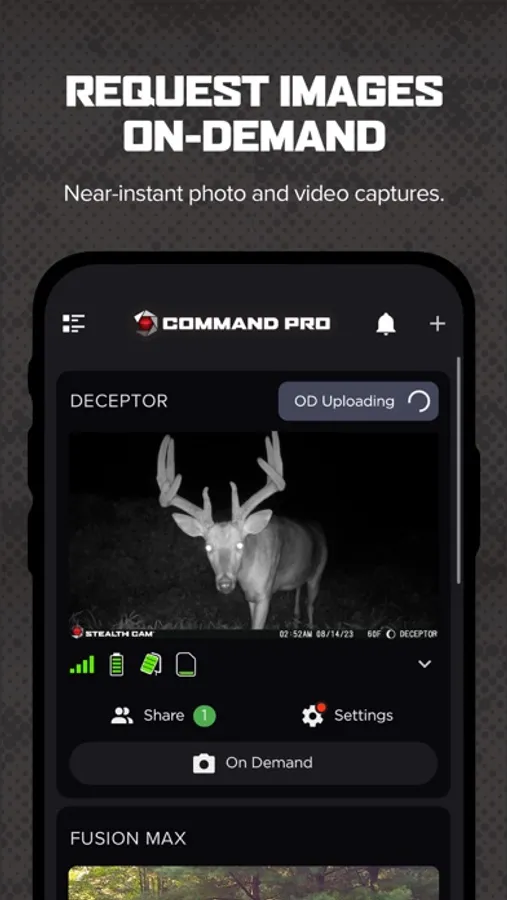
◆ Request On-Demand HD photos and videos with the press of a button
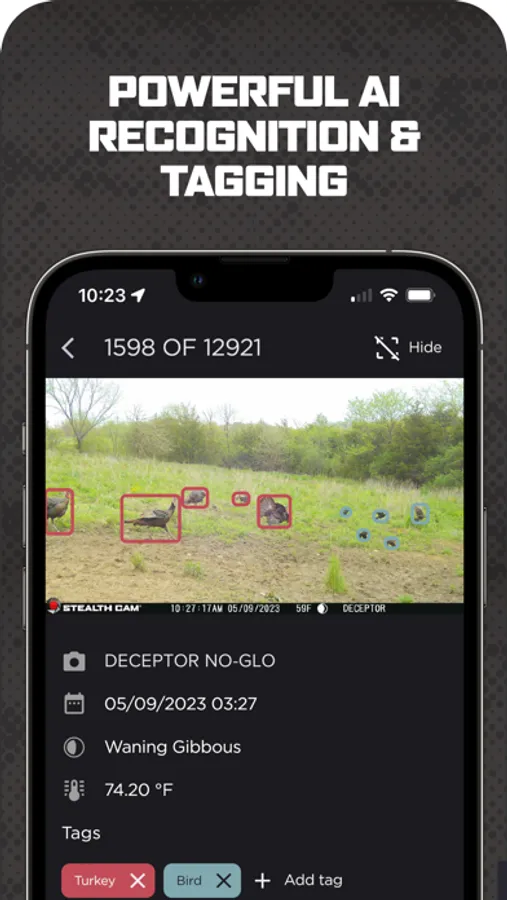
◆ AI-driven or manual tagging of images
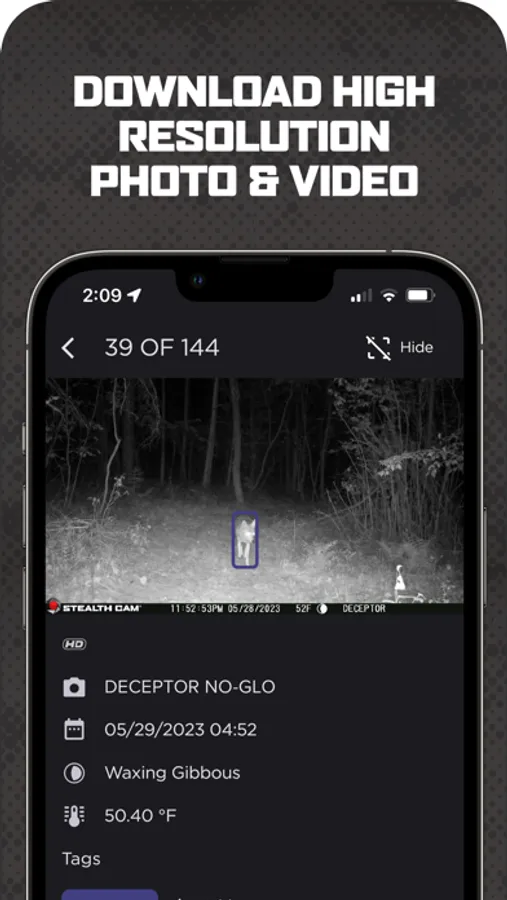
◆ Download, review, save, and share high-definition photos and videos
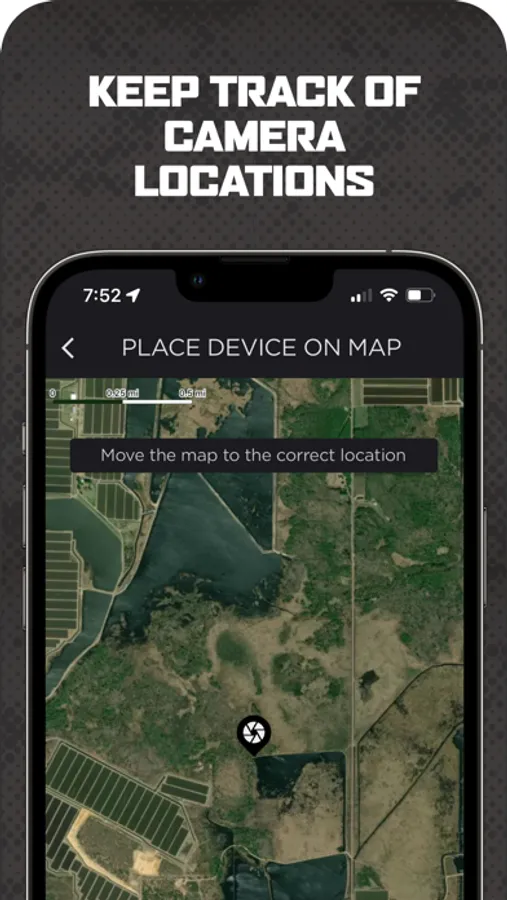
◆ Advanced mapping layers with the ability to manage cameras and settings from the mapping screen
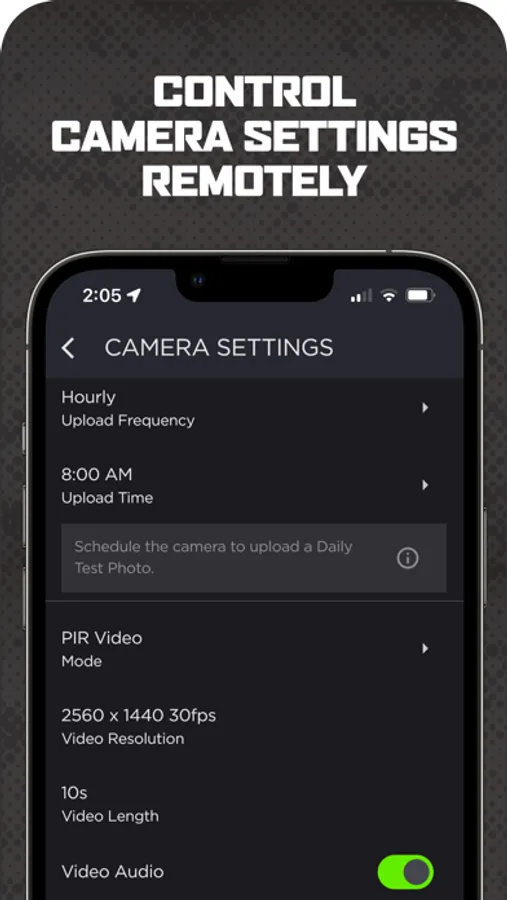
◆ Set transmission times: instant, instant group, hourly, twice or once a day
◆ Create camera groups for enhanced organization and filtering
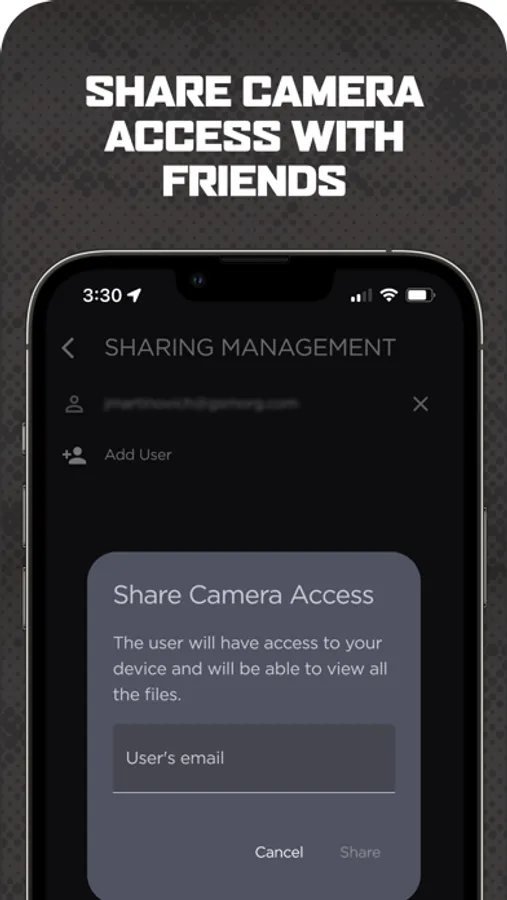
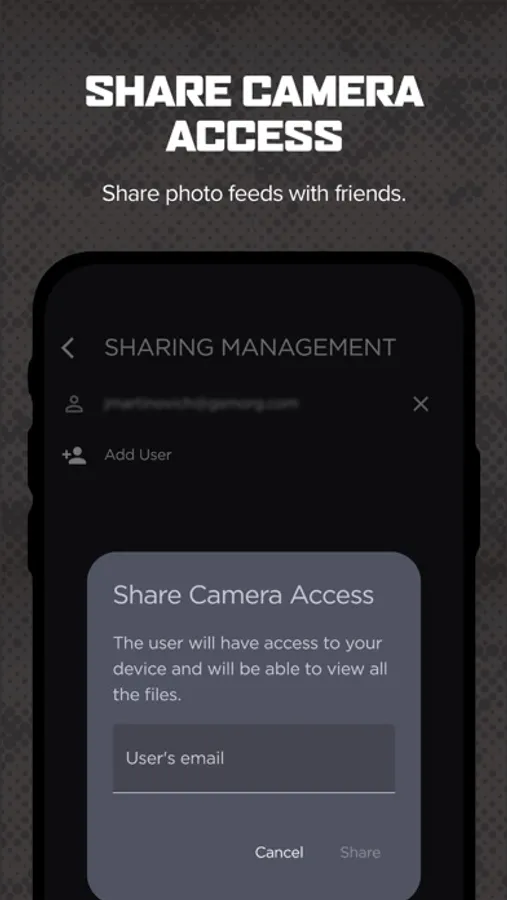
◆ Share view-only access to your cameras with other Command users
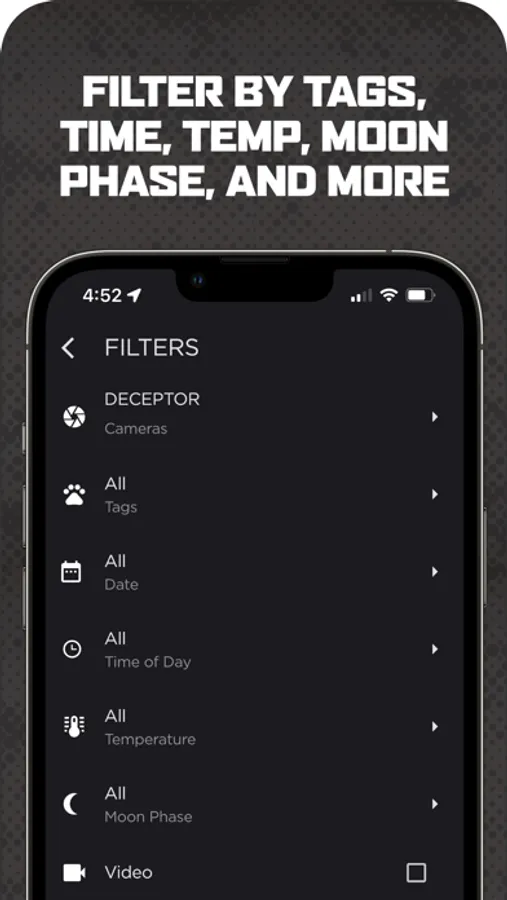
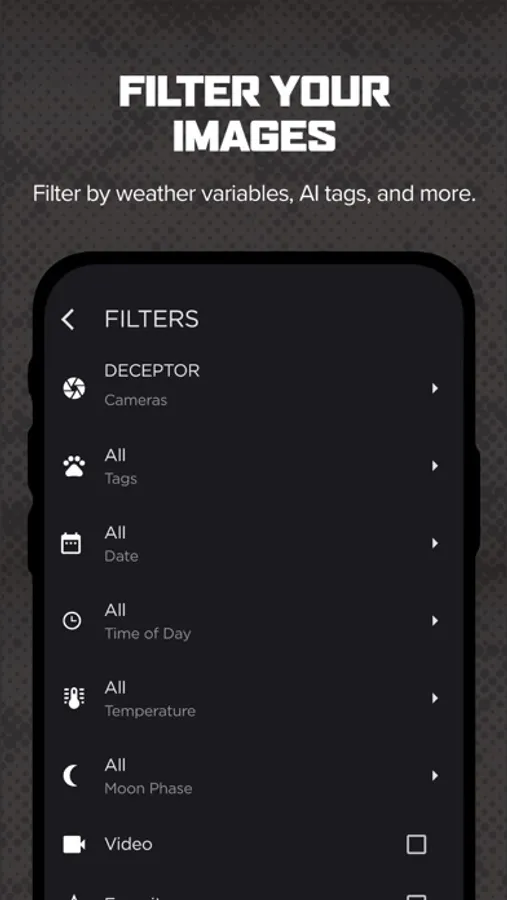
◆ Advanced filtering of images by AI tags, weather, solunar, and time of day
◆ Night-time colorization for IR flash photos
◆ Receive push notifications for new photos
◆ Integrate with HuntStand and DeerCast hunting apps
► Getting Started with COMMAND ►
1. Download Command to your device
2. Create an account, or login if you have an account
3. Add a camera by pressing the “+” button in the top right corner
4. Scan the QR code inside your camera and follow the instructions
5. Upon successful connection, your camera is ready to deploy
COMMAND PRO Screenshots
Tap to Rate:
Reviews for COMMAND PRO
froggy929147
RAY
THIS TRAIL CAMERA WORKS PRETTY DANG GOOD FOR THE PRICE MY BUDDY PAID FOR IT AND LET ME USE IT FOR CATCHING THIEVES ENTERING AND EXITING MY PROPERTY. THEREFORE I RECOMMEND ANYONE WHO WANTS PHOTOS SENT TO YOUR PHONE ON DEMAND THIS IS IT.
A man with morals.
Johnnie Thomaston
Not going to put up with extortion. Stealing access to my camera, then charging $20.00 plus the $5.00 I’ve already paid. There are illegal aspects to this business practice.