AppRecs review analysis
AppRecs rating 2.8. Trustworthiness 83 out of 100. Review manipulation risk 24 out of 100. Based on a review sample analyzed.
★★☆☆☆
2.8
AppRecs Rating
Ratings breakdown
5 star
20%
4 star
20%
3 star
0%
2 star
40%
1 star
20%
What to know
✓
Low review manipulation risk
24% review manipulation risk
✓
Credible reviews
83% trustworthiness score from analyzed reviews
⚠
Mixed user feedback
Average 2.8★ rating suggests room for improvement
About Letterforms - Font Maker
Make your own creative variable fonts!
Font designing tool for iOS+Mac platform.
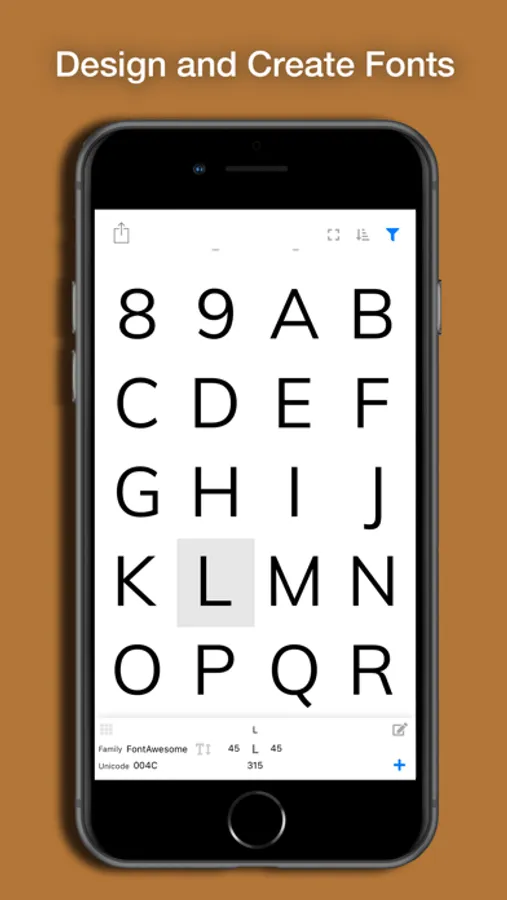
With Letterforms, you can create fonts and export them!
Supports:
- Variable Font,
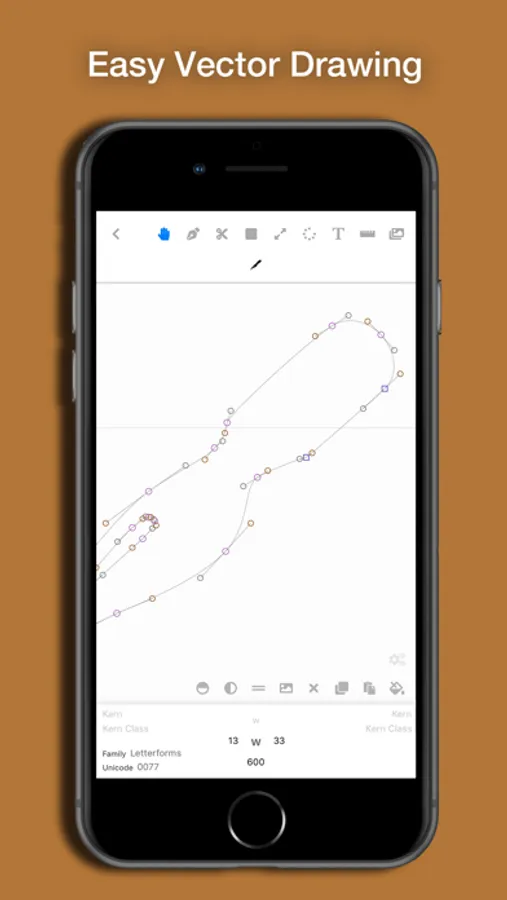
- Touch-friendly vector drawing,
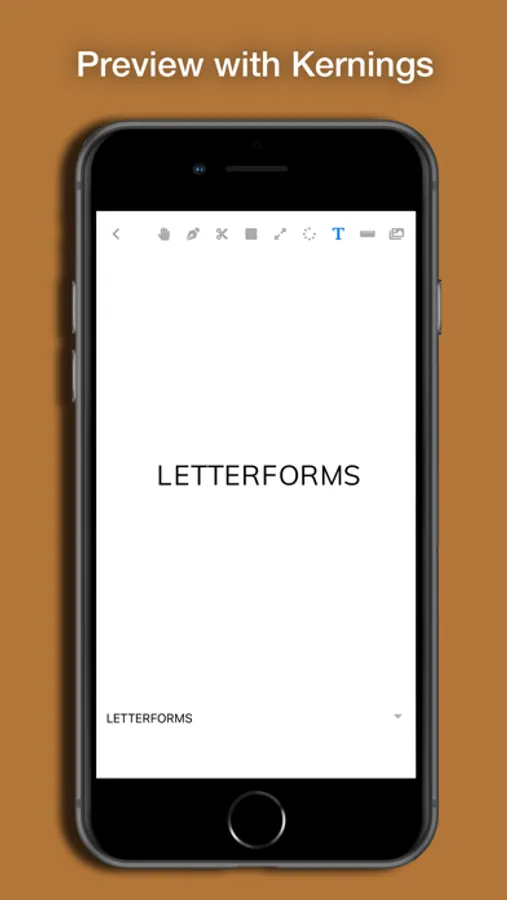
- Kernings adjustment,
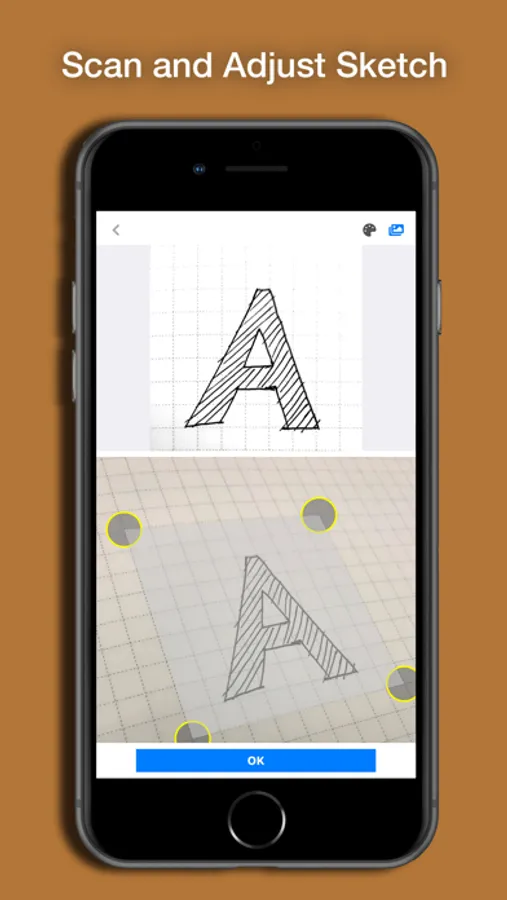
- Scan of sketch photos,
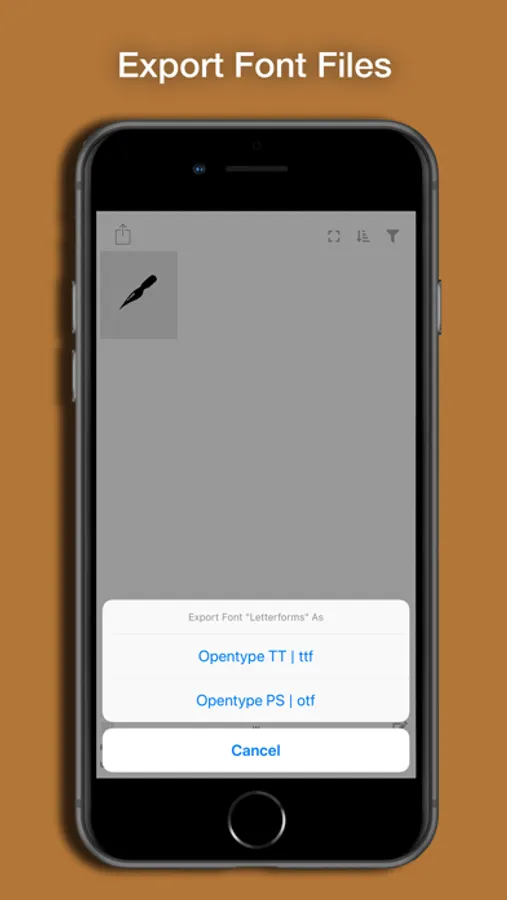
- Exporting font as ttf/otf OpenType files,
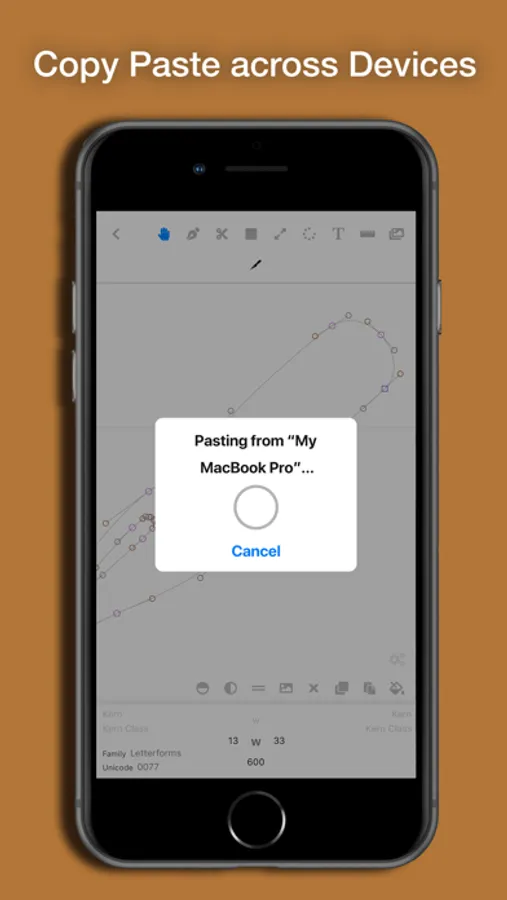
- Copy and paste paths across devices and programs*,
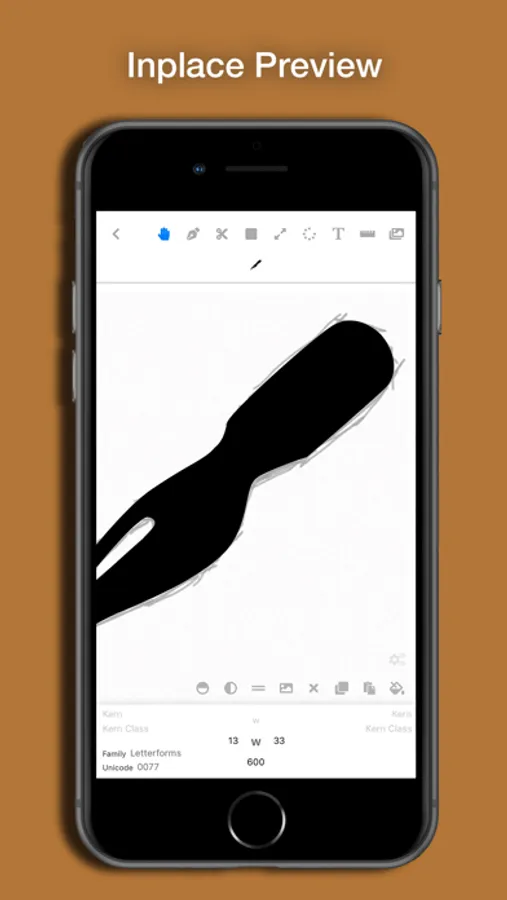
- Clean preview,
- Font metrics adjustment,
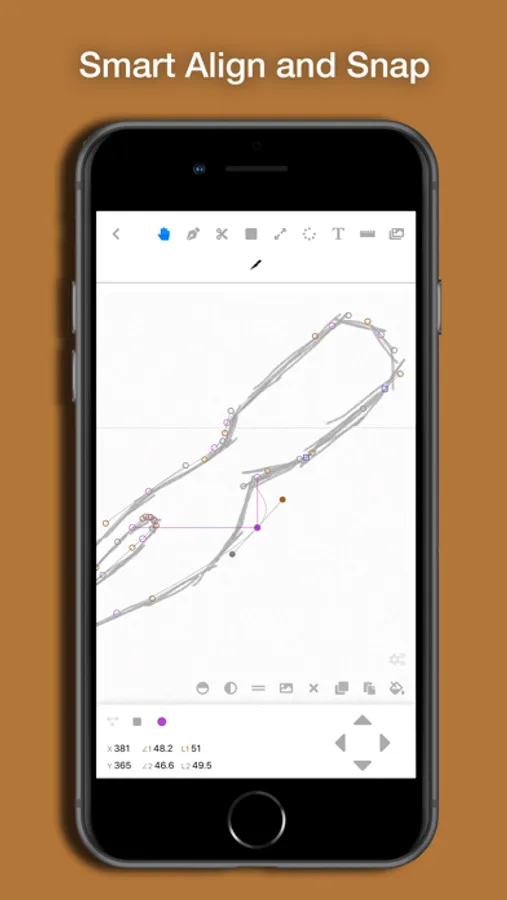
- Local and global guides,
- Sync across devices,
- Composite glyph,
- Anchors,
- Weights interpolation.
* requires apple's Universal Clipboard feature enabled.
Subscribe to get all features!
Price and Terms:
Monthly $2.99 to access all functions, with a 1 month free trial period where you can decide to continue subscribing or unsubscribe. Note that without subscription, you can not add new glyphs or export fonts.
This price applies to the US App Store. Prices may vary in other countries respecting your local currency exchange rate. Your subscription will be charged to your iTunes account.
At the end of each term, unless subscriptions are disabled, your subscription will automatically renew in your iTunes account. You will be charged for the regular price of your subscription within 24 hours prior to the end of the current term. You can turn off automatic renewal in your iTunes account settings at any time, but you must do so at least 24 hours before the end of the current term. Refunds will not be provided for the unused portion of any term.
(Screenshots include free font by FontAwesome.
Promotion image include
Icon made by Freepik from www.flaticon.com and
Icon made by Those Icons from www.flaticon.com.)
Privacy policy, terms, and conditions:
https://sites.google.com/view/letterforms-policy
Font designing tool for iOS+Mac platform.
With Letterforms, you can create fonts and export them!
Supports:
- Variable Font,
- Touch-friendly vector drawing,
- Kernings adjustment,
- Scan of sketch photos,
- Exporting font as ttf/otf OpenType files,
- Copy and paste paths across devices and programs*,
- Clean preview,
- Font metrics adjustment,
- Local and global guides,
- Sync across devices,
- Composite glyph,
- Anchors,
- Weights interpolation.
* requires apple's Universal Clipboard feature enabled.
Subscribe to get all features!
Price and Terms:
Monthly $2.99 to access all functions, with a 1 month free trial period where you can decide to continue subscribing or unsubscribe. Note that without subscription, you can not add new glyphs or export fonts.
This price applies to the US App Store. Prices may vary in other countries respecting your local currency exchange rate. Your subscription will be charged to your iTunes account.
At the end of each term, unless subscriptions are disabled, your subscription will automatically renew in your iTunes account. You will be charged for the regular price of your subscription within 24 hours prior to the end of the current term. You can turn off automatic renewal in your iTunes account settings at any time, but you must do so at least 24 hours before the end of the current term. Refunds will not be provided for the unused portion of any term.
(Screenshots include free font by FontAwesome.
Promotion image include
Icon made by Freepik from www.flaticon.com and
Icon made by Those Icons from www.flaticon.com.)
Privacy policy, terms, and conditions:
https://sites.google.com/view/letterforms-policy
Letterforms - Font Maker Screenshots
Tap to Rate:
Reviews for Letterforms - Font Maker
Somewhereinla
No instructions
No instructions, tutorials, you don’t know where to start and what to do. Could be the greatest app ever, but without any build in tutorials it’s useless .
Love it 135
?
I do not know how to get into editing mode. But it would be fun. (If you answer I will rate again)