In this music recording app, you can record, edit, add effects, and collaborate remotely on audio projects. Includes wireless microphones, multi-track recording, and exporting high-quality audio files.
AppRecs review analysis
AppRecs rating 4.4. Trustworthiness 82 out of 100. Review manipulation risk 20 out of 100. Based on a review sample analyzed.
★★★★☆
4.4
AppRecs Rating
Ratings breakdown
5 star
60%
4 star
17%
3 star
6%
2 star
5%
1 star
12%
What to know
✓
Low review manipulation risk
20% review manipulation risk
✓
Credible reviews
82% trustworthiness score from analyzed reviews
⚠
Pricing complaints
Many low ratings mention paywalls or pricing
About Audigo Studio
Powerful App
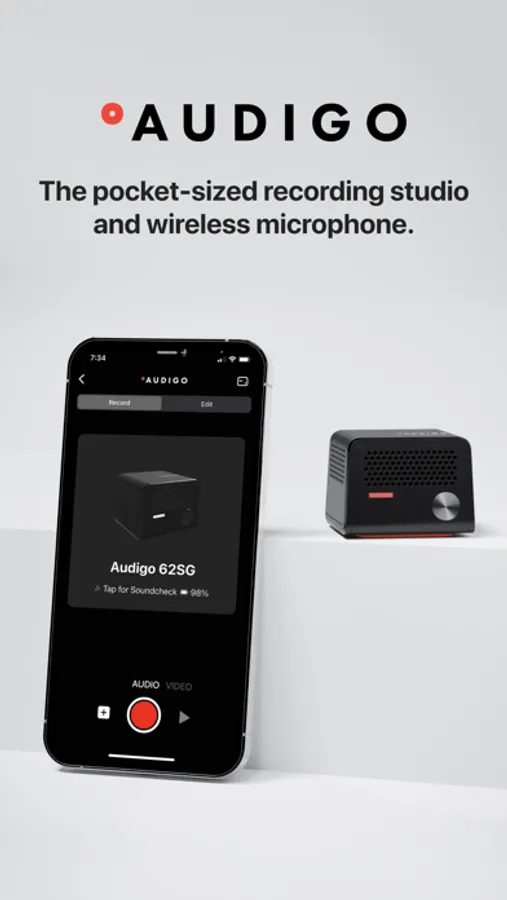
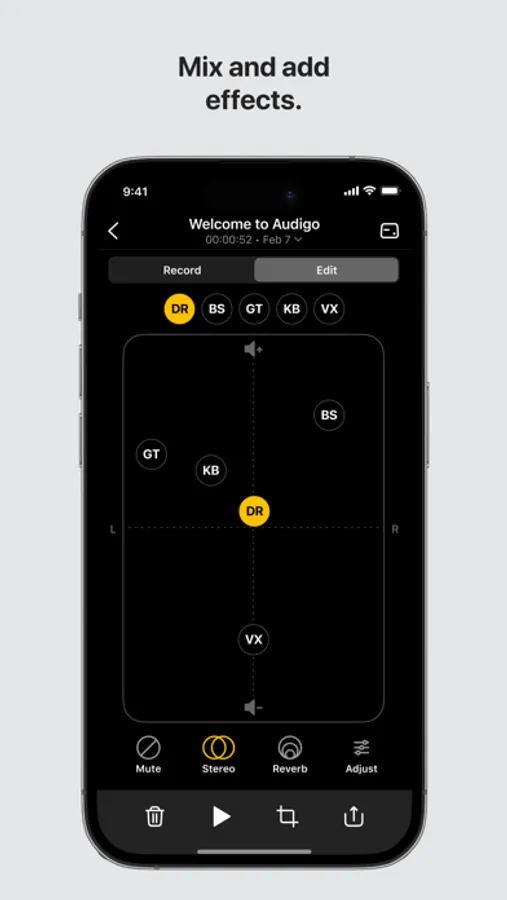
• Record, mix, edit, add effects, collaborate remotely, and share anywhere. Mobile content creation like you’re in the studio.
Ultimate Portability
• A wireless stereo microphone that fits in your pocket and works with the iPhone already in there.
Effortless Recording
• No cables or wires. No set-up. Just record and go.
FEATURES:
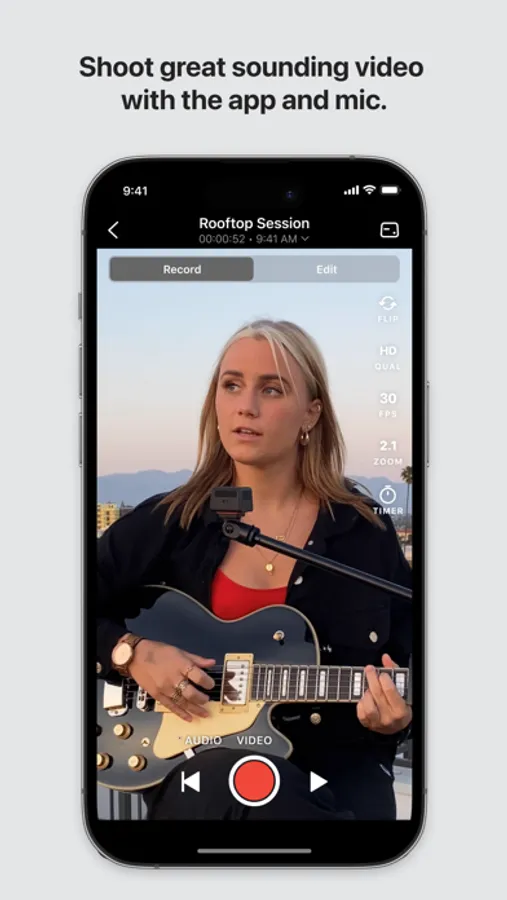
Great Wireless Sound for Video
• Place up to four Audigo microphones right at the sound source then shoot video from anywhere. Adjust EQ and add effects like reverb, compression and delay to easily make great sounding videos.
Multitrack Recording and Editing
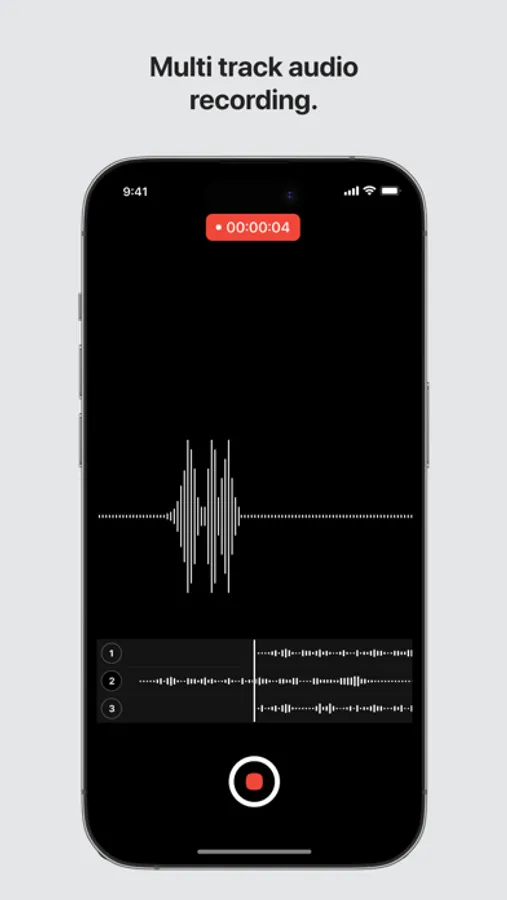
• Record any number of high quality audio tracks in stereo. Then edit, mix, add effects and share to anywhere – all in the app. Capture multiple video tracks then easily edit a music video in the app.
Import Then Record
• Import a backing track or beat then record additional audio tracks to it.
Export Multitrack Projects
• Use the Audigo mic and app to record anywhere, then export individual .wav files as high quality tracks to share or work with in other music software
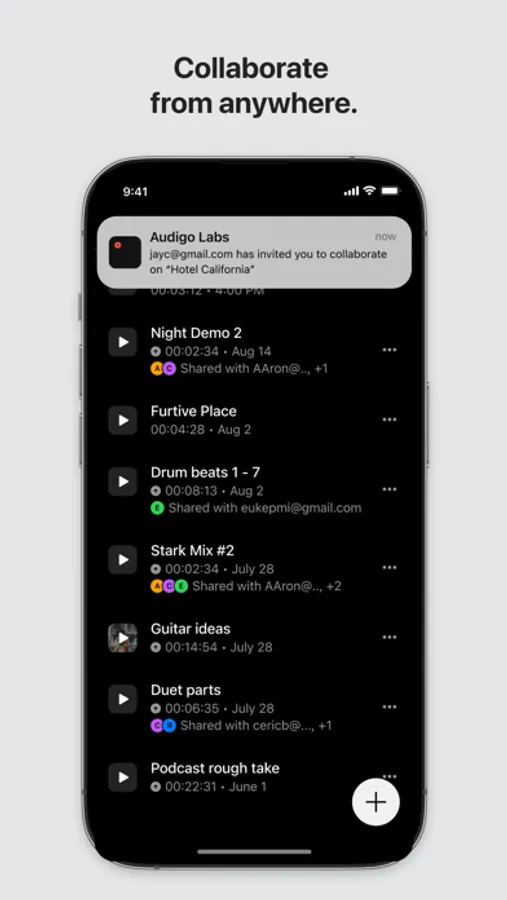
Remote Collaboration
• Share projects with other Audigo users through the app to seamlessly record multi-track music from anywhere.
HOW IT WORKS:
Audio on the Mic
• Lossless stereo audio is recorded directly to internal memory on the Audigo microphones and automatically transferred wirelessly to the app after recording.
Video on the Phone
• Audio saved from the mics is perfectly synced with HD or 4K video shot in the Audigo app.
Studio Quality Anywhere
• Audigo’s studio quality mics and 4K video with the app puts an audio and video production studio in your pocket.
Audigo Studio Screenshots
Tap to Rate:
Reviews for Audigo Studio
Masonic11
App good subscription bad
This app has come a long way since I started using it a few years ago! I think the “pro” subscription is pretty silly since you already have to pay over $200 for the mic. Just give us the editing tools that are already there. That being said my main want is for the main volume and pan grid to be changed to a grid similar to the “move” eq and reverb settings. It’s very frustrating to not be able to get levels right because my thumb is blocking me from seeing exactly where I’m placing the stem. Besides that and some annoying video glitches this is great!
L S8
Lots of UX probs
Mic seems great. Basic function of the app seems good. The experience around it is ROUGH. Seems like the are sign in / user instance issues. It’s also obnoxious to quickly scrap a recording and restart. Lots of weird extra screens pop up around uploading the file to the phone from the mic. Musicians are going to do a lot of takes until they get it right. It would be great if yall made it way easier to delete a recording and hit record again.