
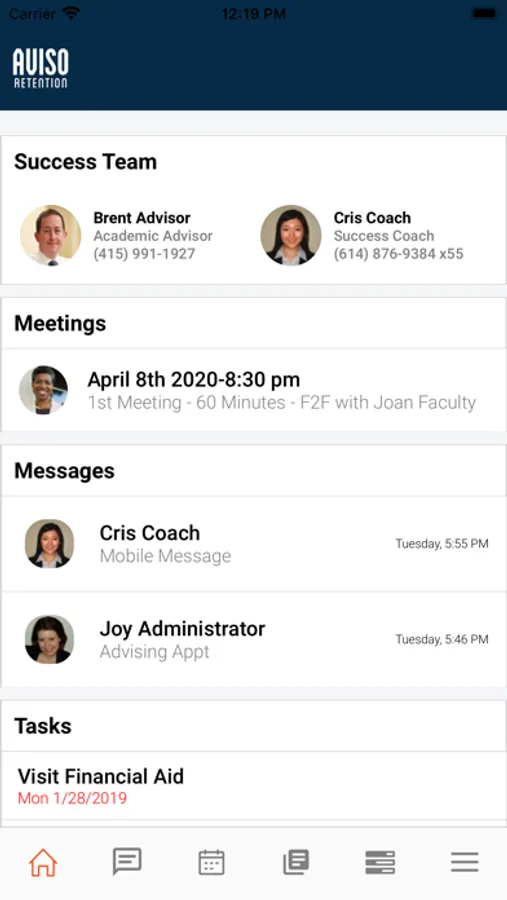
With this educational app, you can communicate with your Success Team, schedule appointments, and track your tasks. Includes scheduling tools, resource exploration, and class schedule management.
AppRecs review analysis
AppRecs rating 2.2. Trustworthiness 61 out of 100. Review manipulation risk 26 out of 100. Based on a review sample analyzed.
★★☆☆☆
2.2
AppRecs Rating
Ratings breakdown
5 star
25%
4 star
2%
3 star
0%
2 star
9%
1 star
64%
What to know
✓
Low review manipulation risk
26% review manipulation risk
⚠
Mixed user feedback
Average 2.2★ rating suggests room for improvement
⚠
High negative review ratio
73% of sampled ratings are 1–2 stars
About Watermark Student
Use Watermark Student to:
Have a direct line of communication to your Success Team who can guide you though your education.
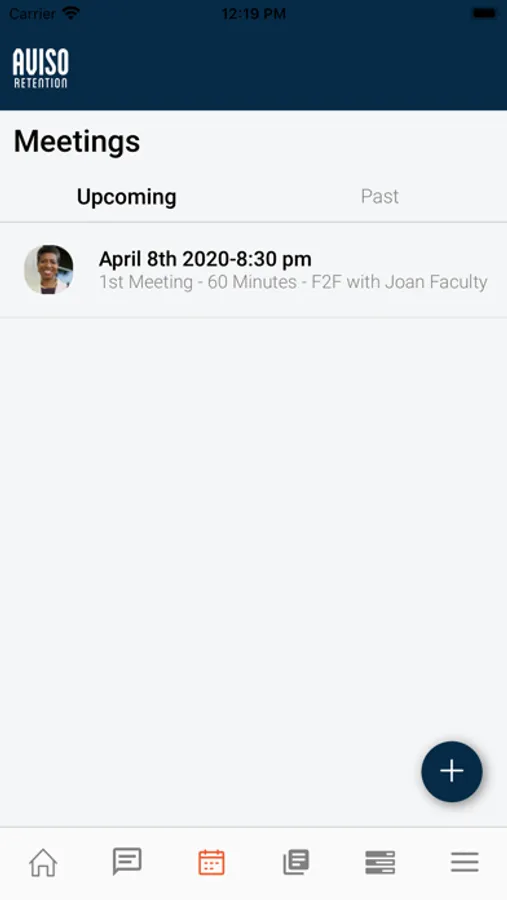
Schedule an appointment with your Success Team or other college personnel.
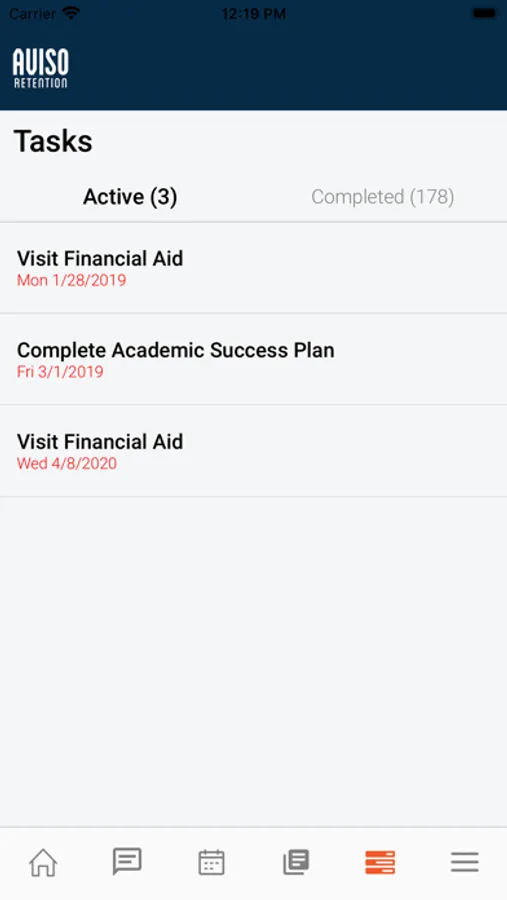
See a list of Tasks that you need to complete to ensure you are staying on track.
Explore resources that can help you be successful such as tutoring, financial aid, and others.
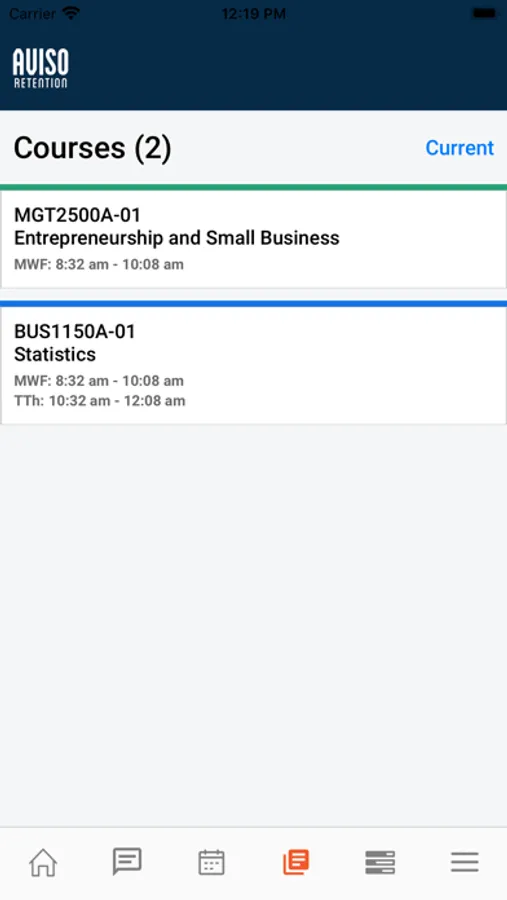
View your class schedule and synchronize it with your phone.
Record your attendance in class (if enabled by your instructor).
This app requires that your college subscribe to Watermark Insights and have mobile support enabled.
By downloading Watermark Student, you agree to the privacy terms (https://www.avisoretention.com/privacy-policy). For support or feedback, email us at support@avisoretention.com.
Watermark Student Screenshots
Tap to Rate:
Reviews for Watermark Student
lordplumm
App errors
This app would be great if the screen didn’t black out a few seconds after opening it, it completely defeats the purpose of convenience
Greek toxophilite
Good app, if the instructors respond
Overall it’s a pretty good way to get in touch with your instructors, but it doesn’t do anything if they won’t respond to any of your emails and texts. If I fail my college class it’ll be because they didn’t respond when I asked them to grade my essay so I can do the final draft