AppRecs review analysis
AppRecs rating 4.8. Trustworthiness 58 out of 100. Review manipulation risk 40 out of 100. Based on a review sample analyzed.
★★★★☆
4.8
AppRecs Rating
Ratings breakdown
5 star
84%
4 star
8%
3 star
4%
2 star
0%
1 star
4%
What to know
⚠
Questionable review patterns
40% review manipulation risk - some review patterns appear unusual
⚠
Rating authenticity concerns
High rating concentration (84% 5-star) in sampled ratings
About Simple Multiple Counter
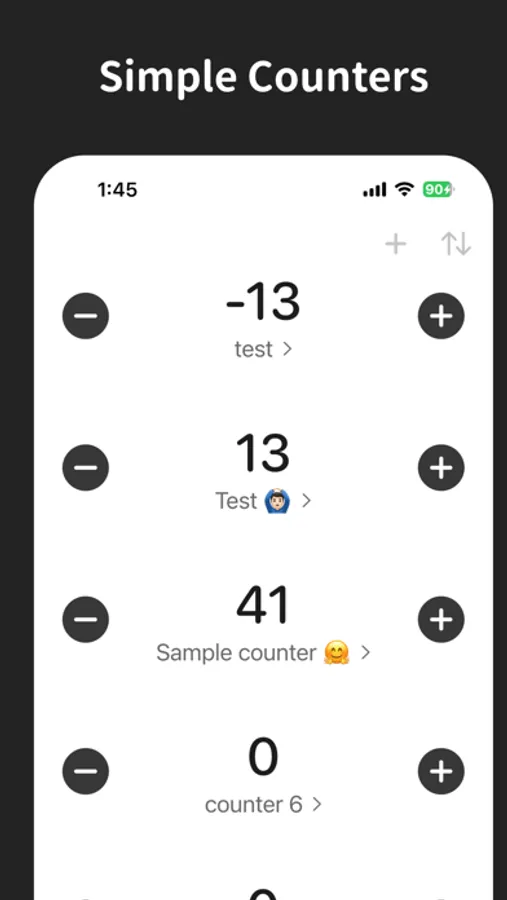
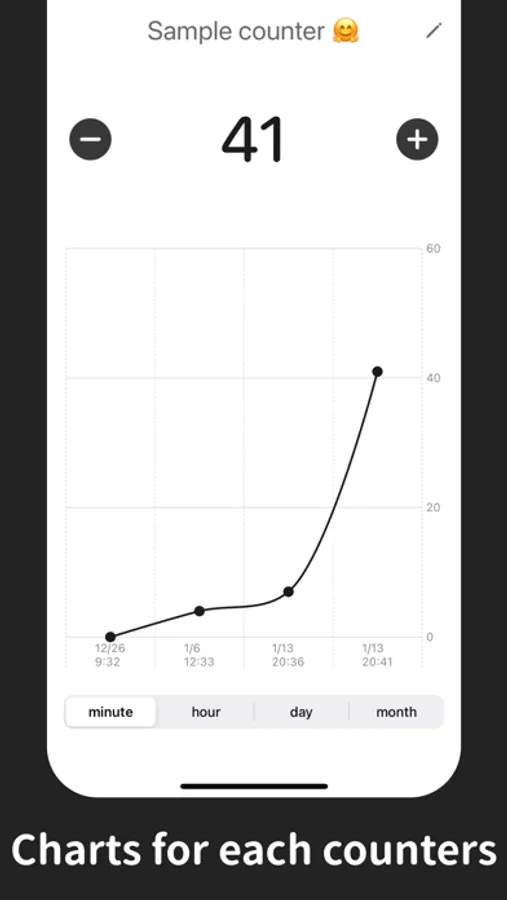
Add counters, tap to increase/decrease, rename on the spot, reorder, and view history charts — everything you need to count efficiently.
Features
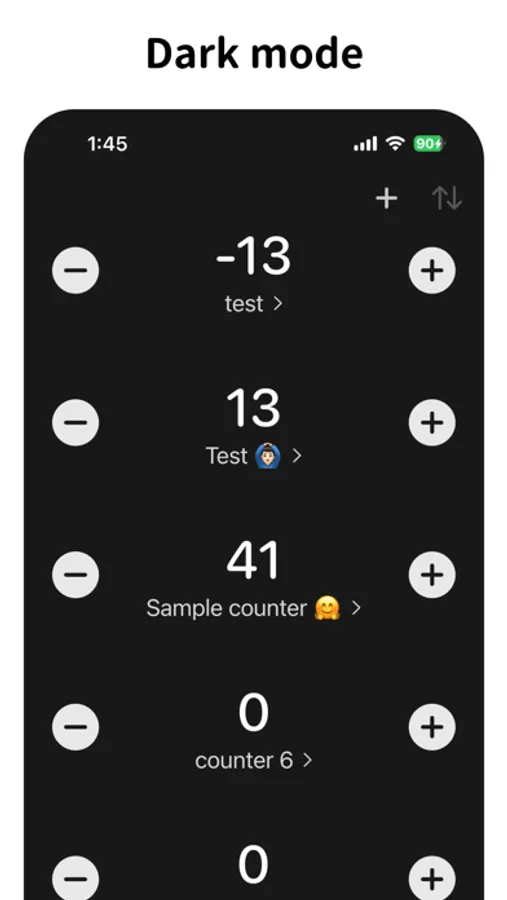
• Create and manage multiple counters
• Quick +/− tap counting
• Rename counters instantly
• Reorder and swipe to delete
• List / 2‑column / 3‑column grid views
• History chart by minute/hour/day/month
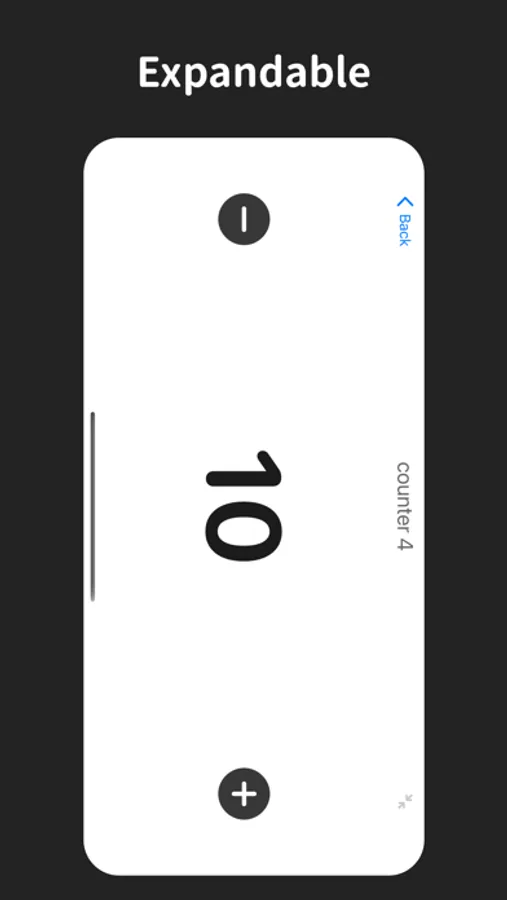
• Large display mode for easy viewing
• Theme options: system, light, dark
• Data stored locally on your device
Use cases
• Inventory and stock counts
• Game item tracking
• Habits and routines
• Event or attendance counts
• Inventory and stock counting
• Game item tracking
• Habits and routine streaks
• Workout sets and reps
• Event attendance counts
• Sports score tracking
• Quality inspection tallies
• Task completion progress
• Study session tracking
• Foot traffic / visitor counts
Simple Multiple Counter Screenshots
Tap to Rate:
Reviews for Simple Multiple Counter
SmurphEd
Was great until the ads appeared
Honestly, entire aesthetic-> BLOWN.
SpongeBob2882
Tues., Dec. 23, 2025 update
It’s a really good app. I also have a suggestion adding notes to the counters, without a character limit. What does that mean? To put it simply, it’s pretty self explanatory & I also noticed there’s a character limit for the counters Can you remove the character limit from the counters? It’s like whenever I create one with a long title, it reverts back to the previous title? I still am gonna give this app ⭐️⭐️⭐️⭐️⭐️(my original rating), the reason behind it is complex.