
Use this mobile banking app to manage accounts, make payments, and deposit checks. Includes account aggregation, transaction tagging, and account security features.
AppRecs review analysis
AppRecs rating 4.3. Trustworthiness 0 out of 100. Review manipulation risk 0 out of 100. Based on a review sample analyzed.
★★★★☆
4.3
AppRecs Rating
Ratings breakdown
5 star
91%
4 star
5%
3 star
1%
2 star
1%
1 star
1%
What to know
✓
High user satisfaction
91% of sampled ratings are 5 stars
About FB Mobile Banking
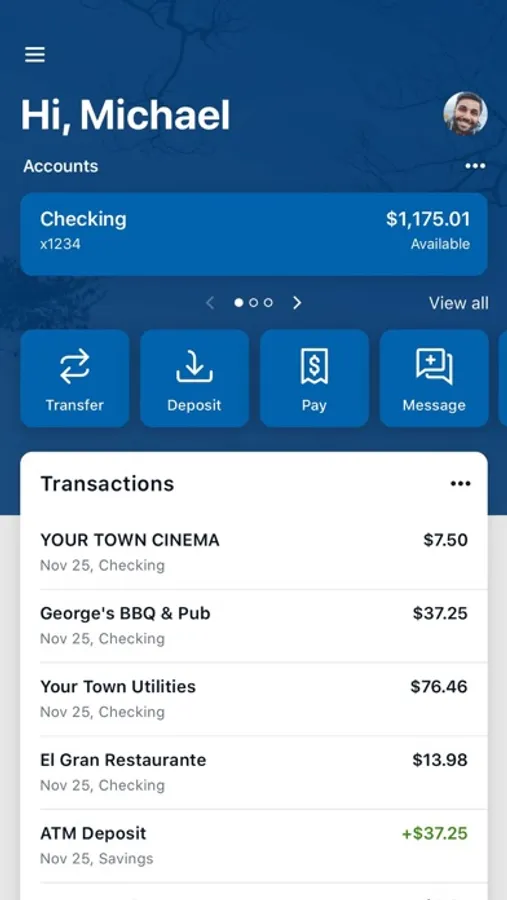
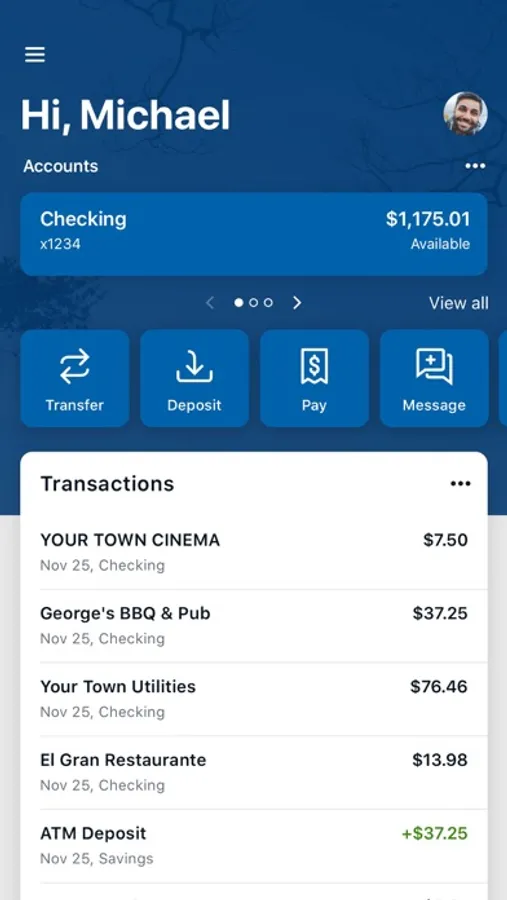
FB Mobile Banking by FirstBank is your personal financial advocate that gives you the ability to aggregate all your financial accounts, including accounts from other banks and credit unions, into a single view. It’s fast, secure and makes life easier by empowering you with the tools you need to manage your finances.
Here’s what else you can do with FB Mobile Banking:
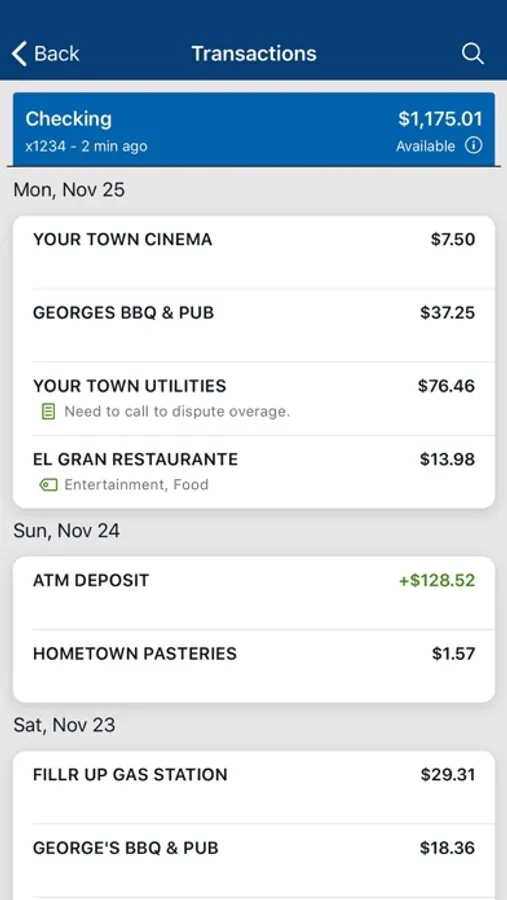
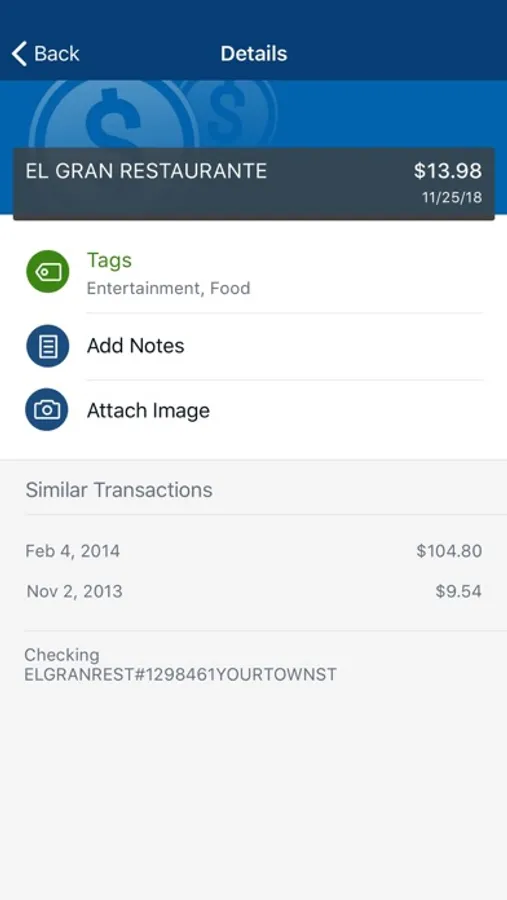
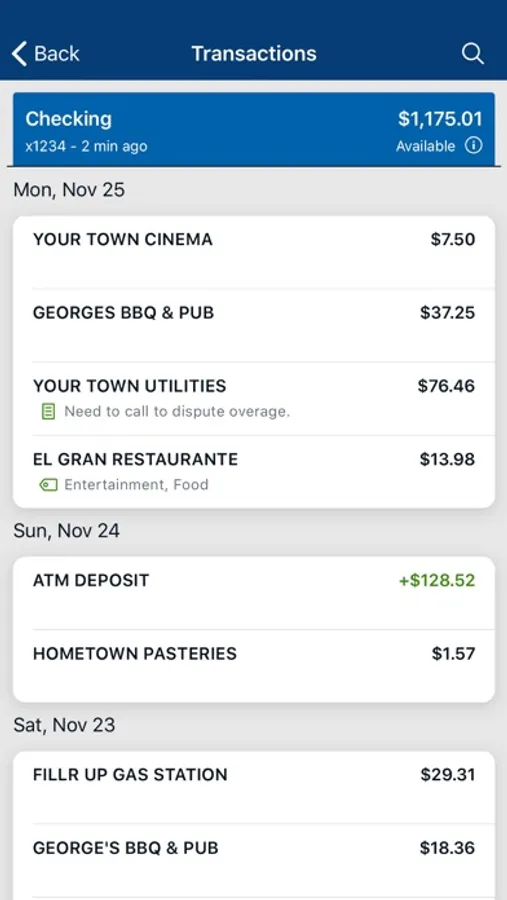
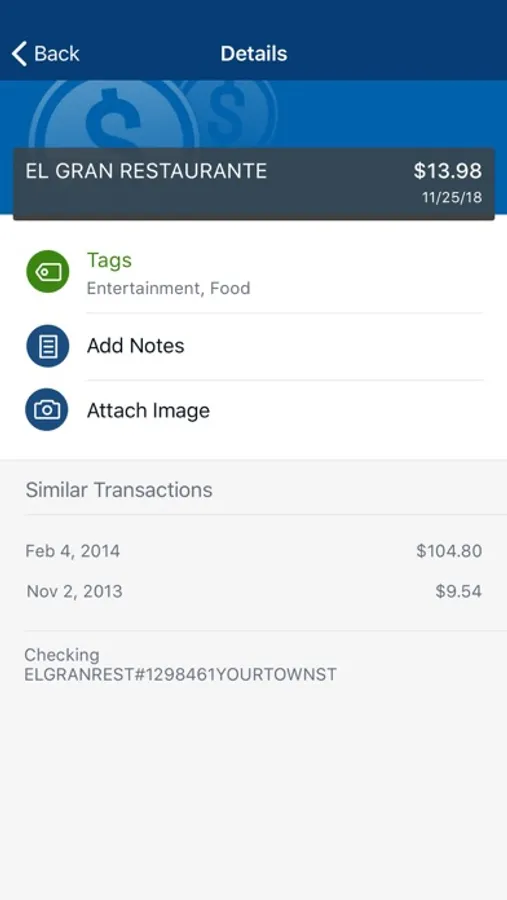
• Keep your transactions organized by allowing you to add tags, notes and photos of receipts and checks
• Set up alerts so you know when your balance drops below a certain amount
• Make payments, whether you’re paying a company or a friend
• Transfer money between your accounts
• Deposit checks in a snap by taking a picture of the front and back
• Reorder your debit card or turn it off if you’ve misplaced it
• View and save your monthly statements
• Find branches and ATMs near you
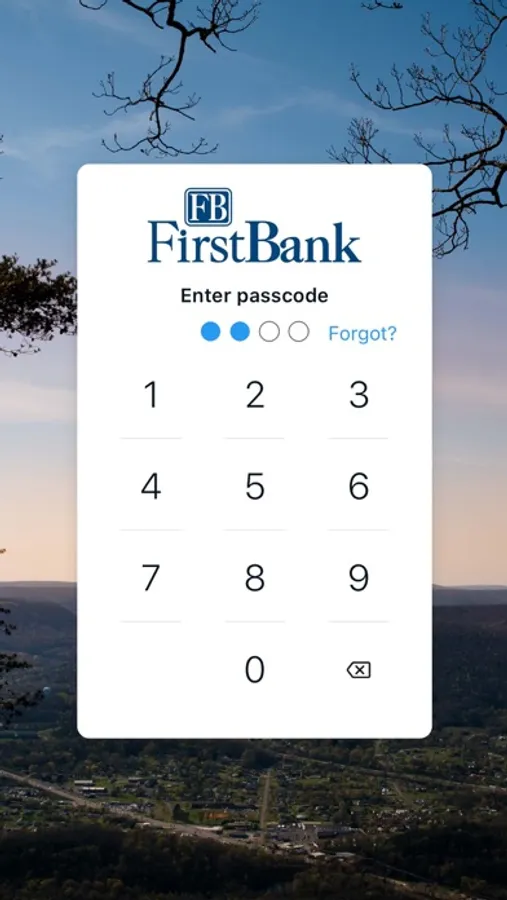
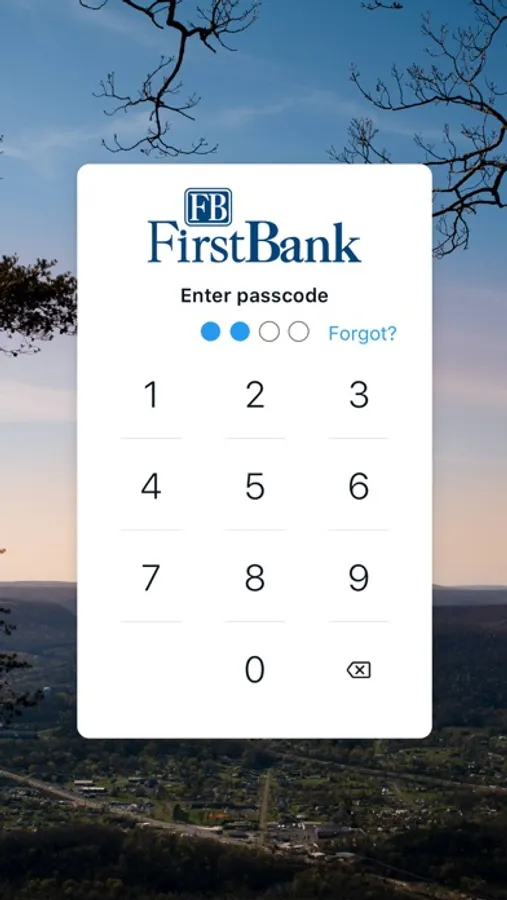
• Secure your account with a 4-digit passcode and fingerprint or face reader on supported devices
To use the FB Mobile app, you must be enrolled as a FB Mobile Banking digital banking user. If you currently use our Online Banking, simply download the FB Mobile Banking app and use your Online Banking credentials to login.
Here’s what else you can do with FB Mobile Banking:
• Keep your transactions organized by allowing you to add tags, notes and photos of receipts and checks
• Set up alerts so you know when your balance drops below a certain amount
• Make payments, whether you’re paying a company or a friend
• Transfer money between your accounts
• Deposit checks in a snap by taking a picture of the front and back
• Reorder your debit card or turn it off if you’ve misplaced it
• View and save your monthly statements
• Find branches and ATMs near you
• Secure your account with a 4-digit passcode and fingerprint or face reader on supported devices
To use the FB Mobile app, you must be enrolled as a FB Mobile Banking digital banking user. If you currently use our Online Banking, simply download the FB Mobile Banking app and use your Online Banking credentials to login.
FB Mobile Banking Screenshots
Tap to Rate:
Reviews for FB Mobile Banking
ooohellnawww
Zelle
It’s built in so it only lets you do a max of 500 which is stopped sometimes my friends send me amours well over 1500 on there Zelle but ours limits you to only 500 and I already called and they said they can’t do anything about it
EmmyK615
APP NONFUNCTIONAL
App doesn't work AT ALL, can't even log in..bs I seriously might switch just because of this