AppRecs review analysis
AppRecs rating 4.4. Trustworthiness 71 out of 100. Review manipulation risk 27 out of 100. Based on a review sample analyzed.
★★★★☆
4.4
AppRecs Rating
Ratings breakdown
5 star
87%
4 star
6%
3 star
2%
2 star
2%
1 star
2%
What to know
✓
Low review manipulation risk
27% review manipulation risk
✓
Credible reviews
71% trustworthiness score from analyzed reviews
✓
High user satisfaction
87% of sampled ratings are 5 stars
About pwd - Password Generator
Top Features:
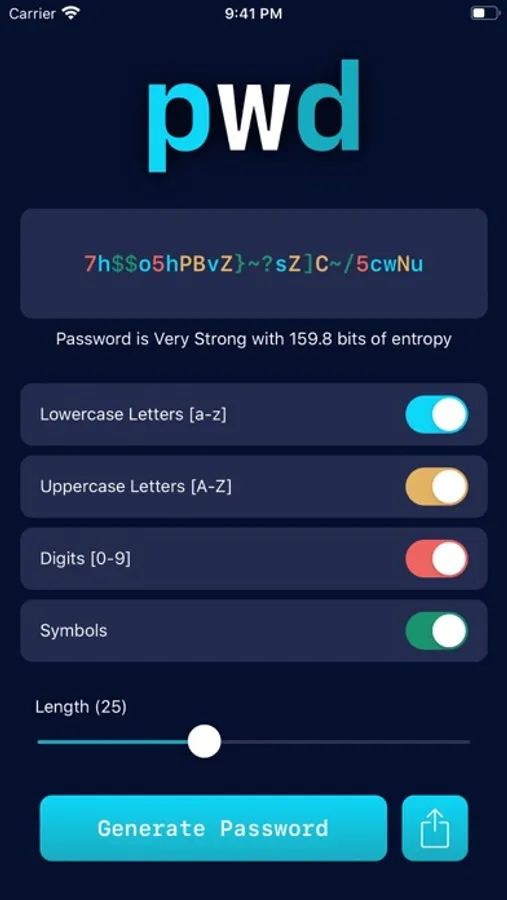
- Ability to choose whether lowercase letters, uppercase letters, digits or symbols will be included in passwords.
- Automatically copies passwords that are generated so you can be on your way.
- Color coding for different character types helps you see the distribution of different characters in your password at a glance.
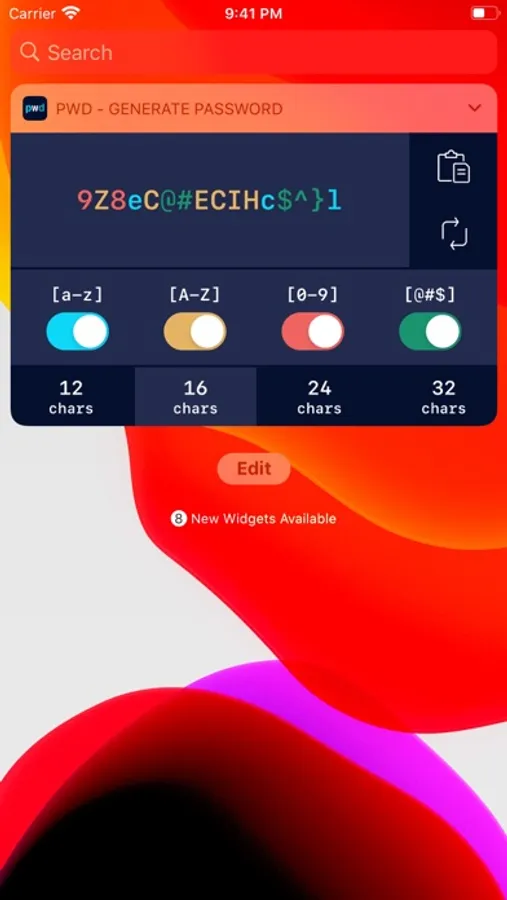
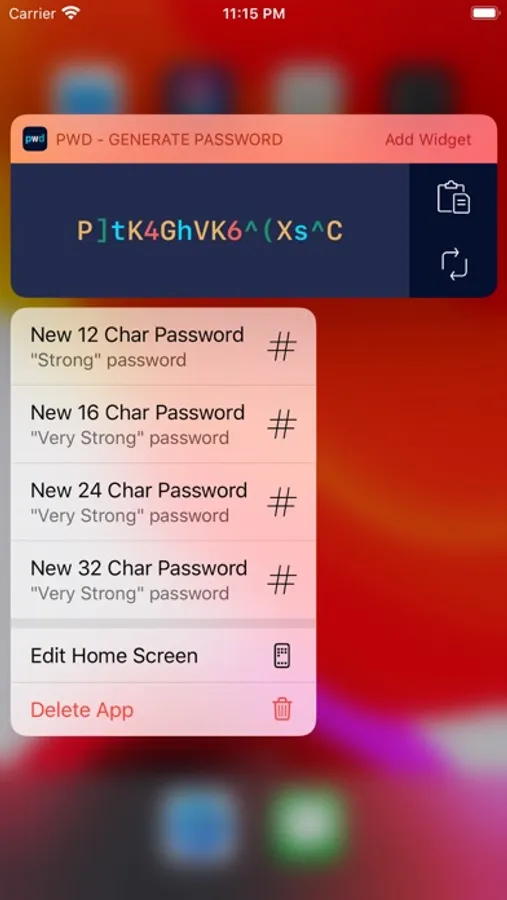
- Today Widget allows you to quickly generate passwords from your Today View, or by long-pressing the pwd app icon on your home screen.
- Displays the entropy of generated passwords.
- Ability to share a new password using SMS, email, and many other options.
- Optimized for modern iOS and iOS devices, including full notch support and integration of haptic feedback.
- Supports application launch options to generated passwords with different presets while the app launches.
- Completely FREE with NO ADs.
pwd - Password Generator Screenshots
Tap to Rate:
Reviews for pwd - Password Generator
BLPhotoGuy
Good but not great
I love the simplicity of this (and the lack of ads. Thank you!) However, I know some of the default symbols aren’t allowed by some sites/apps. It would be great to give us the ability to modify which symbols are allowed, in a settings menu or simply in a drop-down window in the main screen.
MNS54
Too easy
This is the easiest password generator application - no if’s, ands, or buts. Set the length of your password, tap the generate button, paste the generated password in the desired application and save in your password manager. Done.