Visual Schedule Daily Routine
Natalia Jakubczyk-Gajewska
4.3 ★
705 ratings
Free
In this visual scheduling app, you can create daily plans by adding tasks with icons and photos, mark tasks as completed, and set reminders. Includes task timers, customizable icons, and photo support.
AppRecs review analysis
AppRecs rating 3.9. Trustworthiness 74 out of 100. Review manipulation risk 22 out of 100. Based on a review sample analyzed.
★★★☆☆
3.9
AppRecs Rating
Ratings breakdown
5 star
73%
4 star
9%
3 star
7%
2 star
4%
1 star
8%
What to know
✓
Low review manipulation risk
22% review manipulation risk
✓
Credible reviews
74% trustworthiness score from analyzed reviews
⚠
Pricing complaints
Many low ratings mention paywalls or pricing
About Visual Schedule Daily Routine
Struggling to explain the plan for the day to your kids?
Are you dealing with constant questions like “When is lunch?” or “When can I play?”
Finding it hard to keep daily tasks on track?
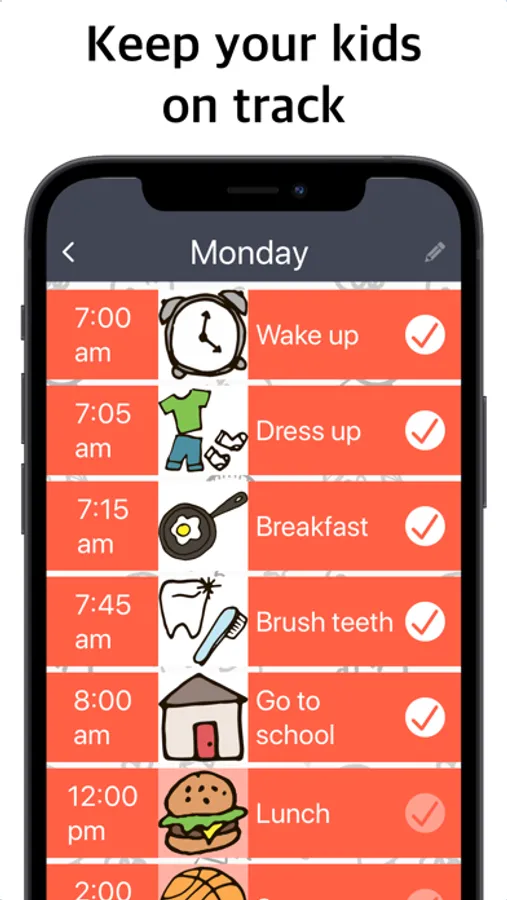
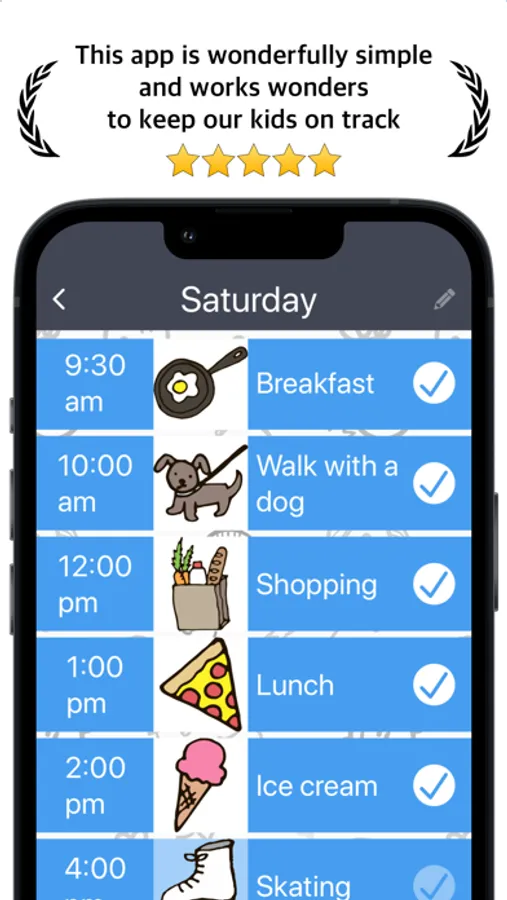
Visual Schedule helps parents and kids plan the day using pictures, icons, and timers — making routines easy to understand and follow.
THIS APP WILL HELP YOU:
● Plan the day for children and adults who struggle with focus
● Keep kids on track with clear visual routines
● Explain the daily schedule without long explanations
● Motivate kids to complete tasks — even the less enjoyable ones
FEATURES:
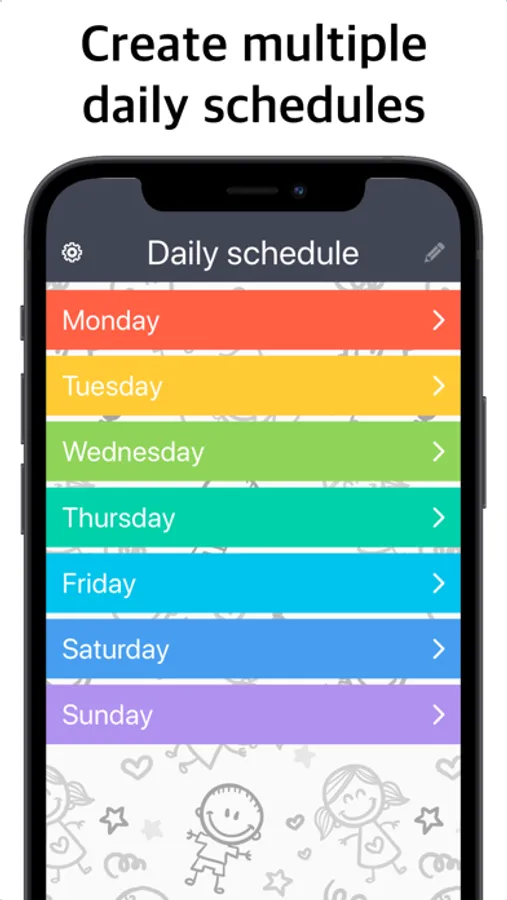
● Create daily schedules and tasks
● Choose from over 130 icons to visually represent activities
● Add your own task photos from the photo library
● Use images from Pixabay to personalize tasks
● Create task icons using Apple Image Playground (available on select devices with Apple Intelligence)
● Mark tasks as completed to show progress
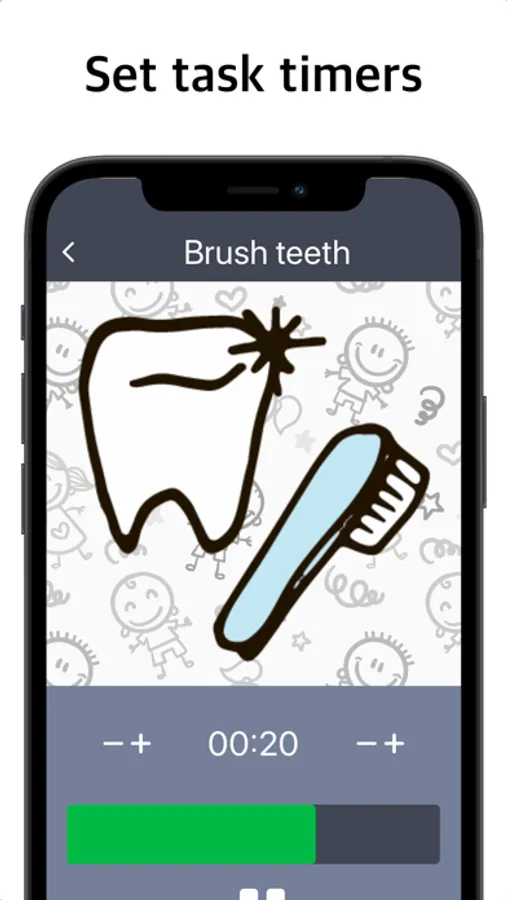
● Full-screen task timer for better focus
● Alerts and reminders for scheduled activities
— — —
How can I visually explain the daily plan to my kids?
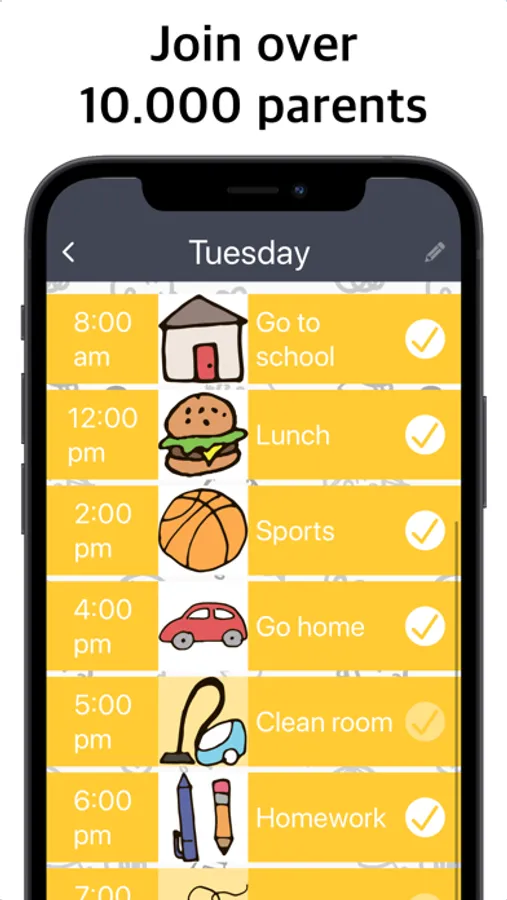
The day is displayed as a visual schedule using icons, photos, and timers, helping kids clearly see what comes next.
Is this helpful for kids who struggle with focus or routines?
Yes. Predictable visual tasks and clear structure help reduce confusion and improve focus throughout the day.
Does it use pictures and icons instead of long text?
Yes. Tasks can be represented using icons, custom photos, or images from Pixabay, minimizing the need for reading.
How does marking tasks as done motivate kids to finish them?
Seeing tasks marked as completed gives children a sense of progress and achievement, encouraging them to continue.
Is this suitable for families dealing with attention challenges or ADHD?
Yes. Visual cues, timers, and reminders are designed to support attention, structure, and daily motivation.
Is Visual Schedule free?
The app is free to download and use, with optional premium features available through in-app purchases.
— — —
If you enjoy the app, please leave a review on the App Store. Your feedback really helps.
Questions or suggestions? We’d love to hear from you.
Support Email: AppsForParents@gmail.com
Terms of Use:
https://www.apple.com/legal/internet-services/itunes/dev/stdeula/
Privacy Policy:
https://sites.google.com/site/appsforparentsprivacy/
Are you dealing with constant questions like “When is lunch?” or “When can I play?”
Finding it hard to keep daily tasks on track?
Visual Schedule helps parents and kids plan the day using pictures, icons, and timers — making routines easy to understand and follow.
THIS APP WILL HELP YOU:
● Plan the day for children and adults who struggle with focus
● Keep kids on track with clear visual routines
● Explain the daily schedule without long explanations
● Motivate kids to complete tasks — even the less enjoyable ones
FEATURES:
● Create daily schedules and tasks
● Choose from over 130 icons to visually represent activities
● Add your own task photos from the photo library
● Use images from Pixabay to personalize tasks
● Create task icons using Apple Image Playground (available on select devices with Apple Intelligence)
● Mark tasks as completed to show progress
● Full-screen task timer for better focus
● Alerts and reminders for scheduled activities
— — —
How can I visually explain the daily plan to my kids?
The day is displayed as a visual schedule using icons, photos, and timers, helping kids clearly see what comes next.
Is this helpful for kids who struggle with focus or routines?
Yes. Predictable visual tasks and clear structure help reduce confusion and improve focus throughout the day.
Does it use pictures and icons instead of long text?
Yes. Tasks can be represented using icons, custom photos, or images from Pixabay, minimizing the need for reading.
How does marking tasks as done motivate kids to finish them?
Seeing tasks marked as completed gives children a sense of progress and achievement, encouraging them to continue.
Is this suitable for families dealing with attention challenges or ADHD?
Yes. Visual cues, timers, and reminders are designed to support attention, structure, and daily motivation.
Is Visual Schedule free?
The app is free to download and use, with optional premium features available through in-app purchases.
— — —
If you enjoy the app, please leave a review on the App Store. Your feedback really helps.
Questions or suggestions? We’d love to hear from you.
Support Email: AppsForParents@gmail.com
Terms of Use:
https://www.apple.com/legal/internet-services/itunes/dev/stdeula/
Privacy Policy:
https://sites.google.com/site/appsforparentsprivacy/
Visual Schedule Daily Routine Screenshots

Tap to Rate:
Reviews for Visual Schedule Daily Routine
Qunbj
Visual Schedule App Review
I wanted to create a simple schedule but this app is too busy and complicated
Kaichapm409
Really?
The best thing that most is free. Can you please make the premium lifetime cheap to $2.99?