With this authentication app, you can generate verification codes and receive push notifications for secure login to your Xero account. Includes QR code setup, push notifications, and offline code generation.
AppRecs review analysis
AppRecs rating 1.4. Trustworthiness 78 out of 100. Review manipulation risk 29 out of 100. Based on a review sample analyzed.
★☆☆☆☆
1.4
AppRecs Rating
Ratings breakdown
5 star
10%
4 star
2%
3 star
1%
2 star
1%
1 star
87%
What to know
✓
Low review manipulation risk
29% review manipulation risk
⚠
Mixed user feedback
Average 1.5★ rating suggests room for improvement
⚠
High negative review ratio
88% of sampled ratings are 1–2 stars
About Xero Verify
This is the official authentication app developed by Xero Ltd. It's free to use, and Xero will never charge you for it.
At Xero, protecting your data is fundamental to everything we do. Just one easily guessed password can stop your business in its tracks. So Xero has put an extra deadbolt on the door to help keep your data secure.
This is why Xero uses MFA to secure logins. It significantly reduces the risk of someone gaining access to your account, even if they've managed to obtain your email and password through a phishing attack or malware.
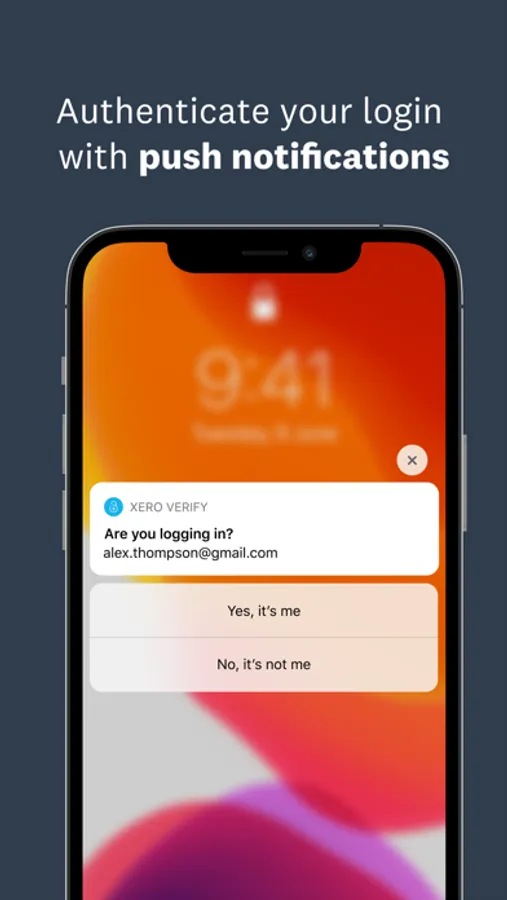
The Xero Verify app is simple to use. You can receive push notifications for fast authentication, instead of having to open the app and enter a code into Xero when you login. Simply accept the notification on your device's home screen - it's that easy.
Features:
* Sign into your Xero account using push notifications on your device (if enabled).
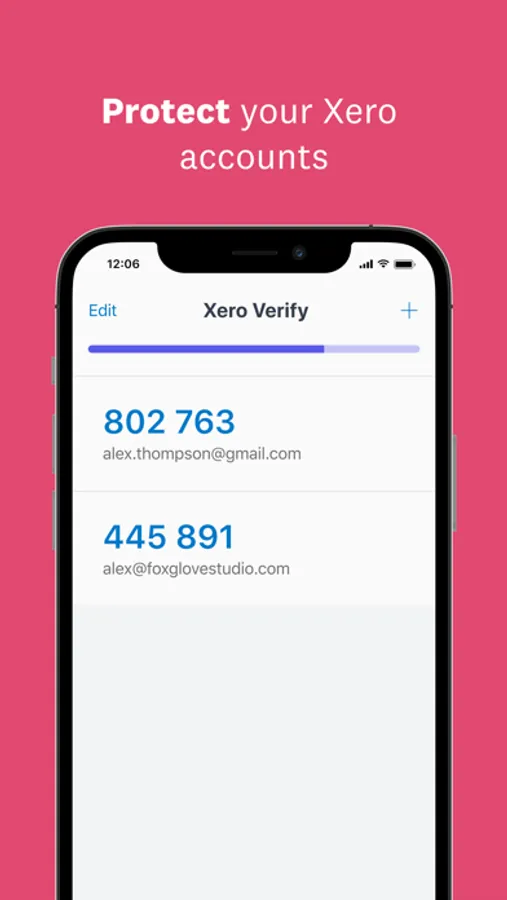
* Generate six digit verification codes, even if you don't have a network or mobile connection.
* Use Xero Verify to authenticate your Xero account (it can't be used on other products outside Xero)
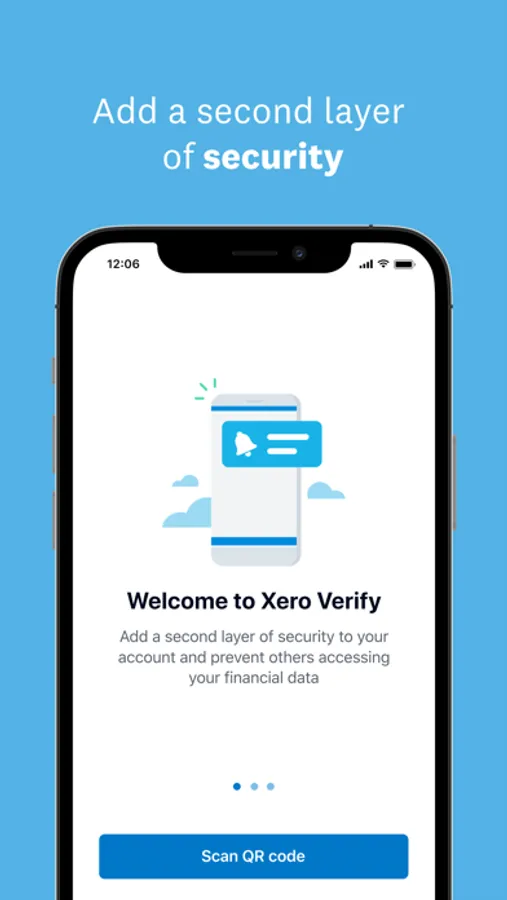
* Easy set up using QR code
Permission notice:
Camera: Needed to add accounts using QR codes
Push notifications: Accept to receive push notifications
Follow Xero on Twitter: https://twitter.com/xero/
Join the Xero Facebook Fan page: https://www.facebook.com/Xero.Accounting
Privacy policy: https://www.xero.com/about/legal/privacy/
Terms of use: https://www.xero.com/about/legal/terms/
At Xero, protecting your data is fundamental to everything we do. Just one easily guessed password can stop your business in its tracks. So Xero has put an extra deadbolt on the door to help keep your data secure.
This is why Xero uses MFA to secure logins. It significantly reduces the risk of someone gaining access to your account, even if they've managed to obtain your email and password through a phishing attack or malware.
The Xero Verify app is simple to use. You can receive push notifications for fast authentication, instead of having to open the app and enter a code into Xero when you login. Simply accept the notification on your device's home screen - it's that easy.
Features:
* Sign into your Xero account using push notifications on your device (if enabled).
* Generate six digit verification codes, even if you don't have a network or mobile connection.
* Use Xero Verify to authenticate your Xero account (it can't be used on other products outside Xero)
* Easy set up using QR code
Permission notice:
Camera: Needed to add accounts using QR codes
Push notifications: Accept to receive push notifications
Follow Xero on Twitter: https://twitter.com/xero/
Join the Xero Facebook Fan page: https://www.facebook.com/Xero.Accounting
Privacy policy: https://www.xero.com/about/legal/privacy/
Terms of use: https://www.xero.com/about/legal/terms/
Xero Verify Screenshots
Tap to Rate:
Reviews for Xero Verify
Bobby Hoov
Pointless app
This is a pointless app with Face ID and text verify but xero makes you download it.
K Smoot
This is Stupid!!
How can one log in to set up MFA keys when you need MFA to log in?!?!?!