
In this app, you can import comics and automatically detect and zoom in on panels for easier reading. Includes support for multiple formats, cloud syncing, and manual navigation controls.
AppRecs review analysis
AppRecs rating 4.5. Trustworthiness 77 out of 100. Review manipulation risk 25 out of 100. Based on a review sample analyzed.
★★★★☆
4.5
AppRecs Rating
Ratings breakdown
5 star
92%
4 star
5%
3 star
1%
2 star
0%
1 star
2%
What to know
✓
Low review manipulation risk
25% review manipulation risk
✓
Credible reviews
77% trustworthiness score from analyzed reviews
✓
High user satisfaction
92% of sampled ratings are 5 stars
About Smart Comic Reader
A different kind of comic reader that offers a better way to read comics on a smaller screen.
How it works:
1. Import any comic into the app.
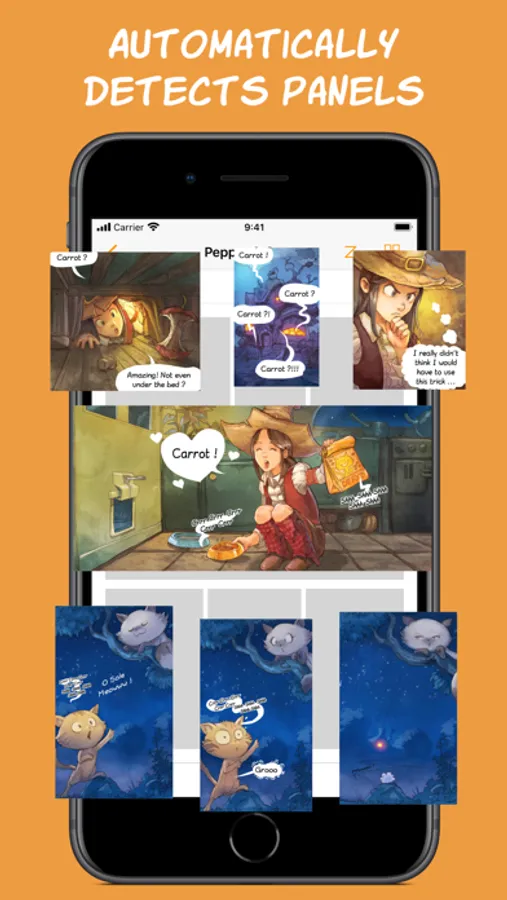
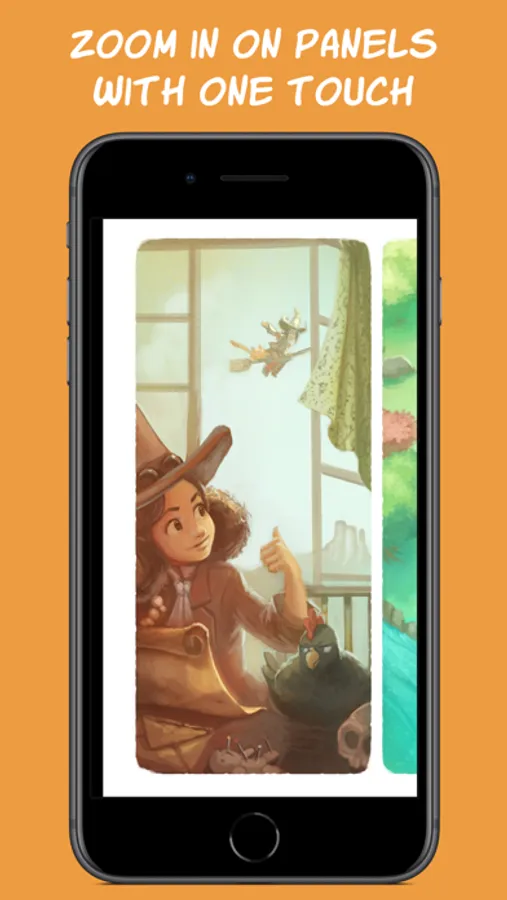
2. Double tap on a panel and watch the app automatically detect its boundaries and zoom in on it.
3. Tap on the side of the screen to easily move to the next panel. If needed, the app will rotate the comic to make maximum use of your screen space.
Key Features
============
Smart Reader:
- Automatically zoom in and move between panels for a smooth reading experience.
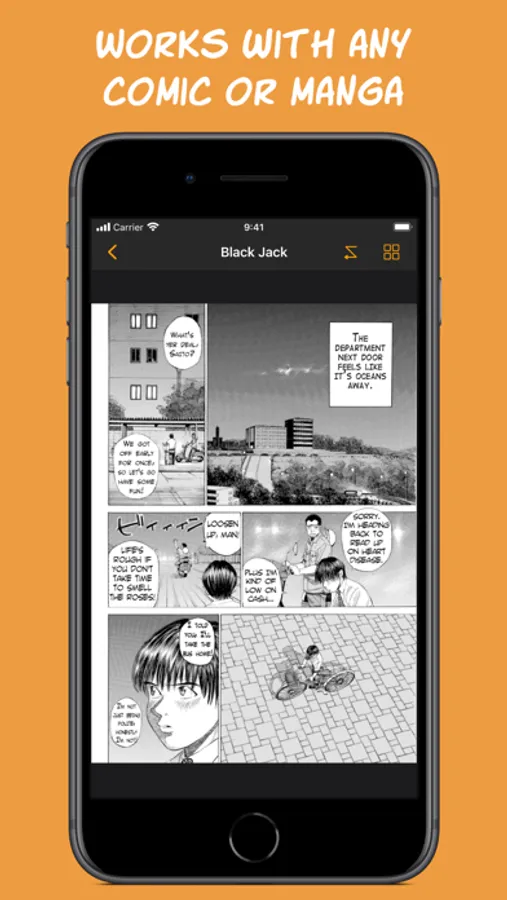
- Works with any comic, western or manga, no matter the art style. Panels do not need well-defined edges to be detected.
- Always stay in control, let the app guide you over the page while you can always manually zoom and pan.
Comic Collection:
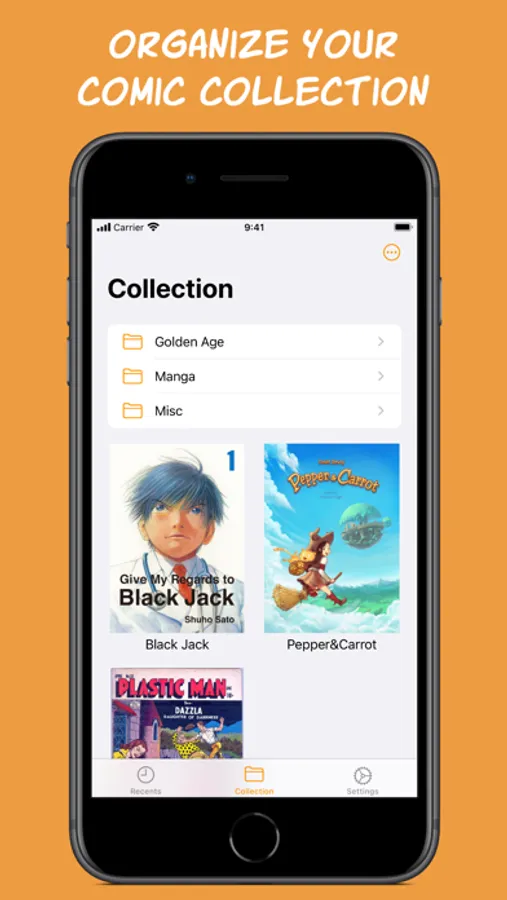
- Import comics from anywhere and organize your comic collection.
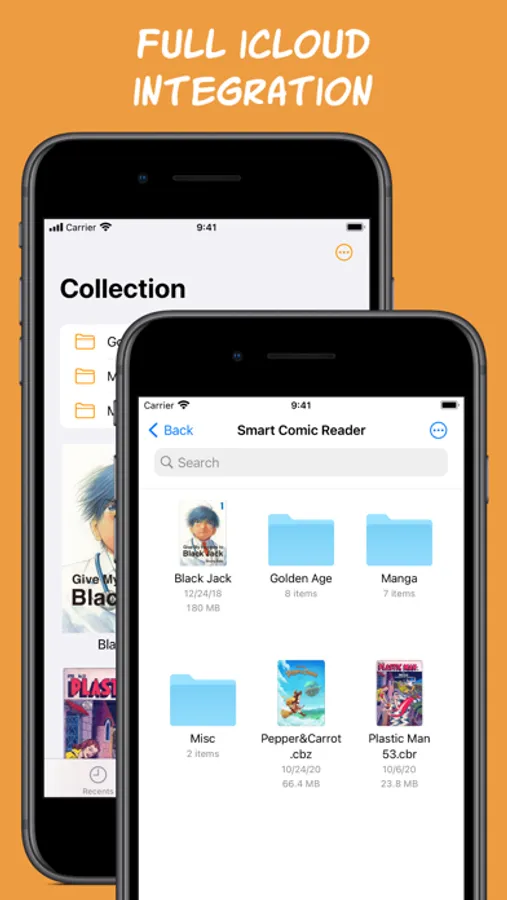
- Comics are stored in iCloud to save storage space and keep your collection in sync across devices.
- Your Smart Comic Reader collection is a regular folder on your iCloud Drive that you can access and manage from any iCloud connected device, like a Mac, or a Windows device using iCloud for Windows.
- Also works locally if iCloud is disabled.
- Supports comics in CBZ/ZIP, CBR/RAR and PDF formats.
And many more features to come!
If you have any questions or suggestions, please do not hesitate to send them to: support@vandijk.dev.
Comics in video and screenshots:
“Pepper&Carrot”, David Revoy, CC-By
“Plastic Man”, Quality Comics, Public Domain
“Say Hello to Black Jack”, Shuho Sato
How it works:
1. Import any comic into the app.
2. Double tap on a panel and watch the app automatically detect its boundaries and zoom in on it.
3. Tap on the side of the screen to easily move to the next panel. If needed, the app will rotate the comic to make maximum use of your screen space.
Key Features
============
Smart Reader:
- Automatically zoom in and move between panels for a smooth reading experience.
- Works with any comic, western or manga, no matter the art style. Panels do not need well-defined edges to be detected.
- Always stay in control, let the app guide you over the page while you can always manually zoom and pan.
Comic Collection:
- Import comics from anywhere and organize your comic collection.
- Comics are stored in iCloud to save storage space and keep your collection in sync across devices.
- Your Smart Comic Reader collection is a regular folder on your iCloud Drive that you can access and manage from any iCloud connected device, like a Mac, or a Windows device using iCloud for Windows.
- Also works locally if iCloud is disabled.
- Supports comics in CBZ/ZIP, CBR/RAR and PDF formats.
And many more features to come!
If you have any questions or suggestions, please do not hesitate to send them to: support@vandijk.dev.
Comics in video and screenshots:
“Pepper&Carrot”, David Revoy, CC-By
“Plastic Man”, Quality Comics, Public Domain
“Say Hello to Black Jack”, Shuho Sato
Smart Comic Reader Screenshots
Tap to Rate:
Reviews for Smart Comic Reader
Protydos
Panel by panel a Godsend on iPad mini .. love it
Best cbr cbz reader out there
JoviDuran
This the one!
5 Stars ! Easy to use . Store all of my cbr files on iCloud and easily open them with this app. NO ADDS!