AppRecs review analysis
AppRecs rating 4.6. Trustworthiness 71 out of 100. Review manipulation risk 27 out of 100. Based on a review sample analyzed.
★★★★☆
4.6
AppRecs Rating
Ratings breakdown
5 star
80%
4 star
5%
3 star
10%
2 star
0%
1 star
5%
What to know
✓
Low review manipulation risk
27% review manipulation risk
✓
Credible reviews
71% trustworthiness score from analyzed reviews
✓
High user satisfaction
80% of sampled ratings are 5 stars
About White Rabbit - Pocket editor
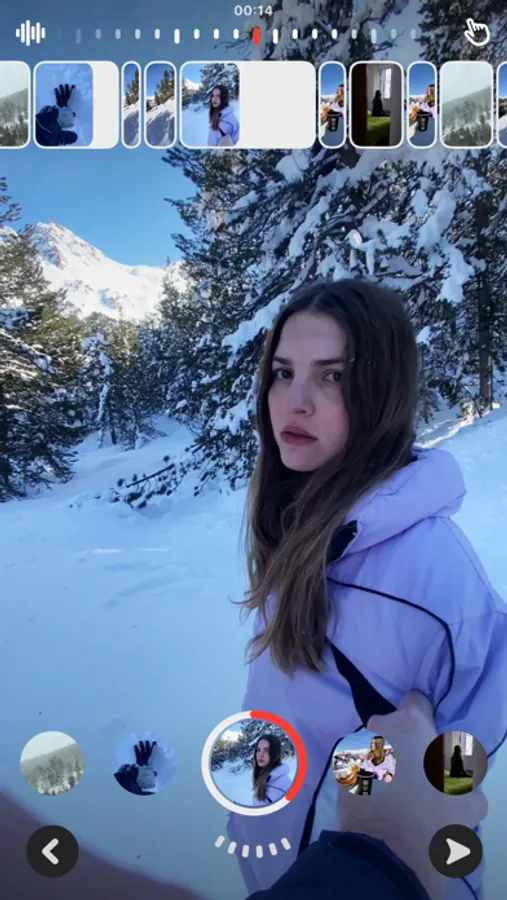
Shoot and edit with powerful tools designed as intuitive gestures.
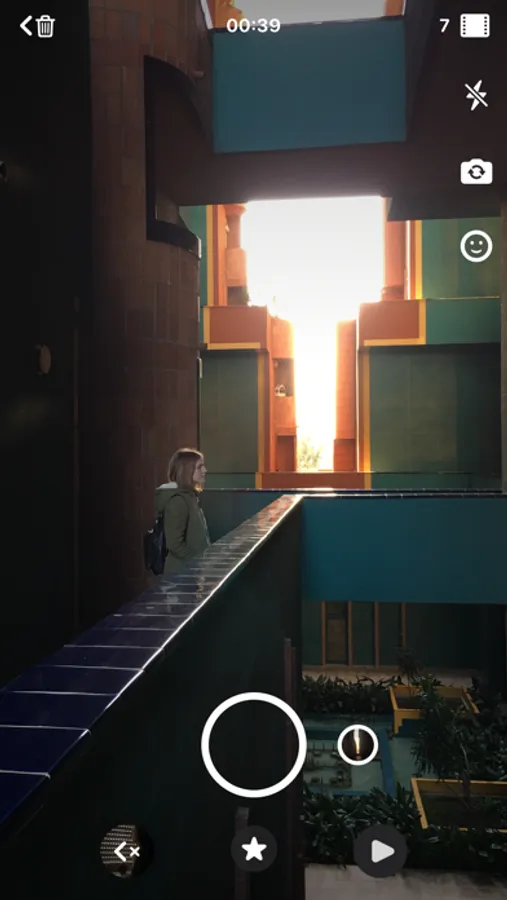
Shoot
· Double tap the screen to create a smooth zoom effect.
· Tap or hold the record button to take different shots.
· Turn pictures into videos with zoom effects. Tap the library icon and choose one of your pictures to try it out!
· Tap the smiley face to follow a quick tutorial.
A fast and fun way to compose your stories
· Scroll through your shots to choose which moment to capture at a time.
· Drag the wheel to select where to start the clip from.
· Press and hold to capture the right moment with precision.
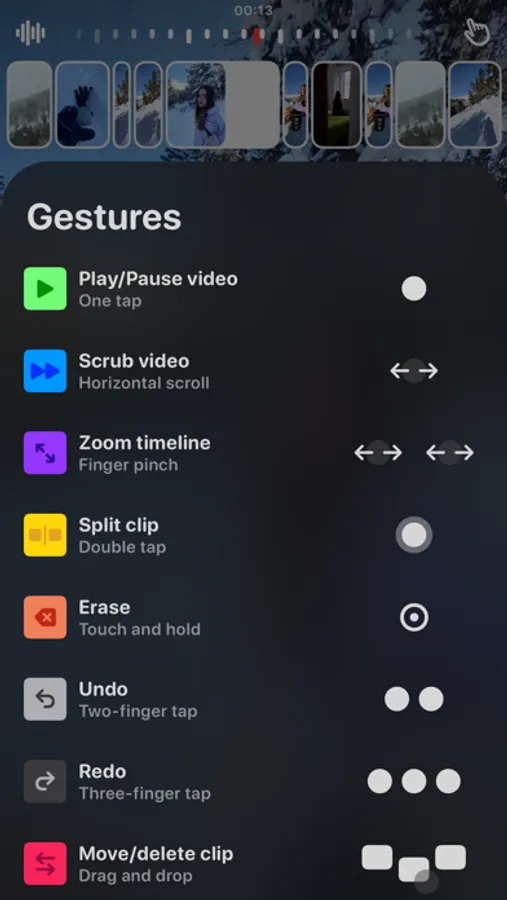
Edit with gestures
· Tap to play and pause the video.
· Scroll horizontally to scrub the video backwards or forwards.
· Pinch-to-zoom for more precision when editing.
· Double tap to split a clip.
· Touch and hold to erase
· Tap with two fingers to undo.
. Tap with three fingers to redo.
· Drag and drop the clips to swap or delete them.
· Tap with four fingers to hide the controls.
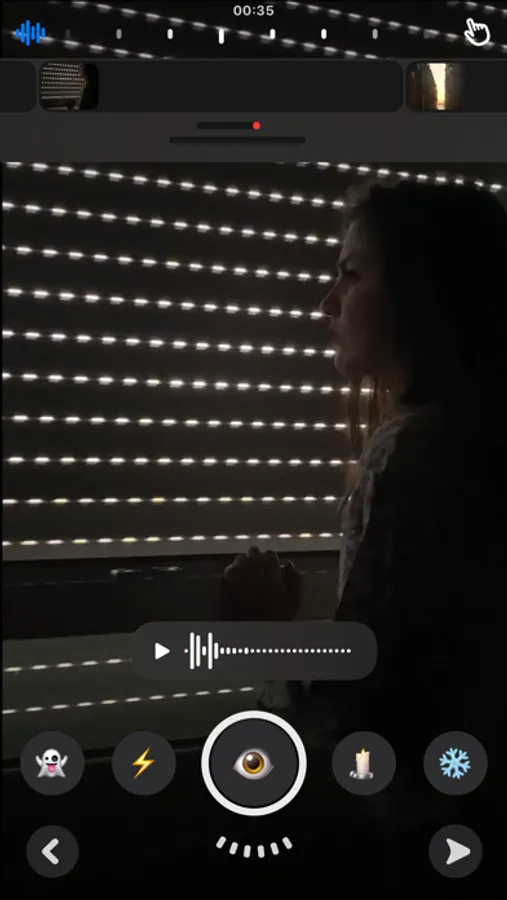
Cinematic sounds
· Tap the waveform icon to access the sound studio.
White Rabbit - Pocket editor Screenshots
Tap to Rate:
Reviews for White Rabbit - Pocket editor
locohey
Love the idea, but needs work
I honestly love the concept of the app. It’s simple and I feel like I’m the right audience you’re looking for. The problem is is that it keeps crashing on me and I wasn’t able to save my video. Please keep working on it! I love the idea but it’s just feels unusual for me right now since it keeps crashing.
CANT OPEN VIDEOS!!
Great app, please keep making it better
I love this app. Please keep working on it. More features, more stories, more effects, I would be more than happy to pay for a subscription.