With this flowchart design app, you can create diagrams using drag-and-drop shapes, organize nodes with containers, and customize styles easily. Includes templates, themes, export options, and the ability to add extra shapes via purchase.
AppRecs review analysis
AppRecs rating 4.3. Trustworthiness 73 out of 100. Review manipulation risk 26 out of 100. Based on a review sample analyzed.
★★★★☆
4.3
AppRecs Rating
Ratings breakdown
5 star
67%
4 star
10%
3 star
6%
2 star
2%
1 star
15%
What to know
✓
Low review manipulation risk
26% review manipulation risk
✓
Credible reviews
73% trustworthiness score from analyzed reviews
✓
High user satisfaction
78% of sampled ratings are 4+ stars (4.1★ average)
About Flowchart Designer 3
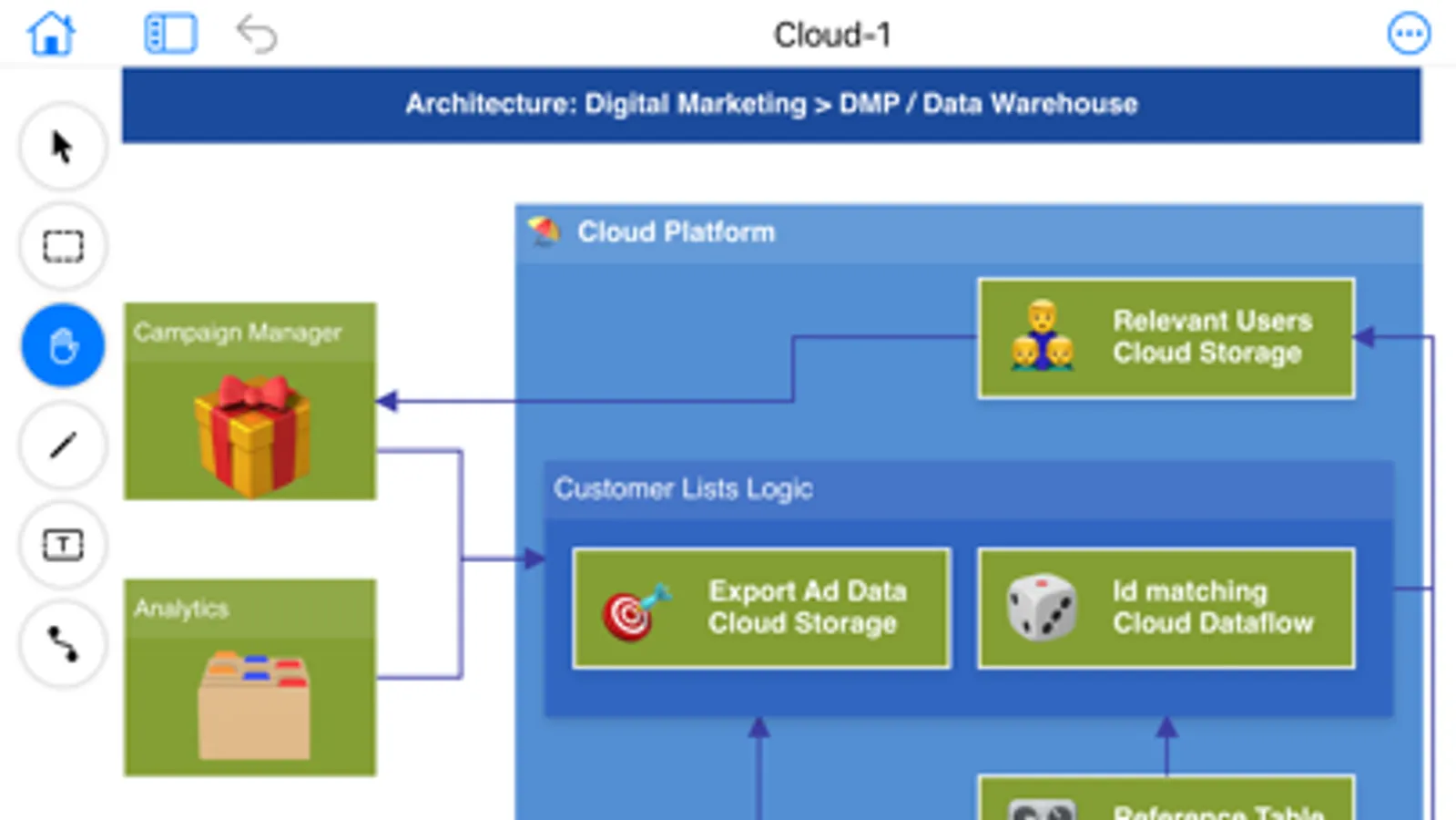
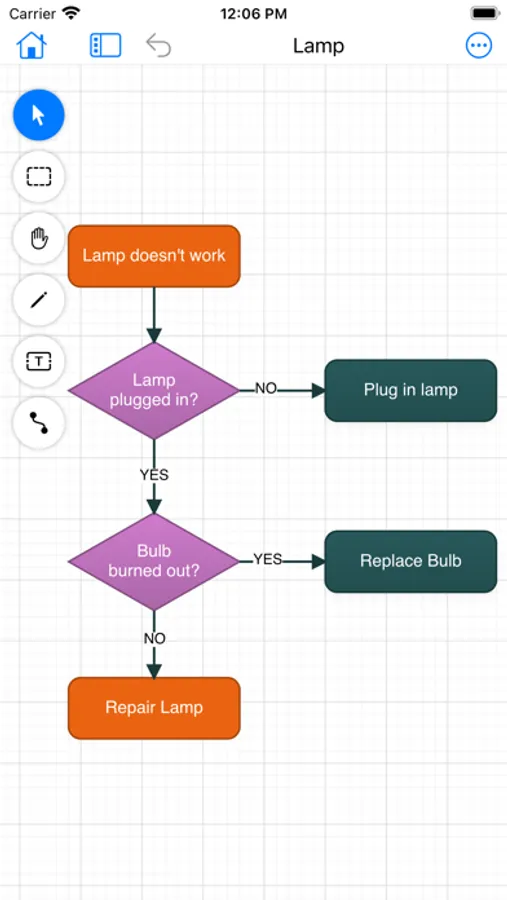
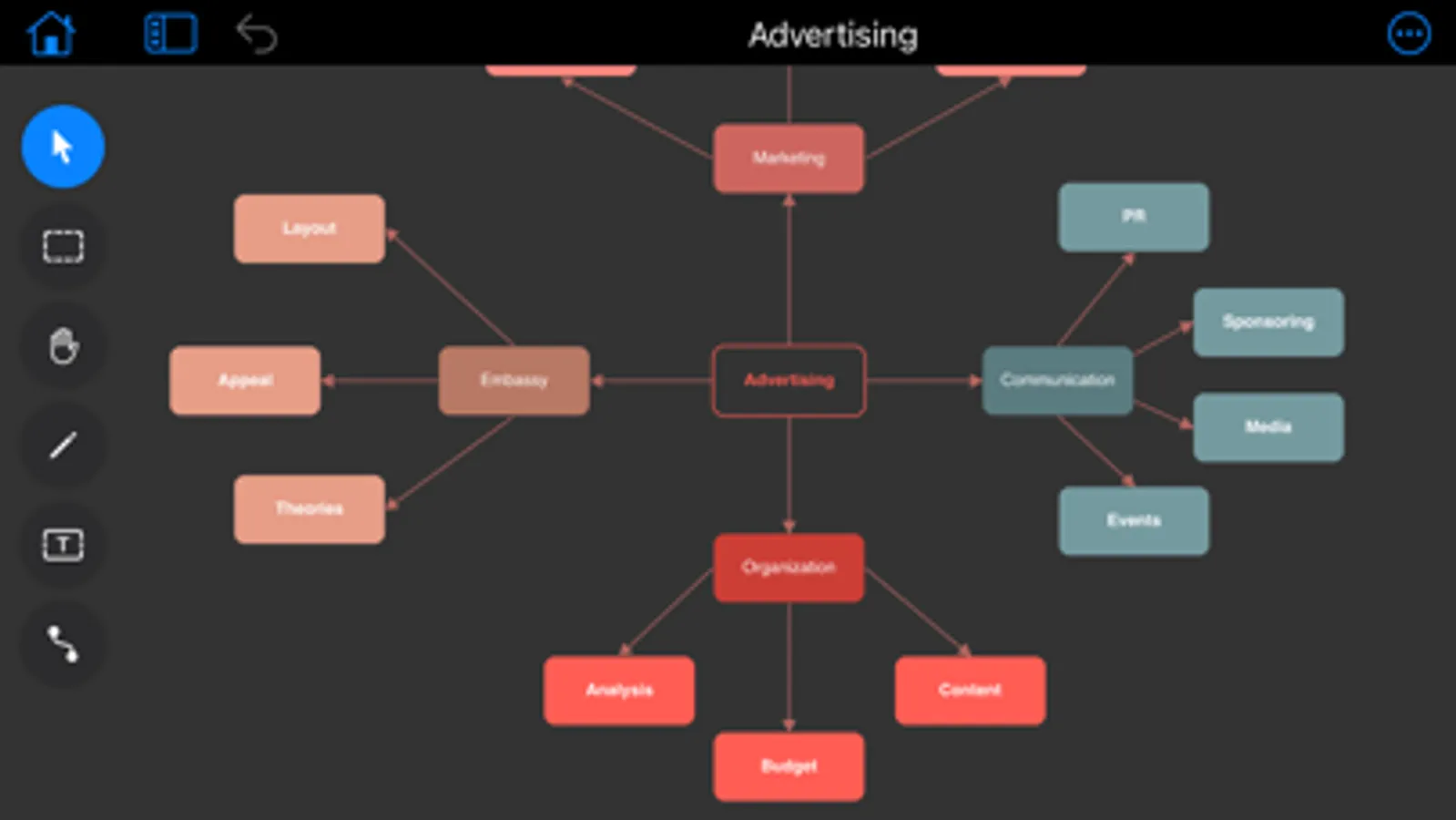
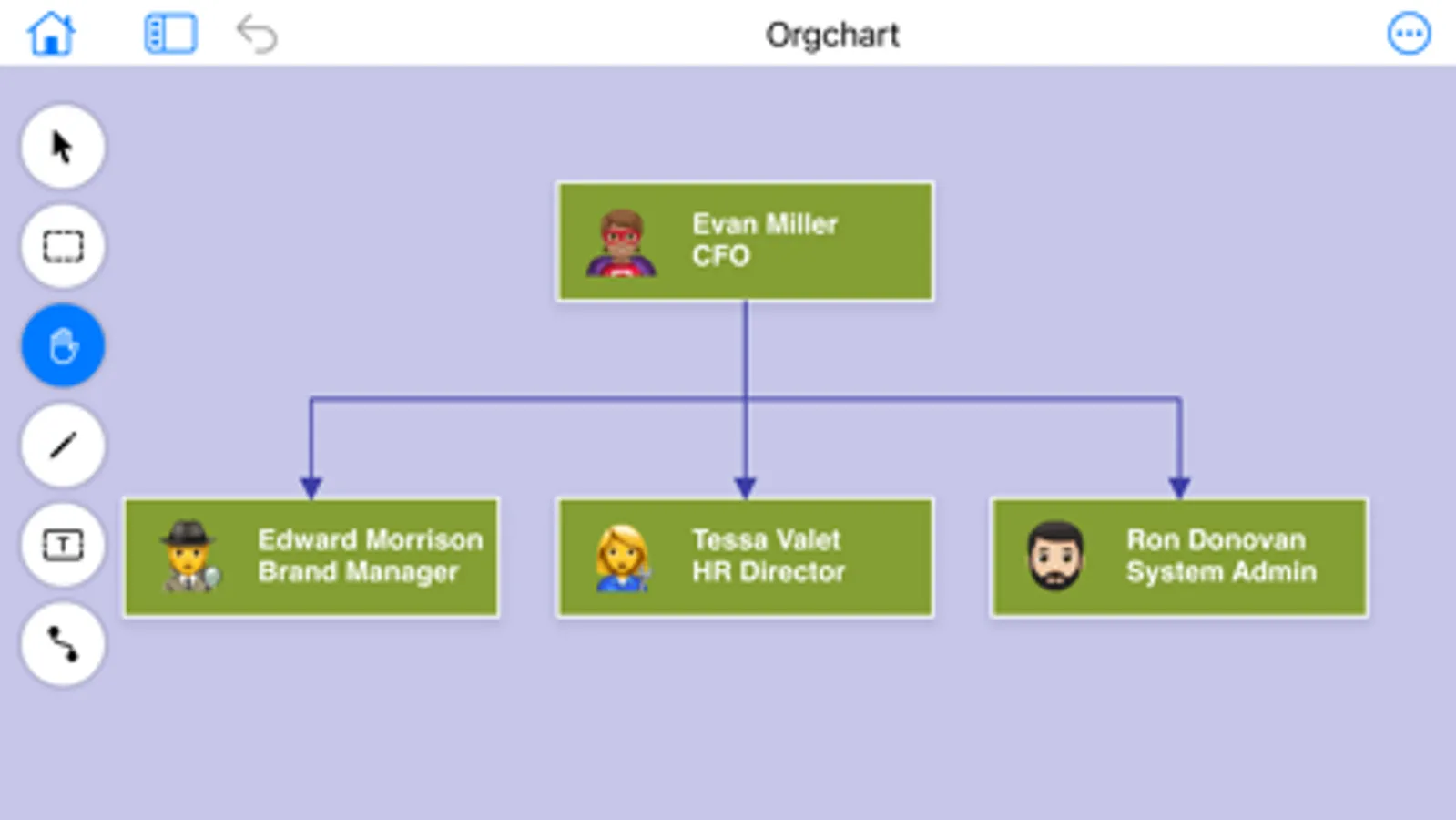
Flowchart Designer 3 is a simple tool to create flowcharts, org charts, process charts, sitemaps, and more. It comes a lot of shape templates and containers, which can be decorated with styles. With Flowchart Designer 3, you can create an attractive flowchart in minutes.
Main Features:
- Drag to add new nodes;
- Infinite Canvas;
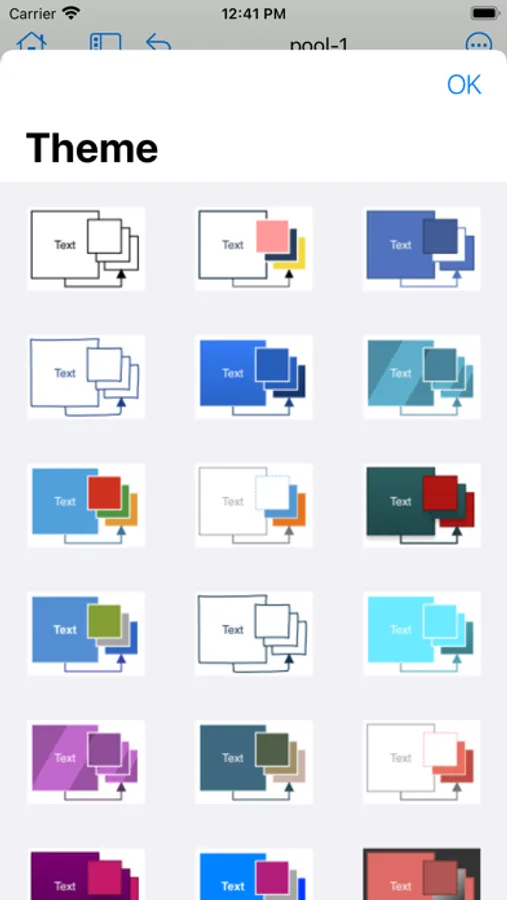
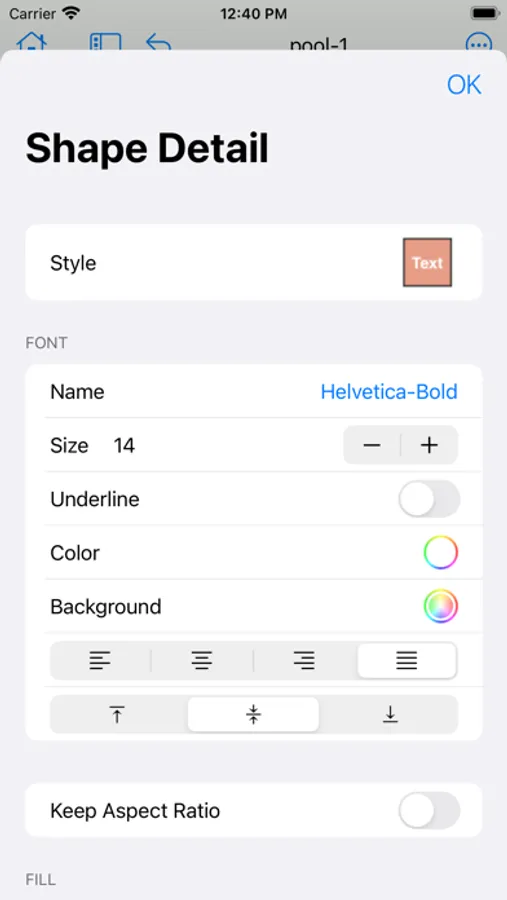
- 24 attractive themes;
- Use container to organize nodes;
- Group nodes to make complex shape;
- Smart Connectors;
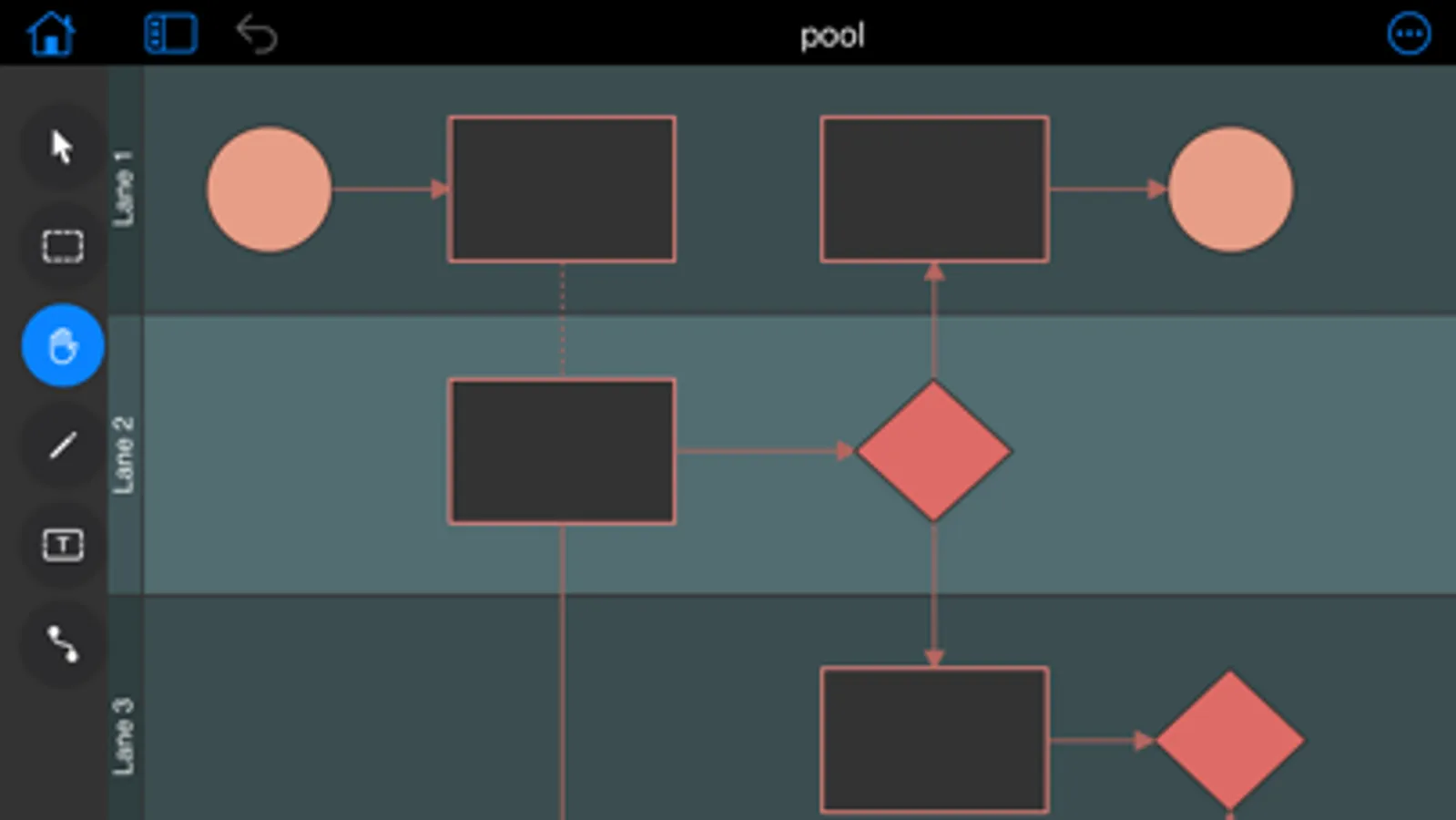
- Swim Lanes;
- Basic shapes for free use, and you can get more shapes by purchase;
- Unlimited undo operations;
- Export as pdf, png.
We hope that you'll find our product helpful and a delight to use. To get in touch, email us at arrowgraphics@icloud.com
Main Features:
- Drag to add new nodes;
- Infinite Canvas;
- 24 attractive themes;
- Use container to organize nodes;
- Group nodes to make complex shape;
- Smart Connectors;
- Swim Lanes;
- Basic shapes for free use, and you can get more shapes by purchase;
- Unlimited undo operations;
- Export as pdf, png.
We hope that you'll find our product helpful and a delight to use. To get in touch, email us at arrowgraphics@icloud.com
Flowchart Designer 3 Screenshots
Tap to Rate:
Reviews for Flowchart Designer 3
Baseskizl
For free, it ain’t worth it
Wanted to set up a simple flow chart. This deleted my work twice. There’s no way to save it. That’s abundantly clear. It’s said you can save as a PDF also not abundantly clear wouldn’t waste my time on this stupid app
jpinoregon
Quickly use
Ease of use