
AppRecs review analysis
AppRecs rating 4.6. Trustworthiness 70 out of 100. Review manipulation risk 24 out of 100. Based on a review sample analyzed.
★★★★☆
4.6
AppRecs Rating
Ratings breakdown
5 star
95%
4 star
5%
3 star
0%
2 star
0%
1 star
0%
What to know
✓
Low review manipulation risk
24% review manipulation risk
✓
Credible reviews
70% trustworthiness score from analyzed reviews
✓
High user satisfaction
95% of sampled ratings are 5 stars
About Shift Unit
Independent WatchOS app and complications.
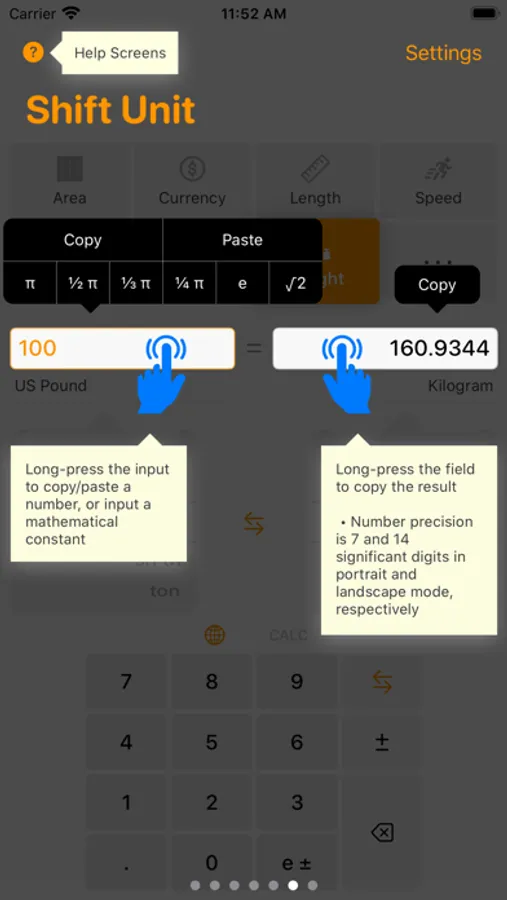
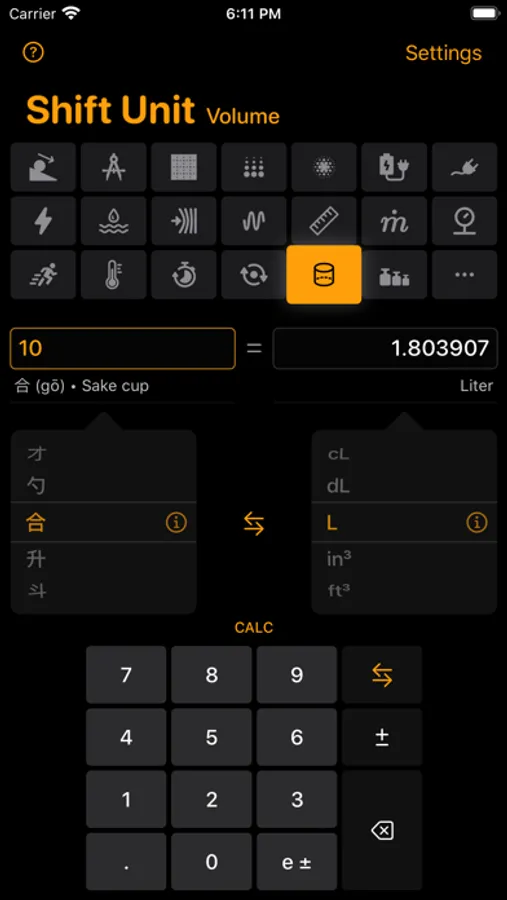
Operations can be carried out in portrait mode in simple precision (7 significant digits,) or in landscape mode in double precision (14 significant digits.)
Conversion formulae use exact definitions of related entities--not approximations.
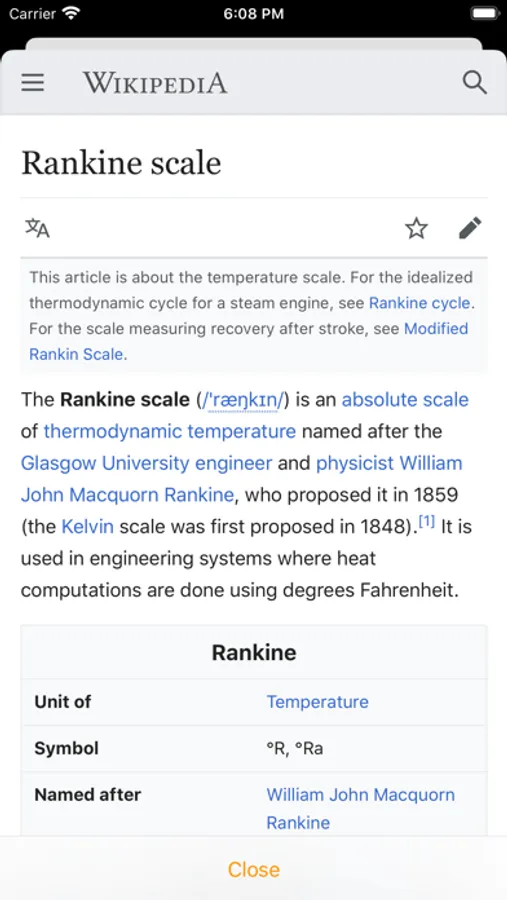
Wikipedia page information can be pulled for categories and conversion units. (Look for info circle.)
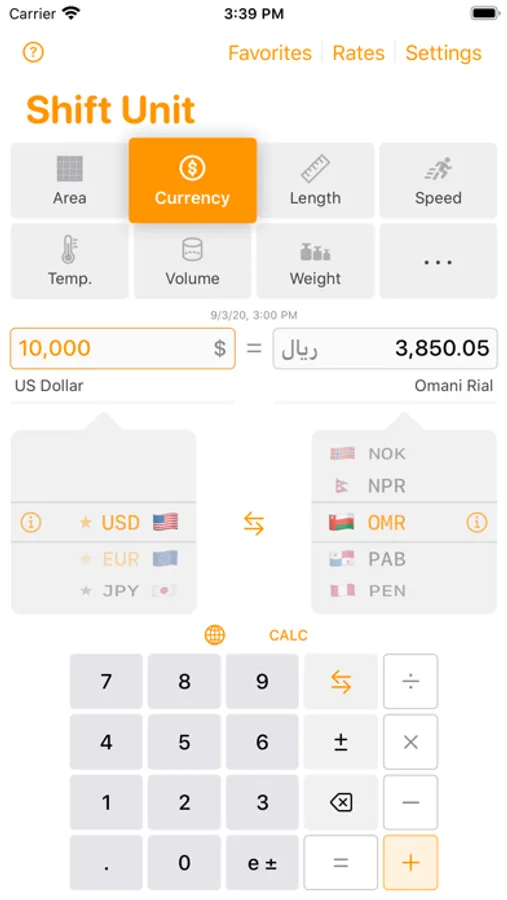
The custom keypad has a calculator mode, and allows to enter/edit numbers on either side of the conversion.
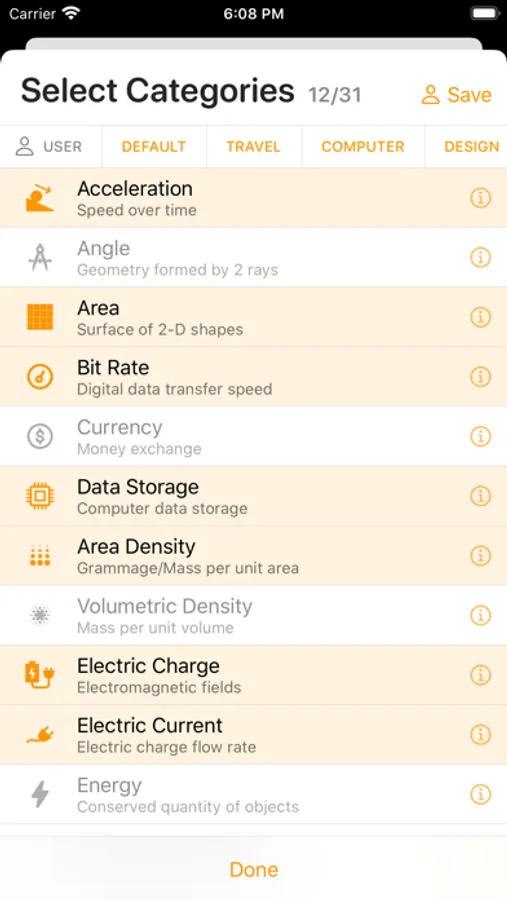
Unit categories include Acceleration, Angle, Area, Bit Rate, Clock, Online Currencies, Data Storage, Area Density, Volumetric Density, Electric Charge, Electric Current, Energy, Volumetric Flow Rate, Force, Frequency, Fuel, Length, Luminance, Lux, Mass Flow Rate, Momentum, Power, Pressure, Radiation Dose, Radioactivity, Radiation Exposure, Speed, Temperature, Temperature Delta, Time, Torque, Typography, Volume, and Weight.
Features:
- One screen operation minimizing number of gestures
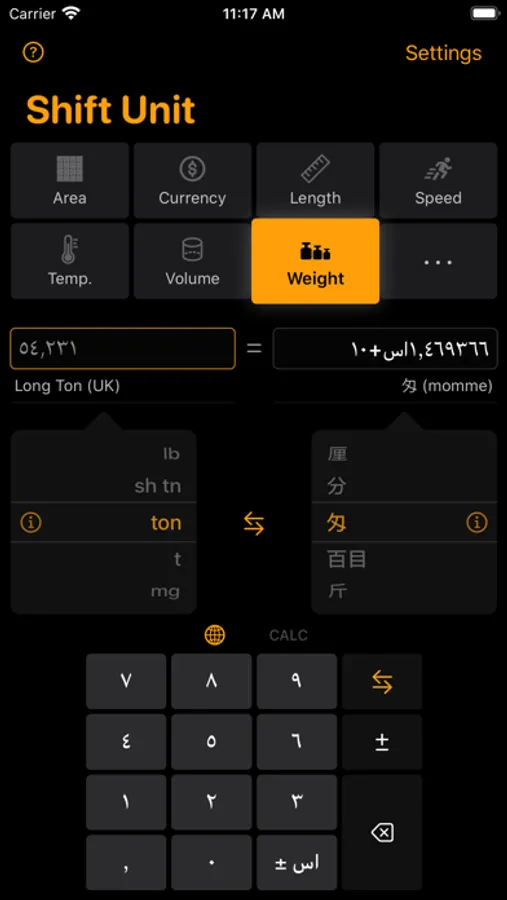
- Numbers (digits, decimal/grouping separators, exponent)/time/country names localized to your (or any) region
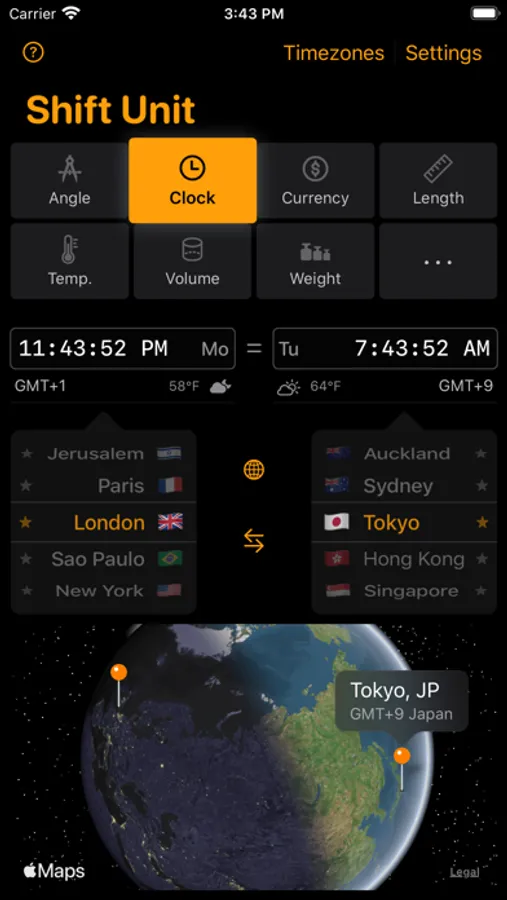
- Current time in 2 out of 439 world cities and see your cities pinned on a flyover map, an educational way of discovering the world through time zones
- Weather conditions and forecast for time zone cities
- Dedicated accessibility labels and hints for VoiceOver operations
- Customizable number entry timeout allowing to enter a new number without having to clear the field. (Turned off when an accessibility feature, e.g. VoiceOver, is on)
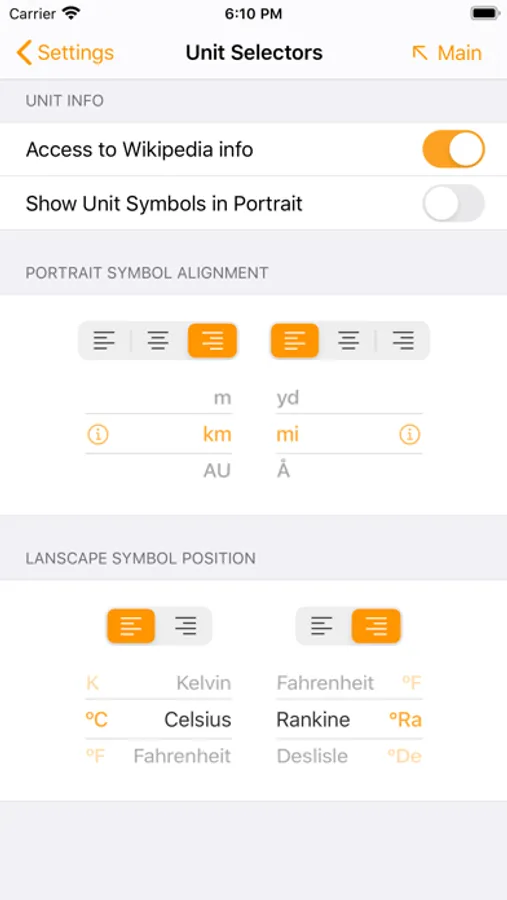
- Customizable user interface (preferred categories; user interface alignment for left/right-handed entry or 2-thumb operations)
- Ability to swap units while keeping initial numerical entry
- Category presets for quick change of context, including user preset
- Long-press category button to remove, or add a category on the fly
- Long-press number field for copy/paste
- Paste Mathematical constants (Pi, e, etc.)
- Education via Wikipedia pages for categories and conversion units
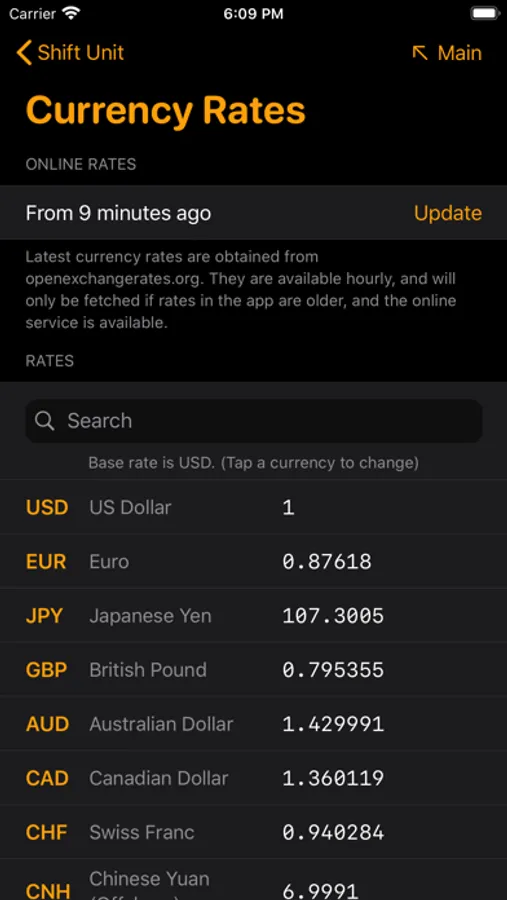
- Currency conversions using online rates
- Searchable list of currency rates with possibility to change base rate
- Set favorite currencies
- Built-in numeric keypad (with calculator mode) to enter numbers on either side of the conversion
- Long-press delete key to clear the field in focus
- Engineering number format handling
- Infinity and negative numbers handling
- 7 or 14-digit precision displays (3-digit fractions for currencies)
- Searchable list of 1400+ conversion units across 34 categories
- On-boarding screens for general operations and for the Currency category (turned off when VoiceOver is on)
- Home widget for quick conversions using units selected in the hosting app
Happy Conversions!
Shift Unit Screenshots
Tap to Rate:
Reviews for Shift Unit
Vagabond800
Fantastic app
A Swiss Army knife of unit conversions! Allows customizing what units to convert so you don't need to scroll through long lists of possible choices. Currencies update automatically. Developer responds to feedback. Five Stars!
Angelo1303
Almost
Great app, if one only could select favorites for other unites besides currency only. Please add that feature and this app will be a 5 star app.