With this app, you can add or remove password protection from PDF files and secure your documents. Includes password management, cross-platform compatibility, and support for dark mode.
AppRecs review analysis
AppRecs rating 4.5. Trustworthiness 54 out of 100. Review manipulation risk 35 out of 100. Based on a review sample analyzed.
★★★★☆
4.5
AppRecs Rating
Ratings breakdown
5 star
93%
4 star
3%
3 star
2%
2 star
0%
1 star
2%
What to know
✓
High user satisfaction
93% of sampled ratings are 5 stars
✓
Authentic reviews
No red flags detected
⚠
Low-content positive reviews
Many 5-star reviews use very limited vocabulary
About PDF Secure
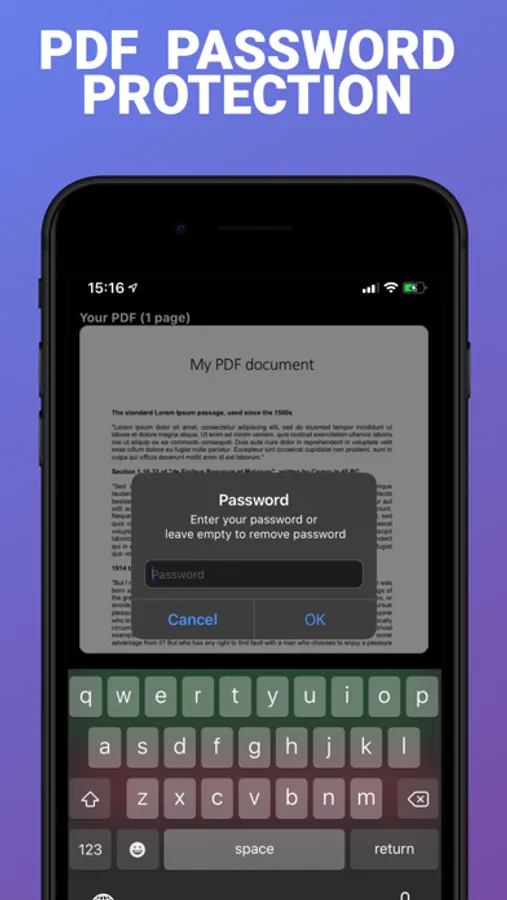
PDF Secure also allows you to completely remove the password protection of a document.
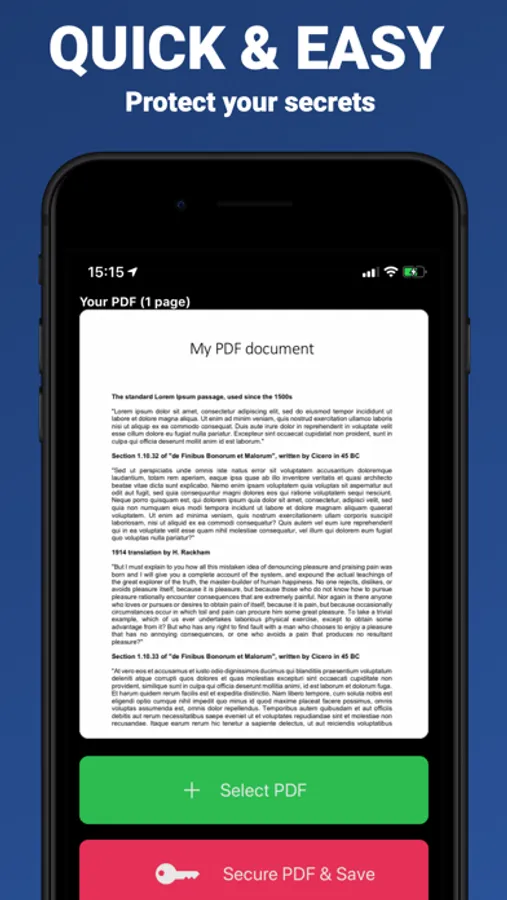
Using PDF Secure is very simple:
• Select a PDF document from your files
• Choose a password (ideally strong) and do not forget it
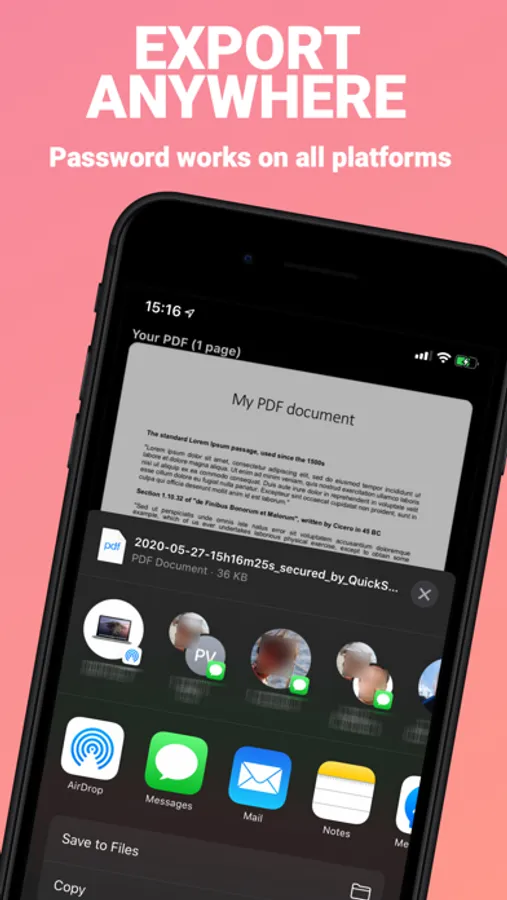
• Export anywhere (Files app, any cloud drive, E-mail, AirDrop, Messages, ...)
→ The password will now be requested at any attempt to open the PDF (on all platforms)
PDF Secure is compatible with the dark mode.
And it's 100% free (no in-app purchases, no ads).
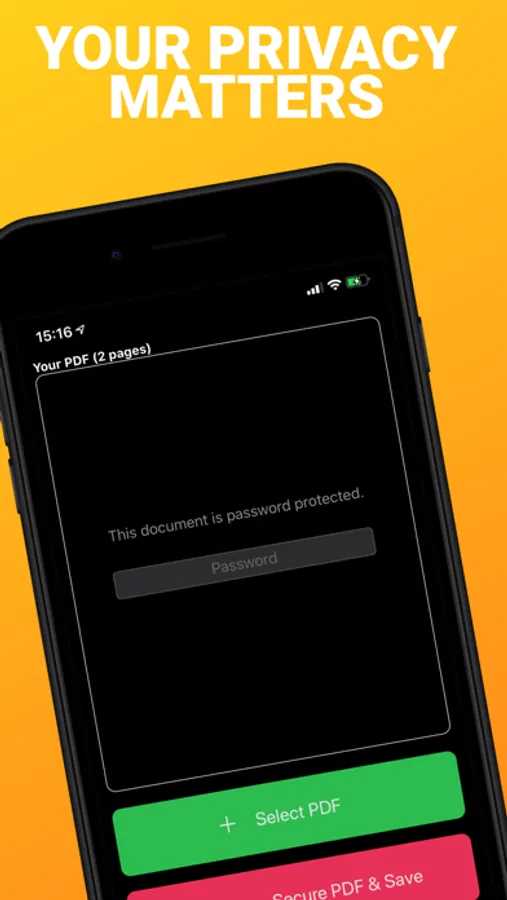
NO DATA COLLECTION. Everything happens on device. Your privacy matters.
Enjoy!
PDF Secure Screenshots
Tap to Rate:
Reviews for PDF Secure
Warrior_Queen_777
Secured Documents
This app is so easy to use. It works great! I love that I can use it on my iPad to secure PDF documents on my OneDrive, that is also available on my Desktop and Laptop. So, the same PDF documents I secure from this app are available across all my devices. And it’s free!!! Thank you sooo much developers of this app. I appreciate you and am so grateful for what you’ve done to help others. This is a true testament of helping your community in this online space.
Yosoync
PDF secure
Simple to operate. Great App