AppRecs review analysis
AppRecs rating 4.9. Trustworthiness 77 out of 100. Review manipulation risk 24 out of 100. Based on a review sample analyzed.
★★★★☆
4.9
AppRecs Rating
Ratings breakdown
5 star
79%
4 star
5%
3 star
5%
2 star
8%
1 star
3%
What to know
✓
Low review manipulation risk
24% review manipulation risk
✓
Credible reviews
77% trustworthiness score from analyzed reviews
✓
High user satisfaction
79% of sampled ratings are 5 stars
About PianoMeter – Piano Tuner
NOTE
The "free" version of this app is primarily for evaluation, and it only allows you to tune notes on the piano between C3 and C5. To tune the entire piano you will need to buy an upgrade through an in-app purchase.
What makes PianoMeter unique:
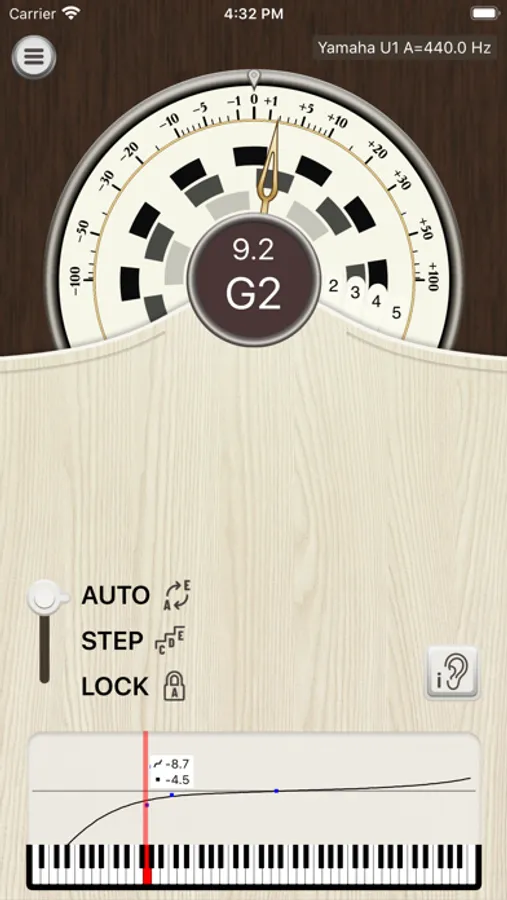
Unlike regular chromatic tuning apps that simply tune to a pre-calculated equal temperament, PianoMeter actively measures the tonal characteristics of each note and automatically calculates the ideal “stretch” or offset from equal temperament. In other words, it creates a custom tuning for each piano with the best compromise between intervals like fifths, fourths, octaves, and twelfths, the way aural piano tuners do when fine-tuning.
Functionality and pricing:
There are three levels of functionality: a free (evaluation) version, a paid "plus" version with basic tuning functionality, and a "professional" version with features geared towards professional piano tuners. The extra functionality is unlocked through one-time in-app purchases.
The Free version includes the following limited functionality:
• Tuning functionality for the mid-range of the piano only
• Automatic note detection
• Ability to measure each note on the piano to see how its current tuning compares to the ideal tuning curve (see if a piano is roughly in tune)
• Swipe in the graphing area to show a live frequency spectrum or the inharmonicity of measured notes.
Upgrading to "Plus" adds the following functionality:
• Tuning functionality for the entire piano
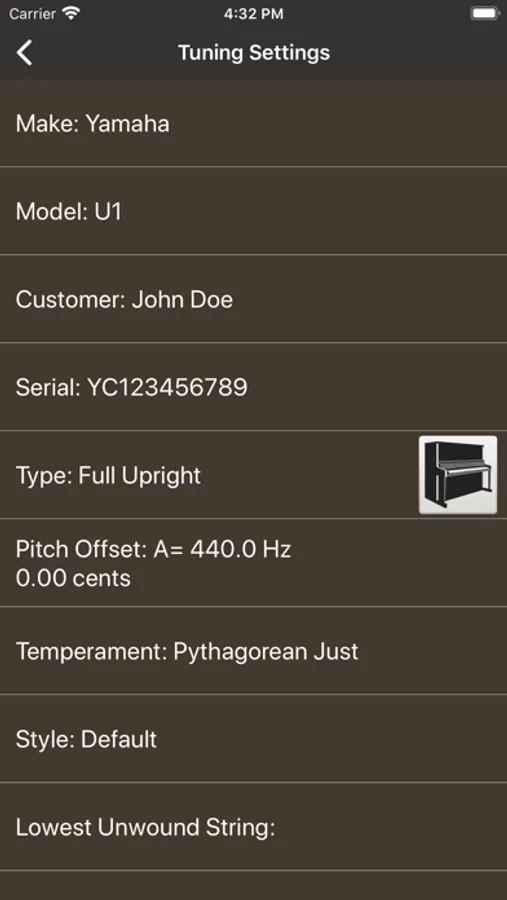
• Tune to frequency standards other than A=440
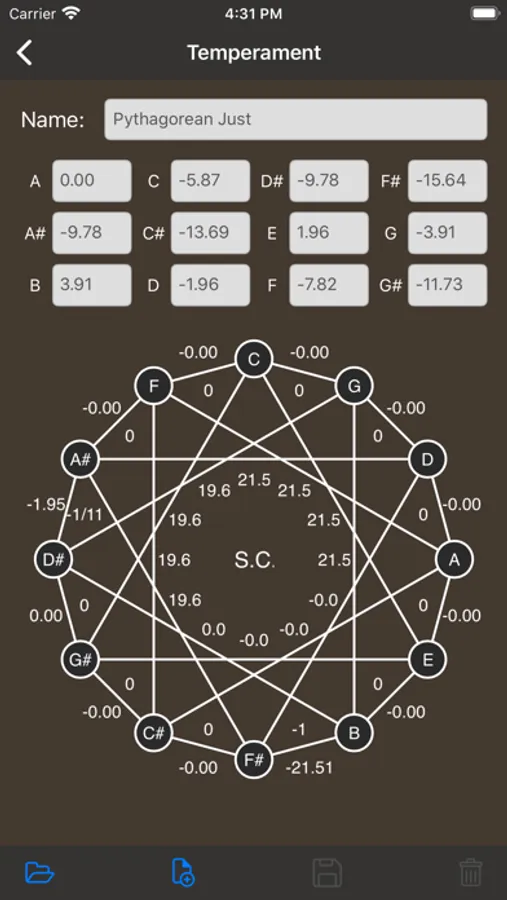
• Tune to historical or custom temperaments
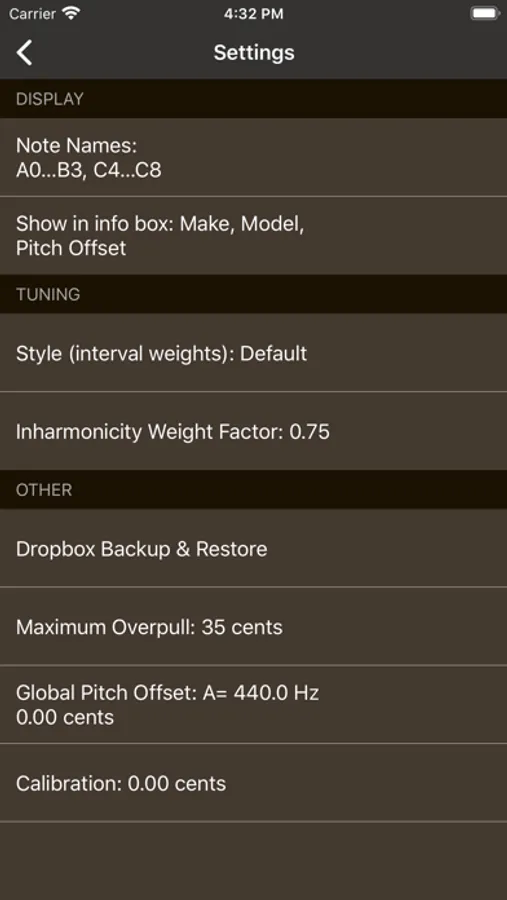
• Calibrate device to an external frequency source
Upgrading to Professional unlocks all features of the "Plus" version, plus the following:
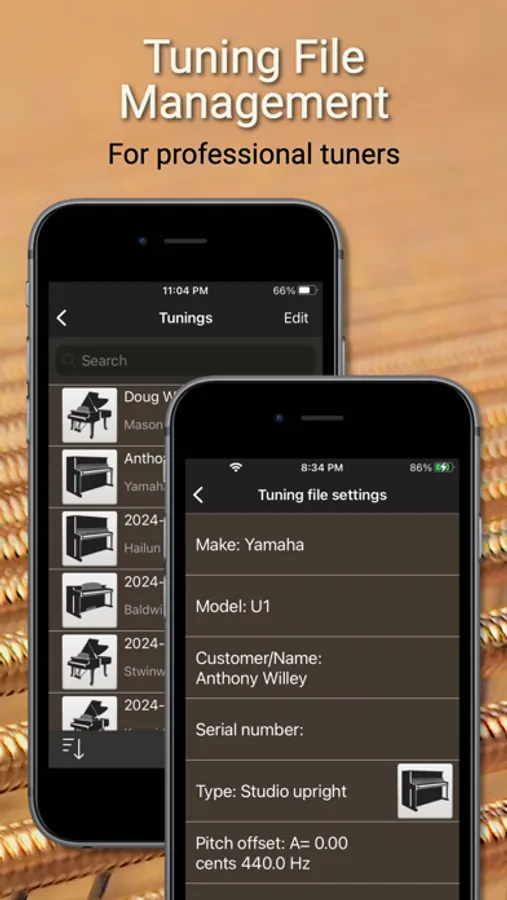
• Save and load tuning files, so a piano doesn't need to be re-measured each time it is tuned
• Pitch raise mode that calculates overpull for an initial first pass "rough" tuning (for pianos that are extremely flat)
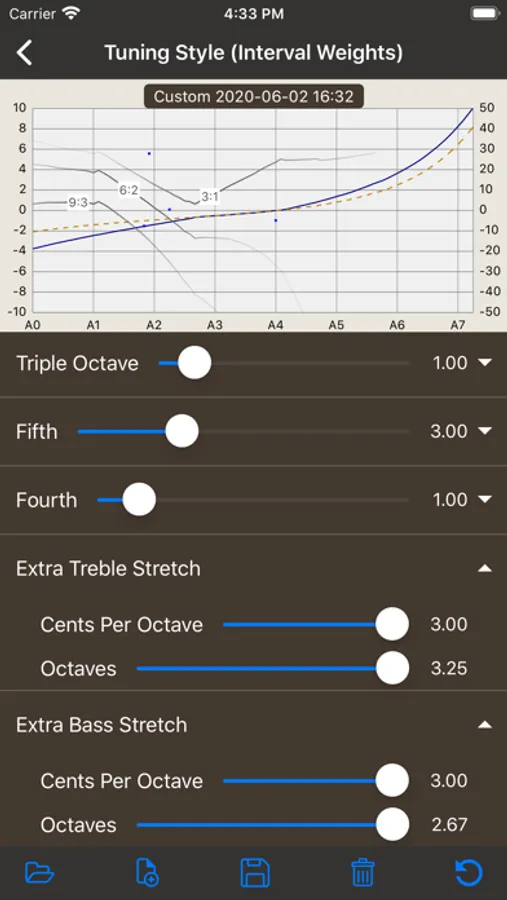
• Custom tuning styles: create a custom tuning curve by adjusting interval weighting and stretch
• Multi-partial tone generator that plays the target frequencies
• New colorful "Tonal Energy" display that shows a brief history of the pitch
• Access to all future features and enhancements
Upgrade costs:
Free to Plus (approximately US$30)
Free to Pro (approximately US$350)
Note about permissions
This app requires permission to access the microphone on your device and permission to read and write files.
PianoMeter – Piano Tuner Screenshots
Tap to Rate:
Reviews for PianoMeter – Piano Tuner
Paulie r from oh
Not accurate on lower octaves
Just isn’t accurate. Sadly the best tuners cost a lot more. This is okay if you are okay with not tuning your piano.
Maze canyon lands
OK but do your own bass stretch
I've been turning my own Baldwin 5 foot 8 inch grand since the early 1970s. Using just a tuning fork. I had great expectations regarding this app. I sampled every note on the piano to get the best possible result on the harmonics. And I was surprised to find that the stretch for the bass notes was slightly less than for two virtual Steinway full-size grands and my digital Yamaha. Smaller pianos are supposed to need more stretch. And so when I excitedly tried my tuning–it was unbearable because of the bass notes not being stretched enough. I downloaded the free trial of piano scope and this gave the bass 7.5 cents more stretch. And it was much more listenable although I won't know until I redo the entire tuning using piano scope. Note that the upper 3/4 of the piano seemed OK and comparable to piano scope. Suggestion: Update: a more careful analysis showed that the bottom a was 7.5 cents flat from piano meter on piano scope and this taper to zero at the second D sharp above that. Above that they were virtually identical. But even piano scope didn't even stretch enough. Piano scope made the stretch identical with my digital Yamaha, but my virtual Steinway concert grand has five cents more. Since my piano is smaller theoretically it needs more. Doing more research it seems that no one is happy with the stretch from any of these apps, even the pro versions which allow you to change the weight of the intervals. So I suggest doing a manual tuning below D sharp 2, slowly increasing the stretch from what piano meter gives you down to about 8 cents below piano meter at A zero. See online for how to do this accurately. So I suggest buying the plus version of piano meter and do your own bass stretch. Other than that it's a great app. I have the plus version and perhaps the pro version would do the bass stretch better. In the plus version you have the option to choose the size of the piano you want but this does not, strangely, change the actual bass stretch which stays at 25.1. Maybe in the pro version it does something. But I thought sampling the inharmonicity automatically adjusted for that.