
AppRecs review analysis
AppRecs rating 2.8. Trustworthiness 72 out of 100. Review manipulation risk 21 out of 100. Based on a review sample analyzed.
★★☆☆☆
2.8
AppRecs Rating
Ratings breakdown
5 star
22%
4 star
11%
3 star
33%
2 star
0%
1 star
33%
What to know
✓
Low review manipulation risk
21% review manipulation risk
✓
Credible reviews
72% trustworthiness score from analyzed reviews
⚠
Mixed user feedback
Average 2.9★ rating suggests room for improvement
About WIWACAM
WIWACAM aims to create high quality security products to provide you secure and safety. We focus on 100% Wireless Security Products. WIWA products combines the true wireless technology(no power cable, no network cable) with other leading technologies, such as various sensors, mobile internet, and AI(Artificial Intelligence). It provides you the easiest way and most reliable way to secure your home, business office or stores.
You can check your home or business place from anywhere, anytime. The WIWA products will notify you when there are intruders or important events you care about.
Feel free to contact us at our website https://wiwacam.com
About Subscription Plan Details and Information,
1. After confirming the purchase, your iTunes account will process the payment. Your Apple account will automatically renew the service for one month, three months or one year.
2. Subscription Service Name, Price and Duration:
1 Month SecurityPro 7 ,Price: 4.99$ ,Duration: 1 Month
3 Months SecurityPro 7 ,Price: 11.99$ ,Duration: 3 Months
12 Months SecurityPro 7 ,Price: 43.99$ ,Duration: 12 Months
1 Month SecurityPro 30 ,Price: 9.99$ ,Duration: 1 Month
3 Months SecurityPro 30 ,Price: 25.99$ ,Duration: 3 Months
12 Months SecurityPro 30 ,Price: 101.99$ ,Duration: 12 Months
3. When Auto Renewal is activated in your App Store account, the service fee will be charged 24 hours before service the plan expiration, via the App Store account. Once charged successfully, the service plan will be extended one more period.
4. You can disable Auto Renewal anytime in your Apple ID account in your phone settings, most of time: go to settings of the phone —>iTunes & App Store –>click on your Apple ID on the top –> Click View Apple ID and sign in if prompted –> Subscriptions –> Find and tap the subscription you would like to cancel.
Privacy Policy(including about Auto-renewable subscriptions)
https://www.wiwacam.com/privacypolicy
Terms of use
https://www.wiwacam.com/nutzungsbedingungen/
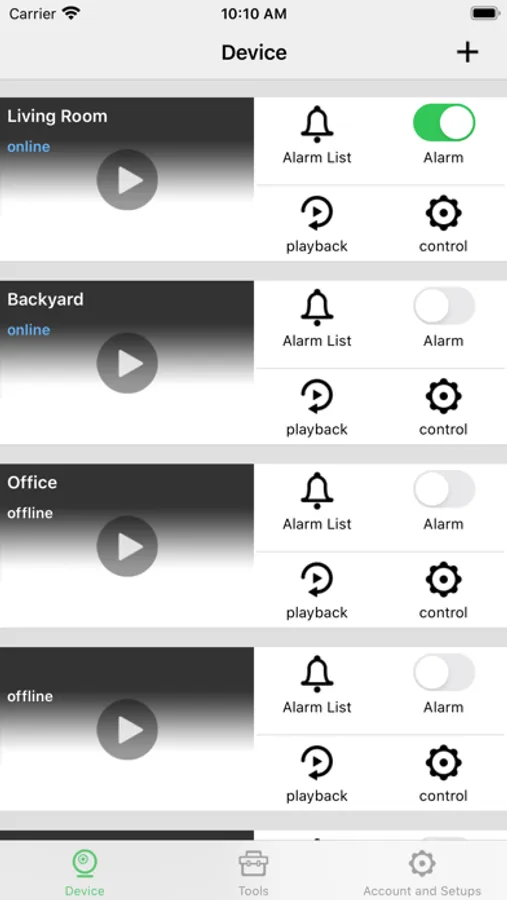
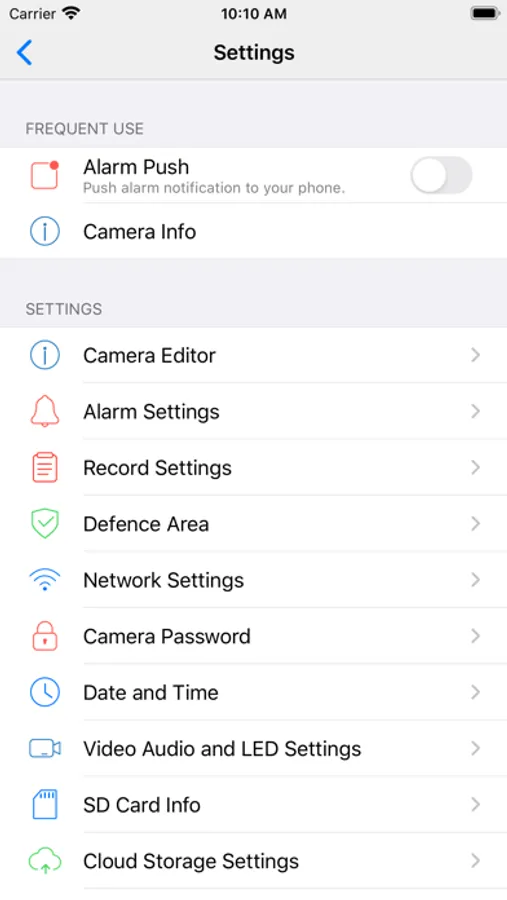
WIWACAM Screenshots
Tap to Rate:
Reviews for WIWACAM
Clifb3
Just not the same
So I got this cam probably a year ago and this app was great. You could hear the sound and control recording from the viewing screen. Now there is no sound or recording options on the viewing screen screen. Really needs an upgrade to change things back.
Aavva
Very Poor Performance
The device is finicky and unreliable, app is terrible, cumbersome when it works, and has not been updated to correct bugs, connectivity, or user interface issues.