
AppRecs review analysis
AppRecs rating 4.1. Trustworthiness 83 out of 100. Review manipulation risk 29 out of 100. Based on a review sample analyzed.
★★★★☆
4.1
AppRecs Rating
Ratings breakdown
5 star
64%
4 star
18%
3 star
0%
2 star
9%
1 star
9%
What to know
✓
Low review manipulation risk
29% review manipulation risk
✓
Credible reviews
83% trustworthiness score from analyzed reviews
✓
High user satisfaction
82% of sampled ratings are 4+ stars (4.2★ average)
About Pulsalarm
Features of the Apple Watch App:
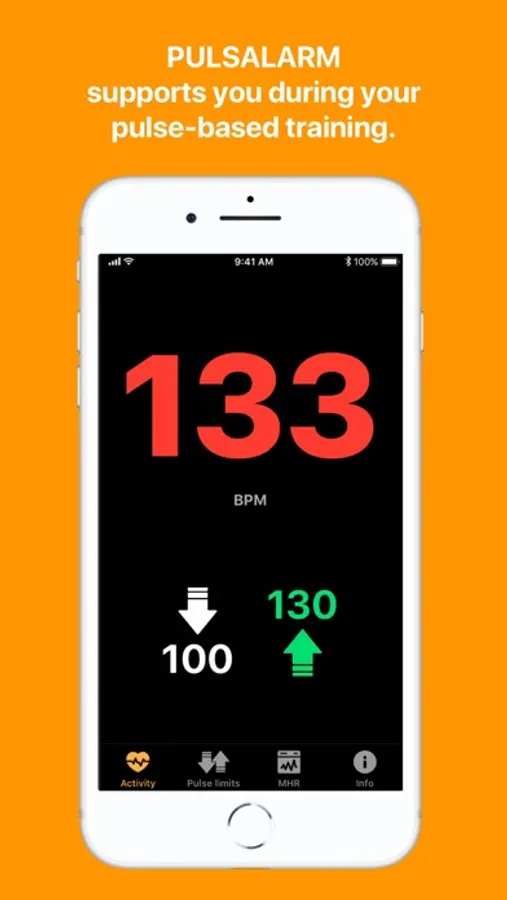
- Vibration and/or warning tone when the set pulse limits are reached
- Vibration and/or signal tone when returning to the set pulse range
- Pulse limits can be deactivated individually
- Large, easy to read display of the current pulse
- Fast adjustment of pulse limits (also possible while running)
- Works together with all known fitness, training and running apps that can be started on the Apple Watch
- Does not write data to Apple Health
- You can use the app on your Apple Watch without having your iPhone with you
Features of the iPhone App:
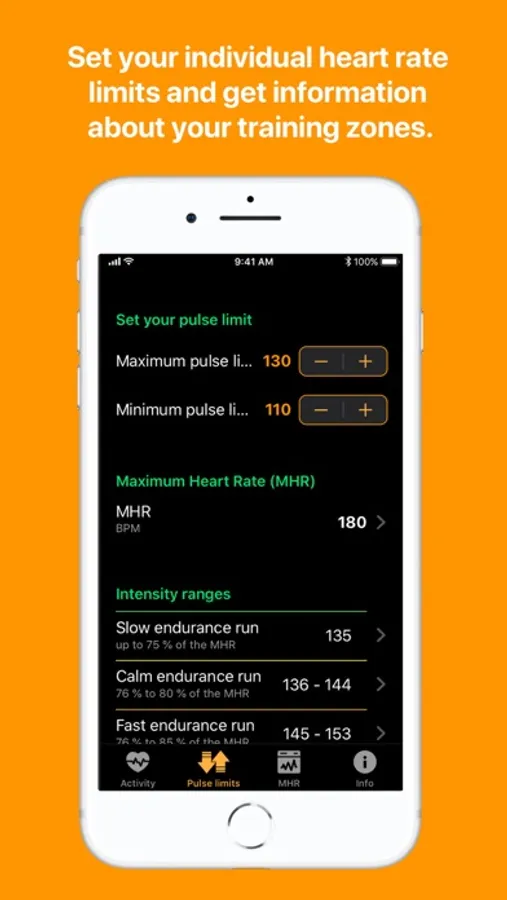
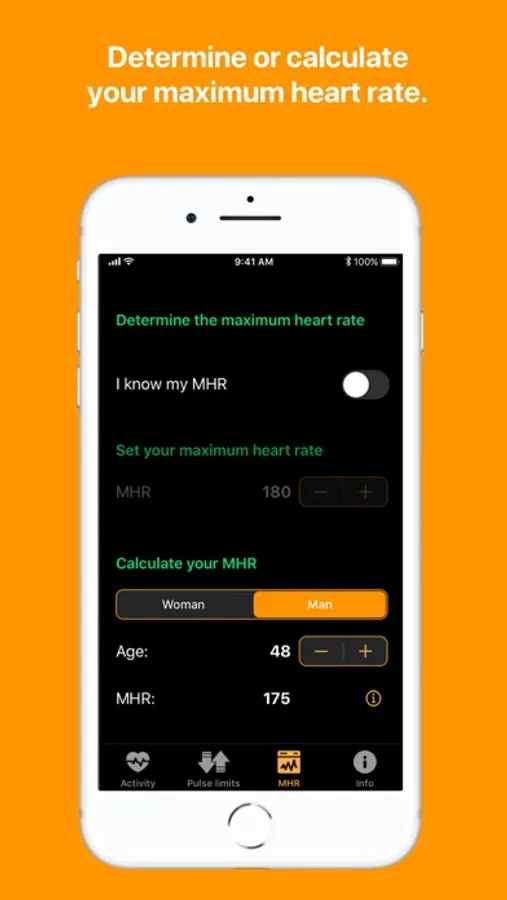
- Calculation of your maximum heart rate
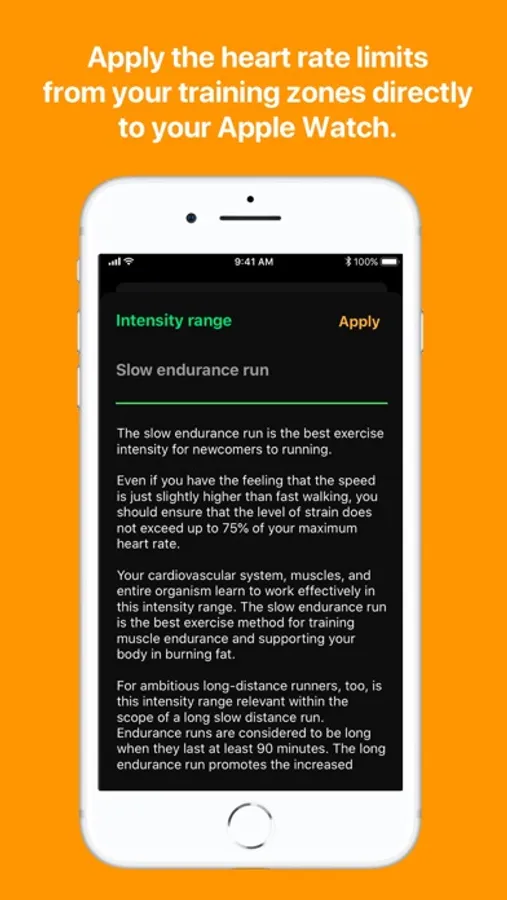
- Individual calculation of the 5 intensity ranges (depending on your maximum heart rate)
- Adoption of the pulse limits from the training zones
- Setting the maximum and minimum pulse limit
- Large display of the current pulse
Important note: without the use with an Apple Watch, the functional range of the app is limited, as no permanent pulse measurement can be carried out.
No advertising, no tracking, no third-party codes. Developed with passion and programmed in Germany.
Why use PULSALARM additionally?
Many running apps include the pace as a target in their training plans. However, the same speed can mean a high intensity for one person and a low intensity for another. It is therefore helpful to consider your heart rate instead of speed to determine and maintain the right training intensity.
PULSALARM helps you to do this. It turns your Apple Watch into a heart rate monitor.
What is the big advantage?
You no longer have to look at your Apple Watch during your workout and still know whether you are exercising within your personal heart rate zone. Also ideal in colder months, when your Apple Watch is hidden under a jacket or long-sleeved shirt and you can't look directly at the display while running.
For whom is PULSALARM suitable?
- Ideal for run beginners, as they can control themselves better and protect themselves from overstraining.
- Ideal for ambitious runners, as they can train more specifically in their intensity ranges and thus increase endurance and performance.
- For all athletes and fitness enthusiasts who are interested in heart rate monitoring during their training with their Apple Watch.
Summary:
With the PULSALARM app on the iPhone you can determine your 5 intensity ranges based on your maximum heart rate. You can enter your maximum heart rate directly or have it calculated. Set your personal maximum heart rate limit, which you do not want to exceed during training, and your minimum heart rate limit. When these limits are reached, your Apple Watch will alert you by vibrating and/or beeping.
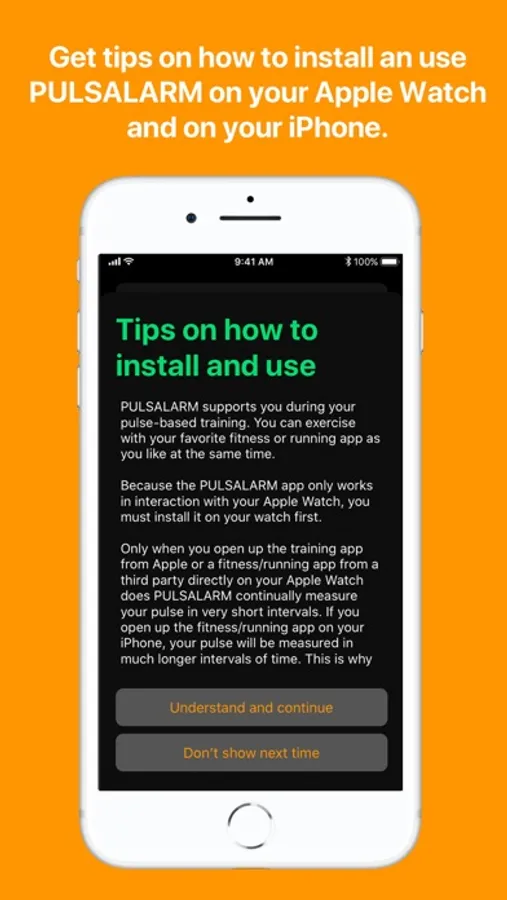
Pulsalarm Screenshots
Tap to Rate:
Reviews for Pulsalarm
grmpu
Great and eazy
The app is really easy. The alarm doesn’t start until you get into your zone and then you get alerted when you’re above and below. Its nice you don’t have to deal with alerts before you get to your zone. Im glad i got this
Silensenyc
Important - Only Works When App Is Open On Watch
This app only works if it’s open on your watch. I prefer something that works in the background automatically. Other than that, it works great!