
In this app, you can present code snippets with customizable themes and export options. Includes support for over 180 languages, multiple export formats, and keyboard shortcuts.
AppRecs review analysis
AppRecs rating 4.4. Trustworthiness 74 out of 100. Review manipulation risk 24 out of 100. Based on a review sample analyzed.
★★★★☆
4.4
AppRecs Rating
Ratings breakdown
5 star
64%
4 star
5%
3 star
9%
2 star
9%
1 star
14%
What to know
✓
Low review manipulation risk
24% review manipulation risk
✓
Credible reviews
74% trustworthiness score from analyzed reviews
✓
Good user ratings
68% positive sampled reviews
About Codye
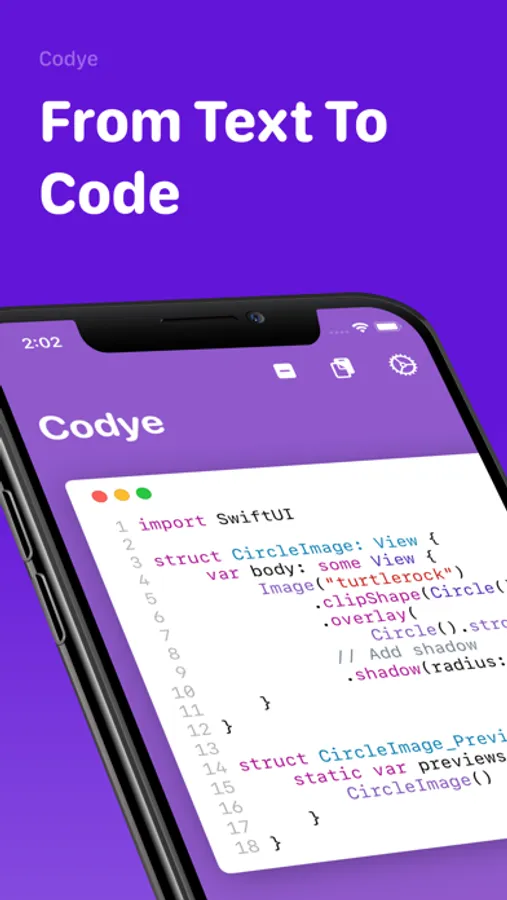
Present code in a beautiful way with Codye!
Tired of those blurry or plain-text code snippets in slides and documentation? Do you need to embed code in a fast, JavaScript-free way into your blog or website?
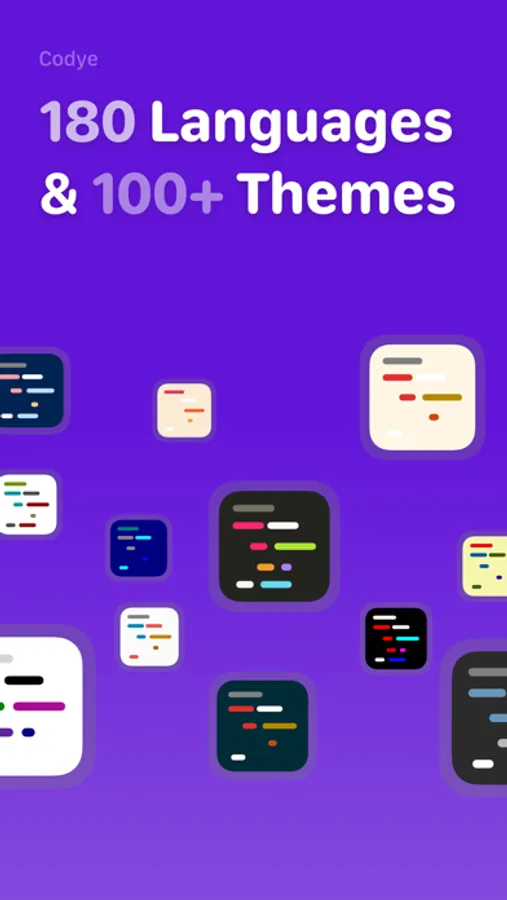
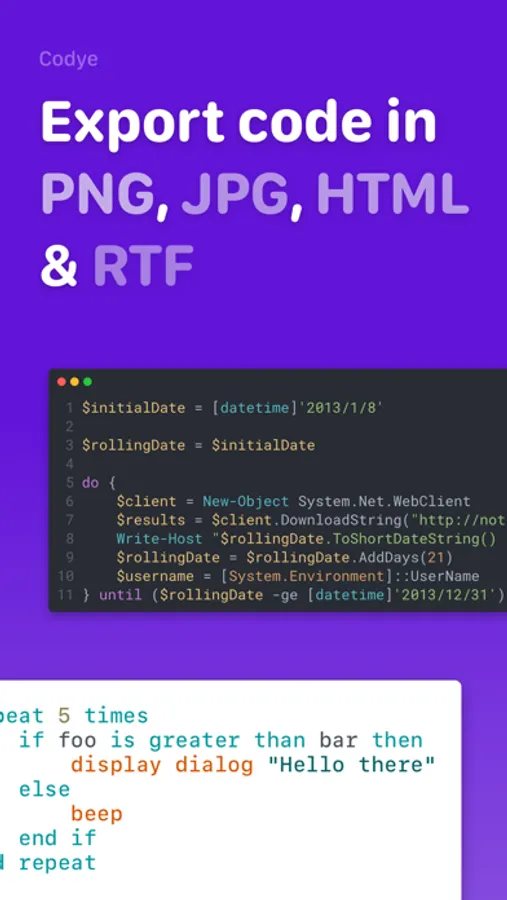
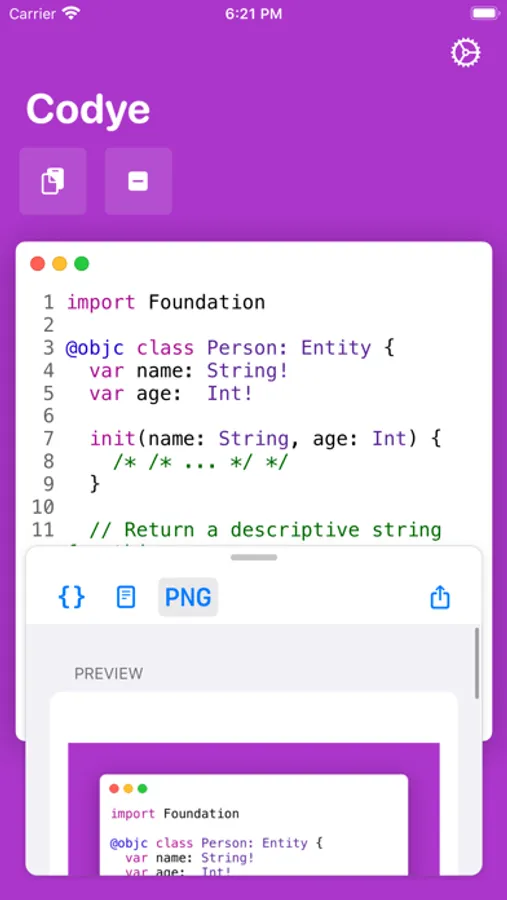
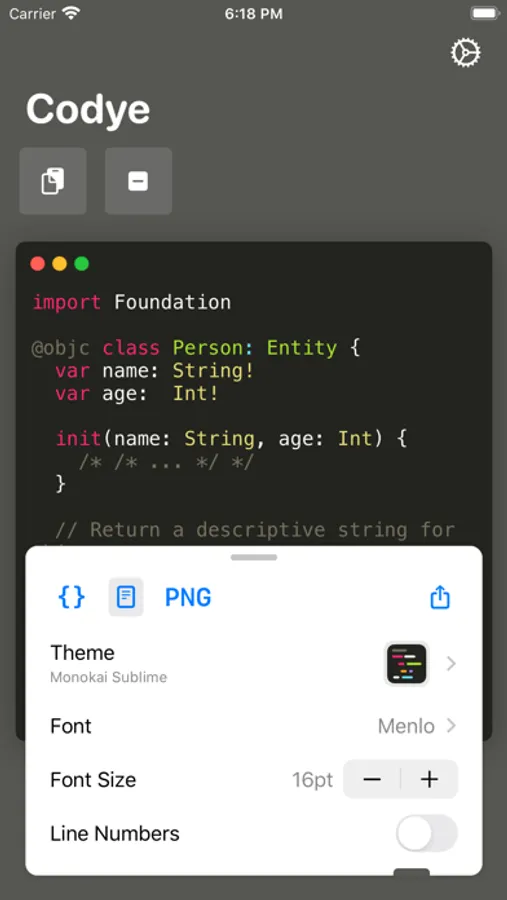
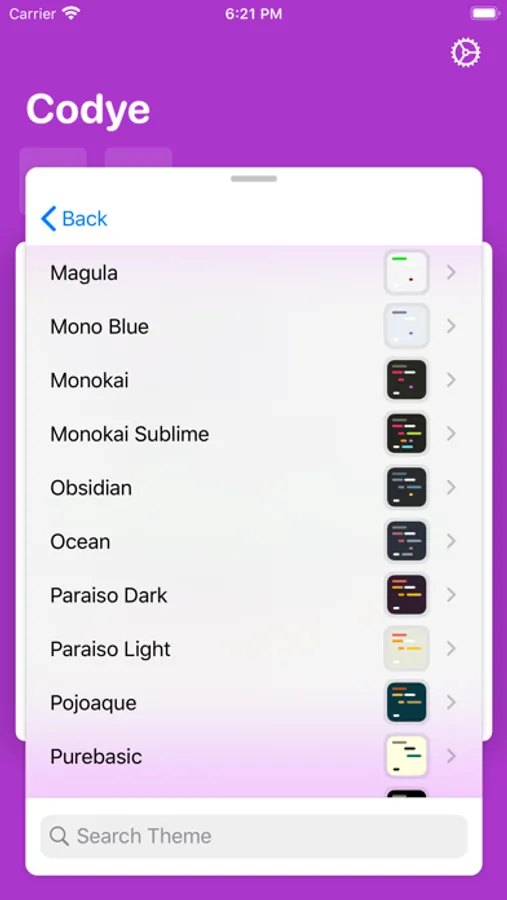
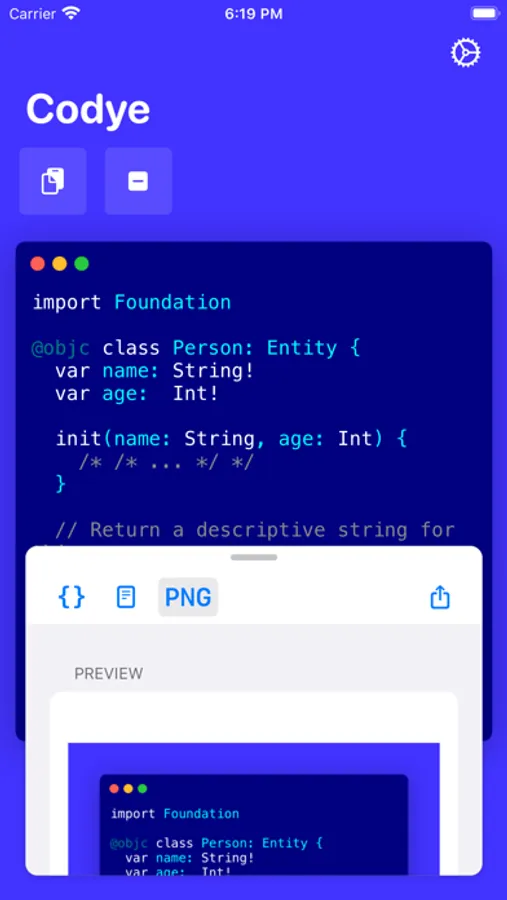
Codye helps you present your code in more than 180 languages and more than 100 themes. You can export your highlighted code snippets to PNG, JPEG, HTML & RTF, while fine-tuning many options to your liking:
- Show window buttons
- Enable Line numbers
- Custom or dynamic width of the code area
- Custom corner radius.
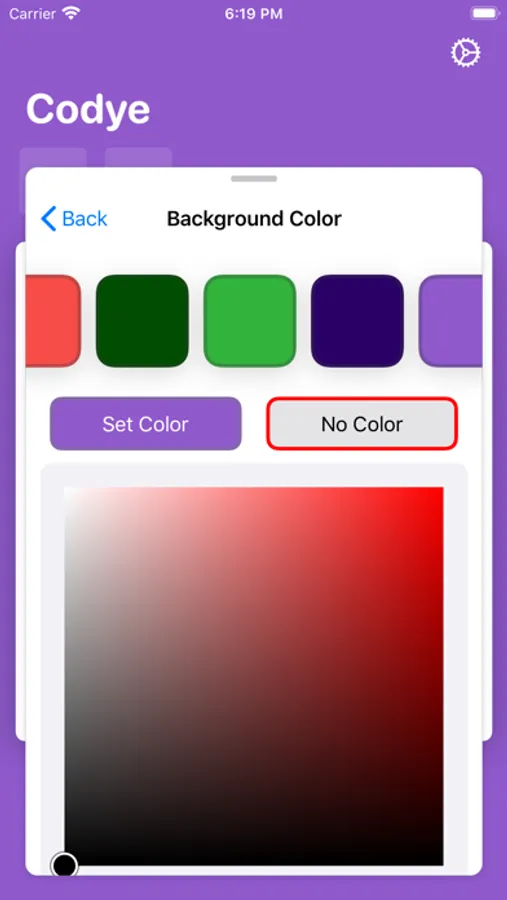
- Customize background color. Codye will look at your current theme and present you with custom colors to match the current style. You can also select any other color with the integrated HSB color picker.
- Custom scale and resolution
- Embed CSS styling to your HTML output
- Shortcuts integration for automating your snippets
Codye also allows navigating and using most of its features entirely from your keyboard, to enable power users to their most cutting edge needs.
Tired of those blurry or plain-text code snippets in slides and documentation? Do you need to embed code in a fast, JavaScript-free way into your blog or website?
Codye helps you present your code in more than 180 languages and more than 100 themes. You can export your highlighted code snippets to PNG, JPEG, HTML & RTF, while fine-tuning many options to your liking:
- Show window buttons
- Enable Line numbers
- Custom or dynamic width of the code area
- Custom corner radius.
- Customize background color. Codye will look at your current theme and present you with custom colors to match the current style. You can also select any other color with the integrated HSB color picker.
- Custom scale and resolution
- Embed CSS styling to your HTML output
- Shortcuts integration for automating your snippets
Codye also allows navigating and using most of its features entirely from your keyboard, to enable power users to their most cutting edge needs.
Codye Screenshots
Tap to Rate:
Reviews for Codye
Bran321
Was first class
Hasnt been updated and it inserts messed up parsing syntax into the images it exports so it kinda has no practical use anymore
LukasUSA
Amazing App
This app is amazing! I love the amount of themes it has, the programming languages it supports, and more.