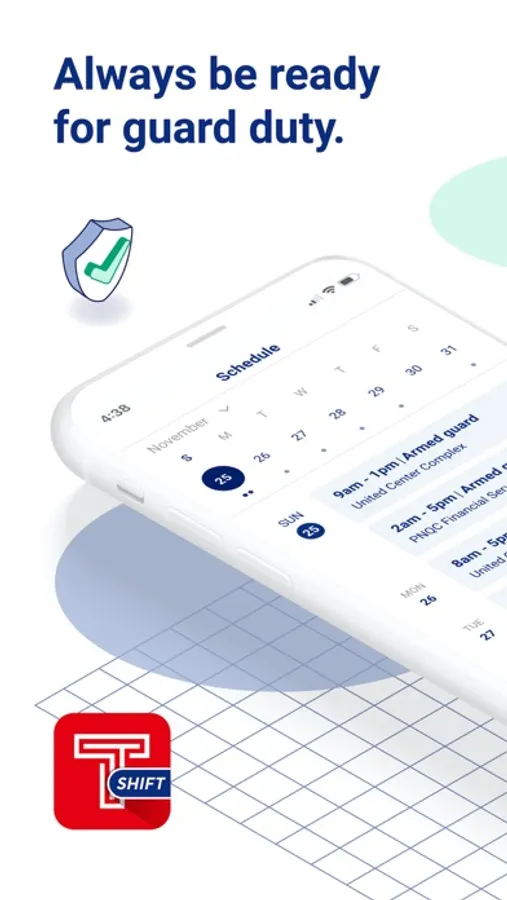
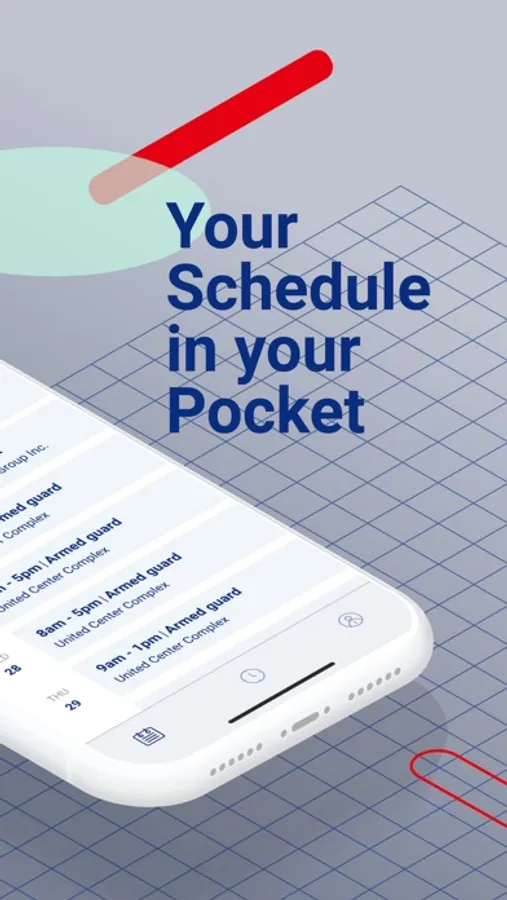
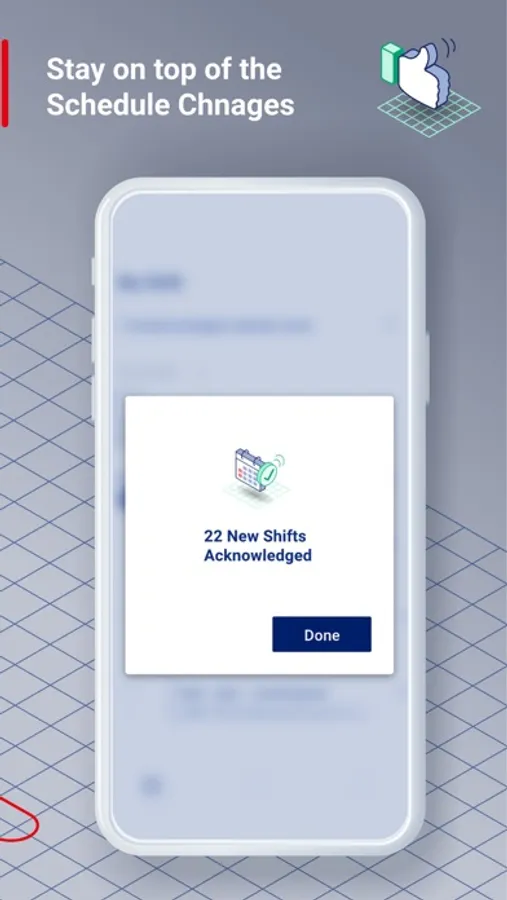
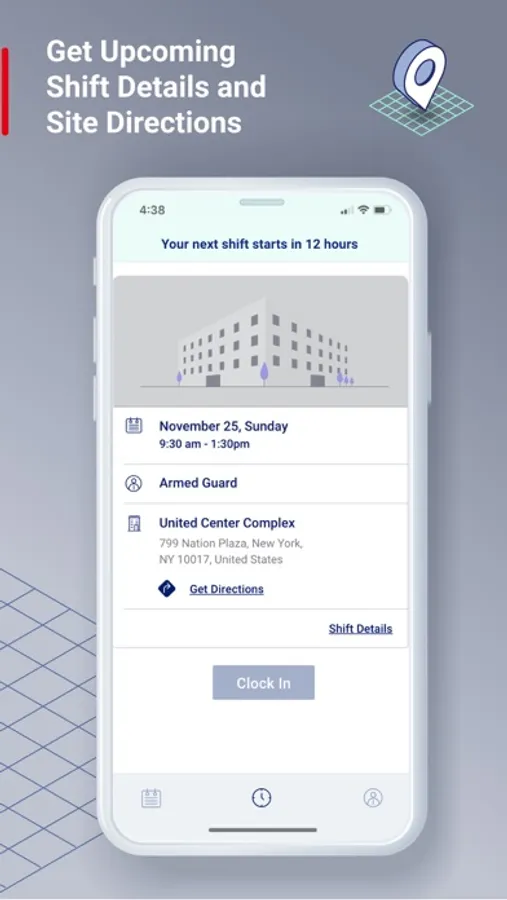
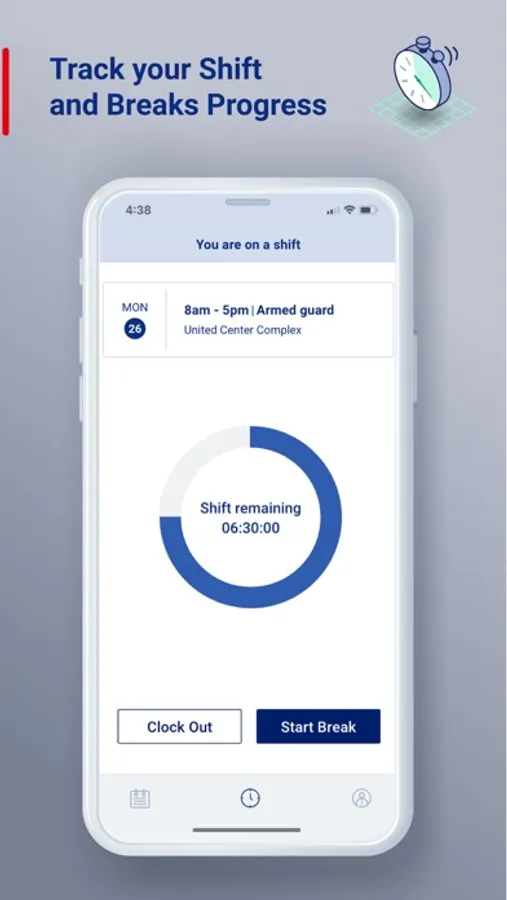
With this employee scheduling app, you can view shifts, clock in and out, and acknowledge updates. Includes shift management tools, GPS tracking, and notifications.
AppRecs review analysis
AppRecs rating 2.8. Trustworthiness 71 out of 100. Review manipulation risk 24 out of 100. Based on a review sample analyzed.
★★☆☆☆
2.8
AppRecs Rating
Ratings breakdown
5 star
34%
4 star
8%
3 star
9%
2 star
8%
1 star
40%
What to know
✓
Low review manipulation risk
24% review manipulation risk
⚠
Mixed user feedback
Average 2.9★ rating suggests room for improvement
⚠
High negative review ratio
48% of sampled ratings are 1–2 stars
About TrackTik SHIFT
Disclaimer: TrackTik SHIFT is an employee app that is used in conjunction with TrackTik’s Scheduling module. TrackTik SHIFT can use GPS capabilities in order to ensure officers are clocking in and out in a predetermined, approved geo-fenced area that aligns with their assigned shift. When an officer clocks out for breaks or for the end of their shift, GPS tracking is no longer enabled.
TrackTik SHIFT Screenshots
Tap to Rate:
Reviews for TrackTik SHIFT
swaggerot
App functions as poorly as website
Got logged out for whatever reason and upon attempting to log back in am forced into as password reset. When I got reset my password it tells me “password has been used before” no matter what I put in. I tried reporting this issue on the website, but upon trying to report the issue the drop down bars don’t work properly.
silvermoonhuskies
Hate this app
Does a system reset and my guards have to have corporate help to get back into the app. This was a horrible decision by our company to attempt this mess. I don’t have time to stay on the phone with my officers and management while I’m off duty to get my officers clocked in and the system hours worked out for this app not working properly. This is causing supervisors to work off duty to manage their scheduled employees times. Ridiculous. Poor management in the app. Not recommended.