AppRecs review analysis
AppRecs rating 2.5. Trustworthiness 80 out of 100. Review manipulation risk 26 out of 100. Based on a review sample analyzed.
★★☆☆☆
2.5
AppRecs Rating
Ratings breakdown
5 star
25%
4 star
13%
3 star
0%
2 star
13%
1 star
50%
What to know
✓
Low review manipulation risk
26% review manipulation risk
✓
Credible reviews
80% trustworthiness score from analyzed reviews
⚠
Mixed user feedback
Average 2.5★ rating suggests room for improvement
About OxiCare
This app can only be used with the wireless Bluetooth pulse oximeter produced by Shanghai Berry Electronic Co., Ltd., The running platform includes iPhone series, iPad series.
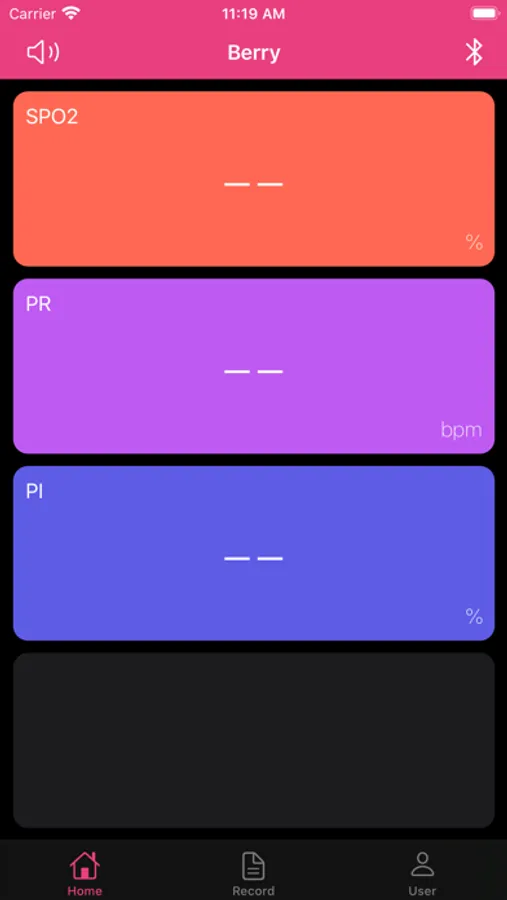
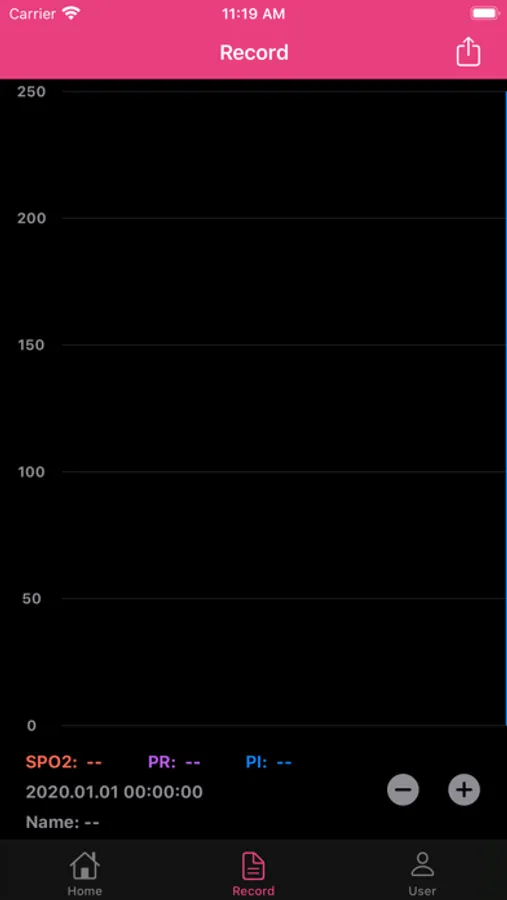
Pulse oximeter can be used to monitor non-invasive oxygen saturation (SpO2), pulse rate (PR), perfusion index (PI) and other physiological parameters. In addition, the app can record and store the physiological parameters of users in real time.
Measurement parameters:
SpO2 (%) shows the value of user's blood oxygen saturation (range: 35-100).
Pr (BPM) shows the value of pulse rate per minute (range: 25-250).
PI (%) shows the user's perfusion index value (range: 0 ~ 20).
For more details, please visit:www.berry-med.com
Disclaimer: This app measurement results are for reference only. Please consult your doctor before using this app and making any medical decisions.
上海贝瑞电子有限公司是一家专业研发便携式病人监护仪和蓝牙脉搏血氧仪的高科技公司。
本应用只能与上海贝瑞电子有限公司生产的无线蓝牙脉搏血氧仪配套使用,运行平台包括iPhone系列、iPad系列。
脉搏血氧仪可用于监测无创血氧饱和度(SpO2)、脉搏率(PR)、灌注指数(PI)等生理参数。此外,该应用还可以实时记录和存储用户的生理参数。
测量参数:
SpO2(%)显示用户血氧饱和度值(范围:35-100)。
Pr(BPM)显示每分钟脉冲率的值(范围:25-250)。
PI(%)显示用户的灌注指数值(范围:0~20)。
有关更多详细信息,请访问:网址:www.berry-med.com
免责声明:此应用程序测量结果仅供参考。在使用此应用程序和做出任何医疗决定之前,请咨询您的医生。
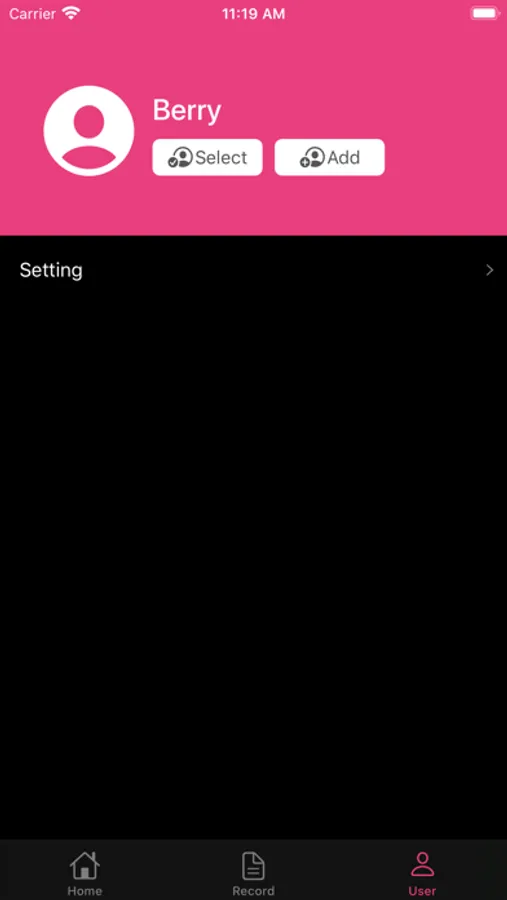
OxiCare Screenshots
Tap to Rate:
Reviews for OxiCare
sleeplessnashadow
Minimalist & not legible
The app is good for mirroring what is seen on the oximeter display but why not just watch the oximeter display? Same info. The app will record data while connected to the oximeter. The oximeter does not and requires the phone and app. The data is displayed in a graph line. The more history data the more the graph line becomes illegible. The graph line does not show the data collected. This requires touching the graph line where you wish to see data. The data appears in a text box for one second then disappears. Just enough time to focus on the text box as it isn’t in the same location each time. The data is gone before I can see more than a couple numbers. Finding where to touch the graph line for any given time or reading is near impossible when the graph is a mess from all the data collected. Best erasing all data and only viewing short data captured. The app is not compatible with iPhone Health. The app exports data to an Excel file.
dgdthbiufxc
History quit working after 1 day
History function (which is why I bought this model) worked great for 1 day, then broke. No new history being captured on the iPhone app. Settings button on the device itself also quit working after a couple of days of minimal use.