AppRecs review analysis
AppRecs rating 4.5. Trustworthiness 45 out of 100. Review manipulation risk 48 out of 100. Based on a review sample analyzed.
★★★★☆
4.5
AppRecs Rating
Ratings breakdown
5 star
100%
4 star
0%
3 star
0%
2 star
0%
1 star
0%
What to know
⚠
Questionable review patterns
48% review manipulation risk - some review patterns appear unusual
⚠
Unusually uniform ratings
100% of sampled ratings are 5 stars with very little variation
About Handy Angle
HandyAngleMeter is a powerful angle measurement tool that uses your device's camera and advanced AR technology to measure angles with precision and ease.
KEY FEATURES:
• Simple 3-step measurement process
• AR-powered point selection with visual guidance
• Real-time angle calculation and display
• Voice guidance
• Unlimited measurements for all users
• Professional-grade accuracy
PREMIUM FEATURES:
• Ad-free experience
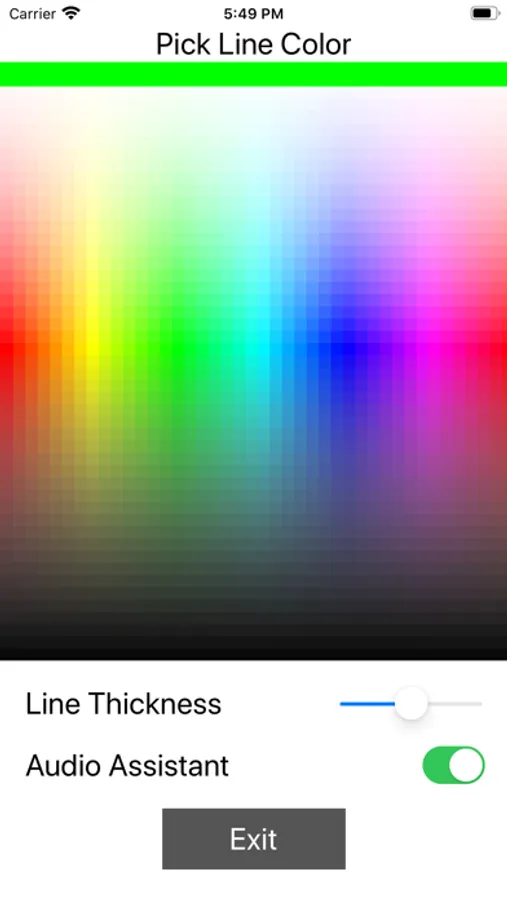
• Customizable line and point colors
• Save and share measurements as CSV files
• Advanced settings and customization
PERFECT FOR:
• Construction and carpentry work
• Engineering and design projects
• DIY home improvement projects
• Educational purposes
• Professional measurements
EASY TO USE:
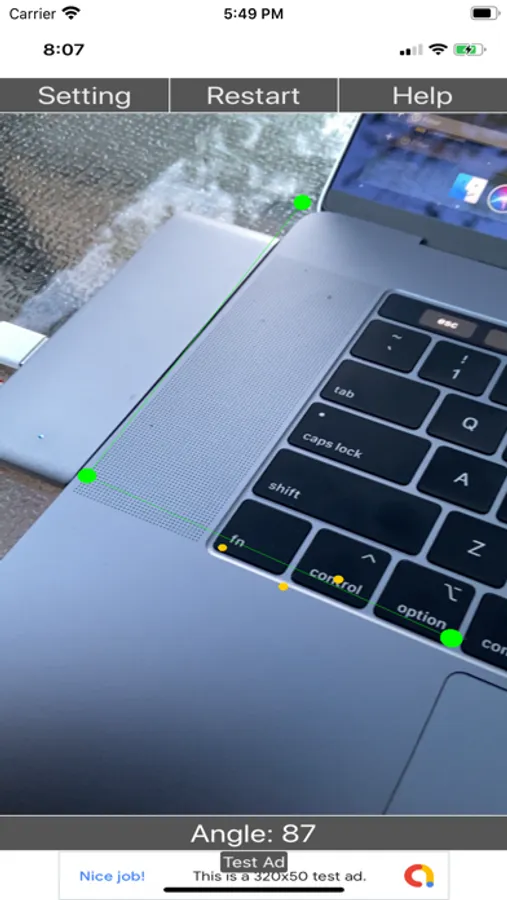
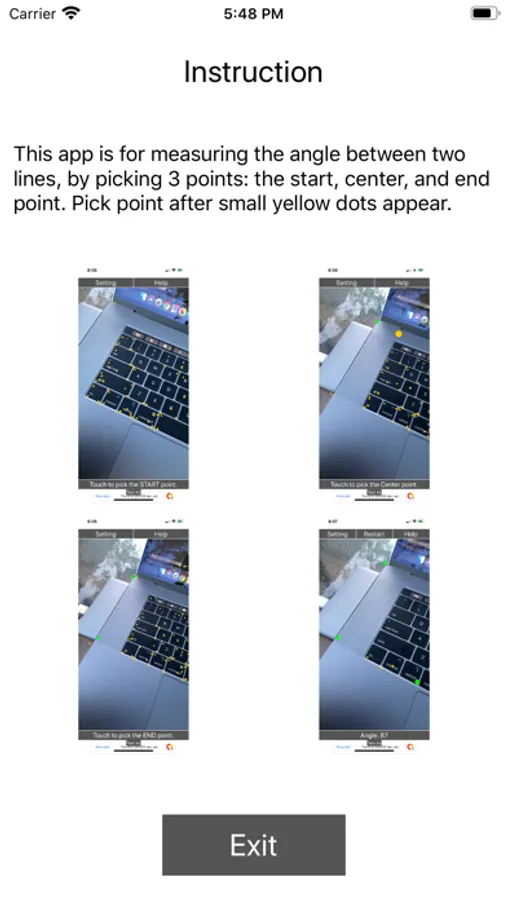
1. Point your camera at the surface
2. Wait for yellow dots to appear
3. Tap three points: start, center, and end
4. Get instant angle measurement
The app provides clear visual feedback with colored lines and points, making it easy to see exactly what you're measuring. Voice guidance helps you focus on your work while the app guides you through each step.
Premium users can save their measurements and export them as CSV files for record keeping and analysis. Customize the appearance with different colors to match your preferences and work environment.
Download HandyAngleMeter today and experience the most accurate and user-friendly angle measurement tool available.
Terms of Use (EULA): https://www.apple.com/legal/internet-services/itunes/dev/stdeula/
KEY FEATURES:
• Simple 3-step measurement process
• AR-powered point selection with visual guidance
• Real-time angle calculation and display
• Voice guidance
• Unlimited measurements for all users
• Professional-grade accuracy
PREMIUM FEATURES:
• Ad-free experience
• Customizable line and point colors
• Save and share measurements as CSV files
• Advanced settings and customization
PERFECT FOR:
• Construction and carpentry work
• Engineering and design projects
• DIY home improvement projects
• Educational purposes
• Professional measurements
EASY TO USE:
1. Point your camera at the surface
2. Wait for yellow dots to appear
3. Tap three points: start, center, and end
4. Get instant angle measurement
The app provides clear visual feedback with colored lines and points, making it easy to see exactly what you're measuring. Voice guidance helps you focus on your work while the app guides you through each step.
Premium users can save their measurements and export them as CSV files for record keeping and analysis. Customize the appearance with different colors to match your preferences and work environment.
Download HandyAngleMeter today and experience the most accurate and user-friendly angle measurement tool available.
Terms of Use (EULA): https://www.apple.com/legal/internet-services/itunes/dev/stdeula/
Handy Angle Screenshots
Tap to Rate:
Reviews for Handy Angle
Evanoz21
I find this highly useful
I love it