
AppRecs review analysis
AppRecs rating 2.6. Trustworthiness 75 out of 100. Review manipulation risk 24 out of 100. Based on a review sample analyzed.
★★☆☆☆
2.6
AppRecs Rating
Ratings breakdown
5 star
40%
4 star
0%
3 star
0%
2 star
0%
1 star
60%
What to know
✓
Low review manipulation risk
24% review manipulation risk
✓
Credible reviews
75% trustworthiness score from analyzed reviews
⚠
Mixed user feedback
Average 2.6★ rating suggests room for improvement
About Milesight ToolBox
Configuration and Management Made Easy
Milesight ToolBox is an intelligent management application designed specifically for Milesight sensor users. With its intuitive interface, it offers efficient and convenient device configuration and operation experiences, reducing learning costs and enhancing work efficiency.
Core Features
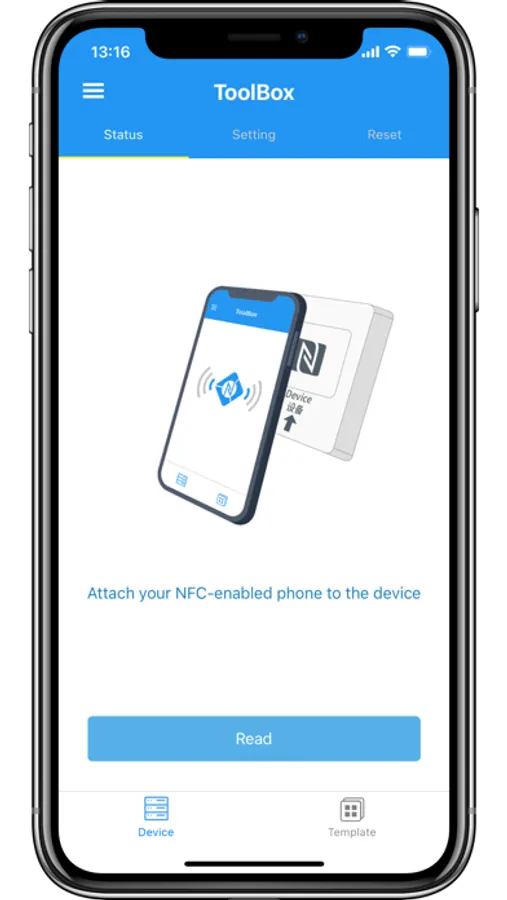
- Easy Configuration: Quickly read and write to node devices using NFC and Bluetooth, eliminating cumbersome setup processes.
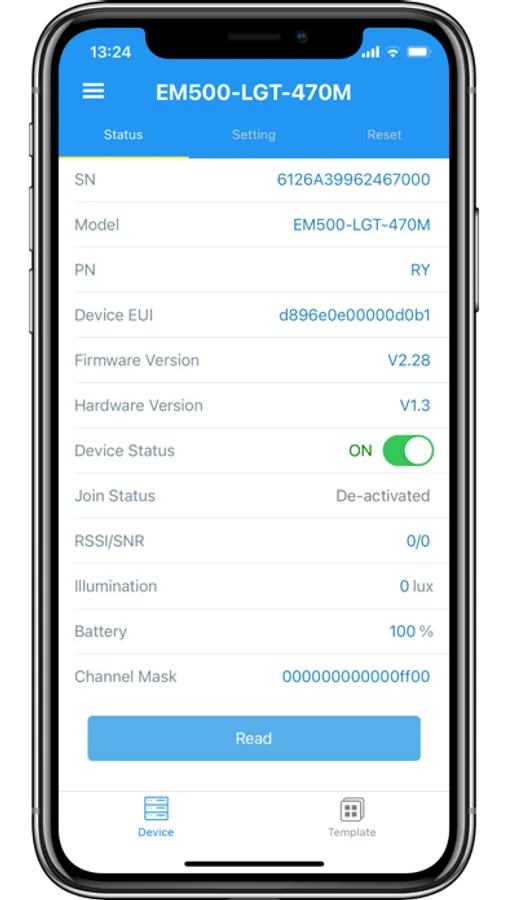
- Real-Time Monitoring: Access device status information, including power on/off status, network status, and detection status, so you can always stay updated on device operation.
- Basic Information Query: Easily view device SN, EUI, hardware version, firmware version, and network signal strength, ensuring transparent and controllable device information.
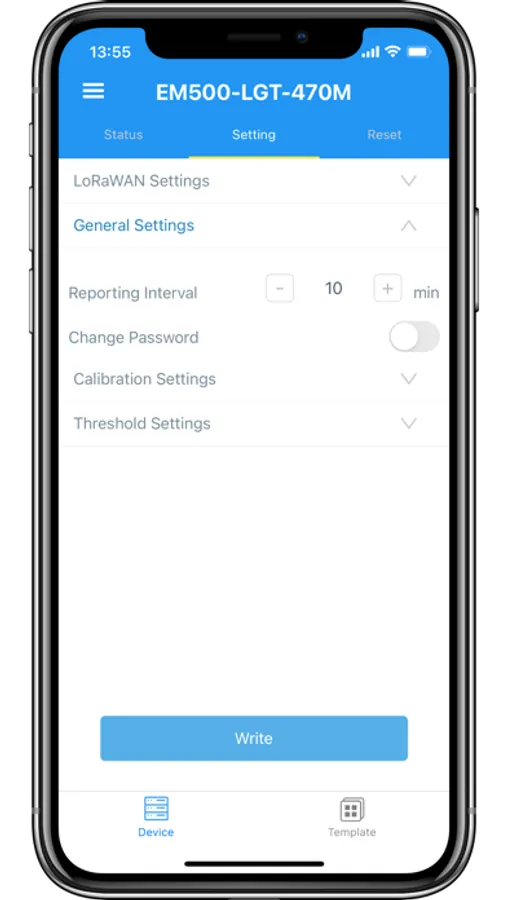
- Smart Configuration: Supports common configurations, threshold settings, calibration, scheduling, and network settings for node devices, meeting diverse usage needs.
- Comprehensive Operations: Perform actions such as power on/off, time synchronization, rebooting, resetting, and exporting historical data, making device management more efficient.
Download Now and Take Control of Your Devices!
No matter if it's smart buildings, energy management, smart agriculture, smart industry, or other application scenarios, Milesight ToolBox will be your indispensable partner. Download now to experience a whole new way of intelligent configuration!
Milesight ToolBox is an intelligent management application designed specifically for Milesight sensor users. With its intuitive interface, it offers efficient and convenient device configuration and operation experiences, reducing learning costs and enhancing work efficiency.
Core Features
- Easy Configuration: Quickly read and write to node devices using NFC and Bluetooth, eliminating cumbersome setup processes.
- Real-Time Monitoring: Access device status information, including power on/off status, network status, and detection status, so you can always stay updated on device operation.
- Basic Information Query: Easily view device SN, EUI, hardware version, firmware version, and network signal strength, ensuring transparent and controllable device information.
- Smart Configuration: Supports common configurations, threshold settings, calibration, scheduling, and network settings for node devices, meeting diverse usage needs.
- Comprehensive Operations: Perform actions such as power on/off, time synchronization, rebooting, resetting, and exporting historical data, making device management more efficient.
Download Now and Take Control of Your Devices!
No matter if it's smart buildings, energy management, smart agriculture, smart industry, or other application scenarios, Milesight ToolBox will be your indispensable partner. Download now to experience a whole new way of intelligent configuration!
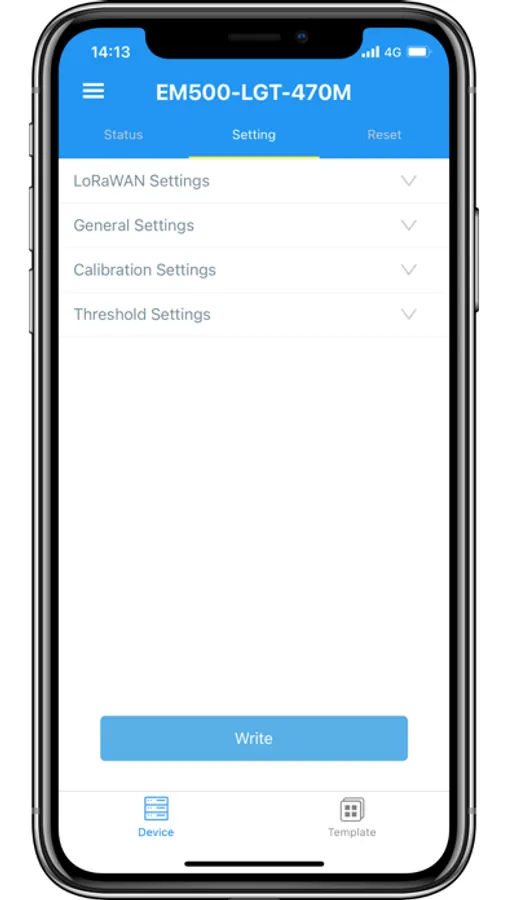
Milesight ToolBox Screenshots
Tap to Rate:
Reviews for Milesight ToolBox
D-Tech International
Great tool for Library Traffic!
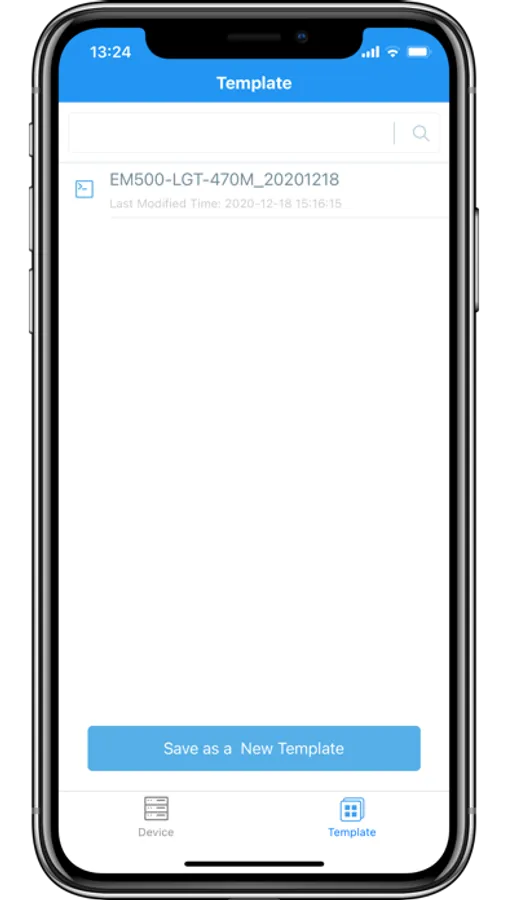
VS360 model, super easy to set up and very easy to configure and add or copy templates!
Mvniekerk
You need to properly align NFC
Top of the iPhone behind the face sensors has got the NFC antenna. For the PIR I had to align that of the iPhone above the indicator light. Then it read correctly.