In this app, you can sculpt, paint, and refine 3D models using various tools and features. Includes layers, multiresolution sculpting, and texture baking for detailed editing.
AppRecs review analysis
AppRecs rating 4.5. Trustworthiness 74 out of 100. Review manipulation risk 26 out of 100. Based on a review sample analyzed.
★★★★☆
4.5
AppRecs Rating
Ratings breakdown
5 star
91%
4 star
6%
3 star
2%
2 star
1%
1 star
1%
What to know
✓
Low review manipulation risk
26% review manipulation risk
✓
Credible reviews
74% trustworthiness score from analyzed reviews
✓
High user satisfaction
91% of sampled ratings are 5 stars
About Nomad Sculpt
Clay, flatten, smooth, mask and many other brushes will let you shape your creation.
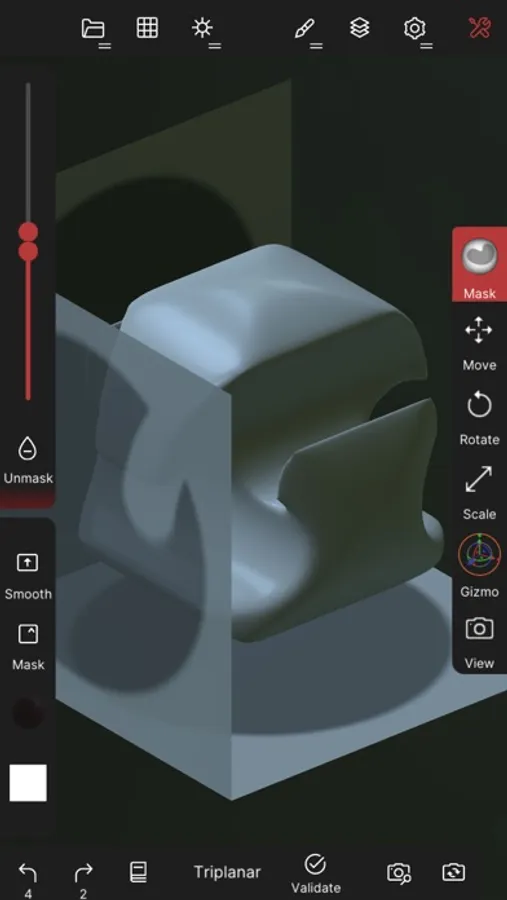
You can also use the trim boolean cutting tool with lasso, rectangle and other shapes, for hardsurface purposes.
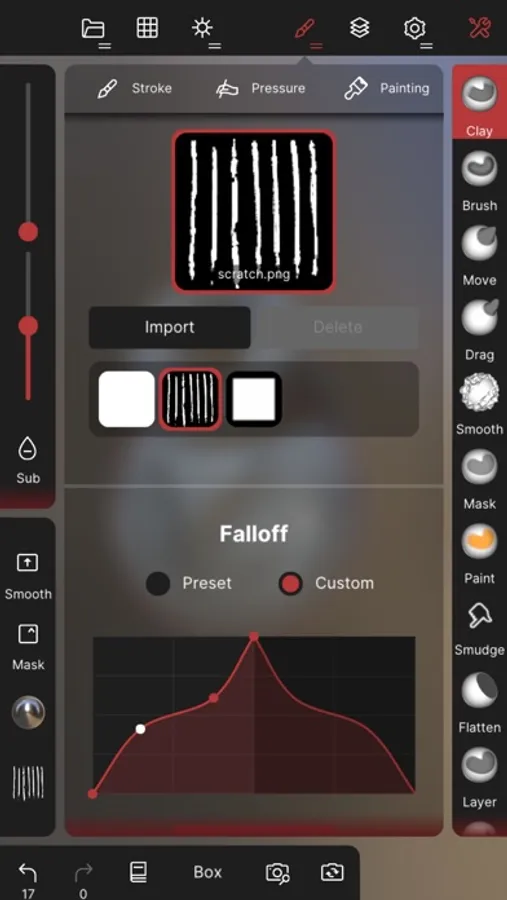
• Stroke customization
Falloff, alphas, tilings, pencil pressure and other stroke parameters can be customized.
You can save and load your tools preset as well.
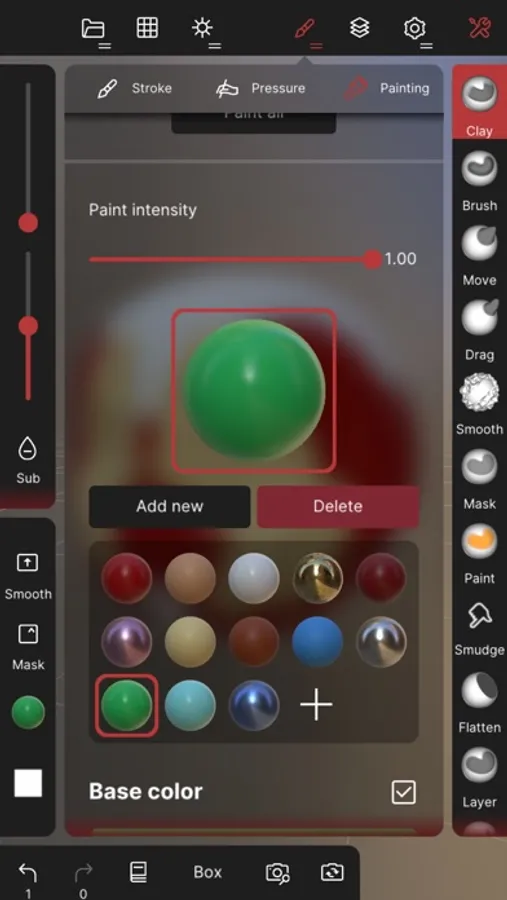
• Painting tools
Vertex painting with color, roughness and metalness.
You can easily manage all your material presets as well.
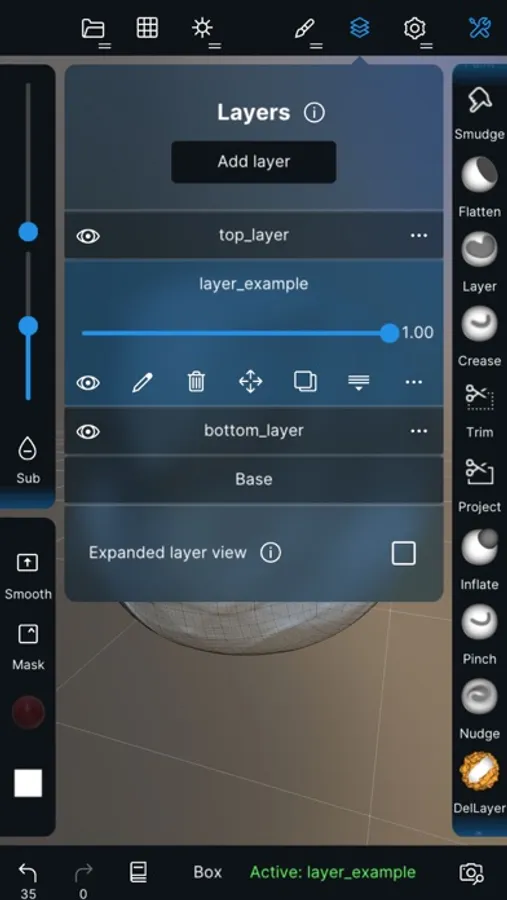
• Layers
Record your sculpting and painting operations in separate layers for easier iteration during the creation process.
Both the sculpting and painting changes are recorded.
• Multiresolution sculpting
Go back and forth between multiple resolution of your mesh for a flexible workflow.
• Voxel remeshing
Remesh quickly your mesh to get a uniform level of detail.
It can be used to quickly sketch a rough shape at the beginning of the creation process.
• Dynamic topology
Refine locally your mesh under your brush to get an automatic level of detail.
You can even keep your layers, as they will be automatically updated!
• Decimate
Reduce the number of polygons by keeping as many details as possible.
• Face Group
Segment your mesh into subgroups with the face group tool.
• Automatic UV unwrap
The automatic UV unwrapper can use face groups to control the unwrapping process.
• Baking
You can transfer vertex data such as color, roughness, metalness and small scaled detail in to textures.
You can also do the opposite, transfering textures data into vertex data or layers.
• Primitive shape
Cylinder, torus, tube, lathe and other primitives can be used to quickly start new shapes from scratch.
• PBR rendering
Beautiful PBR rendering by default, with lighting and shadows.
You can always switch to matcap for a more standard shading for sculpting purposes.
• Post processing
Screen Space Reflection, Depth of Field, Ambient Occlusion, Tone mapping, etc
• Export and Import
Supported formats include glTF, OBJ, STL or PLY files.
• Interface
Easy-to-use interface, designed for mobile experience.
Customization is possible as well!
• Quad Remesher (separate in-app purchase only)
Remesh your object automatically with a quad dominant mesh that follows the mesh curvatures.
It supports guides, face groups and density painting.
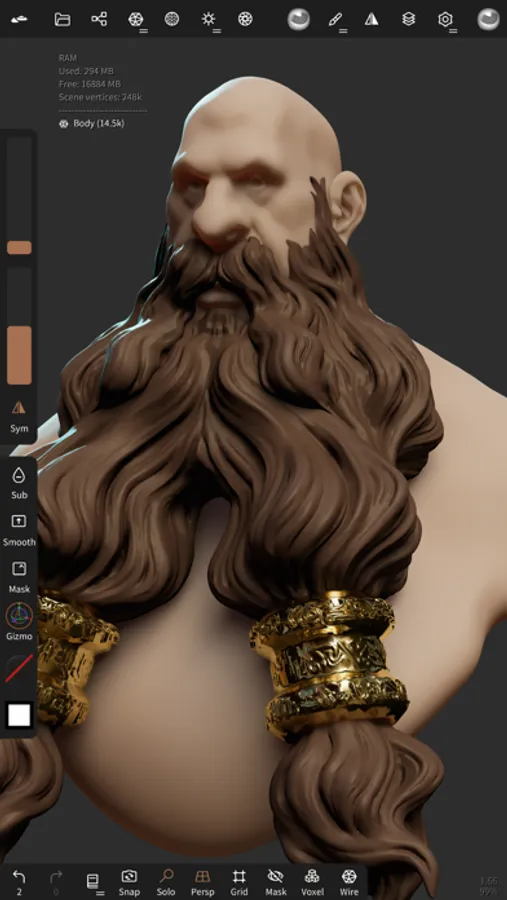
Nomad Sculpt Screenshots
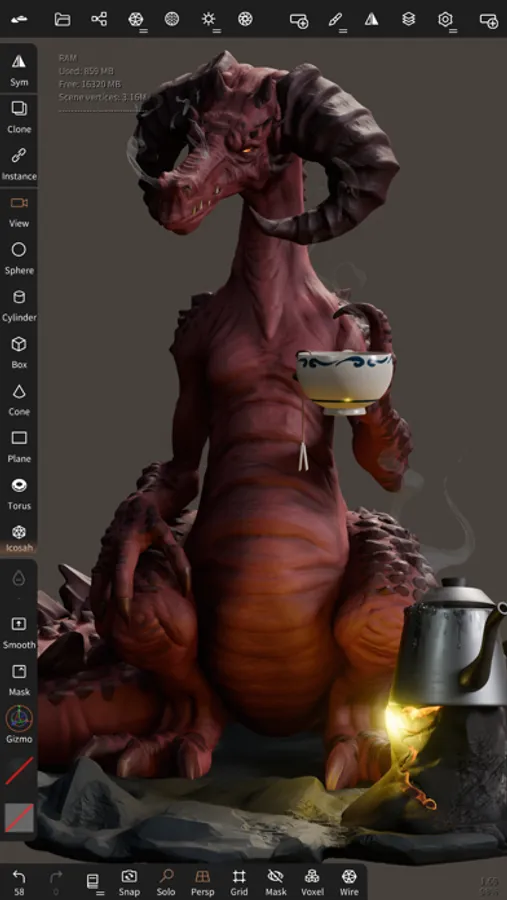
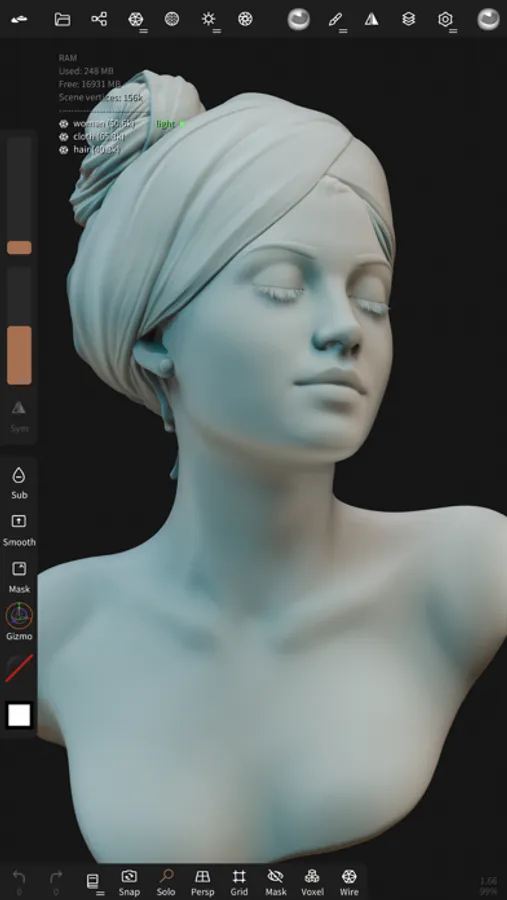
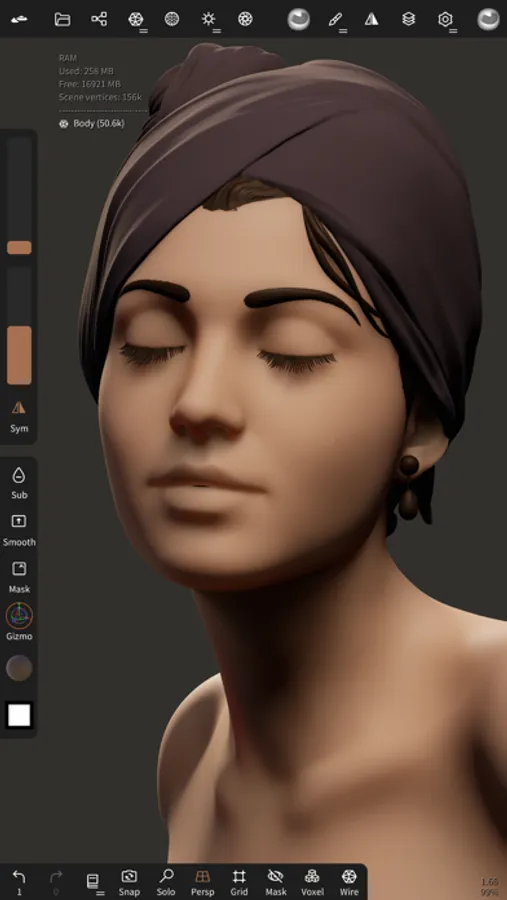
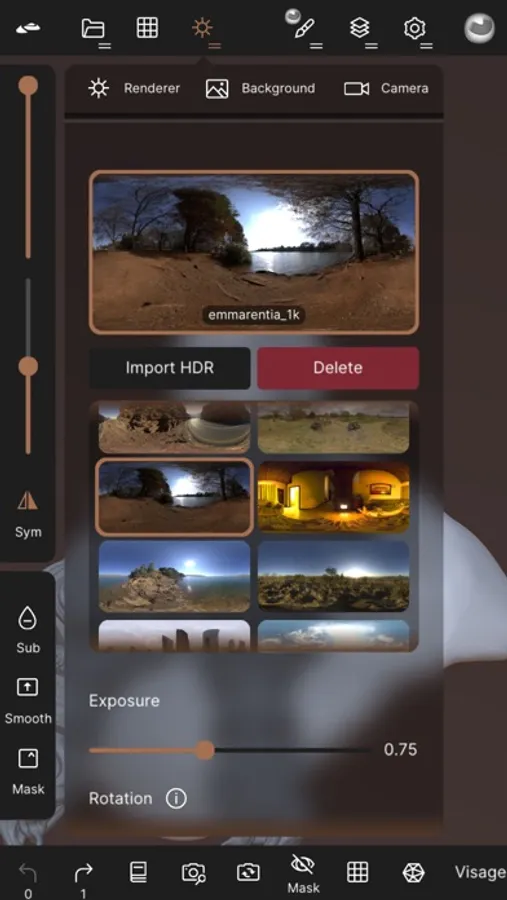
Tap to Rate:
Reviews for Nomad Sculpt
Deezanutsa
Amazing
I’ve used ZBrush and Blender for about 15 years, 3d Coat for 8 years, and for sculpting I prefer using Nomad. It’s not as powerful as ZBrush or 3d Coat, but Nomad is still impressive. It’s easier to use, more intuitive and you can create anything you can imagine. It has everything that I need, whereas ZBrush And 3d Coat has features I never use. Because of that I’ve only been using Nomad. There is also a desktop version for Mac and Windows for only $35, making it easier to use along with Blender. Very grateful that this app exists.
Catagirly
File size kicks you off eventually
File size kicks you off eventually