AppRecs review analysis
AppRecs rating 4.4. Trustworthiness 55 out of 100. Review manipulation risk 48 out of 100. Based on a review sample analyzed.
★★★★☆
4.4
AppRecs Rating
Ratings breakdown
5 star
77%
4 star
8%
3 star
0%
2 star
8%
1 star
8%
What to know
⚠
Questionable review patterns
48% review manipulation risk - some review patterns appear unusual
About Teleprompter Premiere
• Trim video
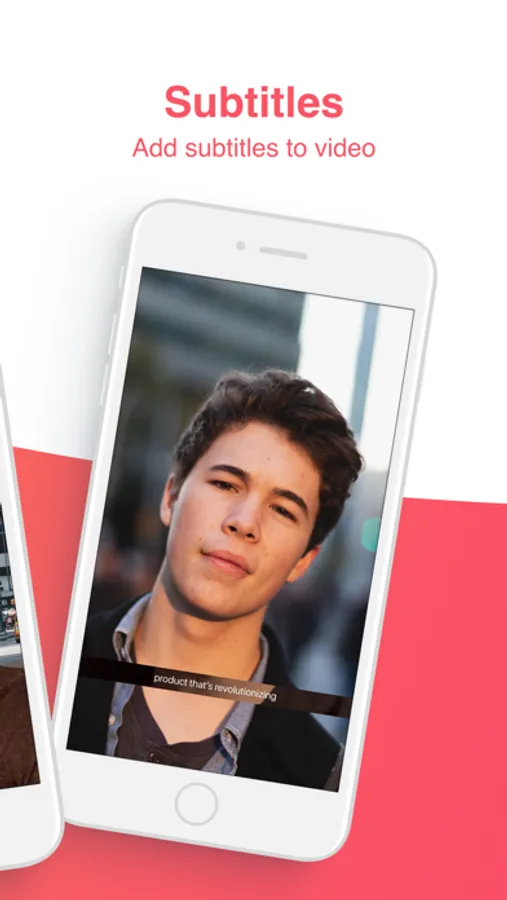
• Add subtitles to videos
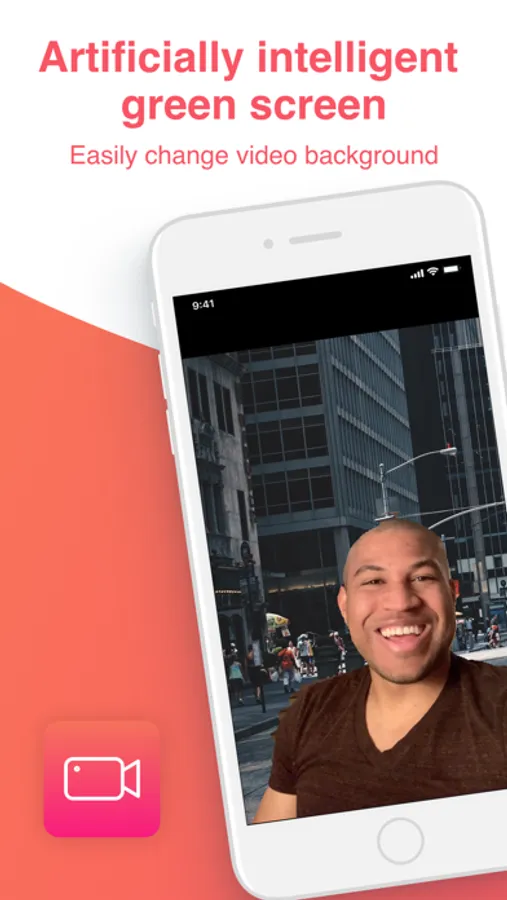
• Green screen video (Artificially intelligent, no green background required)
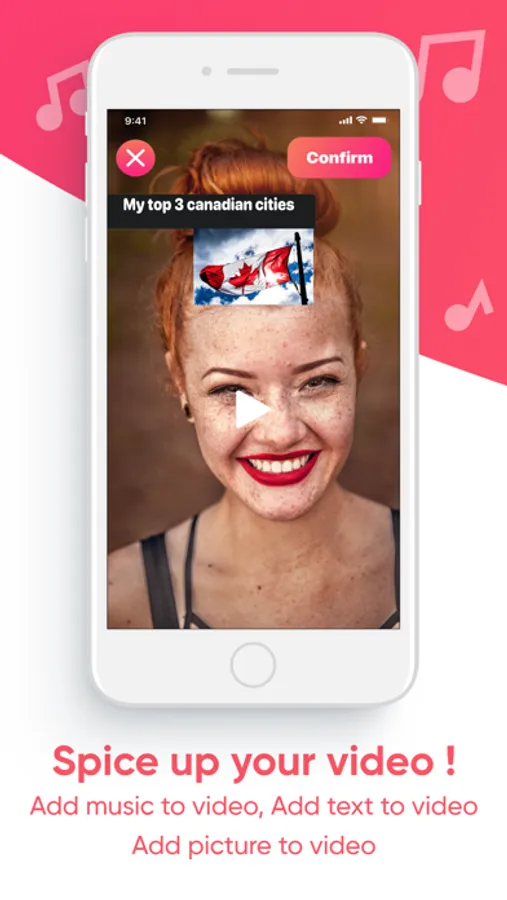
• Add music to video (At any point in video)
• Add image to video (At any point in video)
• Add text to video (At any point in video)
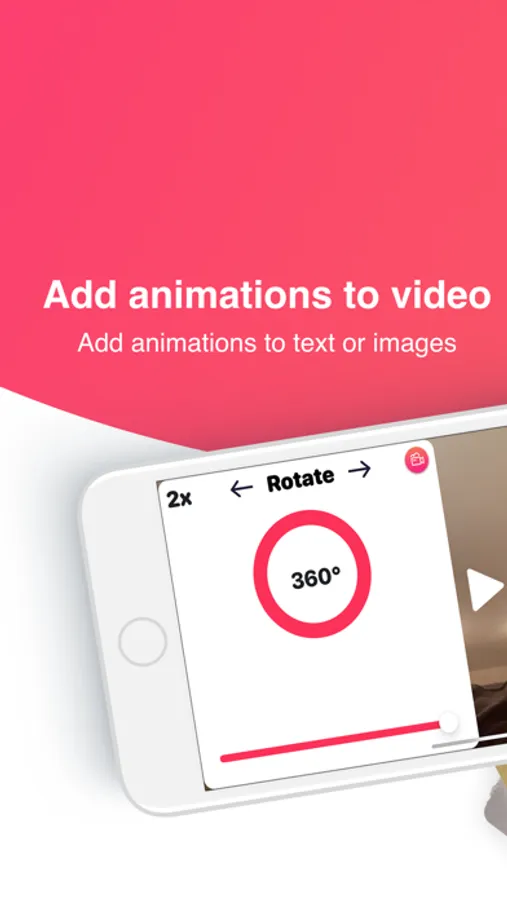
• Add animations to text or images
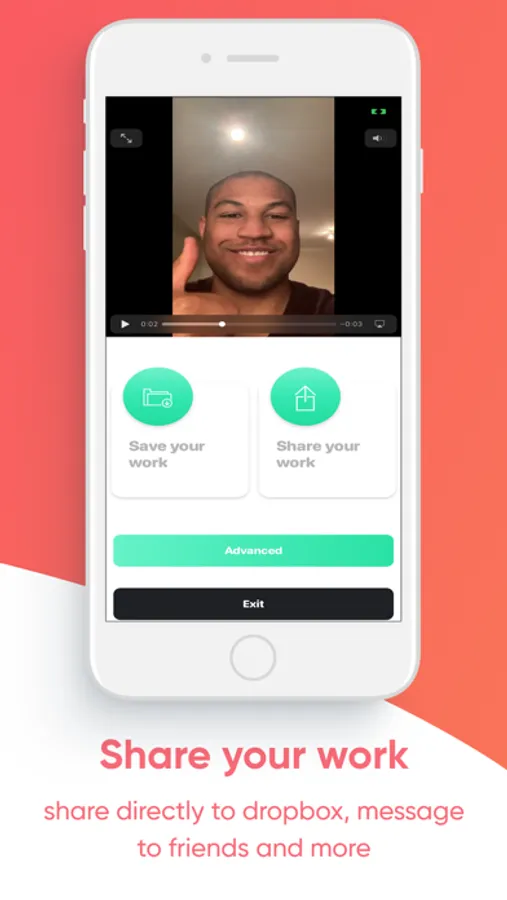
• Share video
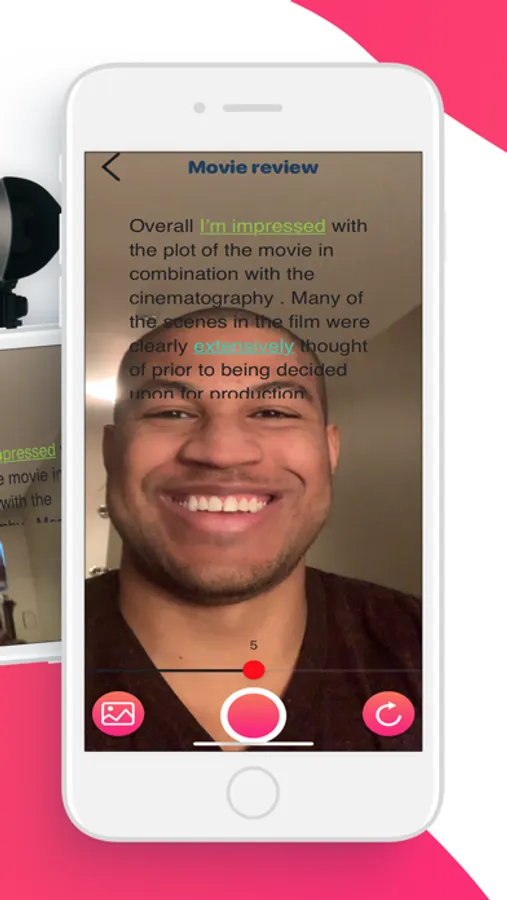
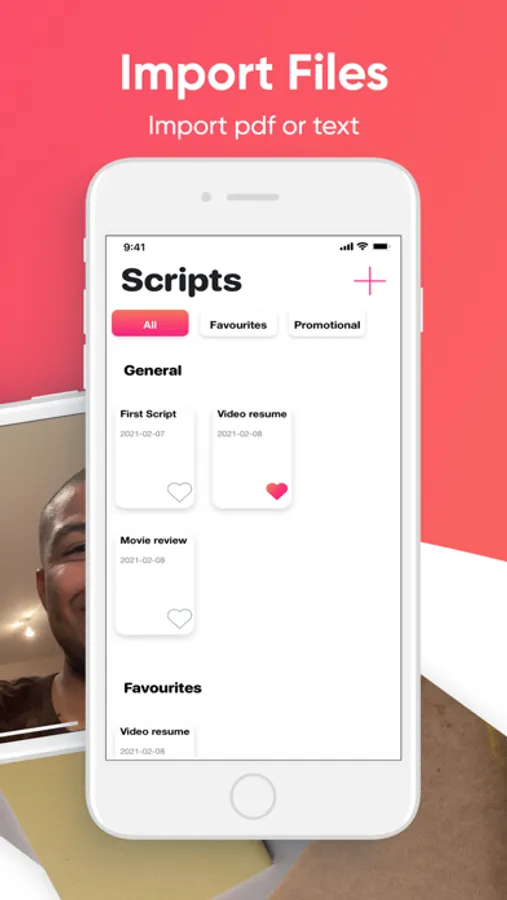
• Import files (pdf , text)
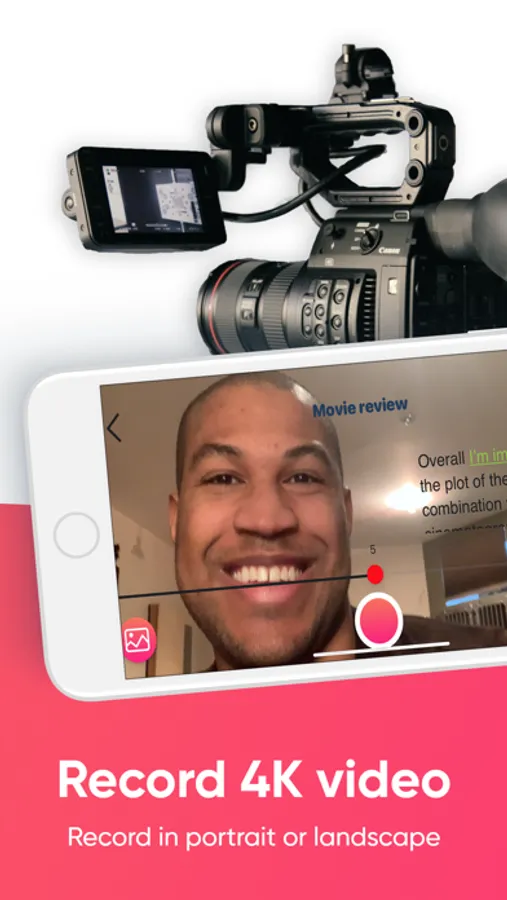
• Record in portrait
• Record in landscape
• Categorize your scripts (Stay organized )
• Modify text ( underline , bold , italic , change color , change font and more
• Countdown timer / Delay timer
• Adjust Speed
• Record in 4k video
• Automatically end video on ending of script
• Change aspect ratio to fit different social media sites : Pinterest , TikTok , Instagram and more !
So whether you need to create a professional video to send to your business partner , to vlog(Video blog) or to share to YouTube. Teleprompter Premiere is an awesome teleprompter for video that has you covered.
Teleprompter Premiere Screenshots
Tap to Rate:
Reviews for Teleprompter Premiere
cortez zhang
okay tool
helps a lot.
Kikani
Promotion Confusion
Refer someone to use the $1 promo but don't show user how. Update Review: The developer contacted me after reading the review. I'm posting the response should someone else have the same confusion. "I’ve read over your review on teleprompter premiere and wanted to help clear up the confusion regarding your coupon. Here are the steps to use your coupon. 1) Copy your coupon code from your email . 2) Navigate to the video portion of the app 3) Record a video 4) When you’re finished recording the video ; click on the advanced button ; a paywall will appear 5) Click the pulsating text that says : “Have a coupon , click here ! “ . 6) A dialog window will appear ; paste your code in the dialog window to redeem your coupon. Please note ; in order to activate your coupon at least 1 friend needs to use your code prior ; In order to get 50% off . (following the steps I’ve provided here ) . If 3 friends use your coupon prior you’ll get Teleprompter pro for 1 dollar. " Thank you goes to the developer of this app for reading my review and reaching out to me for corrective solution Rating is updated with 5 Stars.