HCSS myField: Track job hours
Heavy Construction Systems Specialists, Inc.
2.3 ★
26 ratings
Free
AppRecs review analysis
AppRecs rating 2.4. Trustworthiness 71 out of 100. Review manipulation risk 24 out of 100. Based on a review sample analyzed.
★★☆☆☆
2.4
AppRecs Rating
Ratings breakdown
5 star
27%
4 star
4%
3 star
4%
2 star
4%
1 star
62%
What to know
✓
Low review manipulation risk
24% review manipulation risk
✓
Credible reviews
71% trustworthiness score from analyzed reviews
⚠
Mixed user feedback
Average 2.3★ rating suggests room for improvement
About HCSS myField: Track job hours
~~~~~ Easy Tools for Crew Members ~~~~~
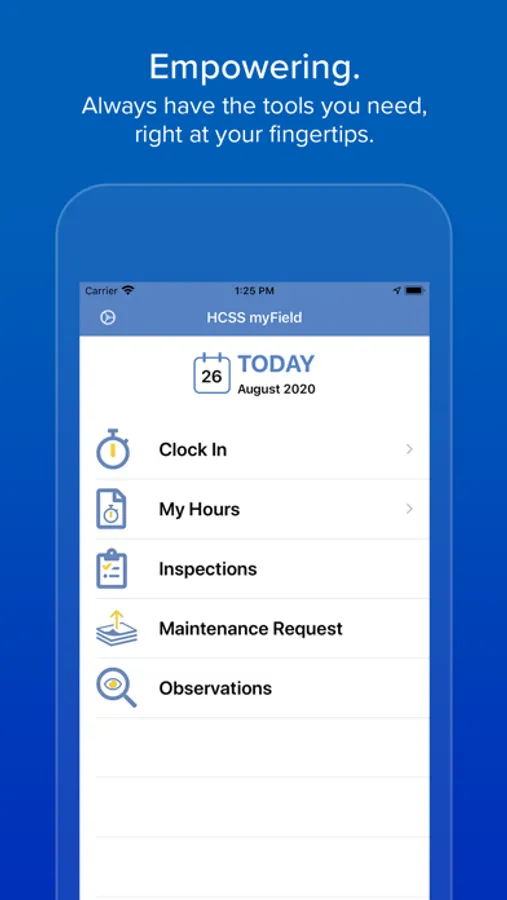
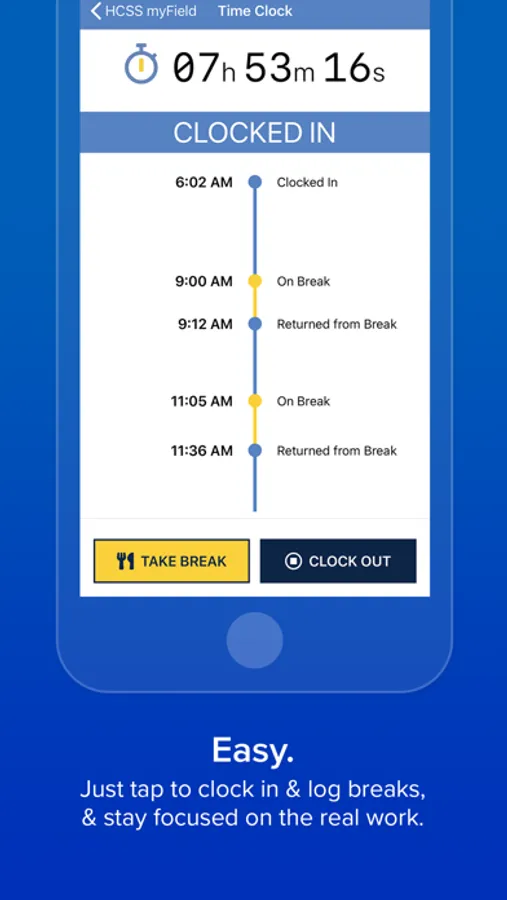
• JUST TAP: Simply tap to clock in/out and log your lunch and breaks in real time throughout the day.
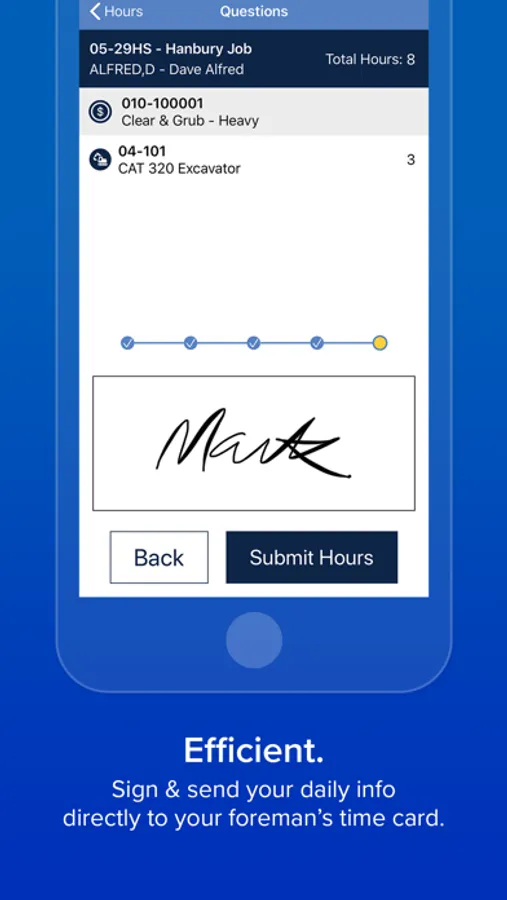
• GET SPECIFIC: It’s easy to record your own hours across various jobs, foremen, equipment, and even cost codes for accurate costing and payroll.
• VERIFY HOURS: Stay informed by comparing your submitted hours against hours approved, including pay classes and overtime.
• MULTILINGUAL: Spanish speakers, this app was built for you, too.
~~~~~ Better Data for Managers ~~~~~
• ACCURACY: When employees are involved in their own time keeping, you can enjoy more accurate data and less payroll disputes.
• GPS VERIFICATION: All clock in/out locations are stamped with longitude/latitude so you can verify the employee was on site.
• COST CODES: Know what work was performed per hour logged. Simplify cost code selection in the field by limiting the selection to just codes that are relevant for the day.
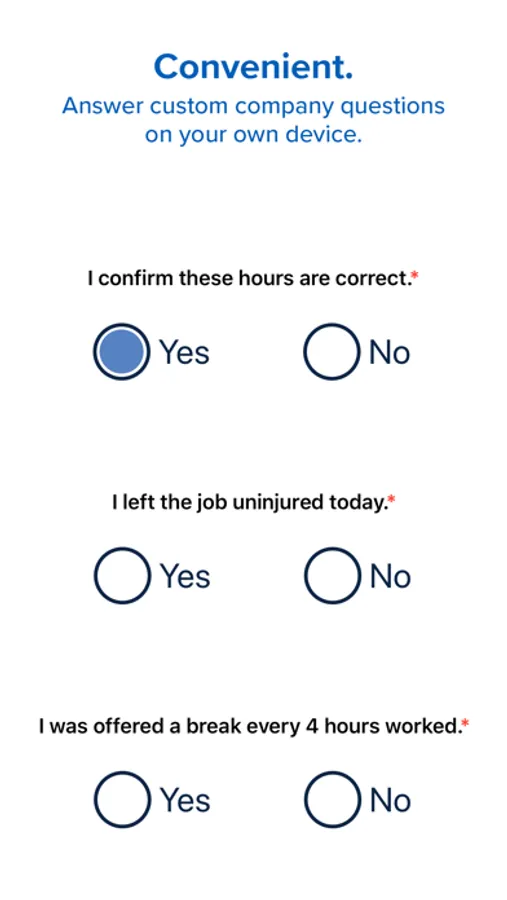
• DOCUMENTATION: Capture daily answers to custom company questions. By simply tapping Yes or No, workers can quickly confirm whether their time is correct, they were offered breaks, they left the job uninjured, or any other info that you need to document.
~~~~~ Powerful HCSS Integrations ~~~~~
• EQUIPMENT MAINTENANCE: Prevent costly breakdowns & other equipment downtime by instantly sharing issues with your shop (requires Equipment360).
• INSPECTIONS: Operators can complete equipment inspections faster and easier by simply tapping through checklists. Hundreds of job and equipment inspection forms are included in English and Spanish (requires HCSS Safety).
• OBSERVATIONS: Keep everyone safer by allowing anyone to record unsafe conditions, anonymously if preferred. Capture photos, description, and severity of the issue (requires HCSS Safety).
~~~~~ Stellar Support 24/7 ~~~~~
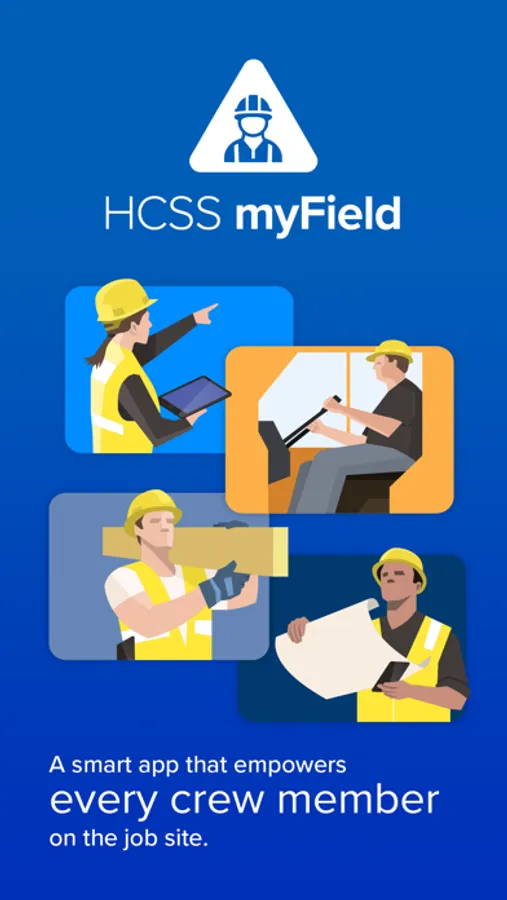
Your app comes with instant, 24/7, award-winning support! We answer in three rings or less.
HCSS myField: Track job hours Screenshots
Tap to Rate:
Reviews for HCSS myField: Track job hours
LongArmedRex
(-) isn’t a thing, so, 1 it is.
It fails to do its main job. Track job hours. Want to clock out? Wait. Want to send time in? Wait. Then, log in next morning, to see it still tracked your time and since you clocked out the day prior, it just stacks all the time since and then it stacks it on top of your recorded hours without an opportunity to fix it. Overall, It’ll be best to just write down my time in an Abacus, and it’ll be more reliable than this.
Tony T Baby
Website troubleshooting
I haven’t been able to log into my account for a week I wish the trouble shooting would guide me to handle my issue