
With this ordering and rewards app, you can place coffee orders for pickup or curbside and earn points. Includes order management, reward tracking, and contactless tipping features.
AppRecs review analysis
AppRecs rating 4.6. Trustworthiness 80 out of 100. Review manipulation risk 23 out of 100. Based on a review sample analyzed.
★★★★☆
4.6
AppRecs Rating
Ratings breakdown
5 star
85%
4 star
7%
3 star
1%
2 star
1%
1 star
6%
What to know
✓
Low review manipulation risk
23% review manipulation risk
✓
Credible reviews
80% trustworthiness score from analyzed reviews
✓
High user satisfaction
85% of sampled ratings are 5 stars
About Fiddleheads Coffee
Get a free drink of your choice after your first purchase with the app.
Points earned for every purchase
Earn 1 point for every dollar you spend. For every 100 points earned, receive a $5 discount. Free drink on your birthday + many more exclusive offers to rewards customers.
Support your baristas
Give back with contactless tipping within the app!
Fiddleheads Coffee Screenshots
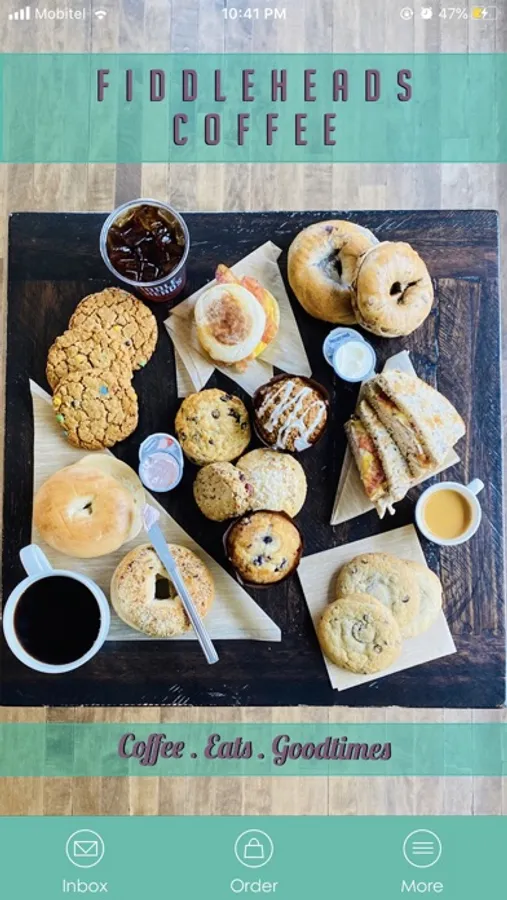
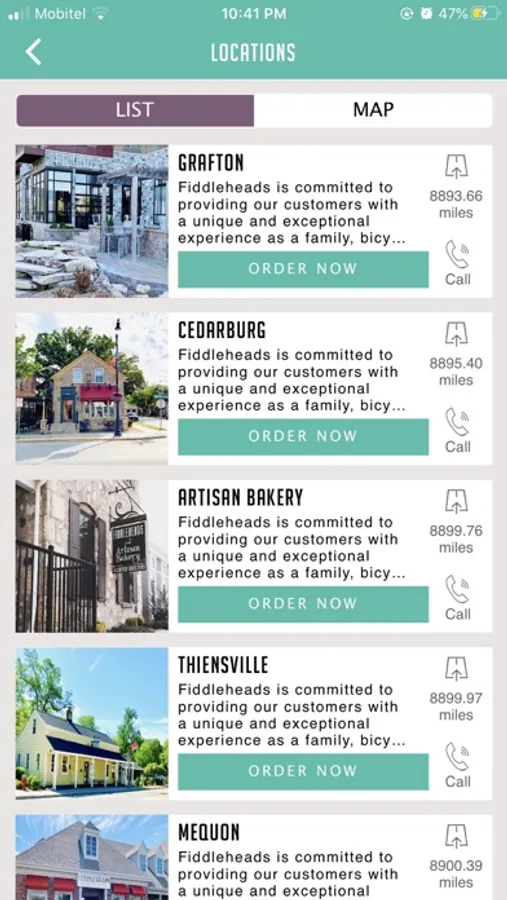

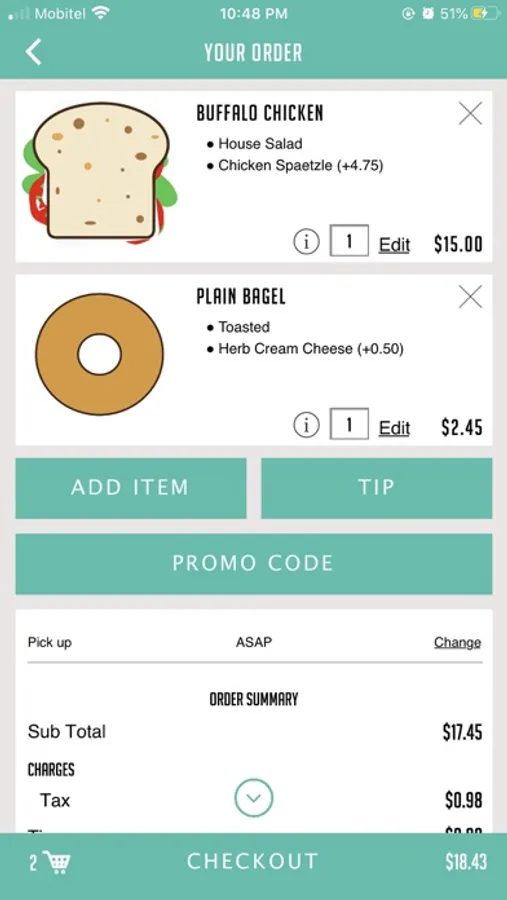


Tap to Rate:
Reviews for Fiddleheads Coffee
quonz
App set-up
That was the most ridiculously difficult process to sign up to order with the app. Maybe it was just me, but creating an account to order and then inputting my payment option was clunky and unintuitive. I’ve signed up for many apps and this was by far the most frustrating. I only finished because it got to the point that I was wasn’t gonna let the app win 🤣.
Wildfirem
Good Idea, Poor Execution
It took me three months just to register in this app. My first registration attempt failed — I couldn’t log in afterwards: the app kept saying that no account existed for my email, but when I tried to register again, it said my phone number was already in the system. I reached out for help multiple times — asked the staff at different Fidelheads locations, emailed support — and was told my case would be reviewed. That was it. No one ever followed up. Today, I finally managed to register (apparently, my phone number finally went through). But then a new issue appeared — during payment. When you try to pay with Apple Pay, the app redirects you to “add a new card by scanning.” After scanning, Apple Pay says that this card is already added to Wallet (obviously). You can repeat this several times — same result. So in the end, you have to enter your card details manually because Apple Pay just doesn’t work. Overall, the app is frustrating to use, and communication from the team is just as bad.