In this mobility solutions app, users locate, scan, and ride shared e-Bikes using GPS and QR code features. Includes bike reservation and parking instructions.
AppRecs review analysis
AppRecs rating 4.4. Trustworthiness 89 out of 100. Review manipulation risk 24 out of 100. Based on a review sample analyzed.
★★★★☆
4.4
AppRecs Rating
Ratings breakdown
5 star
91%
4 star
2%
3 star
1%
2 star
1%
1 star
4%
What to know
✓
Low review manipulation risk
24% review manipulation risk
✓
Credible reviews
89% trustworthiness score from analyzed reviews
✓
High user satisfaction
91% of sampled ratings are 5 stars
About RIDE: Mobility Solutions
1. Open RIDE app
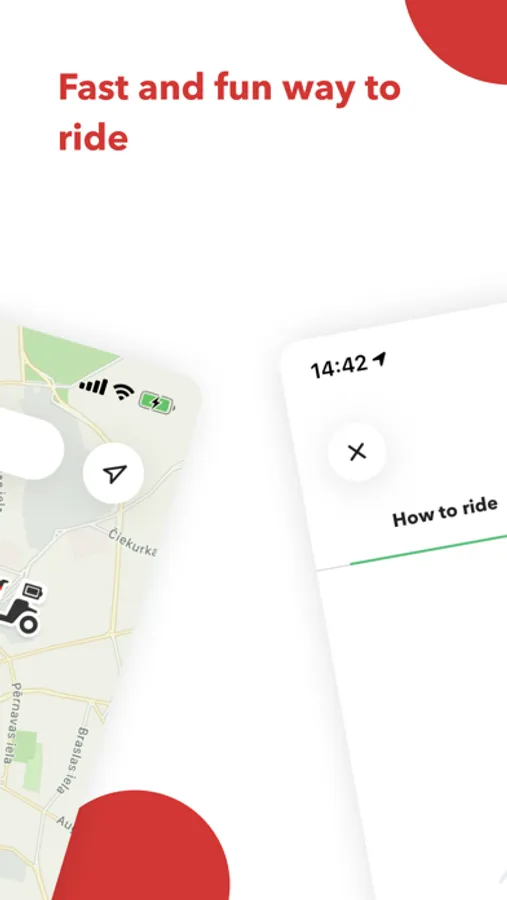
Download the RIDE App from your phone's App Store. When it is downloaded, read the introduction with a short guide and register to be able to drive!
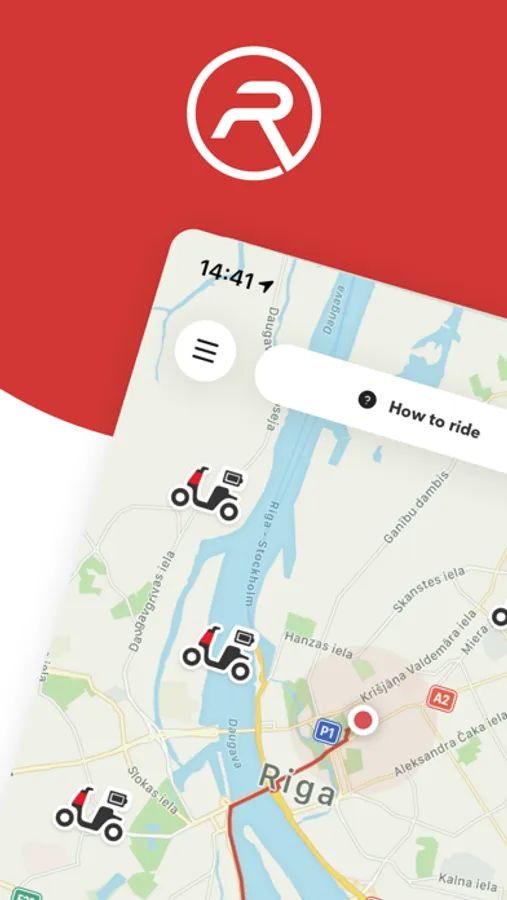
2. Find RIDE e-Bike on the map
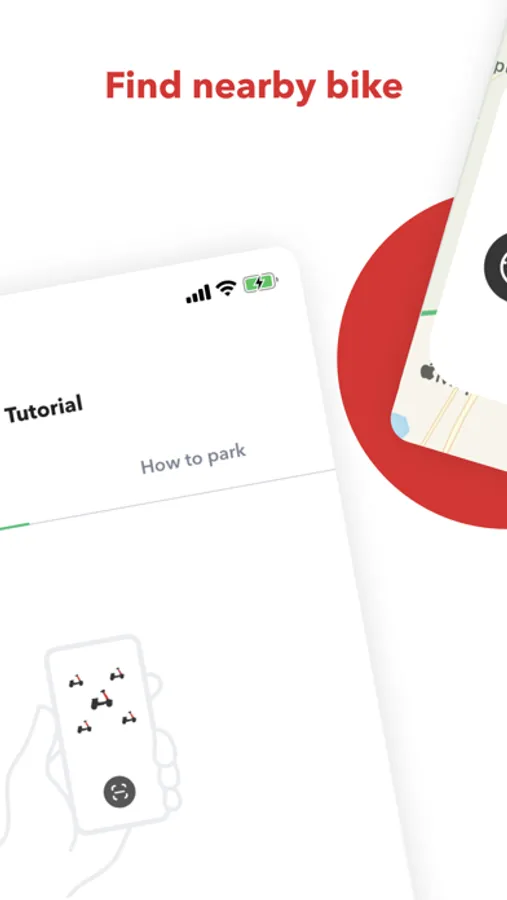
Find the nearest e-Bike on the map displayed on our App. Make sure that the battery is charged sufficiently for your planned ride. Go after the e-Bike. You can reserve the ride for 3 minutes.
3. Scan or input the code
To start using RIDE e-Bike, stand next to the e-Bike and scan the QR code or input the code manually. E-Bike will wake-up and main display will switch “on”.
4. Start riding
Fold up the side support. Press “P” button on left hand combination switch to release parking mode and get in to “Ready” mode. Choose cycling mode “1” (15 km/h) – “2” (20 km/h) – “3” (25 km/h). To begin moving, turn right hand power handlebar. Use pedals if it’s necessary. You can use also cruise mode by pressing “C” on right hand combination switch to keep stable speed.
5. Where to ride
Ride the e-Bike on bicycle paths as regular bicycle and road part if bicycle paths is not available. You can use pedestrian sidewalks if road part has heavy traffic. Use bicycle paths as much as possible. Always respect the pedestrians and other road users.
6. Slowing down
To stop use rear brake press left hand lever and/or use front brake by pressing right hand lever.
7. Find where to park
Find green zone in the app map. Put the e-Bike on the sidewalk, at bike rack or any flat place where e-Bike will not disturb pedestrians and other road users.
8. Finish the ride
After e-Bike is parked in correct place. Finish the ride in the app and submit the picture. After ride is finish e-Bike display light will go “off” and beep will follow. How you can be sure that ride is finished properly.
Send an email to: support@ridemobility.eu or visit our website: https://ridemobility.eu
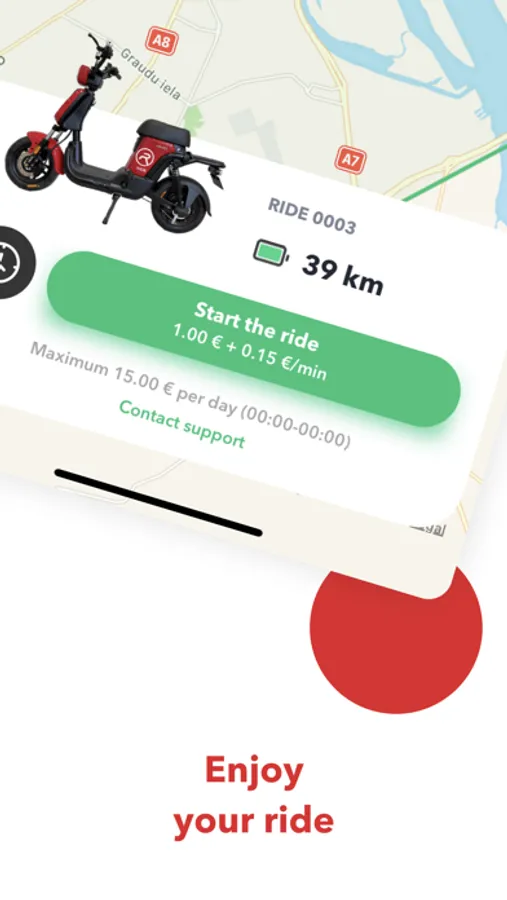
RIDE: Mobility Solutions Screenshots
Tap to Rate:
Reviews for RIDE: Mobility Solutions
taunon
can't sign up
my phone has dual sim and I can't receive text messages on the one I have with me. no other way to sign up
Deemoun
What a mess
The bikes itself are awesome. But the customer service is NON existant. I tried to call - busy line. I whatsapped them and instead of helping they just ignored my messages. I got 10 euro charge that was never added to my balance. No goint to use them anymore. And I don't recomment using them either. They must fix customer service first and make charges transparent. Otherwise - a big no!