
Tommee Tippee Diary & Products
Mayborn (UK) Limited
2.8 ★
22 ratings
Free
AppRecs review analysis
AppRecs rating 2.9. Trustworthiness 79 out of 100. Review manipulation risk 23 out of 100. Based on a review sample analyzed.
★★☆☆☆
2.9
AppRecs Rating
Ratings breakdown
5 star
36%
4 star
0%
3 star
9%
2 star
18%
1 star
36%
What to know
✓
Low review manipulation risk
23% review manipulation risk
✓
Credible reviews
79% trustworthiness score from analyzed reviews
⚠
Mixed user feedback
Average 2.8★ rating suggests room for improvement
About Tommee Tippee Diary & Products
Whether you're using our connected products or just want to stay on top of your baby’s daily routine, the app helps you manage everything in one place.
Baby Tracker & Diary
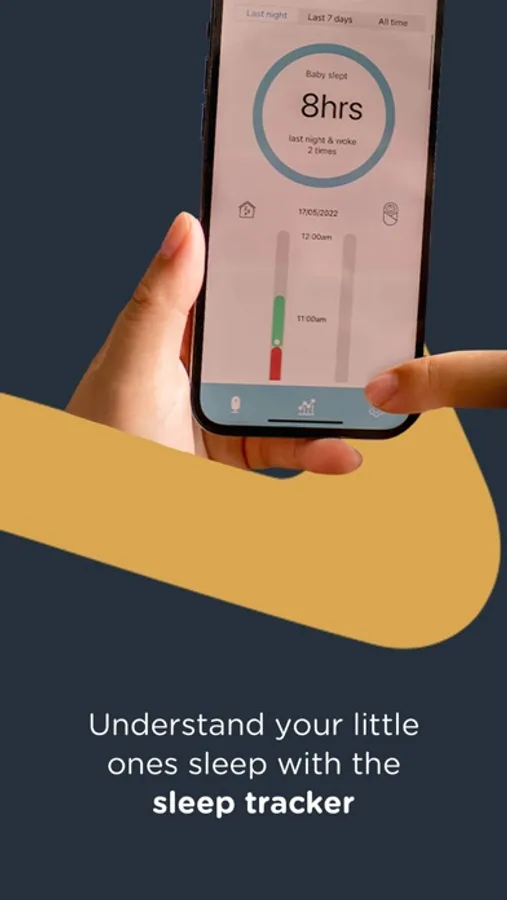
• Log daily activities like feeds, sleep, nappy changes, expressing, and more
• Discover the right products for your baby with personalised insights
• Track your pregnancy with a dedicated pre-birth section to monitor your baby’s growth
• Find the perfect name using our built-in baby name generator
• Spot trends and patterns to better understand your baby’s routine
• Share updates effortlessly with your partner or other caregivers
Connected Products
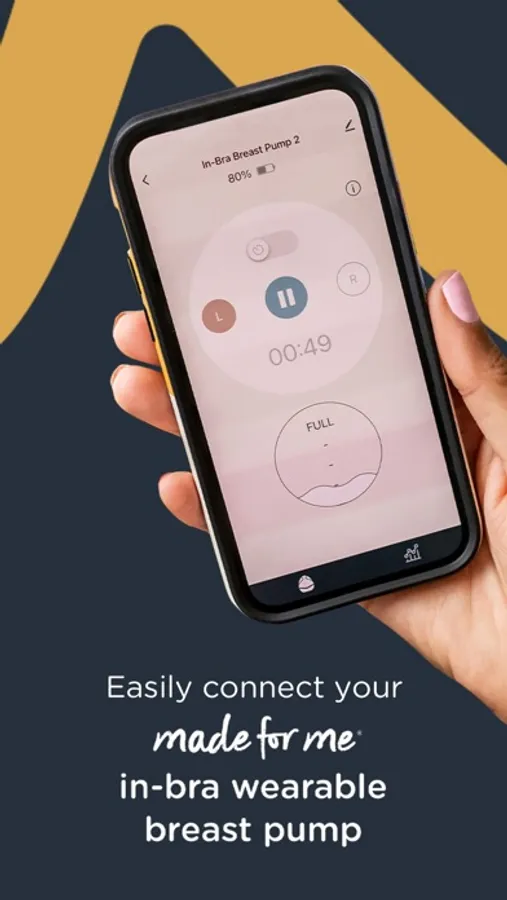
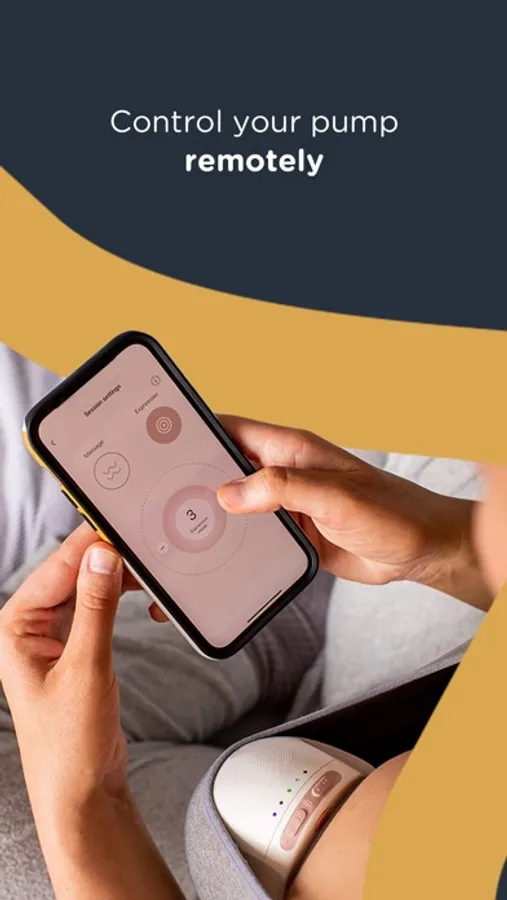
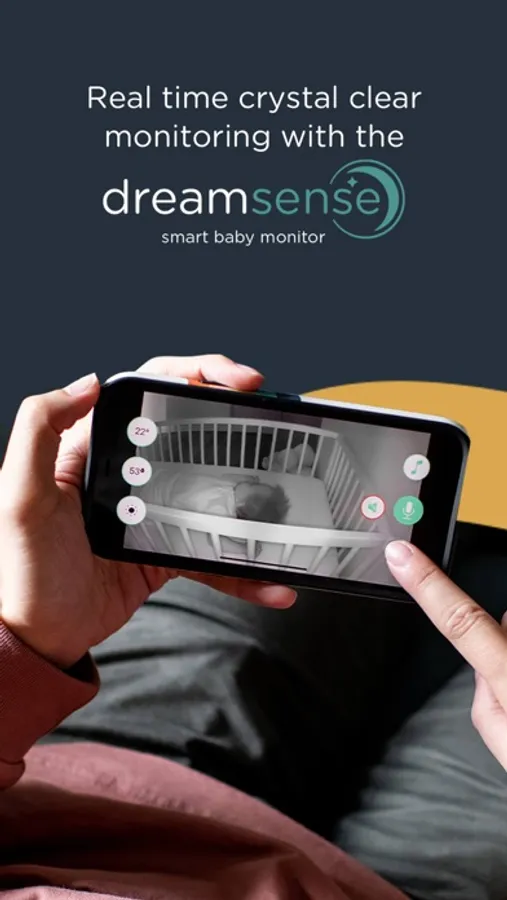
• Pair with Tommee Tippee smart devices like Perfect Prep machines, breast pumps and cameras.
• Carry out maintenance, receive alerts, and control settings remotely
Designed to support you through every stage of your parenting journey – from newborn to toddler.
Tommee Tippee Diary & Products Screenshots


Tap to Rate:
Reviews for Tommee Tippee Diary & Products
Dessyy24
Worst app. Worst pump.
This app is sooo confusing at first to understand. The app doesn’t even work 100% of the time when pumping. And not to mention you can’t get all your milk out of the container!! I had to use a syringe to suck the rest up. My pump just went out this morning so I’m on the hunt for a new one 🙄I don’t recommend this at all so don’t get it.
nati0029
Frustrating App
We set up the app for the timekeeper clock. Some elements were not intuitive, like how to lower the volume and where to set the bedtime (I was only able to set an alarm for wake up and a count down for naps). I was going through the manual buttons on the clock to see if the options for volume control, etc. were easier that way when a message popped up on the app that my device had been deleted.. all our settings were gone and we had to pair again. So far I’ve gone through the prompts several times but it doesn’t complete one of the pairing steps. The app is frustrating to use and I don’t understand why it would delete all the settings instead of saving device specific settings to the user’s profile.