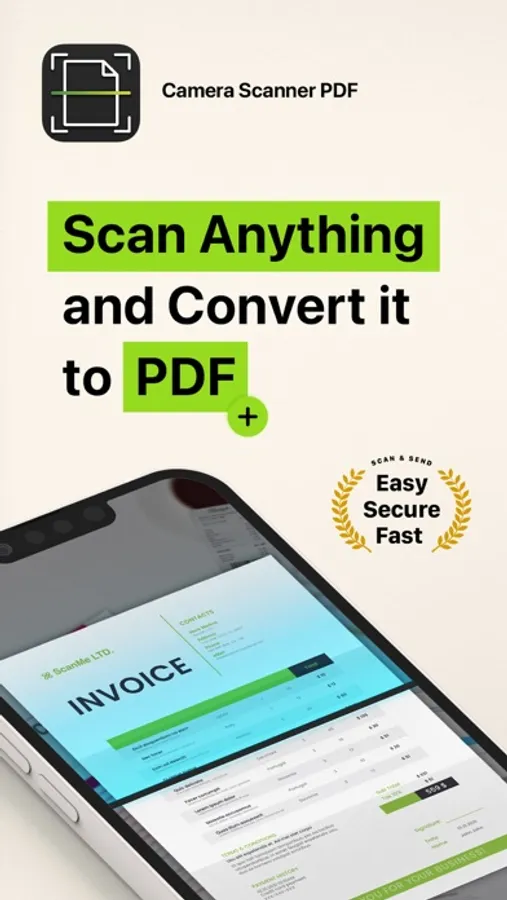
In this app, you can scan documents using your camera, edit PDFs, and sign files. Includes OCR for text extraction, secure storage, and sharing options.
AppRecs review analysis
AppRecs rating 4.1. Trustworthiness 74 out of 100. Review manipulation risk 25 out of 100. Based on a review sample analyzed.
★★★★☆
4.1
AppRecs Rating
Ratings breakdown
5 star
78%
4 star
8%
3 star
4%
2 star
2%
1 star
8%
What to know
✓
Low review manipulation risk
25% review manipulation risk
✓
Credible reviews
74% trustworthiness score from analyzed reviews
⚠
Pricing complaints
Many low ratings mention paywalls or pricing
About Camera Scanner - PDF
Use your phone to scan any hand written, printed or graphic material such as:
- Contracts
- Business Cards
- Expenses
- School or university documents
- Books
- Notes
- IDs (Driver's License, Passports, Personal Identification, etc)
- Tax Forms & Tax Documents
PDF Document Scanner with OCR app is easier than ever to use and with a pixel perfect design. Simply follow these easy steps:
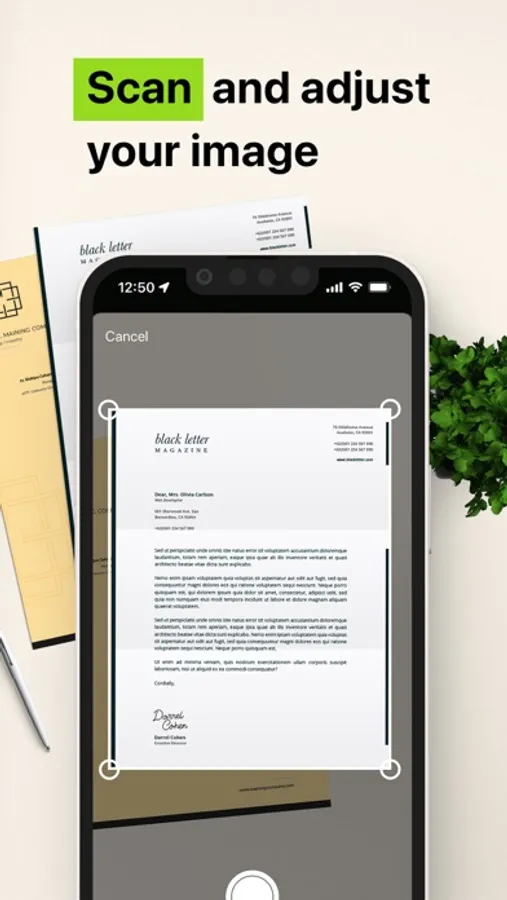
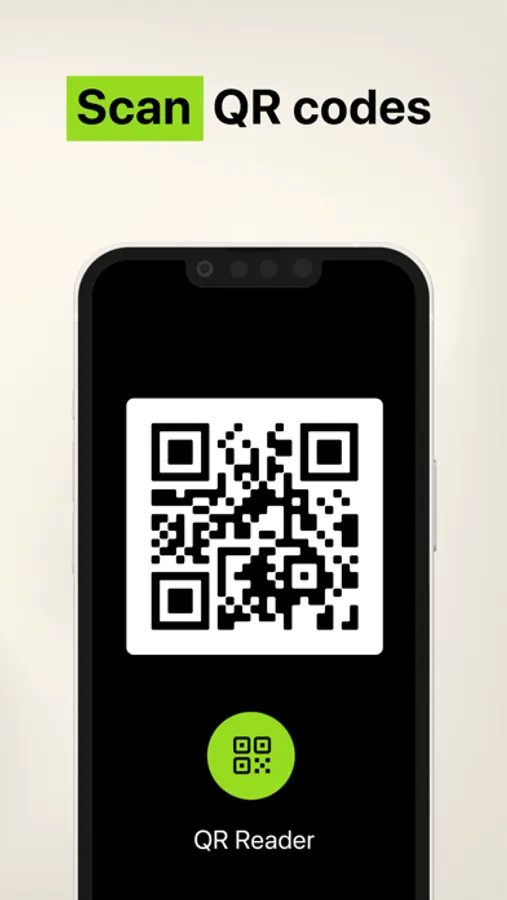
- SCAN documents from your camera, photos or even from your clipboard
- EDIT your documents in order to fit your needs (crop, blur and use many other filters)
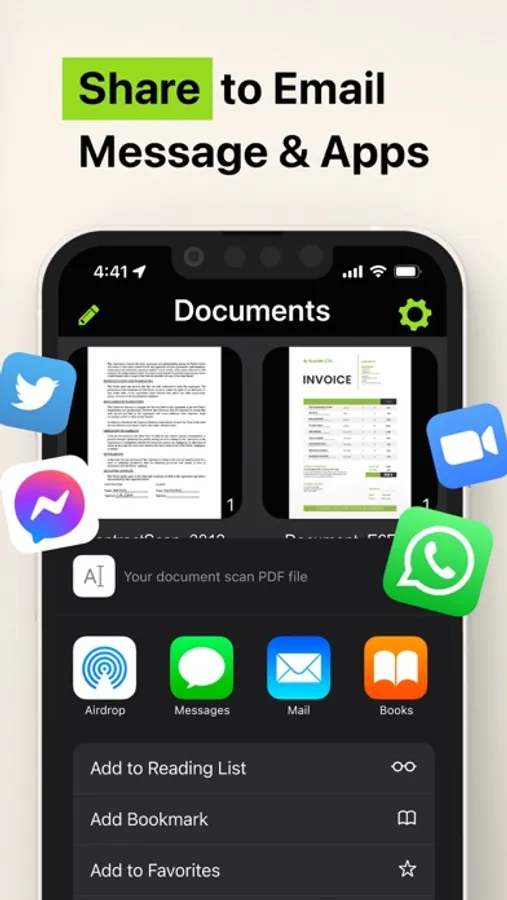
- PRINT or SHARE your PDF files with anyone via email, message or any other platform that you use
- COPY TEXT from your digital scans
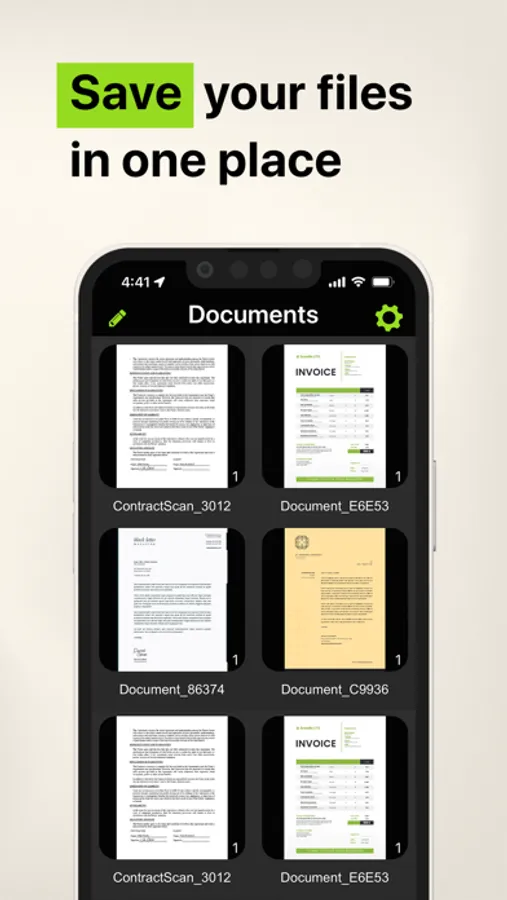
- STORE securely all your documents on your device with no additional cloud storage cost involved
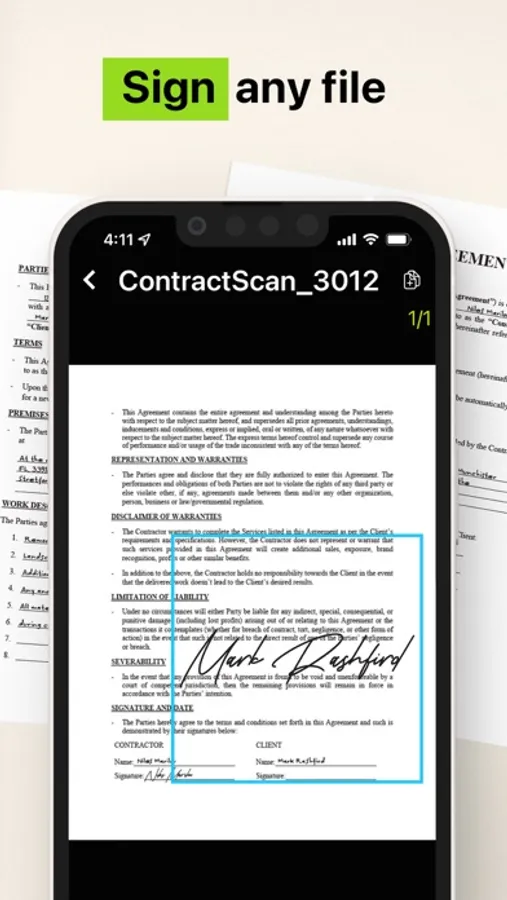
- SIGN your docs in a secure environment
This app is your best ally for scanning purposes!
--------------------------------------
PDF Document Scanner with OCR Premium Subscription
--------------------------------------
Upgrade to the Premium version in order to:
- Share your files with no limits
- Use our powerful character recognition engine (OCR) to copy and edit text from your scanned files
- Enjoy an ad-free experience
Document Scanner – PDF, OCR app has different subscription plans.
Subscription payments are charged to your iTunes account at confirmation of purchase. Subscription automatically renews unless auto-renew is turned off at least 24 hours before the end of the current subscription period or trial. Subscriptions starting with a trial automatically renew for the indicated price after the trial period ends. Any unused portion of a free trial period, if offered, will be forfeited when you purchase a premium subscription during the trial period.
Subscriptions may be managed by you and auto-renewal may be turned off by going to your Account Settings after purchase ("Settings" → "iTunes & App Store" → "Apple ID" and select "Subscriptions")
* Link to Terms of Use: http://iosdocumentscanner.com/pp.html#terms-of-service
* Link to Privacy Policy: http://iosdocumentscanner.com/pp.html#privacy-policy
Camera Scanner - PDF Screenshots
Tap to Rate:
Reviews for Camera Scanner - PDF
Not so great!
Can’t cancel subscription in app
I purchased this app in order to do business with one specific company. The company’s software was not compatible so I tried to cancel the subscription. After wasting 30 minutes I finally read the review and learned how to do it in my phone’s settings. It shouldn’t be that hard. I suspect this company is ripping off consumers by charging a very high WEEKLY rate, and then hoping the customer can’t figure out how to end the subscription.
nay shook
Trying to cancel my subscription
I’ve contacted them twice and I’m no longer needing this app I want to cancel my subscription. I looked in the cancel subscriptions and this app is not there. At this point I feel like this is a scam do not use this app.