
WPS Print 3
DNP Imagingcomm America Corp
Free
rated 2.3 stars
About WPS Print 3
What's new in WPS Print 3:
By popular demand, we've streamlined printing so you only need to setup your print settings once.
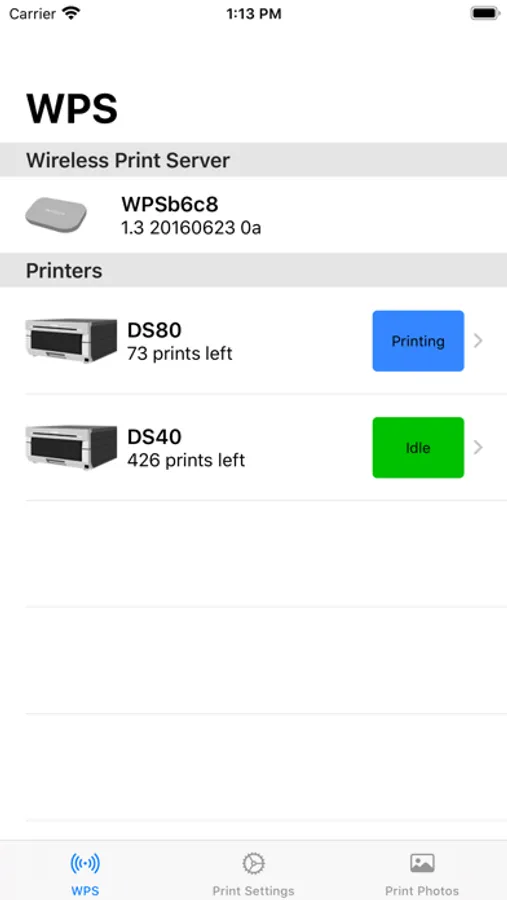
WPS Print 3 combines the features of WPS Status and WPS Print into a single app! Once you've installed WPS Print 3, uninstall the other WPS apps.
About:
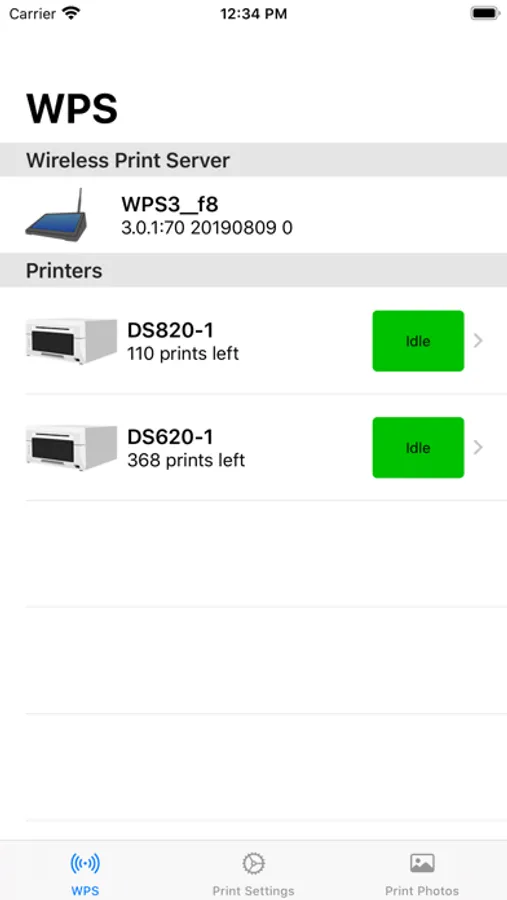
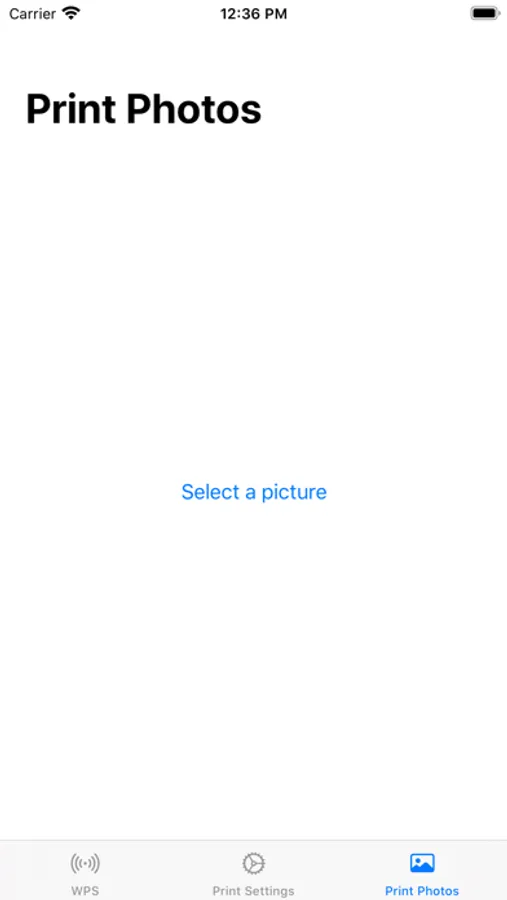
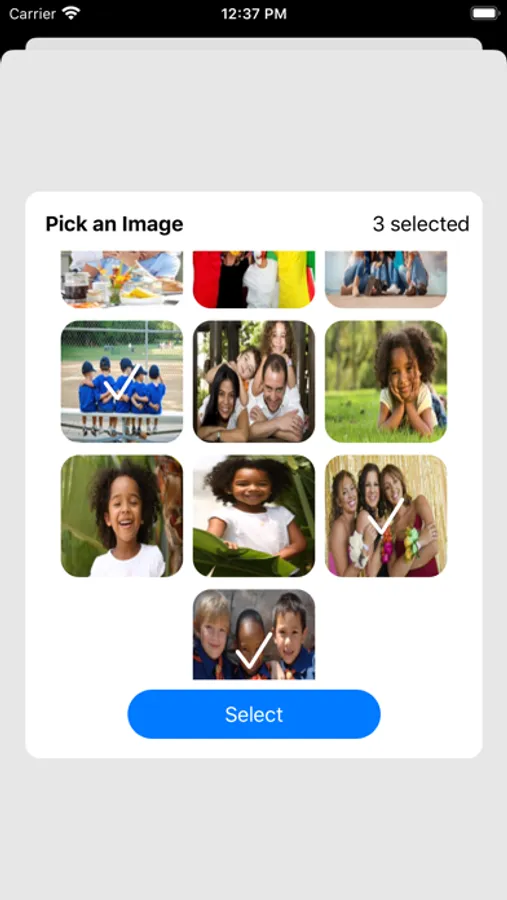
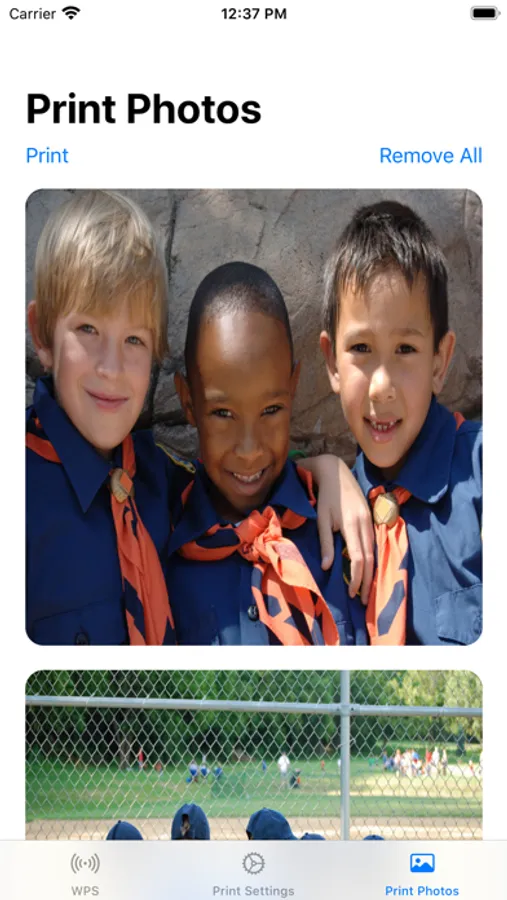
Print great-looking photos directly from your iPhone with the same professional quality available in national photo retailers! Using DNP’s professional photo printers and the DNP Wireless Print Server (WPS), you can choose photos from your Camera Roll or use the Camera to take a picture and instantly print it.
Using the DNP Wireless Print Server:
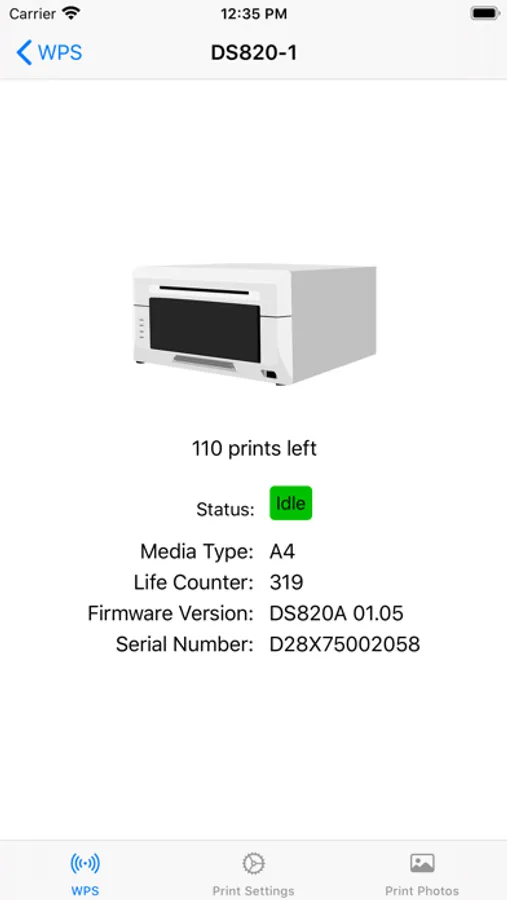
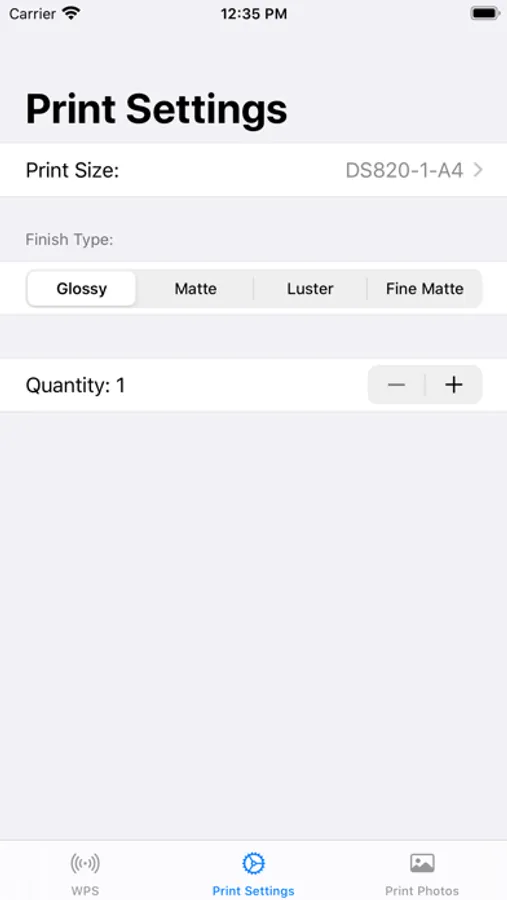
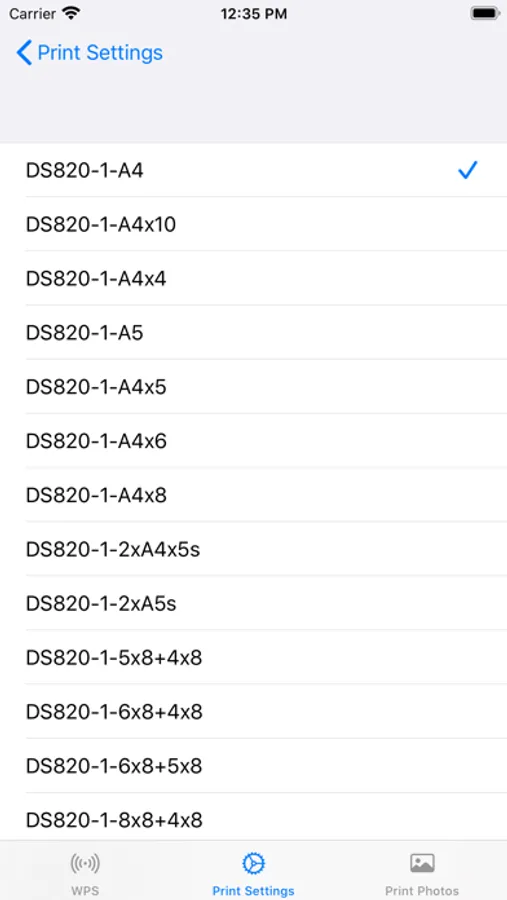
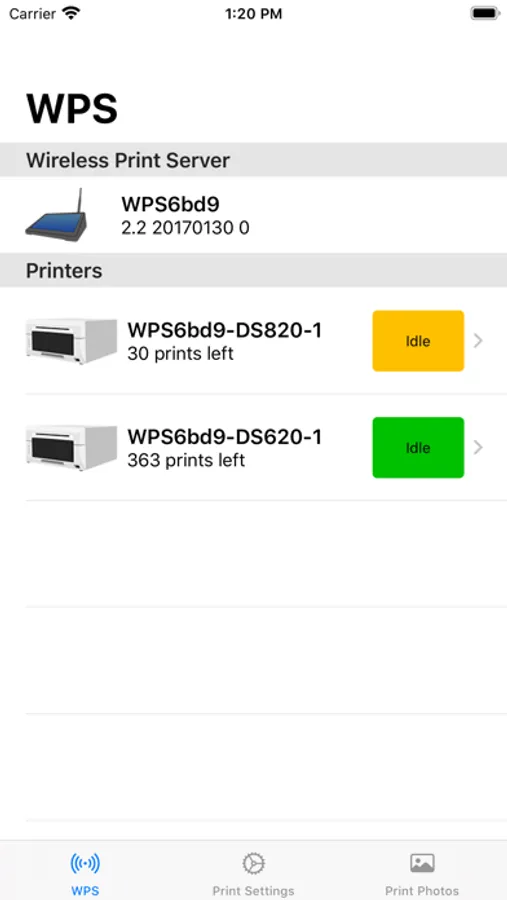
When connected to one or two DNP printers, the WPS will create a wireless network access point and will offer multiple photo print sizes to that network (based upon what printers are connected and what size media is loaded and enabled in the printers). With your iPhone connected to the WPS network, the WPS Print app will automatically detect what print sizes are available and allow you to select any of these sizes when you print. You can also select any number of copies between 1 to 5.
Print Sizes & Printers:
WPS Print 3 supports all of the print sizes supported by you DNP Wireless Print Server. Please refer to your WPS user manual for supported sizes.
Supported iOS Versions:
iOS 13,14
By popular demand, we've streamlined printing so you only need to setup your print settings once.
WPS Print 3 combines the features of WPS Status and WPS Print into a single app! Once you've installed WPS Print 3, uninstall the other WPS apps.
About:
Print great-looking photos directly from your iPhone with the same professional quality available in national photo retailers! Using DNP’s professional photo printers and the DNP Wireless Print Server (WPS), you can choose photos from your Camera Roll or use the Camera to take a picture and instantly print it.
Using the DNP Wireless Print Server:
When connected to one or two DNP printers, the WPS will create a wireless network access point and will offer multiple photo print sizes to that network (based upon what printers are connected and what size media is loaded and enabled in the printers). With your iPhone connected to the WPS network, the WPS Print app will automatically detect what print sizes are available and allow you to select any of these sizes when you print. You can also select any number of copies between 1 to 5.
Print Sizes & Printers:
WPS Print 3 supports all of the print sizes supported by you DNP Wireless Print Server. Please refer to your WPS user manual for supported sizes.
Supported iOS Versions:
iOS 13,14
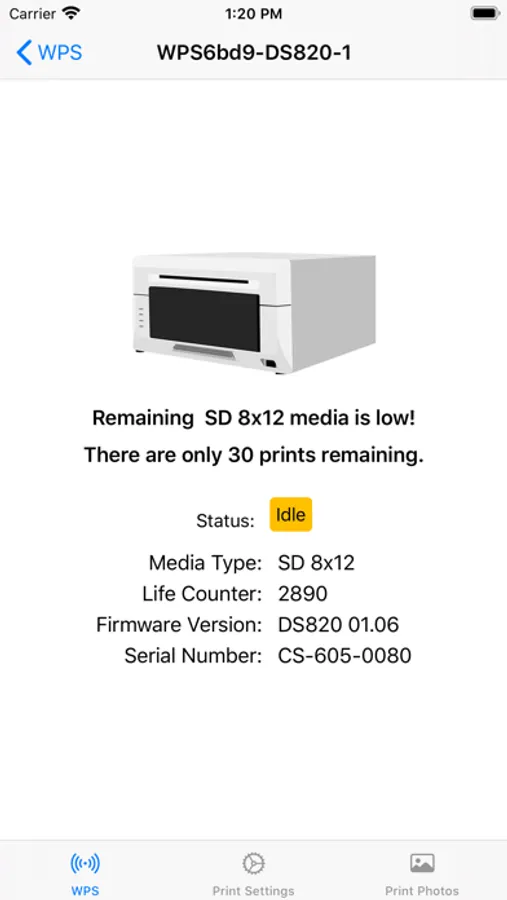
WPS Print 3 Screenshots
Reviews for WPS Print 3
Orl gjgjrjru
Crashes
Does not work with iPad
Edward T Cooper
Works on my newer iPhones
For iOS 14+, use WPS Print 3 for better support
uy4%6&tt55^gu7&hy
Crashes on iPad
Not sure why this is not working but whenever I try to select a photo it has very limited selection…I cannot open my entire photo gallery even though I selected it, then when I do select the one photo available it crashes. Please advise. DS40 WSP pro, ws3 app.
Tap to Rate: