With this smart home app, you can control and customize your connected appliances remotely and share access with family members. Includes device management, scheduling options, and lighting adjustments.
AppRecs review analysis
AppRecs rating 4.7. Trustworthiness 79 out of 100. Review manipulation risk 29 out of 100. Based on a review sample analyzed.
★★★★☆
4.7
AppRecs Rating
Ratings breakdown
5 star
80%
4 star
13%
3 star
4%
2 star
1%
1 star
2%
What to know
✓
Low review manipulation risk
29% review manipulation risk
✓
Credible reviews
79% trustworthiness score from analyzed reviews
✓
High user satisfaction
80% of sampled ratings are 5 stars
About ENERGIZER SMART
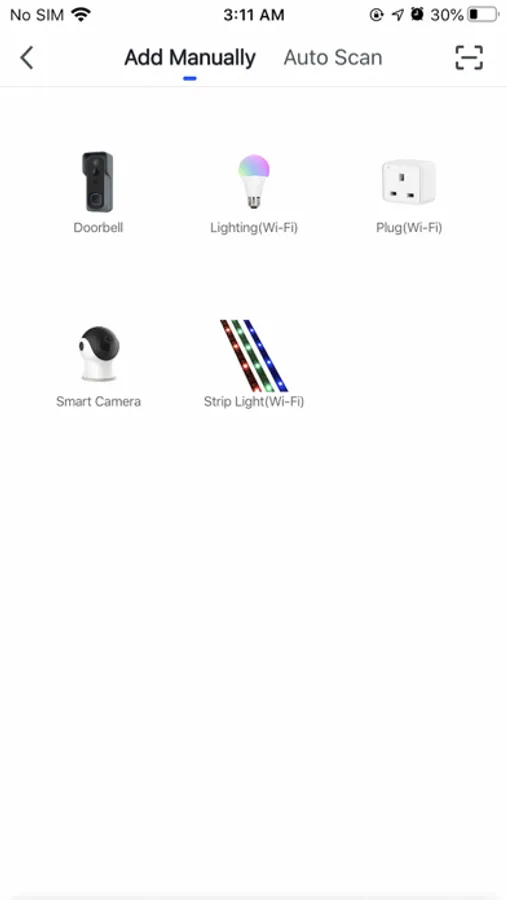
2. Simultaneously control multiple devices with one App
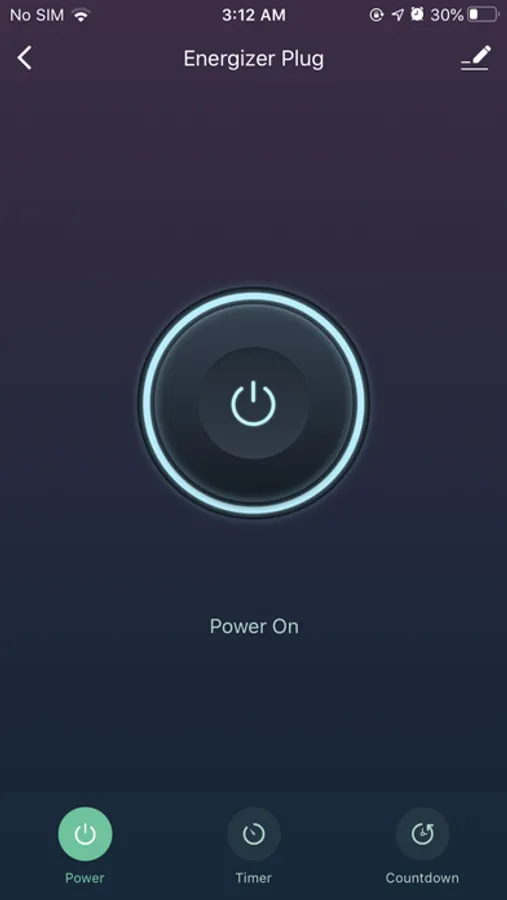
3. Set timer to perform multiple functions
4. One tap to share devices amongst family
5. Quick & easy connect to App devices
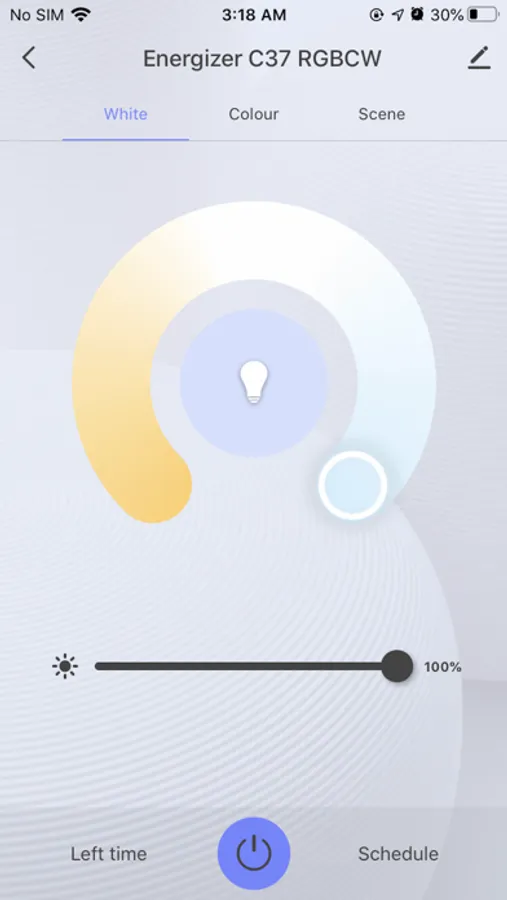
6. Adjust Brightness, Colour and Warmth of lighting
ENERGIZER SMART Screenshots

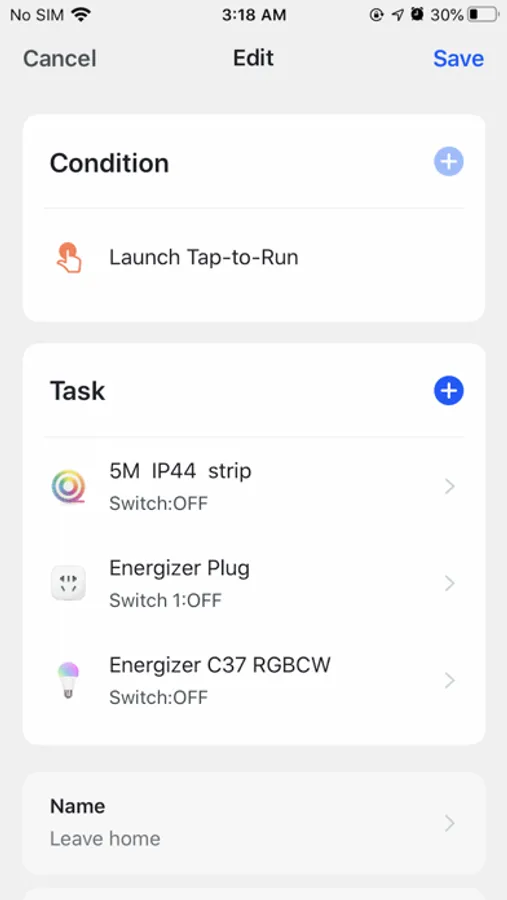
Tap to Rate:
Reviews for ENERGIZER SMART
Daddiogee
Does not work with Alexa
Despite what it says on the box and the instructions (Energizer Smart Lamp Bulbs) the app will not allow linking to Alexa skill. You can control lights manually from phone but not by voice using Alexa devices such as Echo. Not much use then as everyone in house has to have app on phone and carry phone around house in order to switch on/off a light for instance. Waste of money if you want to use to control lights.
Jaka Tree
AItoBeam technology
Get a modem firewall too. The Energizer camera is okay, but uses an AItoBeam WiFi chip. It was hacked over the local network even though Password was off in this Energizer app; the hacker took videos and threatened to upload them to Social Media if I did not pay. I don’t have social media and sent it to Law Enforcement instead. The app is supposed to be the only way to connect if IP password is off, but you have to keep a “firewall” on too. That blocked the social media attempt. I recommend the developer do a camera update, and add a firewall function to all cameras to only allow the paired account and specific devices to connect, especially if IP Password is disabled. Also, please notify me anytime someone logs in to the Cameras. I turned off the Camera in Privacy Mode, but the hacker turned it back on. That means they either had my account on a third party phone or a third party app on my local network. The other way was the hacker kept resetting my WiFi and that turned the Camera back on. It should default to camera off after losing WiFi. Thank you.