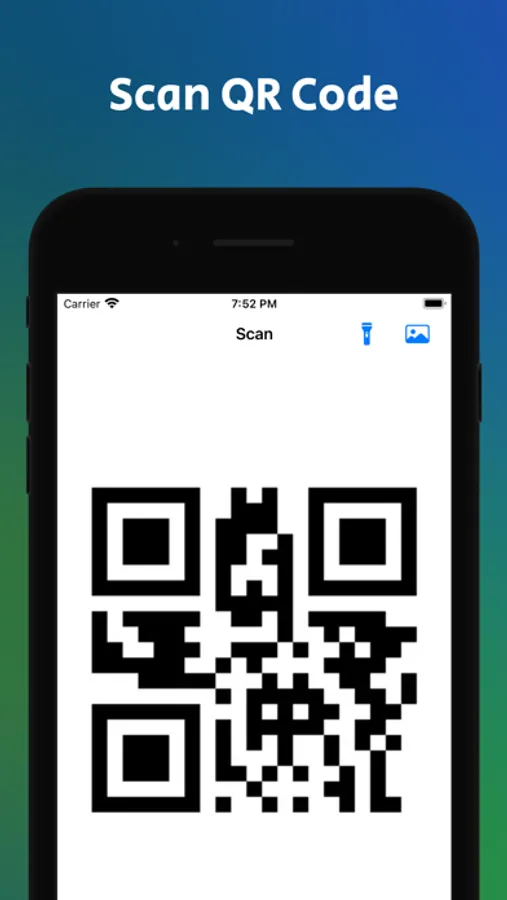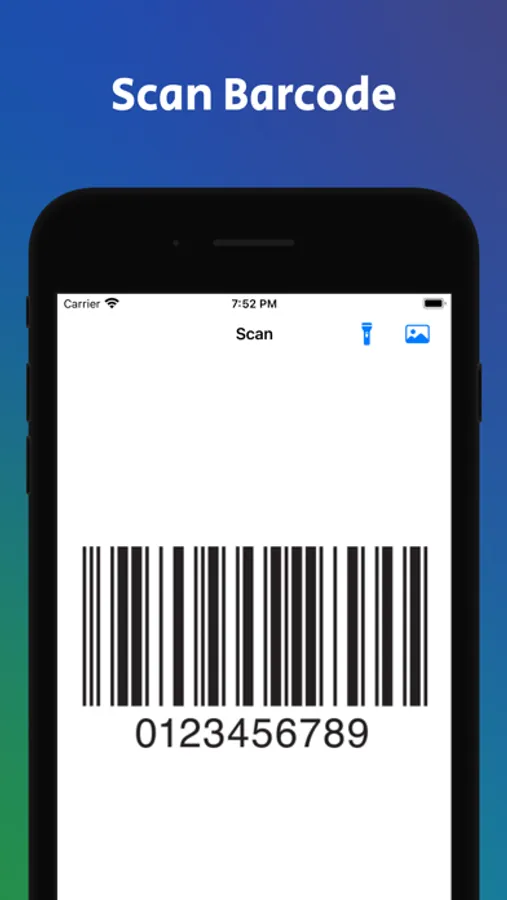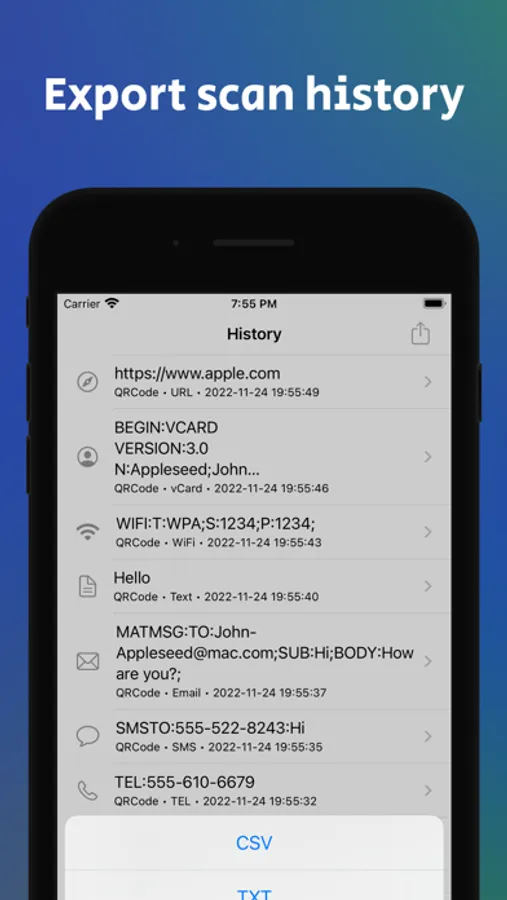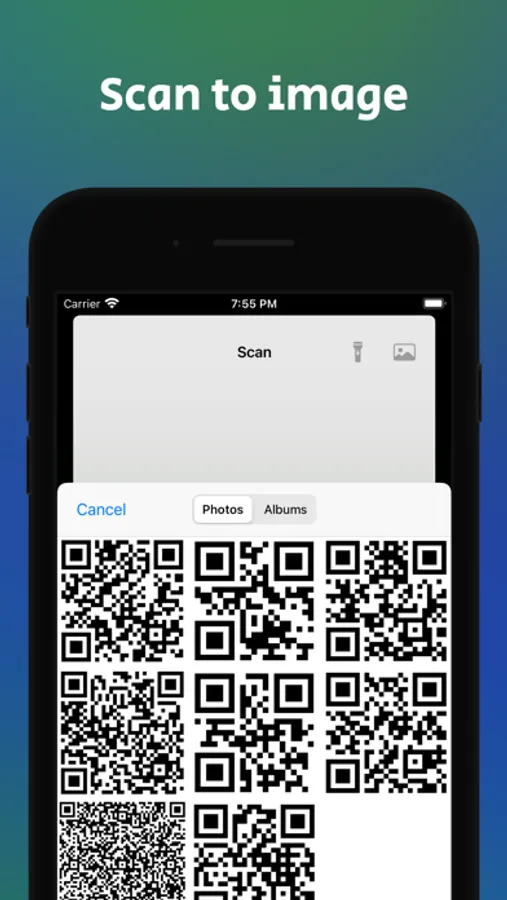
Use this QR Code Reader & Barcode Scanner to quickly scan codes and access related information. Includes support for all major code types and options to save, share, or export scan results.
AppRecs review analysis
AppRecs rating 4.5. Trustworthiness 75 out of 100. Review manipulation risk 26 out of 100. Based on a review sample analyzed.
★★★★☆
4.5
AppRecs Rating
Ratings breakdown
5 star
77%
4 star
9%
3 star
4%
2 star
2%
1 star
7%
What to know
✓
Low review manipulation risk
26% review manipulation risk
✓
Credible reviews
75% trustworthiness score from analyzed reviews
✓
High user satisfaction
86% of sampled ratings are 4+ stars (4.5★ average)
About QR Code Scanner · Barcode
QR Code Reader & Barcode Scanner – 100% Free
Trusted by over 3 million users worldwide, this app lets you instantly scan and create QR codes and barcodes with ease.
Download now and start scanning for free—simplify your daily life with the most powerful QR Code Reader & Barcode Scanner.
[Key Features]
- Scan All Code Types: Supports QR Code, UPC-E, EAN-13, Code 128, PDF417, and more
- Product Info Lookup: View details such as nutrition information and product data via Open Food Facts
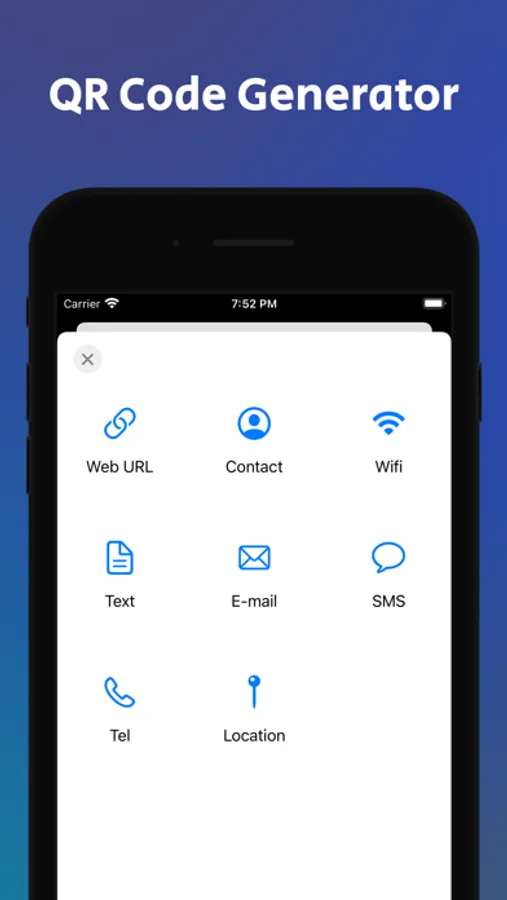
- Create Custom QR Codes: Generate codes for websites, WiFi, contacts, text, emails, phone numbers, locations, and events
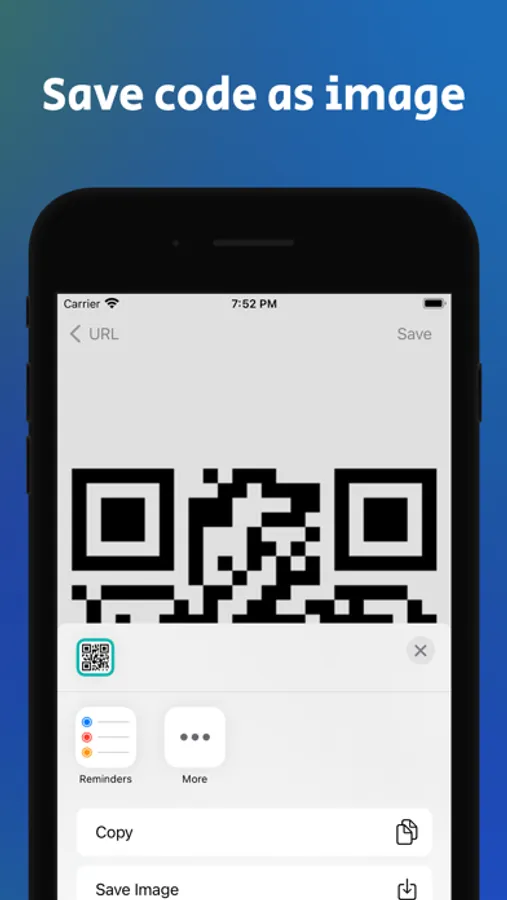
- Save, Share & Export: Save your scans and export them in CSV or TXT format
- Instant Results: Get information immediately after scanning any code
- Image & Flash Support: Scan from saved images or use the flashlight in dark environments
- User-Friendly Design: Enjoy an intuitive interface with full Dark Mode support
[Additional Features]
- Open websites directly
- Send messages or emails
- Make phone calls
- Connect to WiFi
- Add events and contacts
[Tips for Scanning]
- Scan codes from your saved images
- Use the flashlight in dark environments
- Supports Dark Mode
[How to Enable Camera Access]
- If the camera doesn’t work: Go to iPhone Settings → Privacy → Camera → Turn on “QR Code Scanner.”
[Terms of Use & Privacy Policy]
Terms of Use: https://flower-cough-b87.notion.site/QR-Code-Scanner-Barcode-Term-of-Use-d37e9bf99aab460c922eeea3eeec0b70?pvs=4
Privacy Policy: https://flower-cough-b87.notion.site/QR-Code-Scanner-Barcode-Privacy-Policy-abe2011d42174990bd81d40c4aceb237?pvs=4
Trusted by over 3 million users worldwide, this app lets you instantly scan and create QR codes and barcodes with ease.
Download now and start scanning for free—simplify your daily life with the most powerful QR Code Reader & Barcode Scanner.
[Key Features]
- Scan All Code Types: Supports QR Code, UPC-E, EAN-13, Code 128, PDF417, and more
- Product Info Lookup: View details such as nutrition information and product data via Open Food Facts
- Create Custom QR Codes: Generate codes for websites, WiFi, contacts, text, emails, phone numbers, locations, and events
- Save, Share & Export: Save your scans and export them in CSV or TXT format
- Instant Results: Get information immediately after scanning any code
- Image & Flash Support: Scan from saved images or use the flashlight in dark environments
- User-Friendly Design: Enjoy an intuitive interface with full Dark Mode support
[Additional Features]
- Open websites directly
- Send messages or emails
- Make phone calls
- Connect to WiFi
- Add events and contacts
[Tips for Scanning]
- Scan codes from your saved images
- Use the flashlight in dark environments
- Supports Dark Mode
[How to Enable Camera Access]
- If the camera doesn’t work: Go to iPhone Settings → Privacy → Camera → Turn on “QR Code Scanner.”
[Terms of Use & Privacy Policy]
Terms of Use: https://flower-cough-b87.notion.site/QR-Code-Scanner-Barcode-Term-of-Use-d37e9bf99aab460c922eeea3eeec0b70?pvs=4
Privacy Policy: https://flower-cough-b87.notion.site/QR-Code-Scanner-Barcode-Privacy-Policy-abe2011d42174990bd81d40c4aceb237?pvs=4