
AppRecs review analysis
AppRecs rating 4.3. Trustworthiness 65 out of 100. Review manipulation risk 23 out of 100. Based on a review sample analyzed.
★★★★☆
4.3
AppRecs Rating
Ratings breakdown
5 star
0%
4 star
0%
3 star
100%
2 star
0%
1 star
0%
What to know
✓
Low review manipulation risk
23% review manipulation risk
About Report & Run: Integrate
Features:
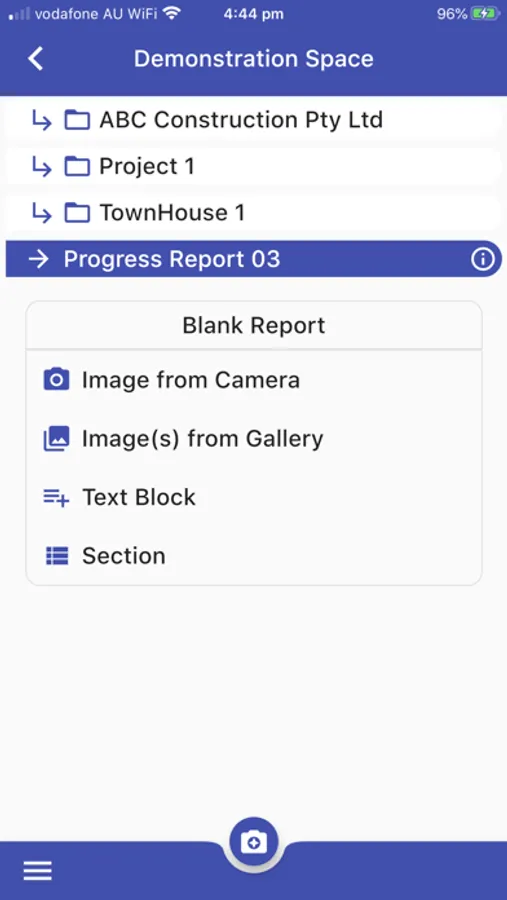
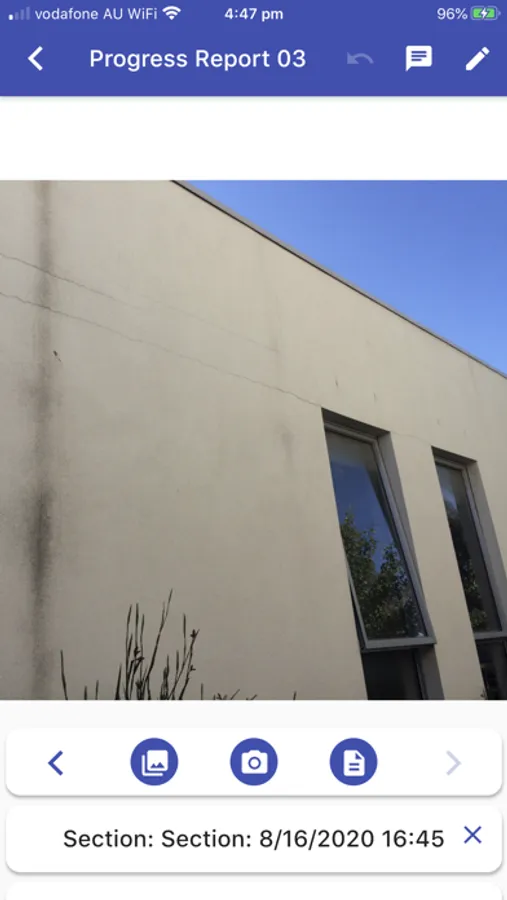
* Capture images or add them from the gallery
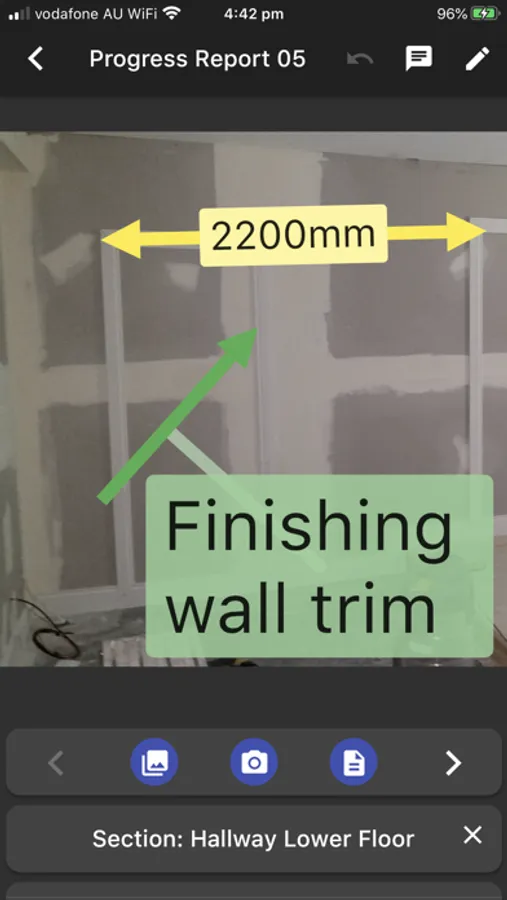
* Add text boxes to images and add annotations such as lines, circles, crosses, ticks, and polygons using gesture recognition
* Save time and improve quality by using commonly used phrases
* Reports are stored in the cloud as they are created and accessible from anywhere.
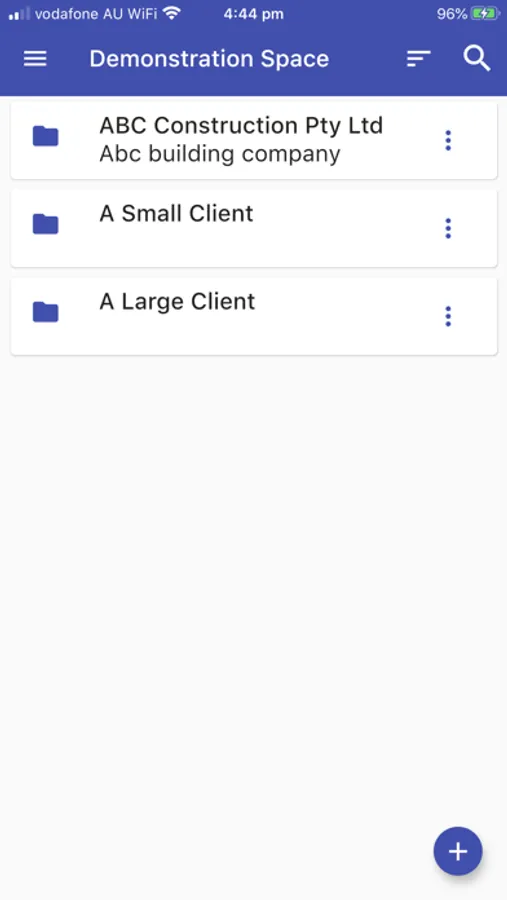
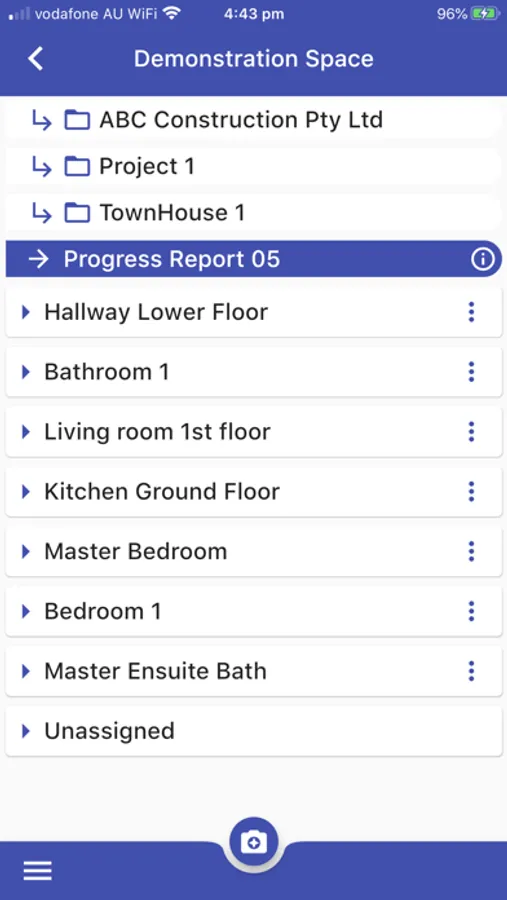
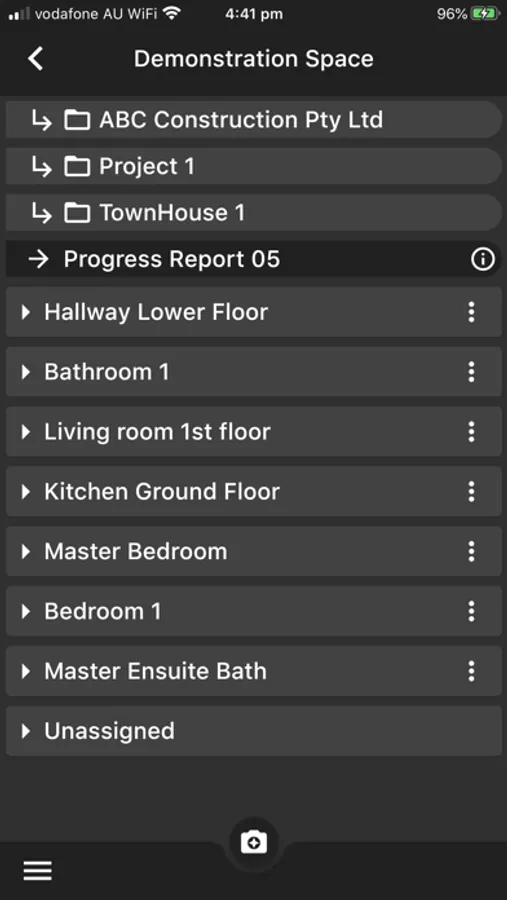
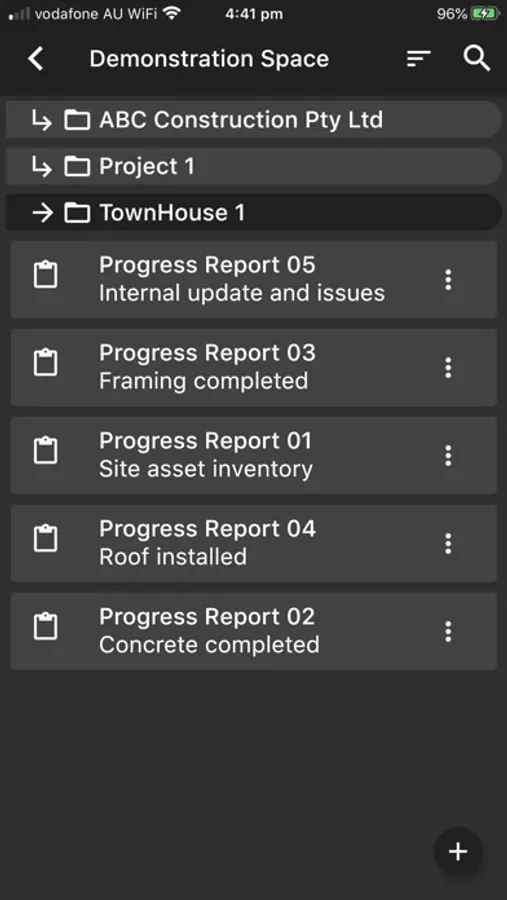
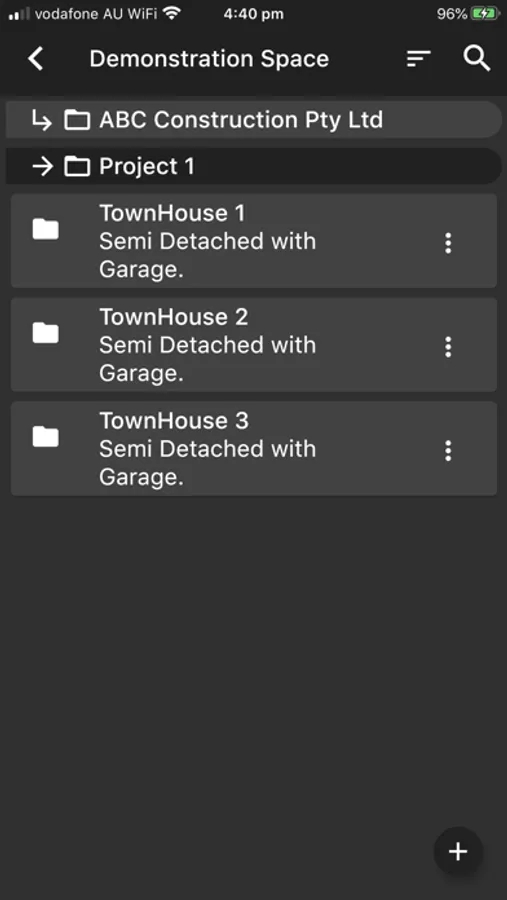
* Organise your reports as you want with a directory structure, e.g., by project, division, client
* Distributed workflow - the reports can be created in the field and then polished in the office.
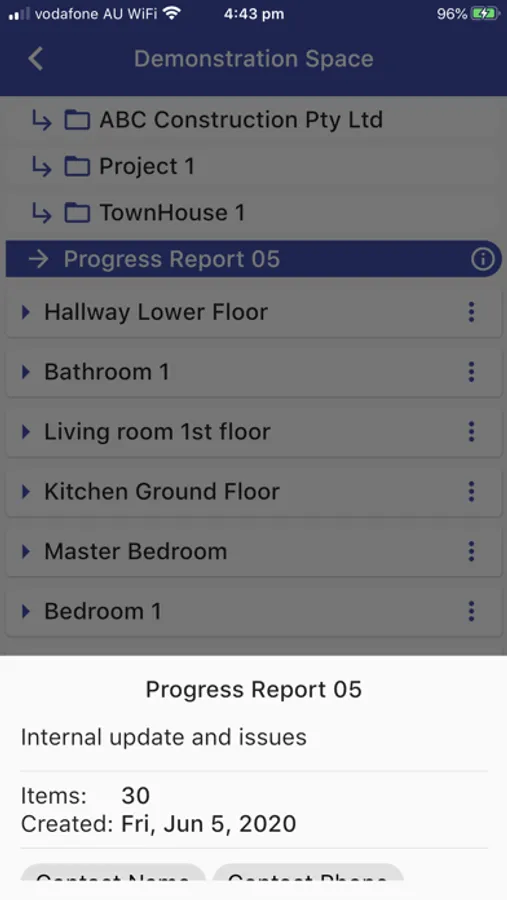
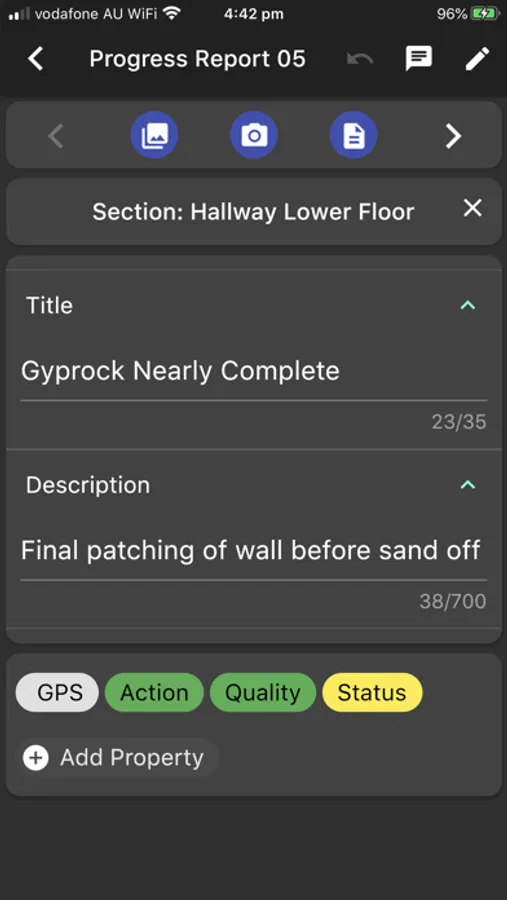
* Collect important information - properties can be assigned to images and reports such as the responsible person, start date, end date, status, and quality.
Report and Run Integrate is our latest release of the Report and Run brand. We have supported a wide range of industries such as construction, engineering, architecture, real-estate, insurance, education, inspections, and commercial cleaning to name a few. This system can be used a wide range of reports from a general purpose image report to a defect/snag report.
Report & Run: Integrate Screenshots
Tap to Rate:
Reviews for Report & Run: Integrate
Sprock3ts
Slow speeds
I’m not sure why but the offline version of this app is better in my opinion. From the layout of the document options just looks nicer and overall my biggest annoyance is when trying to finalize a report and create a shareable document it takes far too long upload pictures to the cloud, before it allows you to redownload. Constant internet connection issues why doing so, you can’t leave the app or if your phone goes into sleep mode it disconnects. I need options like the offline version of this app so I can create a shareable document immediately while onsite with customers that I can attach there inspections immediately to their invoices and email before leaving site. Overall the idea is a lot like the offline version but it just complicates things having both apps, both having subscriptions. You can tell the developer really wants you to use the cloud based version. The app icon looks refreshed and bright yet the offline version icon looks old and dingy, yet I prefer the offline version.