In this screen mirroring app, you can connect your iOS device to a TV and share content wirelessly over Wi-Fi. Includes device detection, high-quality streaming, and support for multiple smart TV brands.
AppRecs review analysis
AppRecs rating 4.1. Trustworthiness 65 out of 100. Review manipulation risk 26 out of 100. Based on a review sample analyzed.
★★★★☆
4.1
AppRecs Rating
Ratings breakdown
5 star
75%
4 star
7%
3 star
4%
2 star
2%
1 star
11%
What to know
✓
Low review manipulation risk
26% review manipulation risk
⚠
Ad complaints
Many low ratings mention excessive ads
⚠
Pricing complaints
Many low ratings mention paywalls or pricing
About Screen Mirroring: TV Miracast
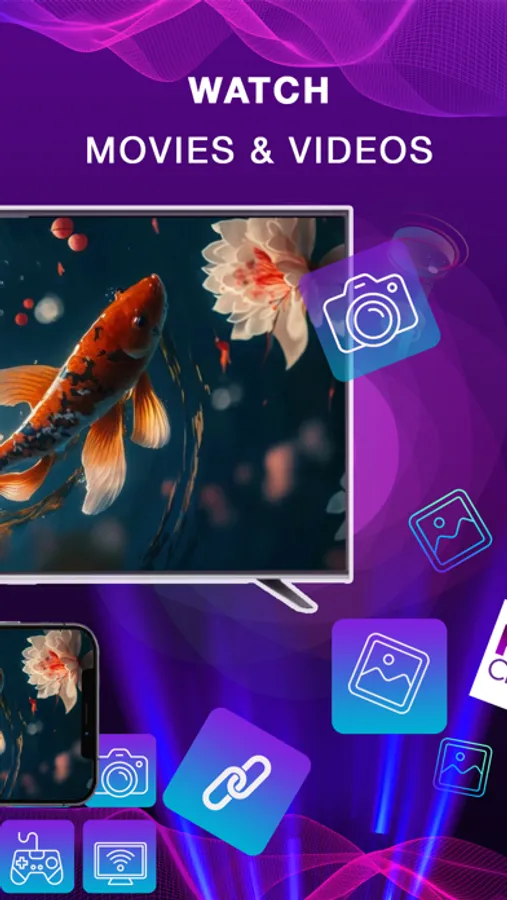
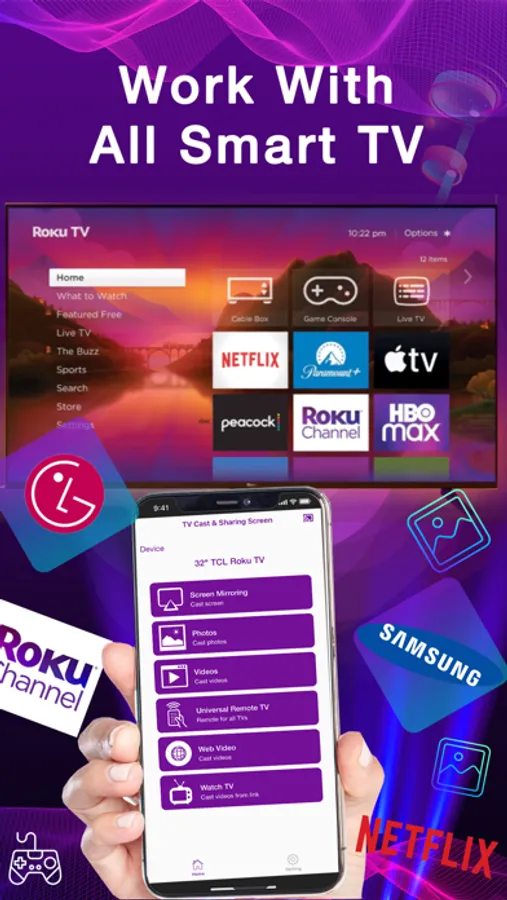
Screen mirroring: TV Miracast is one of the best screen mirroring apps for iOS users. App allows you to easily connect your device and your TV. Mirror Screen to TV is simple, easy to use share photos, videos, game or any application on smart TV screen with high quality or real time speed
Features:
- No need to install any app on TVs
- TV Mirror any application or games (for watching) wirelessly on your iPhone/iPad screen to TVs over your wifi network
- Find devices support show screen cast in current wifi network.
- Streaming or casting photos, videos, music from your iPhone&iPad to TVs
- Cast to any web videos to TVs
- No cables, no additional hardware, nothing else needed
- Support for mirror app, samsung tv,lg tv, web video caster,tv mirror,roku,lg tv,roku mirror, any smart TV with full resolution and quality
How to start mirroring:
- Connect your iPhone/iPod/iPad and your TV to the same wifi network
- Open the app and connect the app to your TV
- Allow your TV connect to your iPhone/iPod/iPad
- Open the app and click on Start Mirroring to start mirroring on your TV
- To stop mirroring click on top red bar of your iPhone
The app works best for iPhone 8 & above, iPad Air & above, iOS 12 +
Screen mirroring: TV Miracast Premium Subscriptions:
- Subscribed users have not watch to rewarded ads in the screen mirroring, IP TV and without ads.
- Non-subscribed users can watch to rewarded ads in the screen mirroring, IP TV and show ads
- Users can subscribe to three different plans: weekly (USD 3.49$), monthly (USD 12.99$), and yearly (USD 55.99$) auto-renewing subscriptions.
- Payment will be charged to iTunes account at confirmation of purchase.
- Subscription automatically renews unless auto-renew is disabled at least 24 hours before the end of the current period.
- Account will be charged for renewal within 24-hour prior to the end of the current period, and identify the cost of renewal.
- Subscriptions may be managed by the user and auto-renewal may be turned off by going to the user's Account Settings after purchase.
- Any unused portion of a free trial period, if offered, will be forfeited when the user purchases a subscription to that publication, where applicable.
Privacy Policy: https://tapfiles.blogspot.com/2019/09/privac-policy.html
Terms of Use: https://tapfiles.blogspot.com/2019/09/licensed-application-end-user-license.html
Features:
- No need to install any app on TVs
- TV Mirror any application or games (for watching) wirelessly on your iPhone/iPad screen to TVs over your wifi network
- Find devices support show screen cast in current wifi network.
- Streaming or casting photos, videos, music from your iPhone&iPad to TVs
- Cast to any web videos to TVs
- No cables, no additional hardware, nothing else needed
- Support for mirror app, samsung tv,lg tv, web video caster,tv mirror,roku,lg tv,roku mirror, any smart TV with full resolution and quality
How to start mirroring:
- Connect your iPhone/iPod/iPad and your TV to the same wifi network
- Open the app and connect the app to your TV
- Allow your TV connect to your iPhone/iPod/iPad
- Open the app and click on Start Mirroring to start mirroring on your TV
- To stop mirroring click on top red bar of your iPhone
The app works best for iPhone 8 & above, iPad Air & above, iOS 12 +
Screen mirroring: TV Miracast Premium Subscriptions:
- Subscribed users have not watch to rewarded ads in the screen mirroring, IP TV and without ads.
- Non-subscribed users can watch to rewarded ads in the screen mirroring, IP TV and show ads
- Users can subscribe to three different plans: weekly (USD 3.49$), monthly (USD 12.99$), and yearly (USD 55.99$) auto-renewing subscriptions.
- Payment will be charged to iTunes account at confirmation of purchase.
- Subscription automatically renews unless auto-renew is disabled at least 24 hours before the end of the current period.
- Account will be charged for renewal within 24-hour prior to the end of the current period, and identify the cost of renewal.
- Subscriptions may be managed by the user and auto-renewal may be turned off by going to the user's Account Settings after purchase.
- Any unused portion of a free trial period, if offered, will be forfeited when the user purchases a subscription to that publication, where applicable.
Privacy Policy: https://tapfiles.blogspot.com/2019/09/privac-policy.html
Terms of Use: https://tapfiles.blogspot.com/2019/09/licensed-application-end-user-license.html
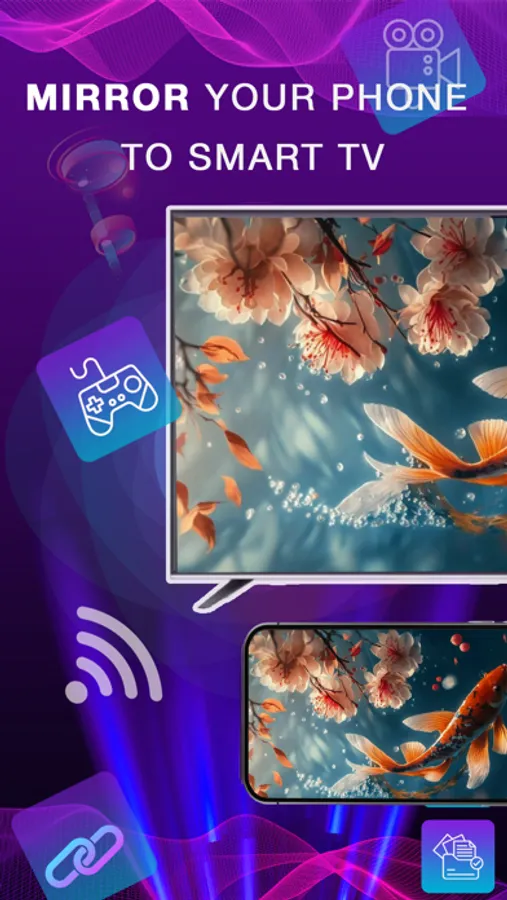
Screen Mirroring: TV Miracast Screenshots
Tap to Rate:
Reviews for Screen Mirroring: TV Miracast
Abe lay
Scam *iap bait
Scam *iap bait
🖕🖕🏿🖕🖕🏿🖕
Cancel
Can’t cancel