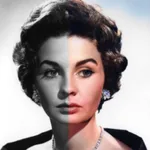
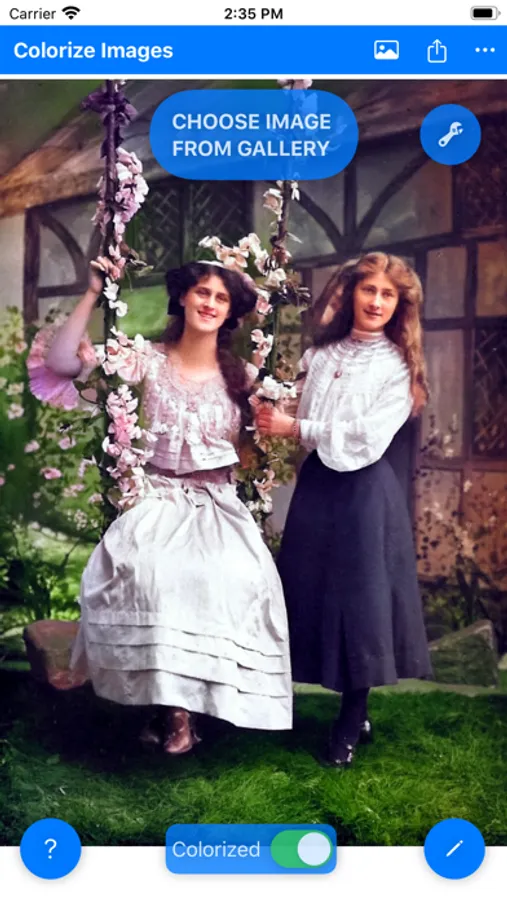
In this image editing app, you can transform black and white or grayscale photos into colored images with machine learning techniques. Includes options for sharing, saving, and switching between various colorization models.
AppRecs review analysis
AppRecs rating 4.7. Trustworthiness 78 out of 100. Review manipulation risk 24 out of 100. Based on a review sample analyzed.
★★★★☆
4.7
AppRecs Rating
Ratings breakdown
5 star
80%
4 star
14%
3 star
1%
2 star
2%
1 star
2%
What to know
✓
Low review manipulation risk
24% review manipulation risk
✓
Credible reviews
78% trustworthiness score from analyzed reviews
✓
High user satisfaction
80% of sampled ratings are 5 stars
About Colorize Images
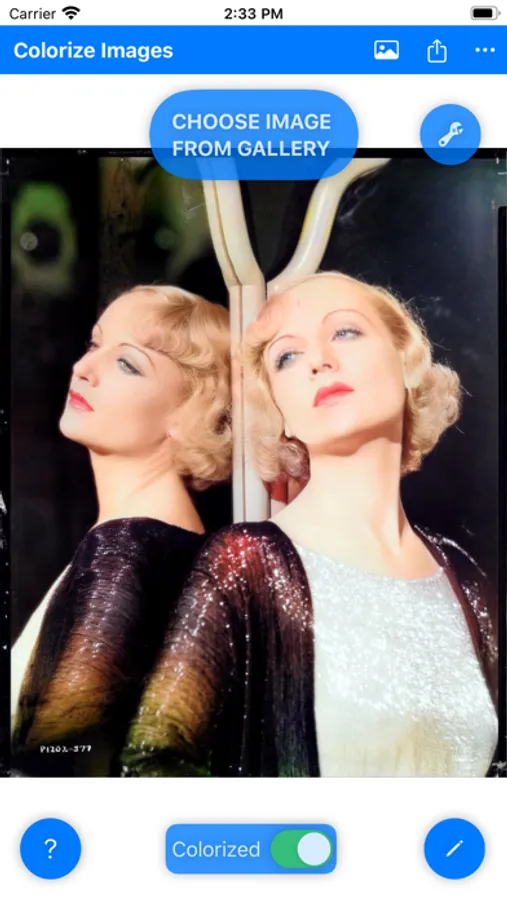
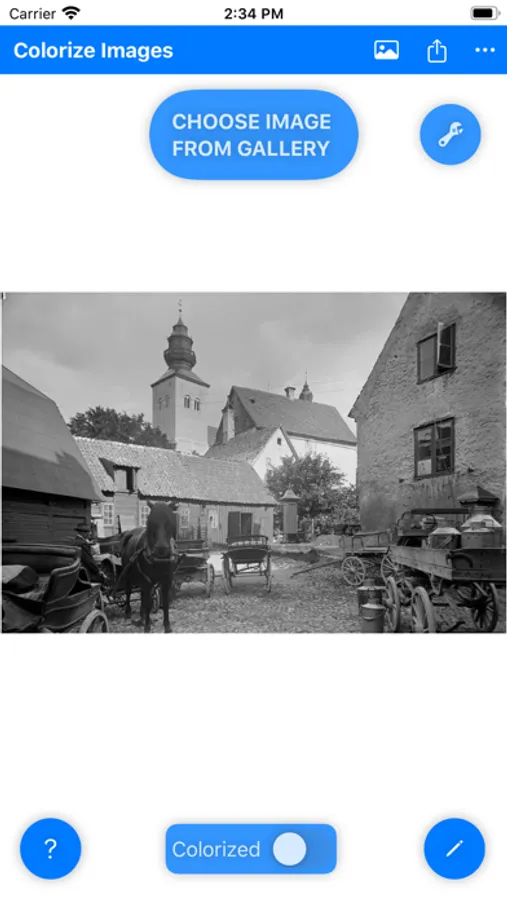
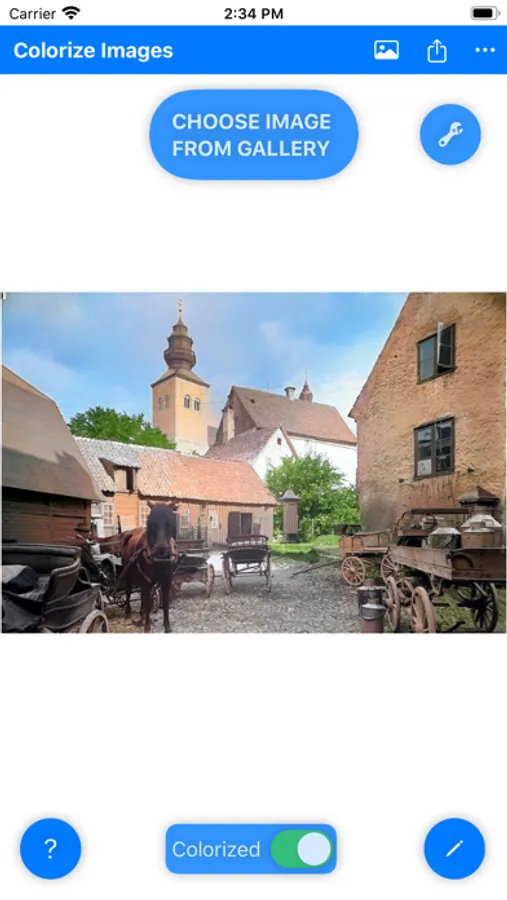
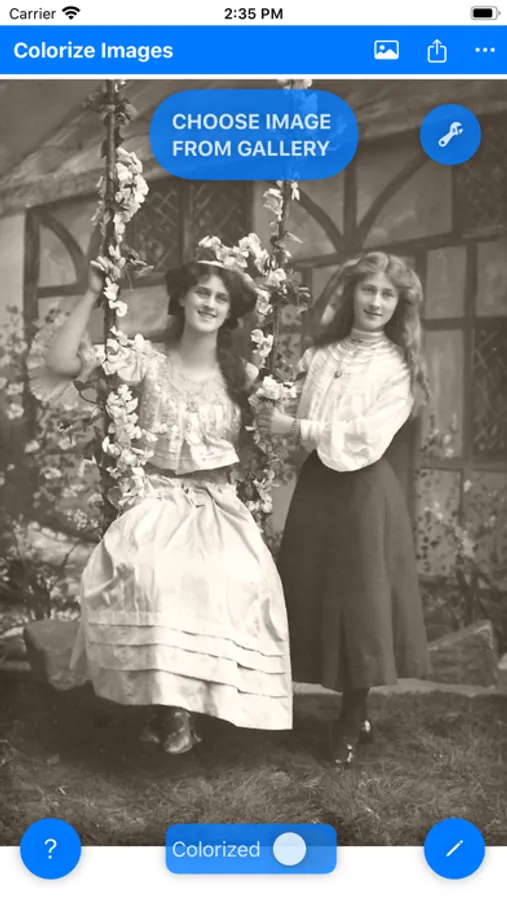
Transform black and white, grayscale, or night vision photos into vibrant color moments using advanced Machine Learning. Dive into the magic of automatic colorization and let Colorize Images breathe new life into old memories.
Simple, Intuitive, and Efficient:
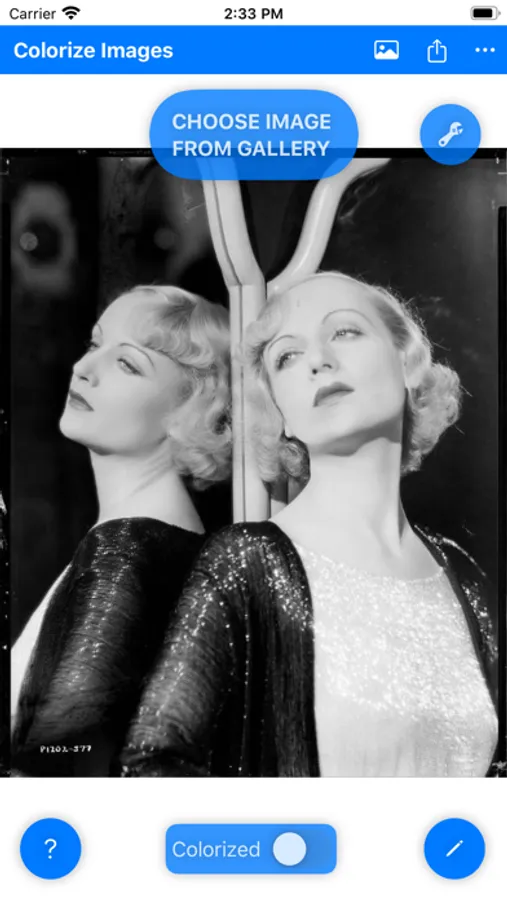
- Select a photo from your gallery or share from other apps like Facebook, Twitter, Chrome, or Google Photos.
- Instant results, leveraging GPU servers for fast colorization without affecting your device’s performance.
- Share your colorized memories on social media or save them to your gallery with ease.
Powered by Cutting-Edge Technology:
- Based originally on the renowned DeOldify project, our app offers multiple machine learning models for top colorization results.
- Note: Colors may not always reflect historical accuracy due to the nature of black and white images.
Global Reach with Multilingual Support:
- Supports multiple languages, making it accessible to a global audience.
Flexible Pricing:
- Enjoy free colorizations by watching Ads.
- Subscription plans start at just $1.50/month for unlimited colorizations.
- Short-term access available: 8-hour access for $0.50.
Your Privacy is Our Priority:
- Photos are stored for only 24 hours and can be removed instantly with our 'Quick Removal' feature.
- Images are processed on remote GPU servers, ensuring quick and secure colorization.
We Value Your Feedback:
- Use the 'Report Bug' feature within the app or contact us directly with any issues or suggestions. Your input helps us improve.
Tips for Best Results:
- Ensure source images have good quality, contrast, focus, and correct orientation.
- Preprocessing like contrast correction or sharpening can enhance results.
Rediscover the colors of the past with Colorize Images. Download now and transform your memories!
Privacy Policy: https://colorizeimages.com/pp.html
Terms of Use: https://www.apple.com/legal/internet-services/itunes/dev/stdeula/
Colorize Images Screenshots
Tap to Rate:
Reviews for Colorize Images
Probata153
Unworkable
This is not a drag and drop app. It wanted me to set up a gallery (which I already had). I couldn’t even find info on the internet for this app. Frustrating.
TheVintageVoice
Best B/W to Color app available! Hands down!!!
I’ve tried every colorization app available for my artwork series and even had a subscription for a while to the Pallette platform which was great and all but THIS app delivers stellar results almost 100% of the time. I’m talking Photoshop quality colorizations! Only a couple of times has it been way off on its execution but I know with further updates, it’ll only get better. Thank you so much for your app. 😉❤️🎶⭐️