AppRecs review analysis
AppRecs rating . Trustworthiness 80 out of 100. Review manipulation risk 24 out of 100. Based on a review sample analyzed.
★
AppRecs Rating
Ratings breakdown
5 star
50%
4 star
0%
3 star
0%
2 star
0%
1 star
50%
What to know
✓
Low review manipulation risk
24% review manipulation risk
✓
Credible reviews
80% trustworthiness score from analyzed reviews
About Science Practical Simulator
Key Features
• LEARN
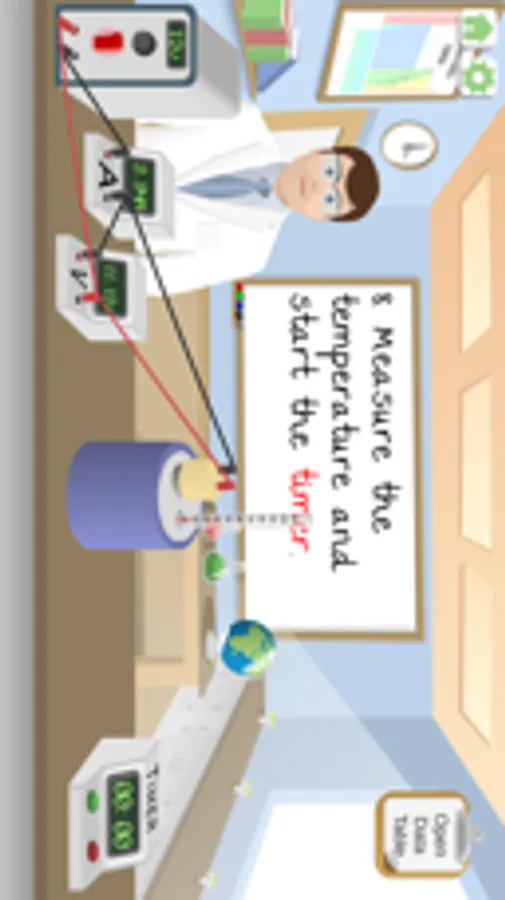
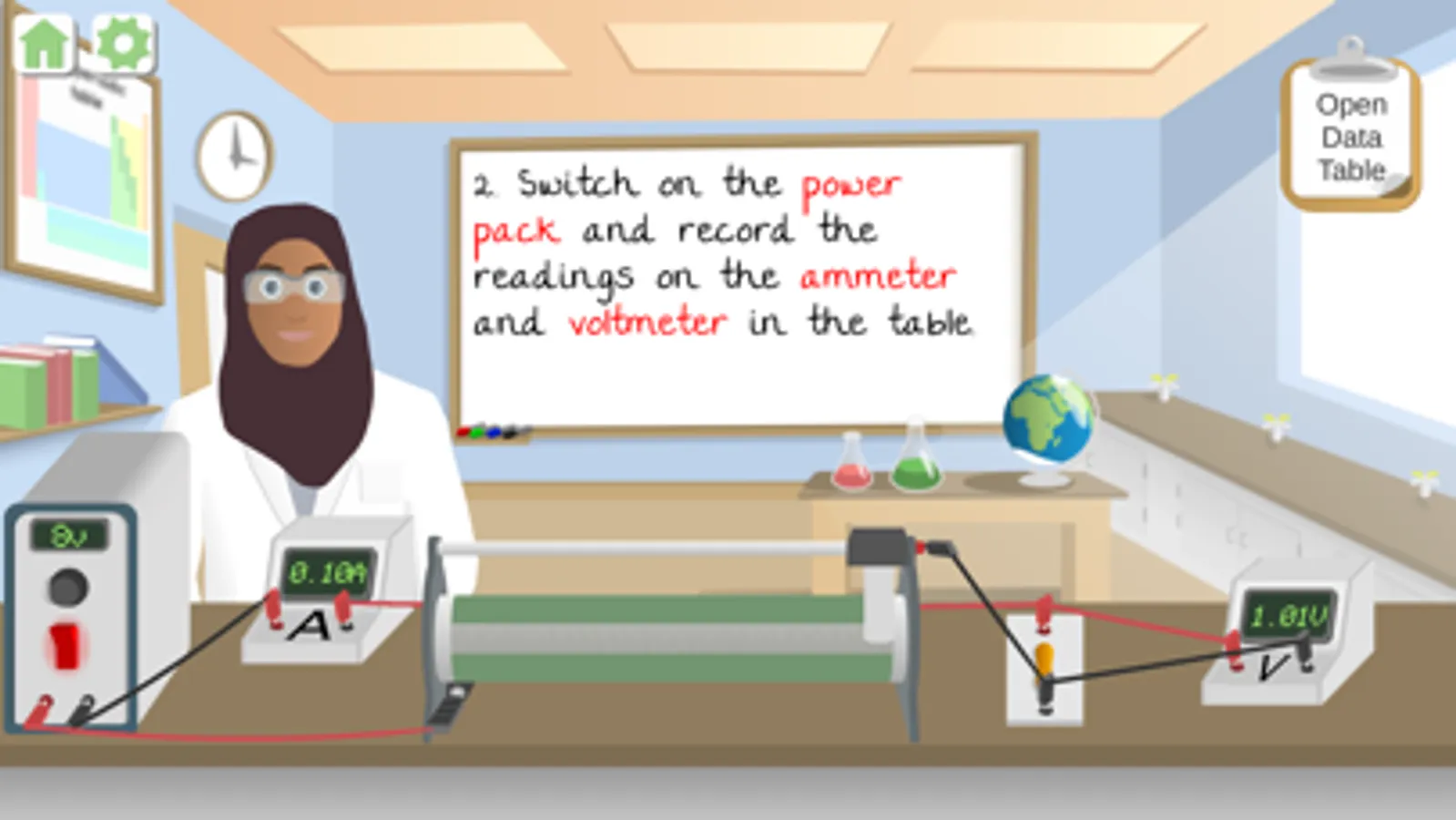
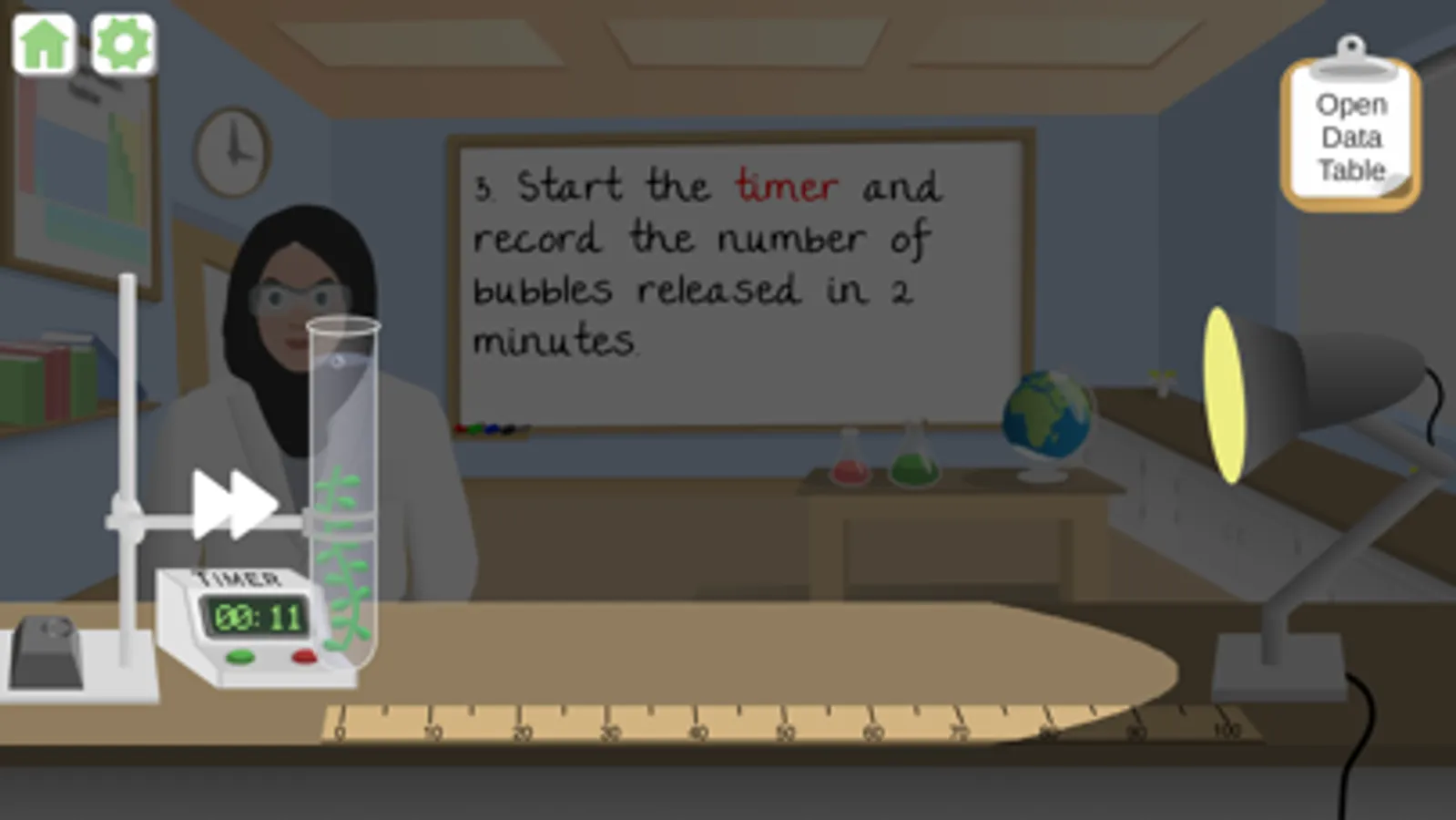
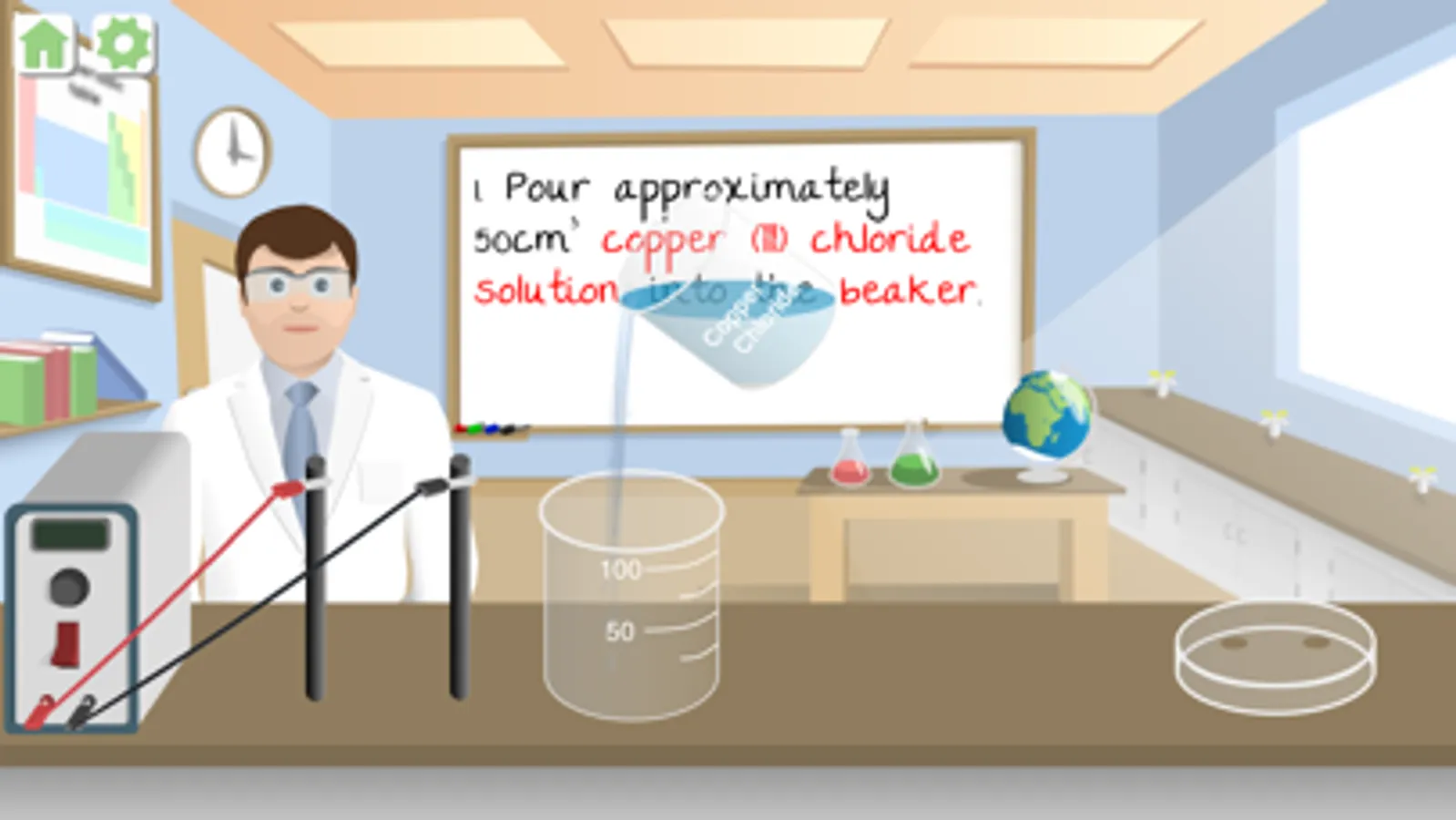
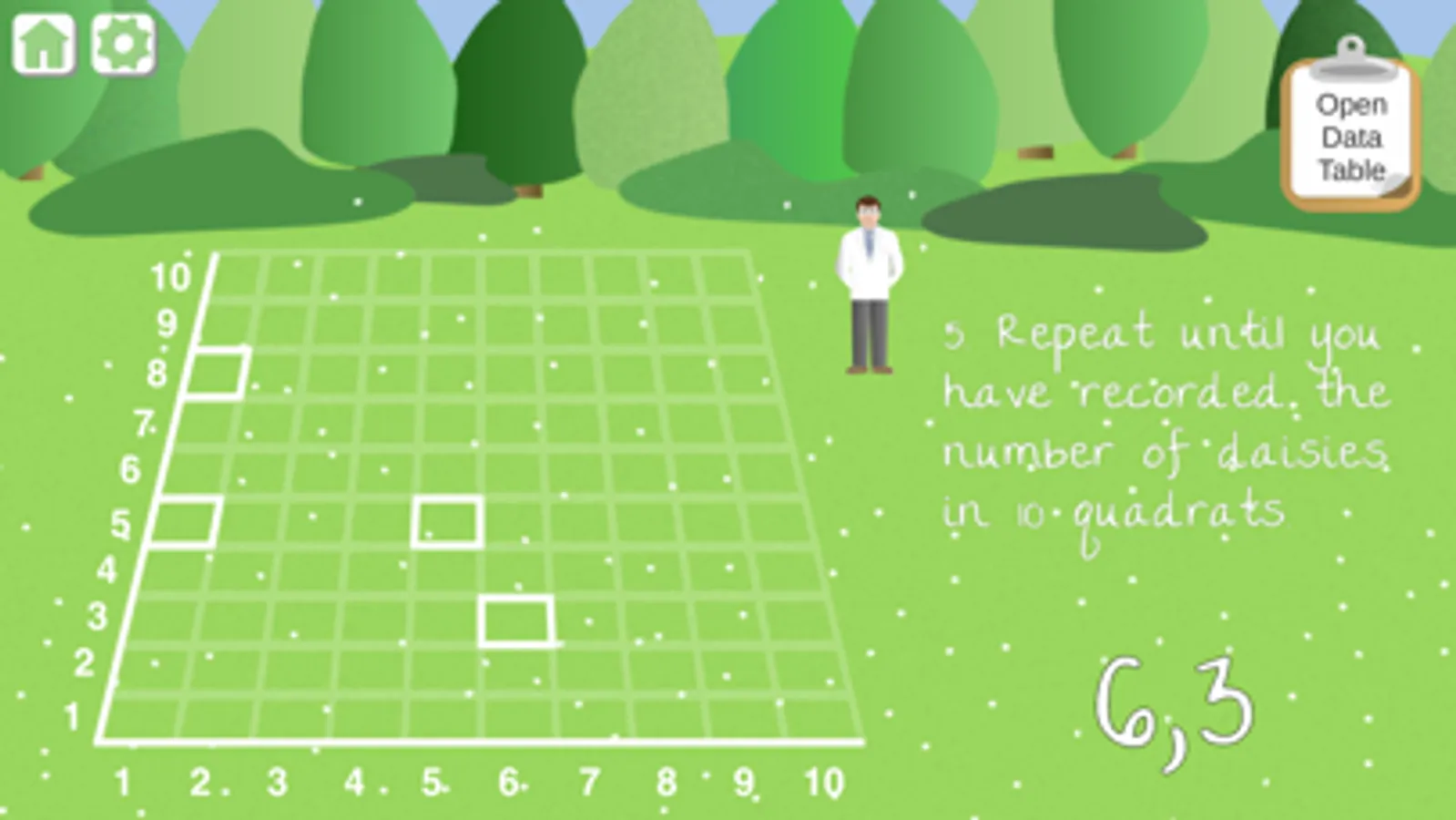
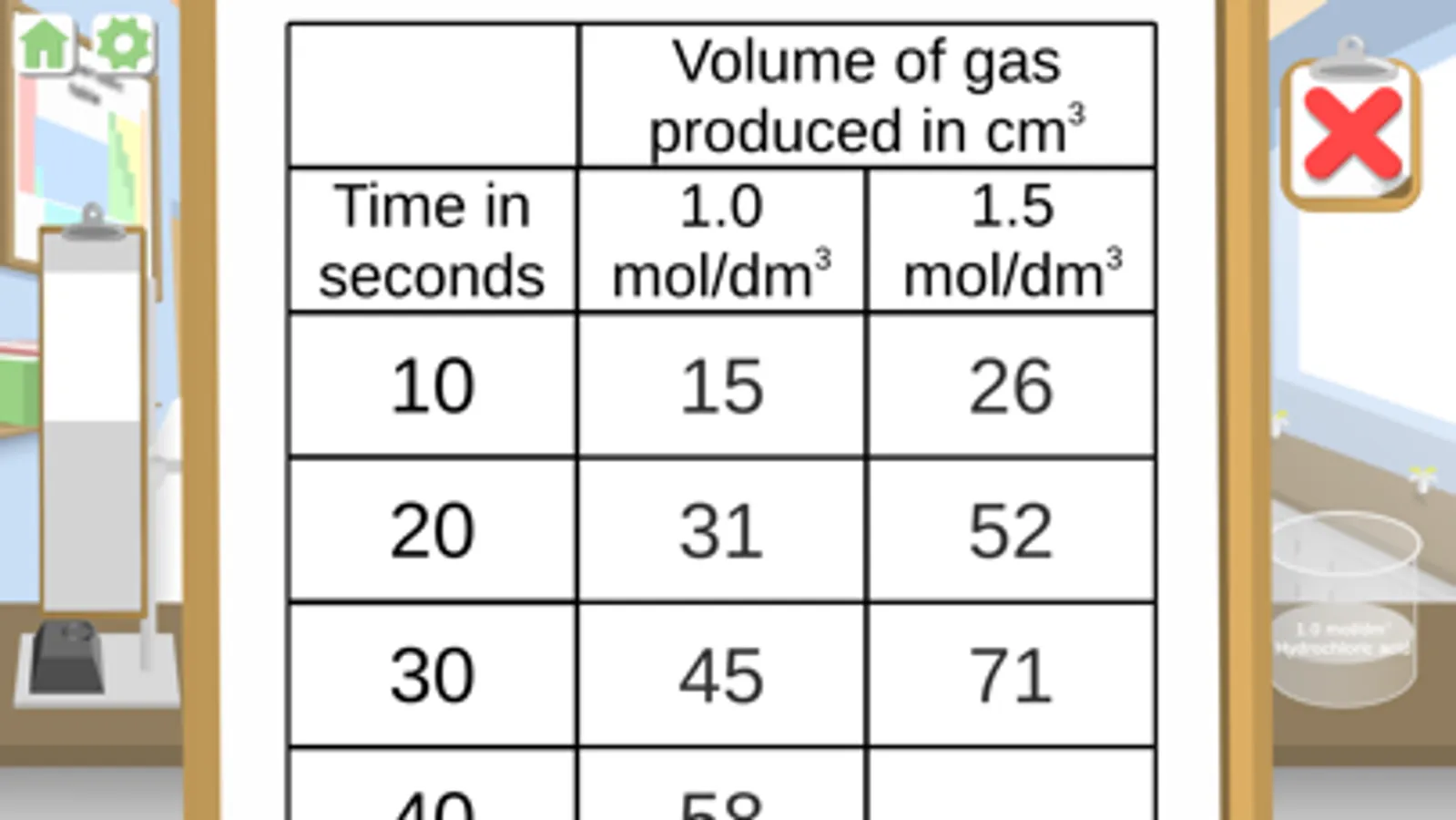
Be taken through each of the practicals step-by-step with easy to read instructions, featuring 'highlight ID' which identifies the pieces of equipment.
• REVISE
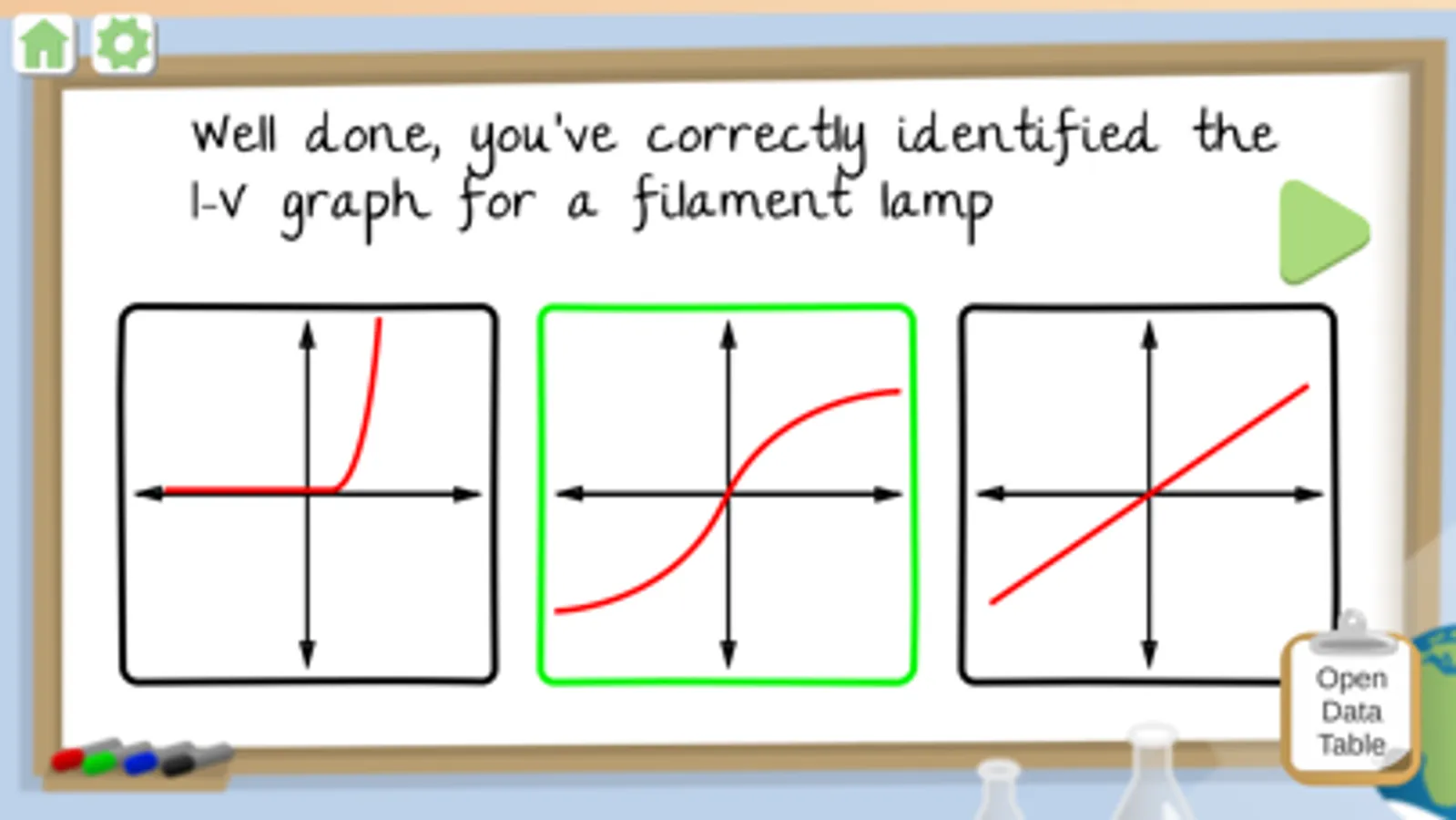
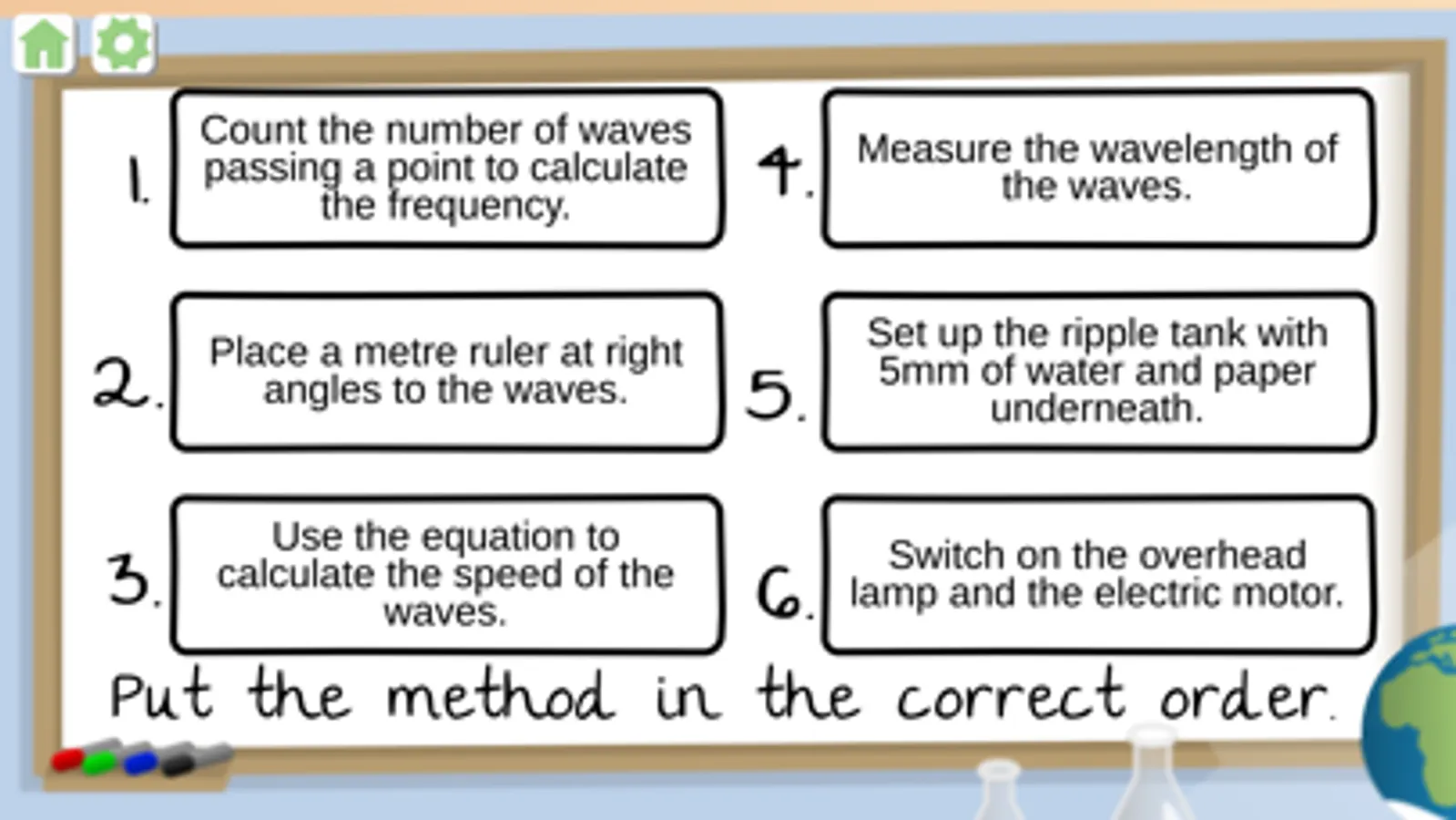
The main purpose of the Science Practical Simulator is to help revise for science exams. Go over what has been taught in class and test yourself with the method quiz after each practical.
The practicals within the app have been created based on the suggested practicals for most exam boards.
• IMPROVE
Easily keep track of their progress and have something to show for your work as the app counts completions and displays the number within the topic lists pages. Unlimited attempts allow for you to keep coming back to look over things!
Gain the valuable skills needed for when you're in the practical lesson.
Practicals included:
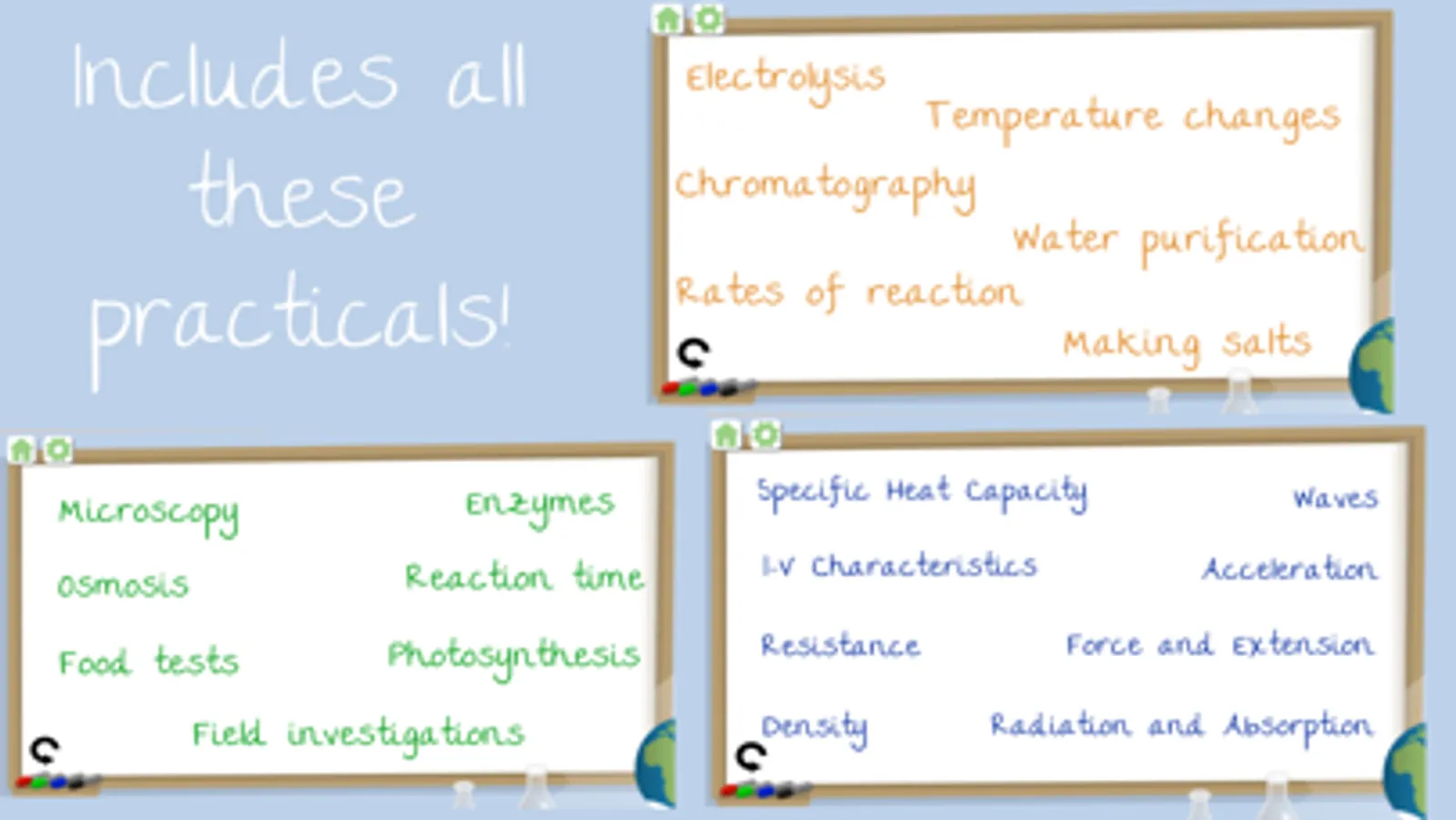
Biology - Enzymes, Reaction Time, Photosynthesis, Osmosis, Microscopy, Field Investigations, Food Tests
Physics - Specific Heat Capacity, I-V Characteristics, Resistance, Density, Waves, Acceleration, Force and Extension, Radiation and Absorption
Chemistry - Electrolysis, Temperature Changes, Chromatography, Water Purification, Rates of Reaction, Making Salts
Accessibility
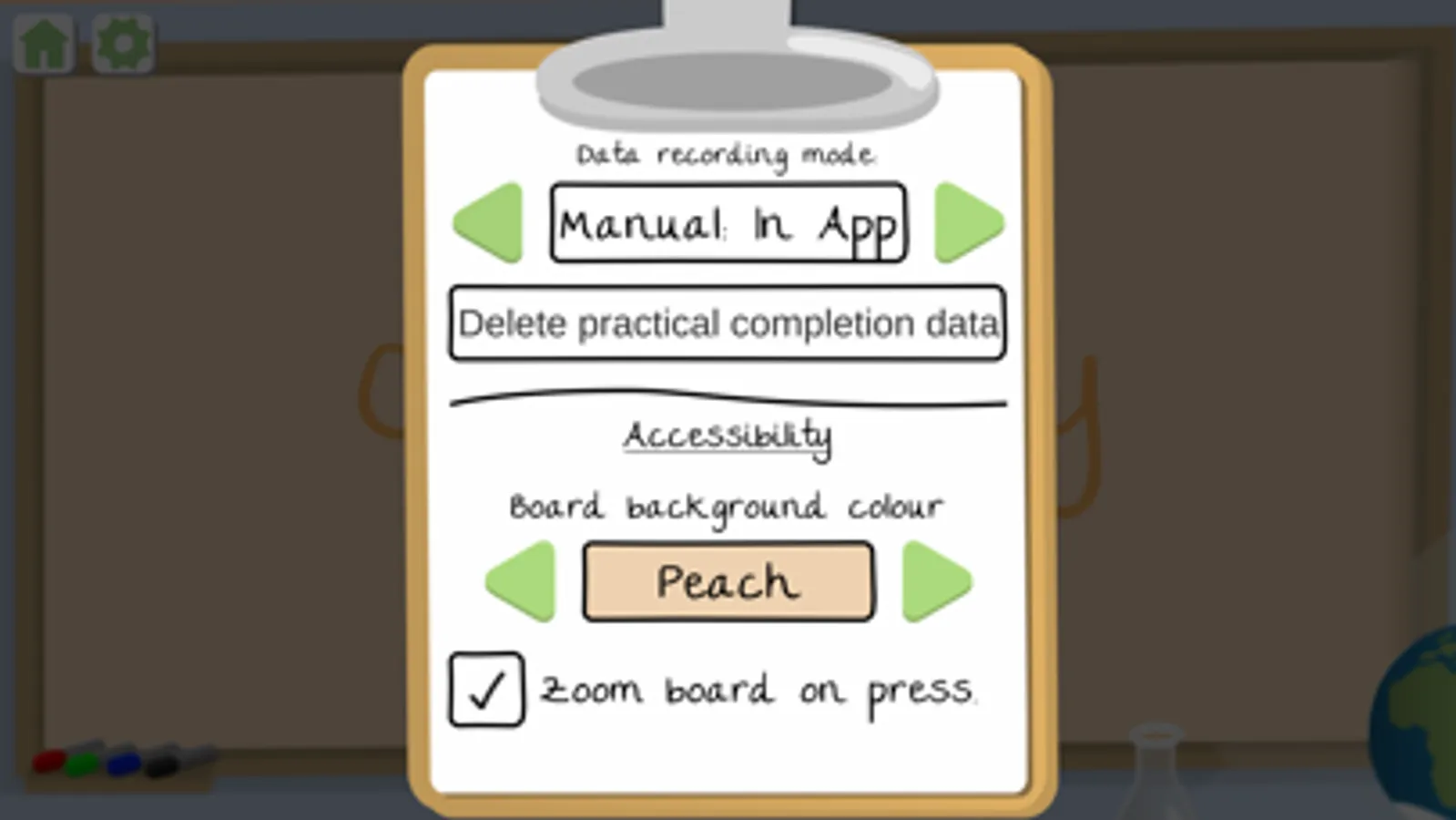
We have taken into consideration the need for different colour backgrounds to accommodate those who have Dyslexia. You can change the background colour on the settings page. Choose from six different colours and select which is best for you.
We have also included a feature for those with visual impairment. You can choose to have the instructions on the board expand as you press and hold on the area. Just tick the 'Zoom board on press' box in settings.
• LEARN
Be taken through each of the practicals step-by-step with easy to read instructions, featuring 'highlight ID' which identifies the pieces of equipment.
• REVISE
The main purpose of the Science Practical Simulator is to help revise for science exams. Go over what has been taught in class and test yourself with the method quiz after each practical.
The practicals within the app have been created based on the suggested practicals for most exam boards.
• IMPROVE
Easily keep track of their progress and have something to show for your work as the app counts completions and displays the number within the topic lists pages. Unlimited attempts allow for you to keep coming back to look over things!
Gain the valuable skills needed for when you're in the practical lesson.
Practicals included:
Biology - Enzymes, Reaction Time, Photosynthesis, Osmosis, Microscopy, Field Investigations, Food Tests
Physics - Specific Heat Capacity, I-V Characteristics, Resistance, Density, Waves, Acceleration, Force and Extension, Radiation and Absorption
Chemistry - Electrolysis, Temperature Changes, Chromatography, Water Purification, Rates of Reaction, Making Salts
Accessibility
We have taken into consideration the need for different colour backgrounds to accommodate those who have Dyslexia. You can change the background colour on the settings page. Choose from six different colours and select which is best for you.
We have also included a feature for those with visual impairment. You can choose to have the instructions on the board expand as you press and hold on the area. Just tick the 'Zoom board on press' box in settings.
Science Practical Simulator Screenshots
Tap to Rate:
Reviews for Science Practical Simulator
Aleni Innet
Fraud...
I’ve already had access to all content of the app, but now I have to pay for it?! What a fraudulent behavior! App deleted!
ZachintheUK
Great
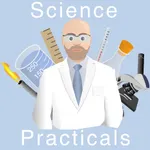
This is a really useful little app, especially for visual learners. Love the cartoon teachers.