With this video editor, you can change playback speeds, add music, and adjust volume easily. Includes variable speed templates, music options, and sharing features.
AppRecs review analysis
AppRecs rating 4.4. Trustworthiness 67 out of 100. Review manipulation risk 27 out of 100. Based on a review sample analyzed.
★★★★☆
4.4
AppRecs Rating
Ratings breakdown
5 star
87%
4 star
7%
3 star
3%
2 star
2%
1 star
2%
What to know
✓
Low review manipulation risk
27% review manipulation risk
✓
High user satisfaction
87% of sampled ratings are 5 stars
About Slow Motion Video Editor .
FEATURES
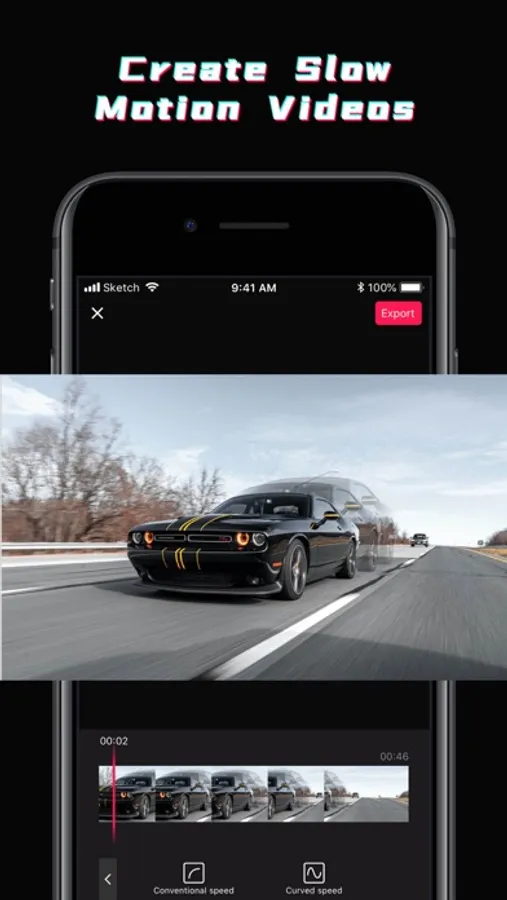
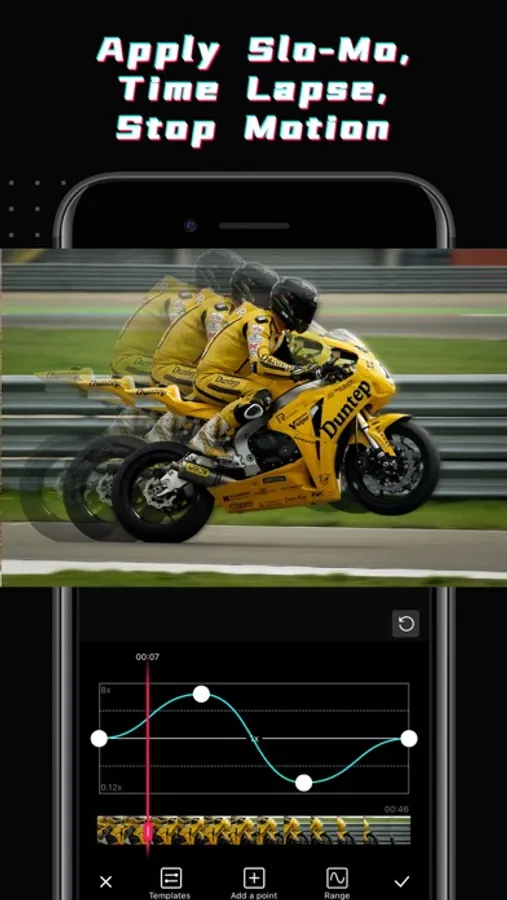
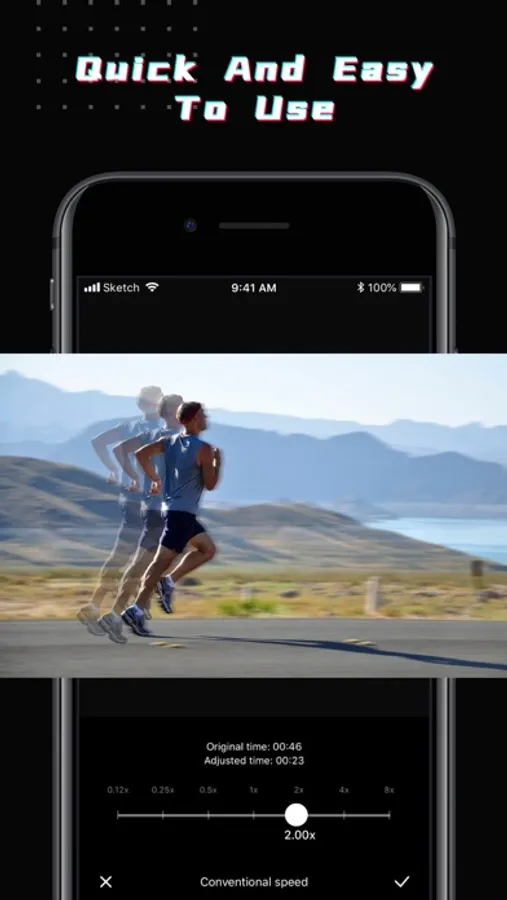
SPEED UP YOUR VIDEO
- Provide a variety of variable speed templates
- Add and remove points to adjust the speed
- Edit video speed up 10x faster or Slower
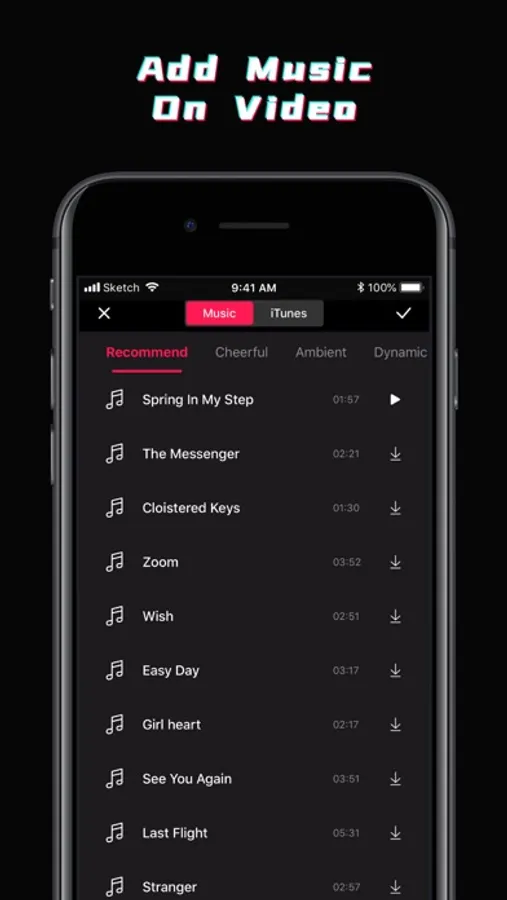
ADD MUSIC ON VIDEO
- Contains different styles of music
- Add background music from app or iTunes
ADJUST THE VOLUME OF THE VIDEO
- Quickly adjust the volume of your original video
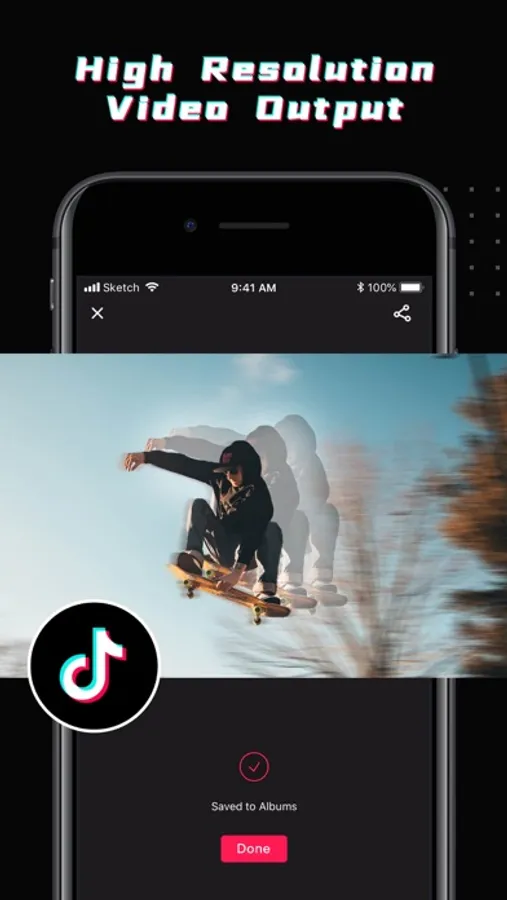
SHARE WITH FRIEND
- You can share on Facebook, Instagram, inShot, GoPro, YouTube, Twitter
If you have any questions or suggestions, please feel free to contact us in the app.
Slow Motion Video Editor . Screenshots
Tap to Rate:
Reviews for Slow Motion Video Editor .
wannabegolfer
Ad city
I understand apps need for advertising to make money, but why strategically set up ads and timing of skip buttons to make you select the ads. No one is interested in what you are advertising. Thanks for ticking me off by adding a skip button, then removing it really quick so you accidentally click the ad.
ThisGuyOverHere22
Ads, Ads, Ads
The app works well for simple slow motion tasks. However, there is an Ad when you open the app. An ad before you select a video. An ad while processing the video but you can skip this one by leaving the app because the video is already saved.