
AppRecs review analysis
AppRecs rating 2.0. Trustworthiness 75 out of 100. Review manipulation risk 21 out of 100. Based on a review sample analyzed.
★★☆☆☆
2.0
AppRecs Rating
Ratings breakdown
5 star
13%
4 star
10%
3 star
7%
2 star
3%
1 star
67%
What to know
✓
Low review manipulation risk
21% review manipulation risk
✓
Credible reviews
75% trustworthiness score from analyzed reviews
⚠
Mixed user feedback
Average 2.0★ rating suggests room for improvement
About Creative
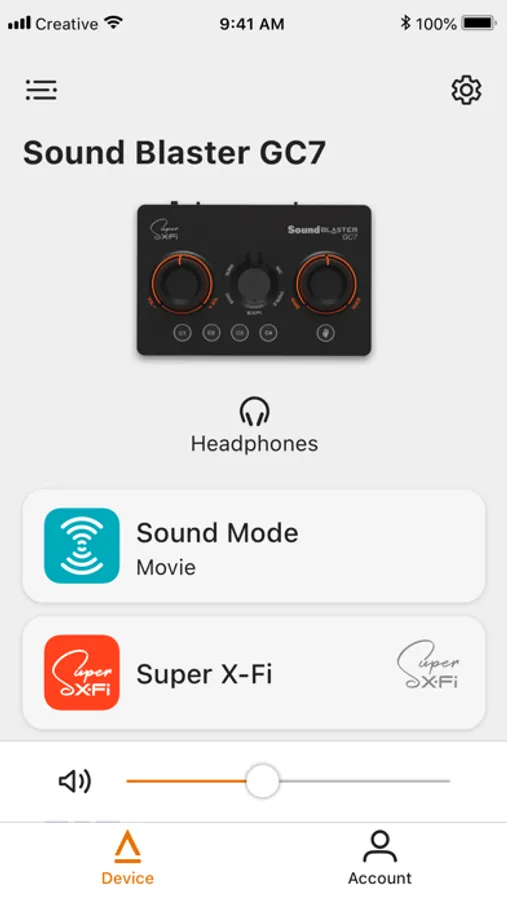
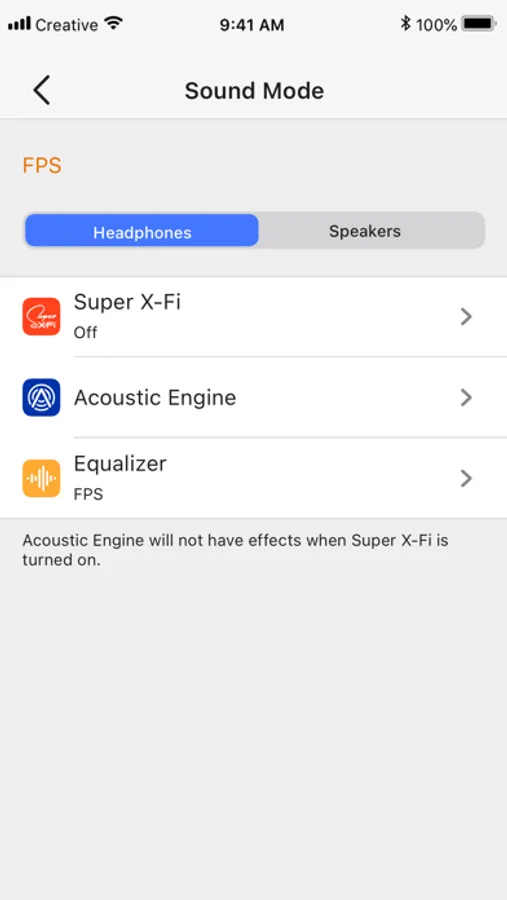
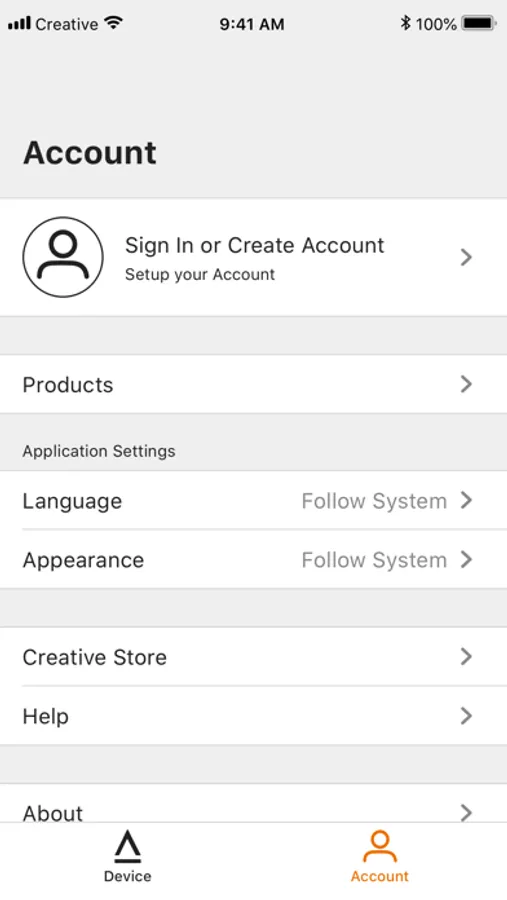
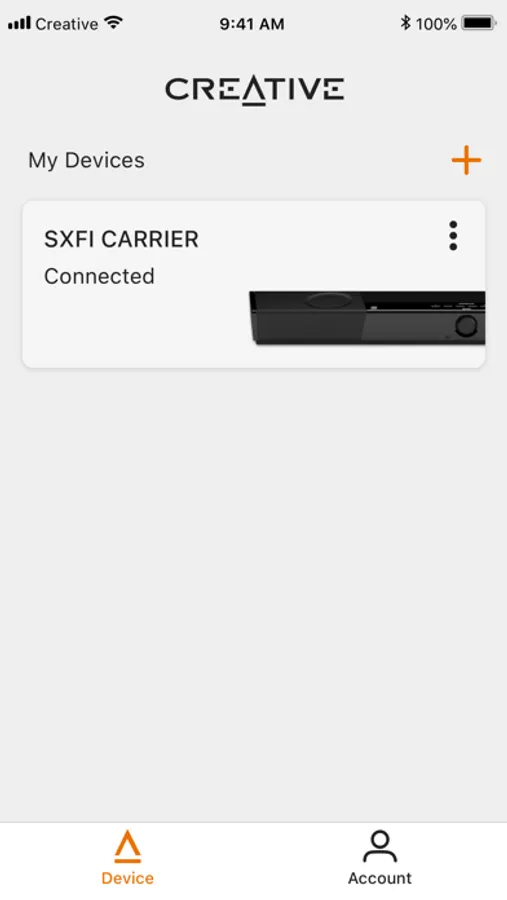
With Creative app, you can:
- Manage your Super X-Fi setup
- Change sound modes
- Configure the custom buttons
- Perform speaker setup and calibration
Note:
- Some features may not be available for all products. Please check your manual for details.
- To enjoy the complete experience of Super X-Fi, please download the SXFI App.
Creative Screenshots

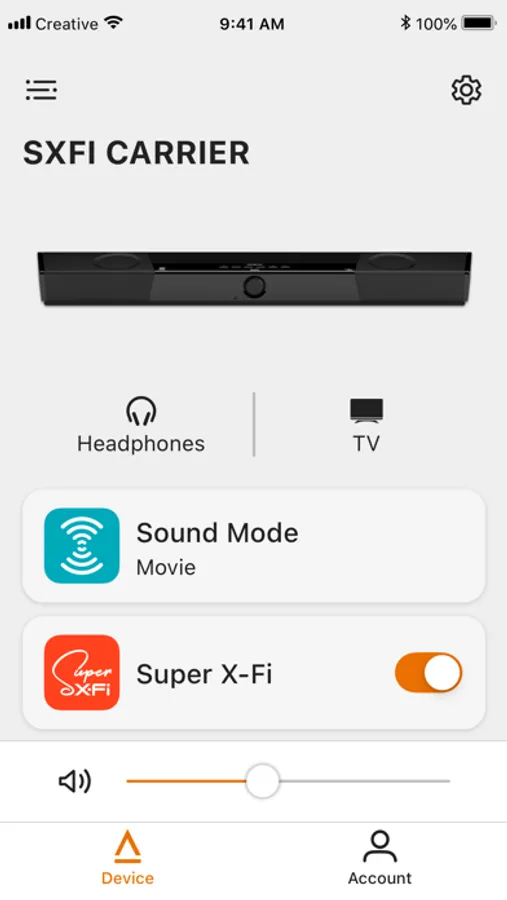
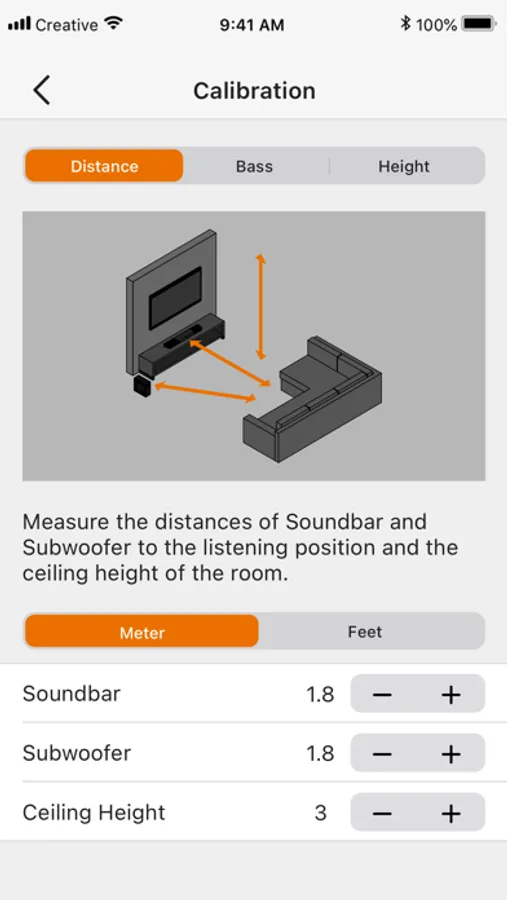
Tap to Rate:
Reviews for Creative
Jeff Adams
Doesn’t do anything
I have the Pebble X speakers connected to my computer via the USB-C connection. When I launch this app it just says “Connect your Creative devices to experience the Creative App”. It doesn’t detect my connected speakers and there are no buttons or anything to make it scan for devices. This app is worthless. I only downloaded the app to see if I could get left/right balance control and mic input from my headphones through the port on my speaker. All this is supposed to work according to Creative’s website. It doesn’t, their Mac support is terrible. Beware!
mikegms
Won’t connect
Doesn’t work. Doesn’t connect to creative device