AppRecs review analysis
AppRecs rating 4.5. Trustworthiness 60 out of 100. Review manipulation risk 30 out of 100. Based on a review sample analyzed.
★★★★☆
4.5
AppRecs Rating
Ratings breakdown
5 star
100%
4 star
0%
3 star
0%
2 star
0%
1 star
0%
What to know
✓
Low review manipulation risk
30% review manipulation risk
✓
High user satisfaction
100% of sampled ratings are 5 stars
About toolKaiser
The simple way to get organized. Professional-looking foam inserts made easy.
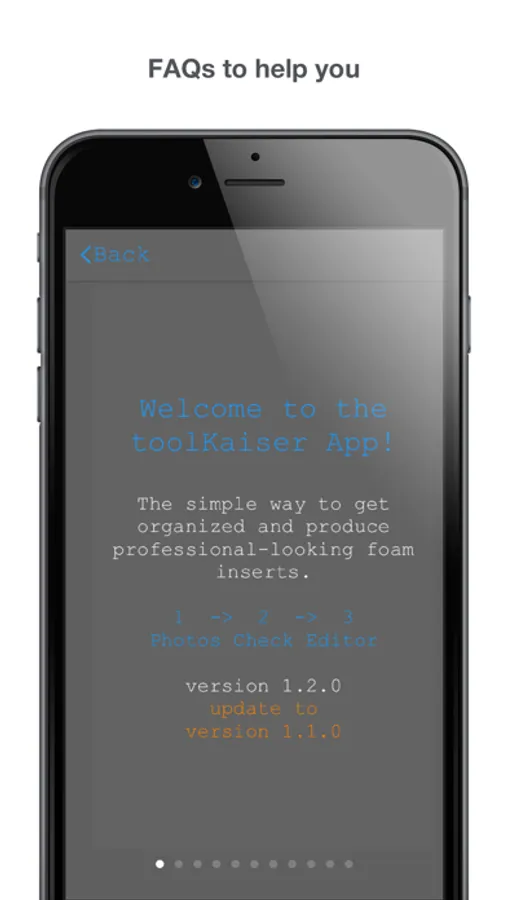
toolKaiser makes it a breeze to generate professional-looking foam inserts without the usual hassle. No tracing of tools and no fussing with manual layouts. Take a few photos and let toolKaiser do all the hard work, recognizing tool shapes and finding a pleasing and compact layout.
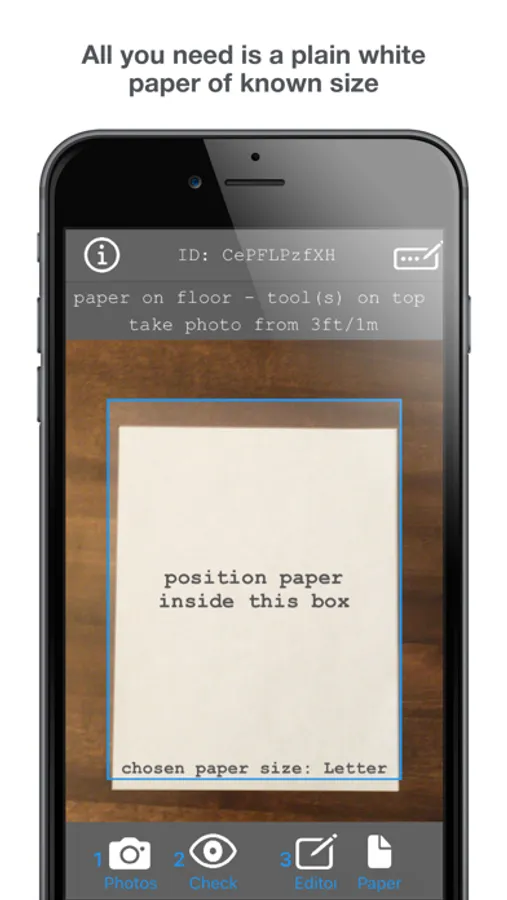
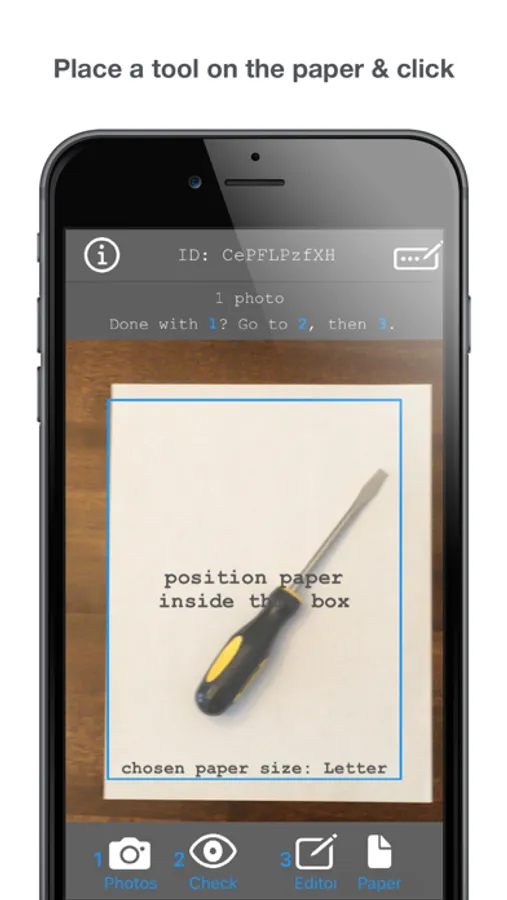
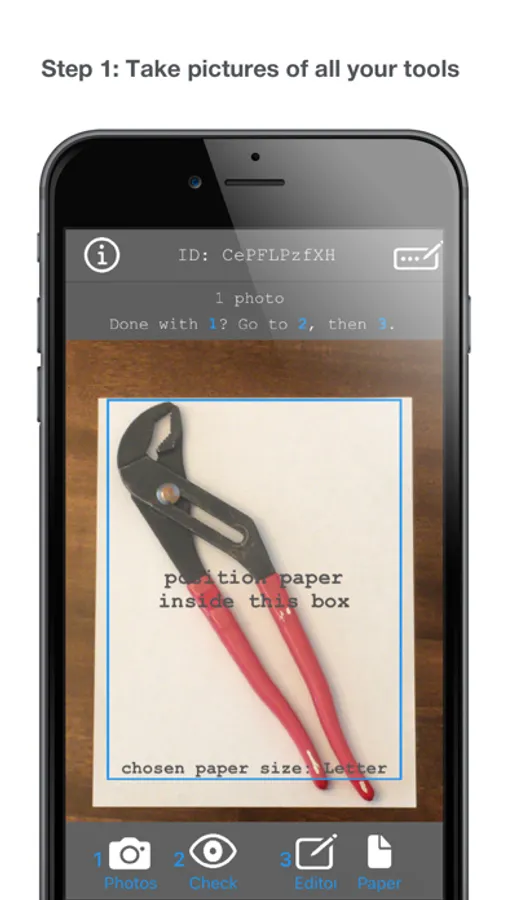
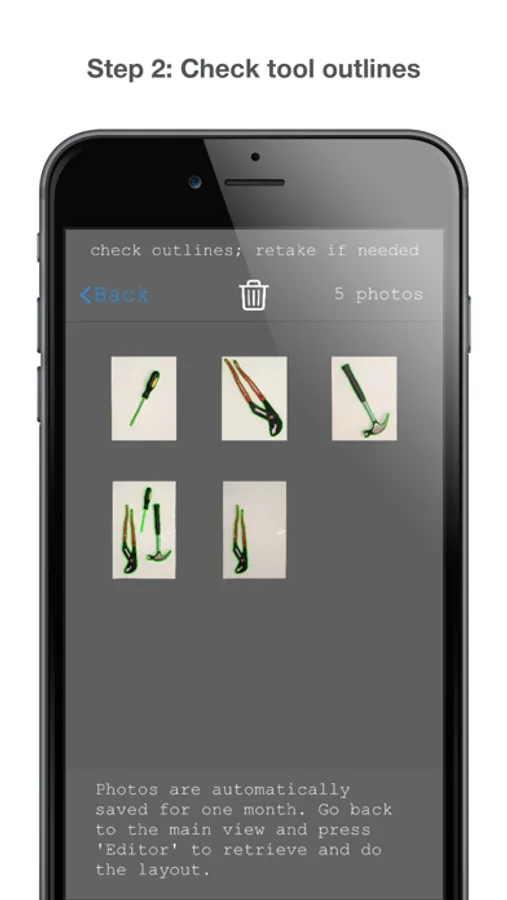
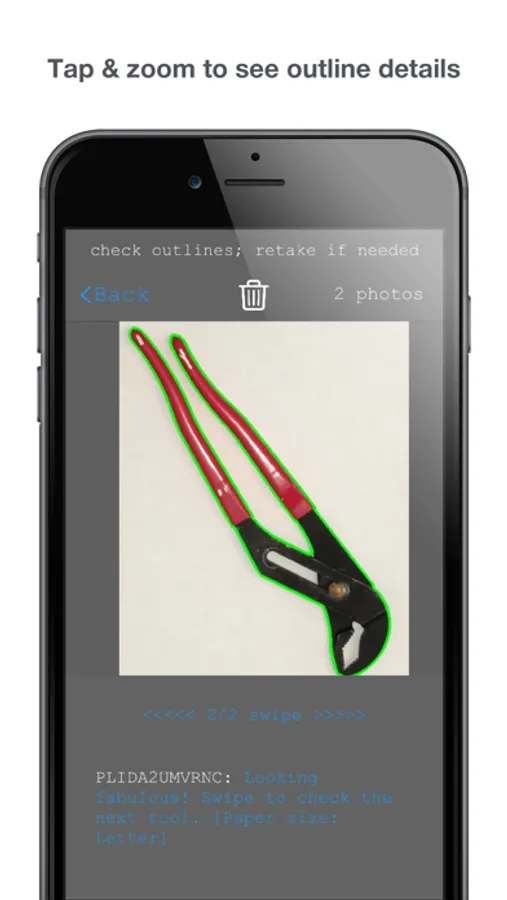
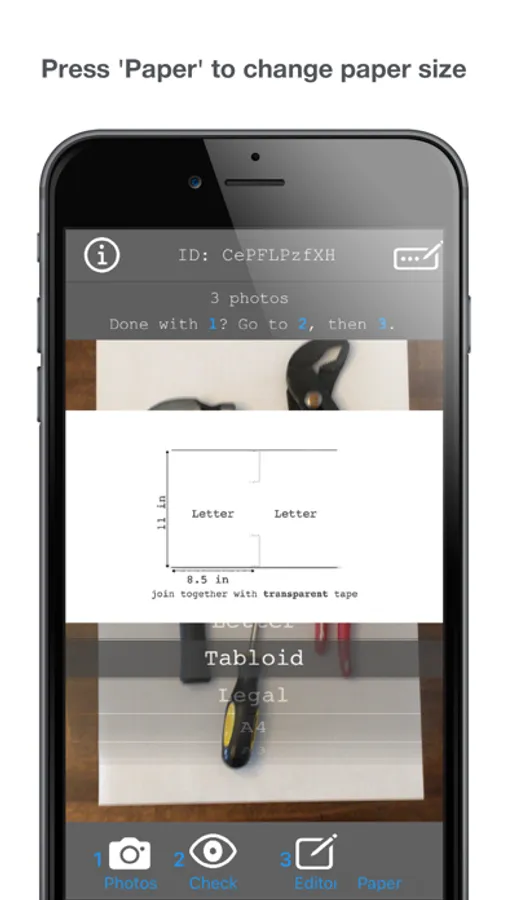
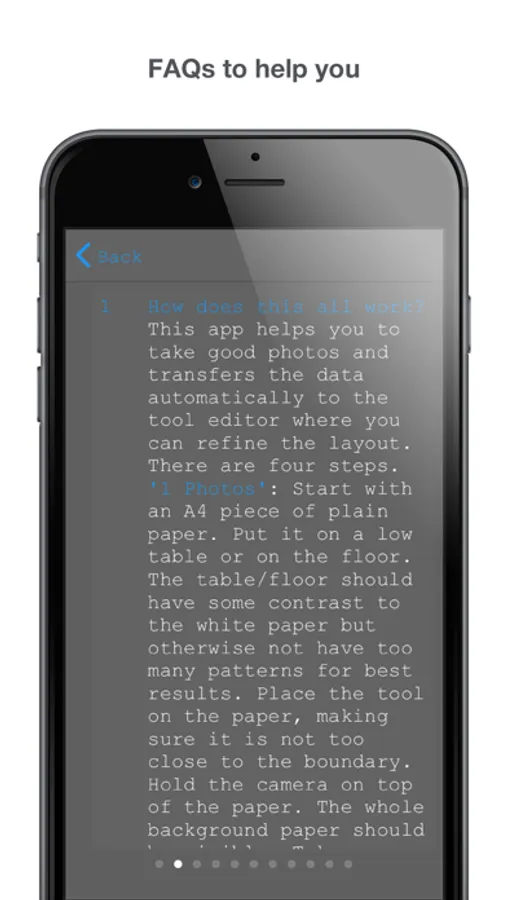
toolKaiser is simple and intuitive to use. In just 3 simple steps you can get a nice layout for all your tools. Step 1 'Photos': take pictures of your all your tools. Step 2 'Check': check the tool outlines generated automatically. Press 'Paper' to change the size of the background white paper to any of the given standard sizes: Letter, Tabloid, Legal, A4, A3, A2. Have a look at the help video to see how you can stick two Letter-sized papers to create a Tabloid-sized paper etc.
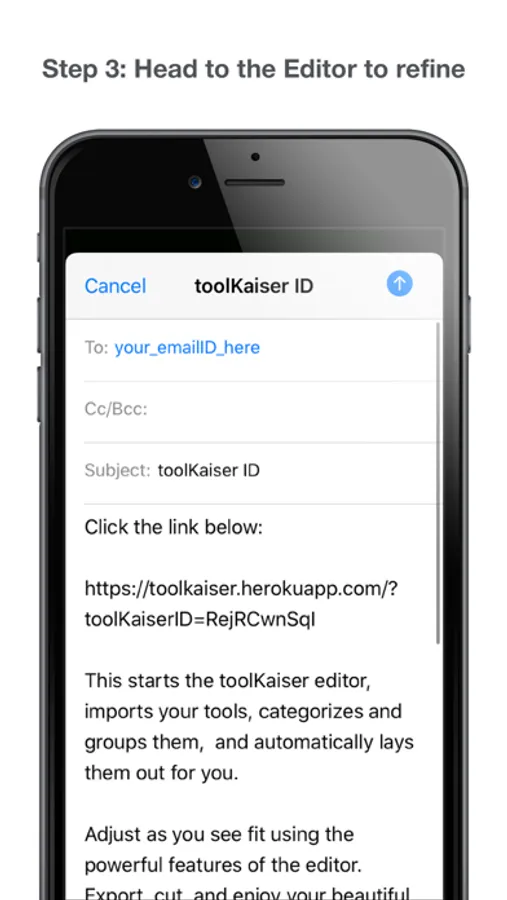
Step 3: 'Editor': head over to the toolKaiser editor (link also provided at
https://www.toolkaiser.com/) and import your tools in a few seconds. Your tools will automatically appear sorted, grouped together and compactly laid out. The toolKaiser editor is very easy to use and has many powerful features which allow you to edit and place your tool outlines. Sit back, relax and let toolKaiser do all the hard work for you. Once you have found your favorite layout, you can export your digital toolbox in various formats including SVG and DXF, suitable for laser-cutting or take a PDF printout and stick on a foam and cut it yourself.
Use toolKaiser to organize other objects as well. All you need is a white printing paper of known size and the toolKaiser app!
Please visit https://www.toolkaiser.com/ for more details, FAQs and access to the toolKaiser editor. And don't forget to leave a comment about your experience with toolKaiser!
toolKaiser makes it a breeze to generate professional-looking foam inserts without the usual hassle. No tracing of tools and no fussing with manual layouts. Take a few photos and let toolKaiser do all the hard work, recognizing tool shapes and finding a pleasing and compact layout.
toolKaiser is simple and intuitive to use. In just 3 simple steps you can get a nice layout for all your tools. Step 1 'Photos': take pictures of your all your tools. Step 2 'Check': check the tool outlines generated automatically. Press 'Paper' to change the size of the background white paper to any of the given standard sizes: Letter, Tabloid, Legal, A4, A3, A2. Have a look at the help video to see how you can stick two Letter-sized papers to create a Tabloid-sized paper etc.
Step 3: 'Editor': head over to the toolKaiser editor (link also provided at
https://www.toolkaiser.com/) and import your tools in a few seconds. Your tools will automatically appear sorted, grouped together and compactly laid out. The toolKaiser editor is very easy to use and has many powerful features which allow you to edit and place your tool outlines. Sit back, relax and let toolKaiser do all the hard work for you. Once you have found your favorite layout, you can export your digital toolbox in various formats including SVG and DXF, suitable for laser-cutting or take a PDF printout and stick on a foam and cut it yourself.
Use toolKaiser to organize other objects as well. All you need is a white printing paper of known size and the toolKaiser app!
Please visit https://www.toolkaiser.com/ for more details, FAQs and access to the toolKaiser editor. And don't forget to leave a comment about your experience with toolKaiser!
toolKaiser Screenshots
Tap to Rate:
Reviews for toolKaiser
Willy cigs
Incredible
I don’t write reviews for apps but this one is incredible. Cannot wait to see it evolve
Just1n23!
Excellent App
Wonderful app that mixes sophisticated functionality with ease of use. Excellent way to get your tools organized.