
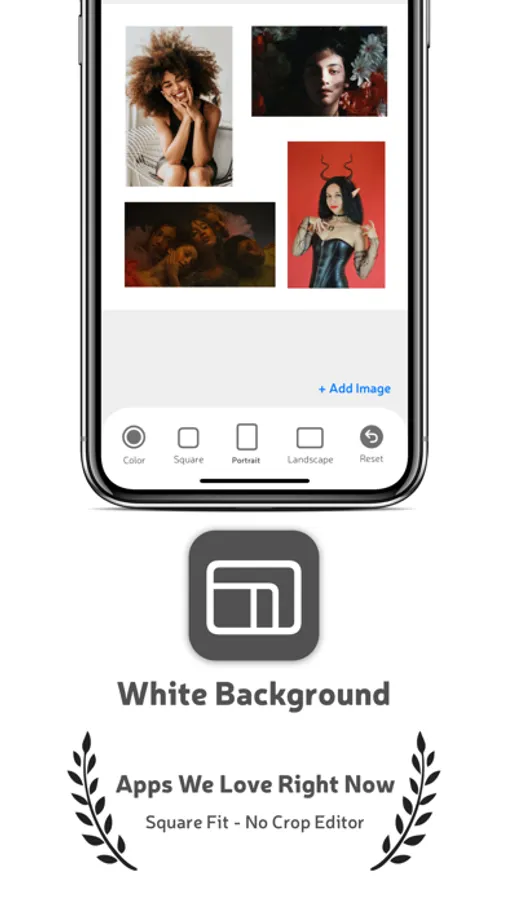
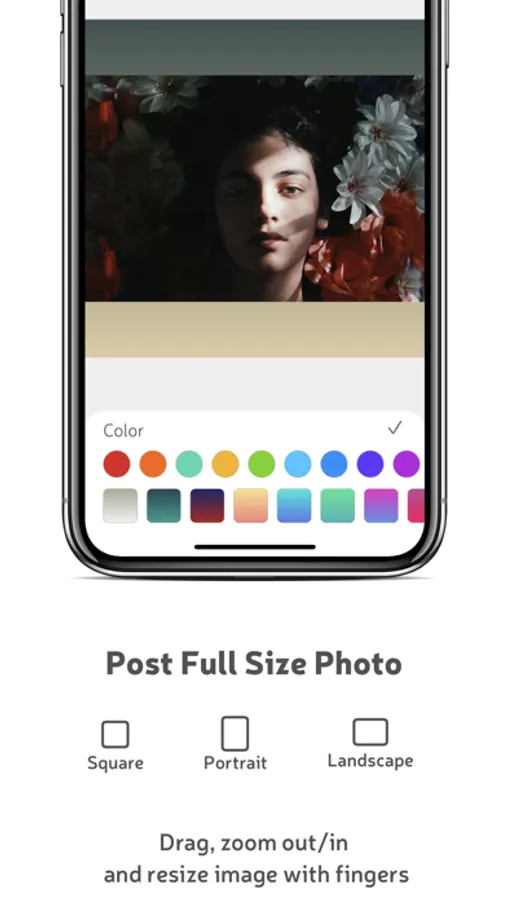
In this photo editing app, you can upload images, select formats, and customize backgrounds. Includes format options, background colors, and multi-photo support.
AppRecs review analysis
AppRecs rating 4.4. Trustworthiness 86 out of 100. Review manipulation risk 25 out of 100. Based on a review sample analyzed.
★★★★☆
4.4
AppRecs Rating
Ratings breakdown
5 star
77%
4 star
6%
3 star
4%
2 star
2%
1 star
12%
What to know
✓
Low review manipulation risk
25% review manipulation risk
✓
Credible reviews
86% trustworthiness score from analyzed reviews
✓
High user satisfaction
83% of sampled ratings are 4+ stars (4.3★ average)
About White Background
Clean and Easy to use Interface.
How it works
1. Pick a photo from your gallery
2. Choose a platform
Instagram Post, Instagram Story, Snapchat, and more
3. Customize the look
Make it clean, balanced, and ready to share
Features:
Platform-Perfect Sizes
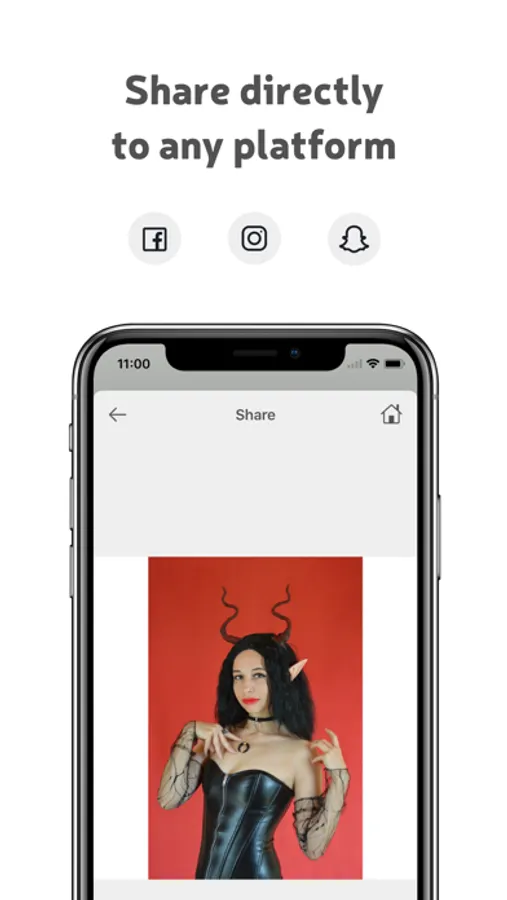
Automatically fit your image for Instagram posts, stories, Snapchat, and other formats — no cropping mistakes.
Background Removal
Instantly remove the background for product images with clean, sharp edges.
Shadows
Add realistic depth with elegant 2D or 3D shadow styles — perfect for product photos.
Background Styling
Choose from:
• Soft blur backgrounds
• Solid colors
• Beautiful gradients
Create minimal, aesthetic, or bold looks with ease.
High-Quality Export
Export crisp, high-resolution images ready for social media, stores, or professional use.
Perfect for
• Product photos
• Instagram & Snapchat posts
• Stories & reels
• Brand visuals
• Clean, minimal content
Whether you’re showcasing a product or sharing a moment, White Background (SquareFit) gives your images a polished, professional finish.
Subscription:
Payment will be charged to your iTunes account at confirmation of purchase. Subscriptions will automatically renew unless auto-renew is turned off at least 24 hours before the end of the current period. Your account will be charged for renewal, in accordance with your plan, within 24 hours prior to the end of the current period. You can manage or turn off auto-renew in your Apple ID account settings any time after purchase.
You may cancel automatic renewal and manage your subscription by selecting Manage App Subscriptions in your iTunes Account settings and selecting the subscription you want to modify. Any unused portion of a free trial period, if offered, will be forfeited when you purchase a Premium subscription, where applicable.
Terms of use: https://bilalnawaz.com/terms.html
Privacy policy: https://bilalnawaz.com/privacy.html
Support:
squarefit@viorastudio.com
Enjoy!
White Background Screenshots
Tap to Rate:
Reviews for White Background
Hayyān
Perfect for creators — easy, fast, and looks amazing!
White Background lets you format and style photos for social media with no crop or watermark. Simple controls, pro-level results, and great background tools. Worth downloading!
ahrnxc
Wish I could use it lol.
Was good for one picture, and then was hit with nonstop ads. I don’t even care about the ads - annoying, yes. But what’s even worse is you can’t even click OFF the ad after you finish watching it.. Just stuck on the ad and the whole app is unusable. Nothing fixes it, I restart the app, watch another ad, and it’s stuck again.