
With this app, you can create, edit, and share lists to organize information on the go. Includes customizable views, offline access, and photo capture features.
AppRecs review analysis
AppRecs rating 3.4. Trustworthiness 82 out of 100. Review manipulation risk 19 out of 100. Based on a review sample analyzed.
★★★☆☆
3.4
AppRecs Rating
Ratings breakdown
5 star
44%
4 star
13%
3 star
12%
2 star
9%
1 star
22%
What to know
✓
Low review manipulation risk
19% review manipulation risk
✓
Credible reviews
82% trustworthiness score from analyzed reviews
⚠
High negative review ratio
31% of sampled ratings are 1–2 stars
About Microsoft Lists
Note: This app will be retired soon. For more details, please visit https://aka.ms/listsmobileapp.
Microsoft Lists is a Microsoft 365 app that helps you track information and organize your work. Lists are simple, smart, and flexible, so you can stay on top of what matters most to your team. Track issues, assets, routines, contacts, inventory and more using customizable views to keep everyone in sync. Create, use, and share your information with anyone, anywhere while on the go with a personalized, mobile-first experience.
- Track and manage lists wherever you’re working
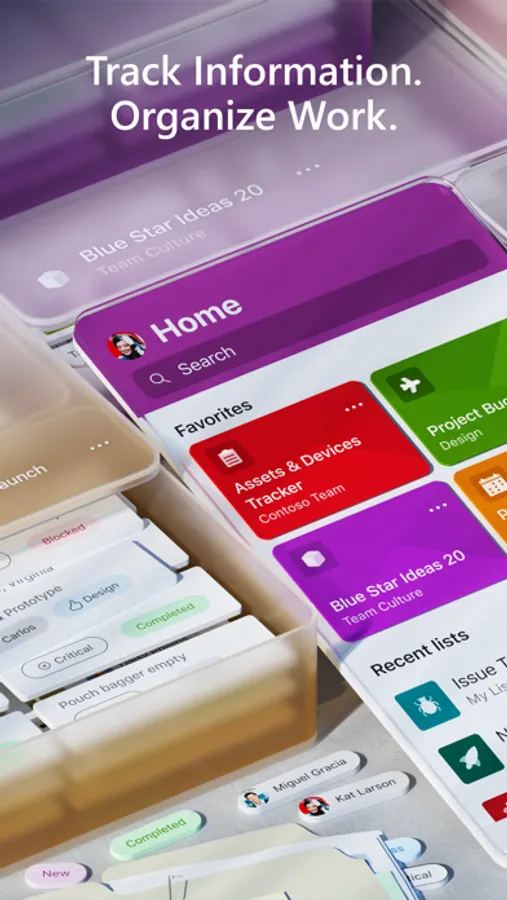
- See recent and favorite lists
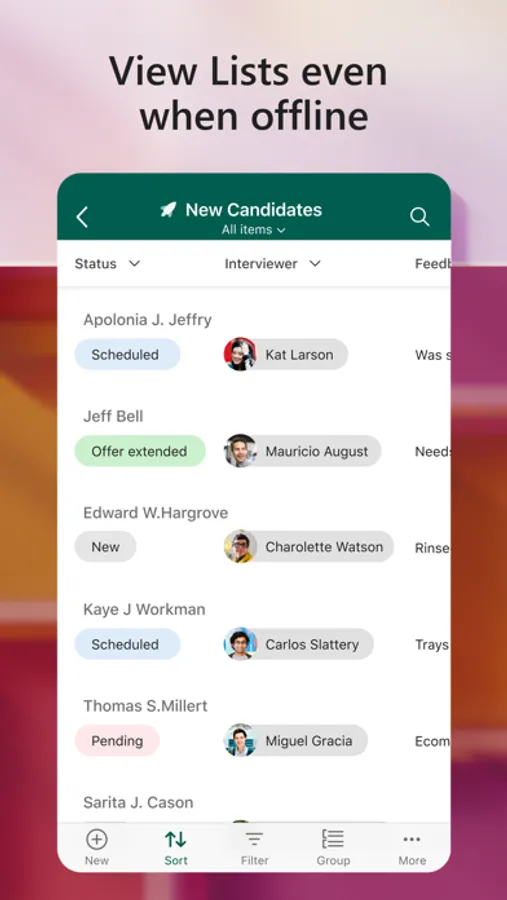
- View lists even when offline
- Edit your lists and list items
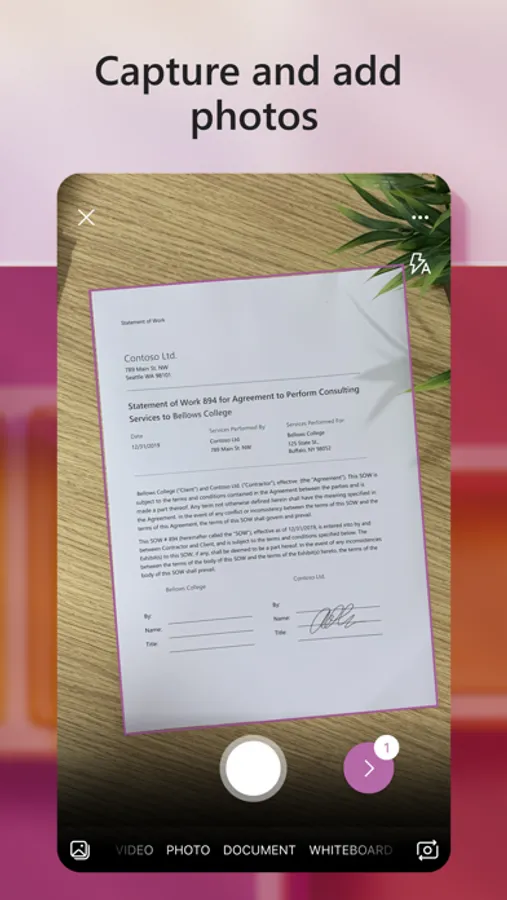
- Capture and add photos with QR code support
- Create, share, and track lists with anyone
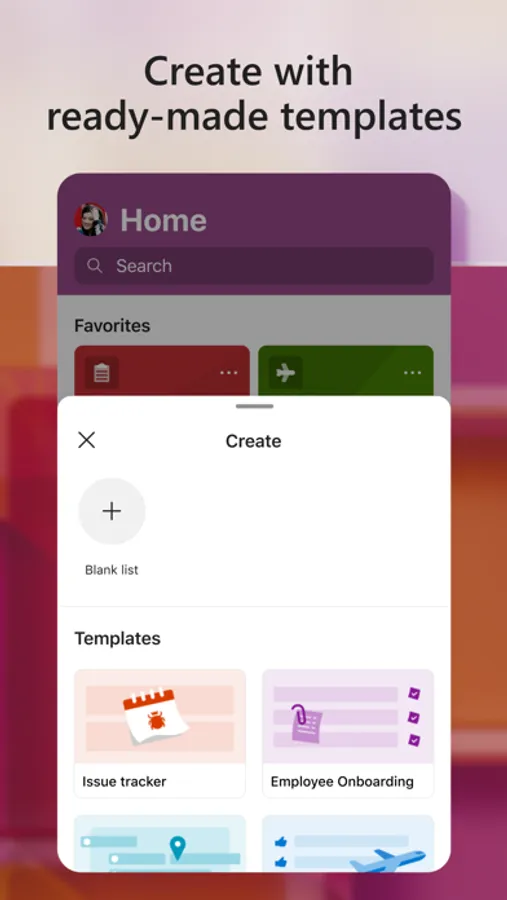
- Start quickly with ready-made templates
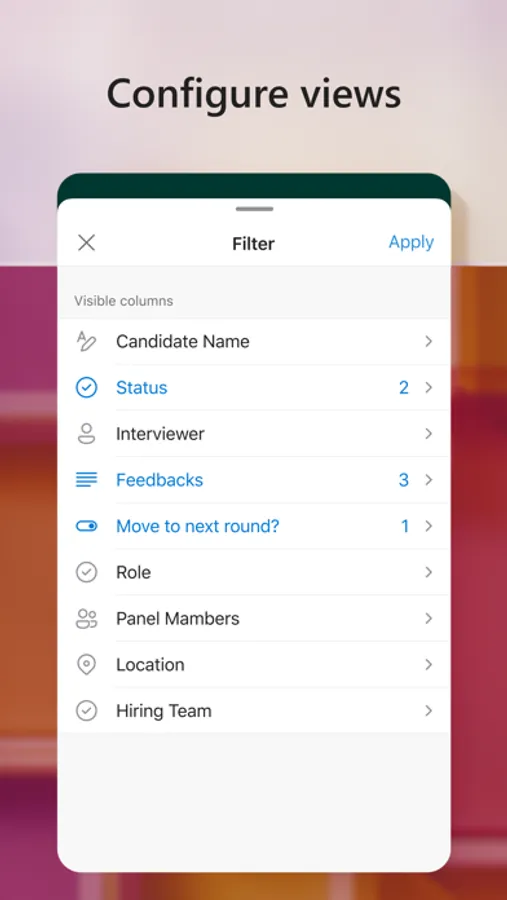
- Customize your views using sort, filter, and group by
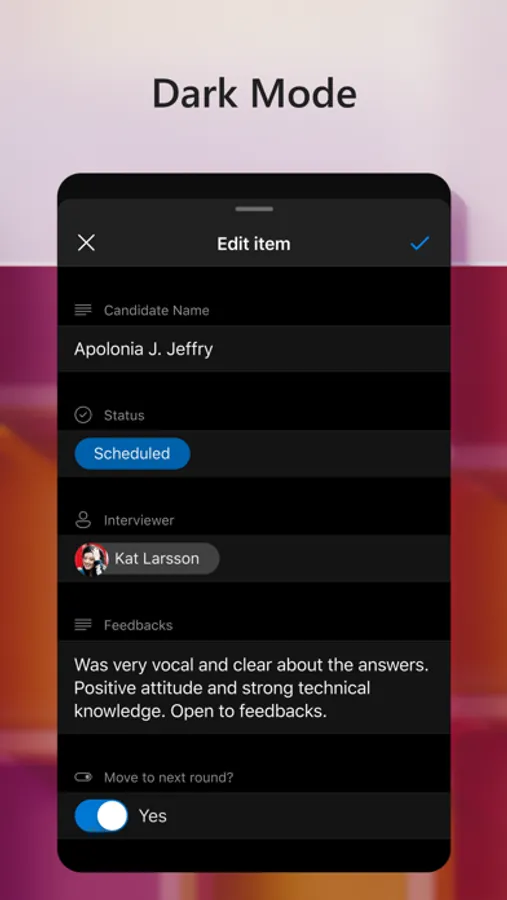
- Dark mode and landscape orientation support
- Built-in enterprise-grade data security and compliance
- Intune device management support with MDM and MAM policies"
Microsoft Lists is a Microsoft 365 app that helps you track information and organize your work. Lists are simple, smart, and flexible, so you can stay on top of what matters most to your team. Track issues, assets, routines, contacts, inventory and more using customizable views to keep everyone in sync. Create, use, and share your information with anyone, anywhere while on the go with a personalized, mobile-first experience.
- Track and manage lists wherever you’re working
- See recent and favorite lists
- View lists even when offline
- Edit your lists and list items
- Capture and add photos with QR code support
- Create, share, and track lists with anyone
- Start quickly with ready-made templates
- Customize your views using sort, filter, and group by
- Dark mode and landscape orientation support
- Built-in enterprise-grade data security and compliance
- Intune device management support with MDM and MAM policies"
Microsoft Lists Screenshots


Tap to Rate:
Reviews for Microsoft Lists
ClaptonsWig
Microsoft nuked the app
They made this app completely useless by not allowing you to access it in any regard. You must use web browser to continue
OverK1LL
Abandoned
Another service you or your company pays for that has been kneecapped or killed by Microsoft.