
In this ID photo app, you can create professional ID photos by adjusting backgrounds, beautifying images, and ensuring proper posture. Includes facial recognition, background color options, and standard photo specifications.
AppRecs review analysis
AppRecs rating 4.4. Trustworthiness 0 out of 100. Review manipulation risk 0 out of 100. Based on a review sample analyzed.
★★★★☆
4.4
AppRecs Rating
Ratings breakdown
5 star
92%
4 star
0%
3 star
8%
2 star
0%
1 star
0%
What to know
✓
High user satisfaction
92% of sampled ratings are 5 stars
About ID Photo Camera - Professional
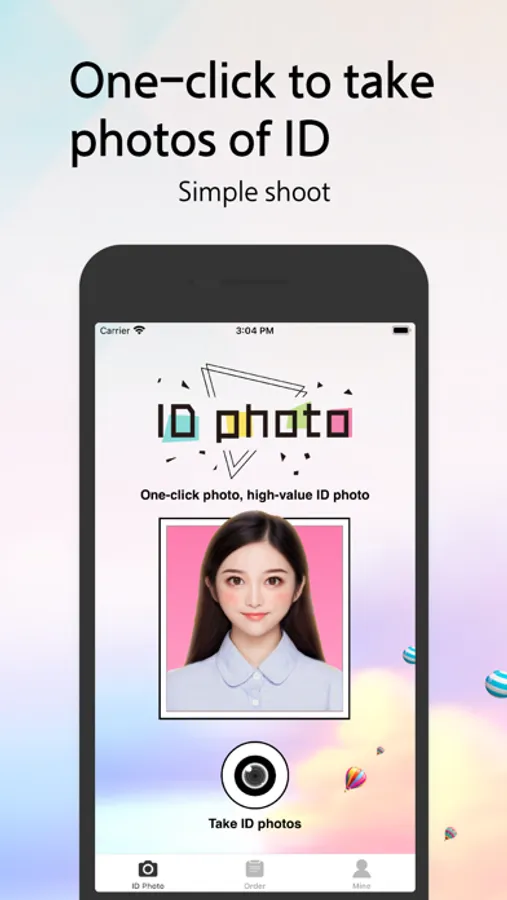
ID Photo Camera: A powerful professional ID photo making software.
One-click to change the background color; one-click to beautify the skin; one-click to generate professional-specific ID photos.
Baby ID photos, student ID photos, and work ID photos can produce the ID photos you want in one minute!
Function description:
1. Professional testing
Strictly check the posture of the face, the line of sight, the level of the eyes, the protruding clothing, and the level of the shoulders to ensure that you take a perfect ID photo.
2. Portrait cutout
Facial recognition, automatic cutout, partial adjustment... the pursuit of perfect details.
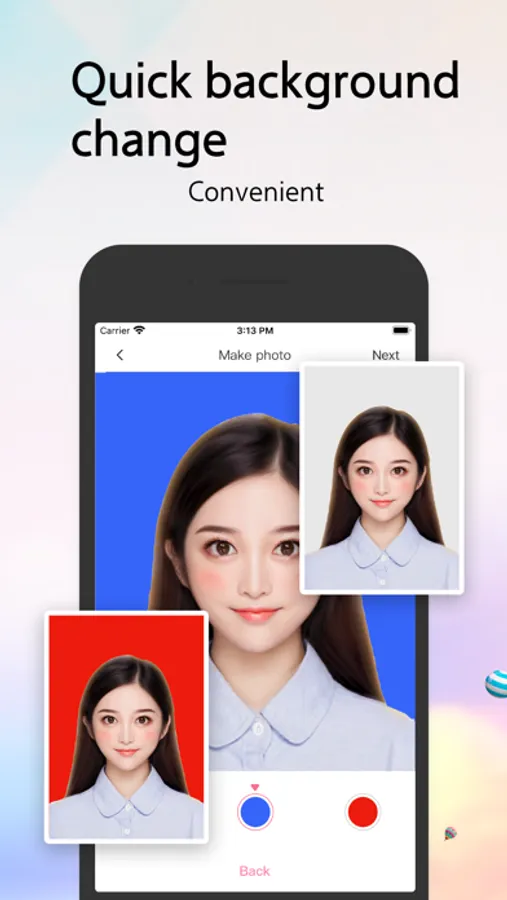
3. One-click to change the background color
White, blue, red, one key switch.
4. Slight beauty and whitening
One-click beauty and whitening, real and beautiful. You can also take Meimei ID photos.
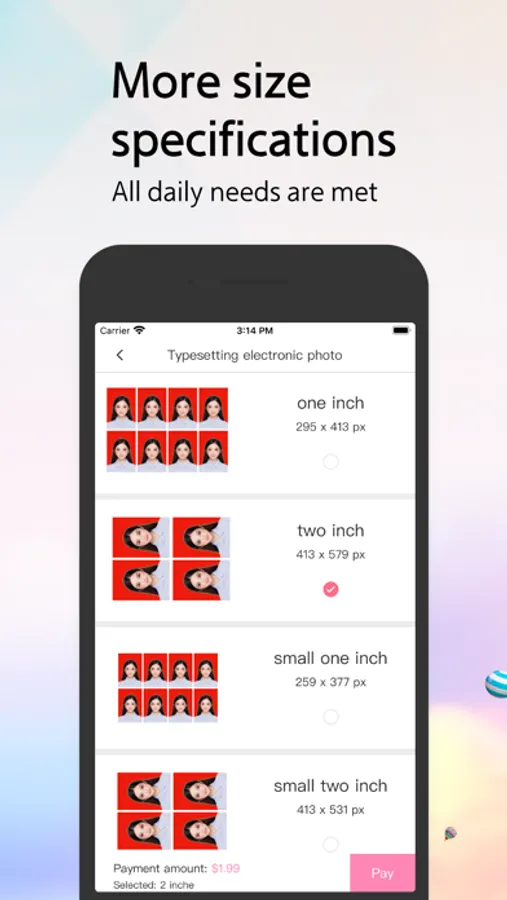
5. Make specification photo
You can choose from a variety of standard specifications.
One-click to change the background color; one-click to beautify the skin; one-click to generate professional-specific ID photos.
Baby ID photos, student ID photos, and work ID photos can produce the ID photos you want in one minute!
Function description:
1. Professional testing
Strictly check the posture of the face, the line of sight, the level of the eyes, the protruding clothing, and the level of the shoulders to ensure that you take a perfect ID photo.
2. Portrait cutout
Facial recognition, automatic cutout, partial adjustment... the pursuit of perfect details.
3. One-click to change the background color
White, blue, red, one key switch.
4. Slight beauty and whitening
One-click beauty and whitening, real and beautiful. You can also take Meimei ID photos.
5. Make specification photo
You can choose from a variety of standard specifications.
ID Photo Camera - Professional Screenshots
Tap to Rate: