AppRecs review analysis
AppRecs rating 3.0. Trustworthiness 70 out of 100. Review manipulation risk 23 out of 100. Based on a review sample analyzed.
★★★☆☆
3.0
AppRecs Rating
Ratings breakdown
5 star
50%
4 star
0%
3 star
0%
2 star
0%
1 star
50%
What to know
✓
Low review manipulation risk
23% review manipulation risk
✓
Credible reviews
70% trustworthiness score from analyzed reviews
About Masking Cam
Take a picture in three steps
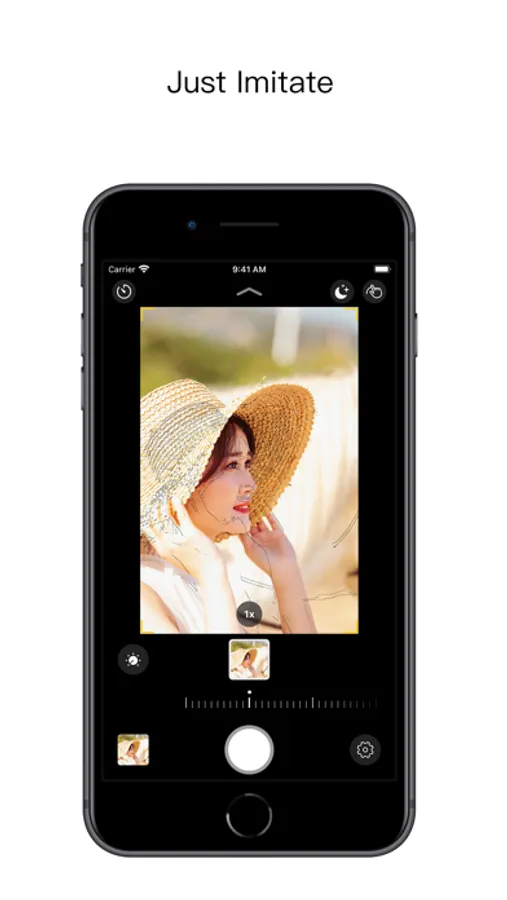
· Tap the gallery to select a photo and the photo will be rendered as a mask guide
· Move the camera or objects so that the reference guide coincides with the objects
· Capture photo
Mask photo adjust
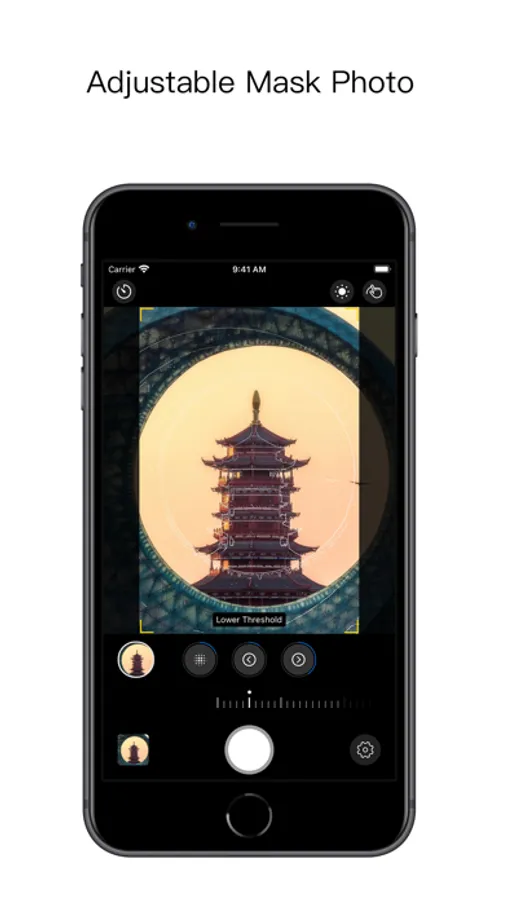
· Adjust the density of the mask reference guide by adjusting the blur radius, upper threshold or lower threshold
· Tap the mask button in the top toolbar to switch the mask color or close the mask
Reference photo [Advanced Feature]
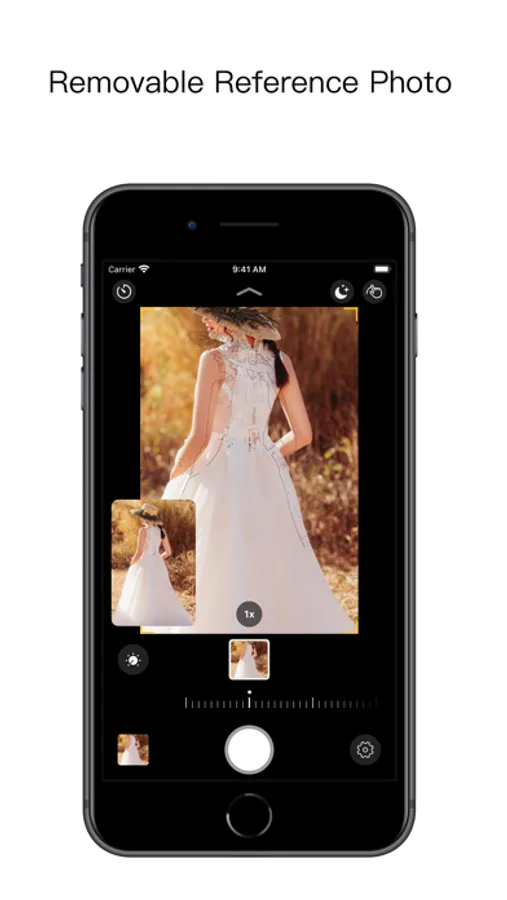
· Photos in the gallery will be displayed in picture-in-picture style
· The relative position indicator is displayed while focusing, which is convenient for you to adjust the shooting Angle at any time
· Drag, zoom, minimize
Mask mode [Advanced Features]
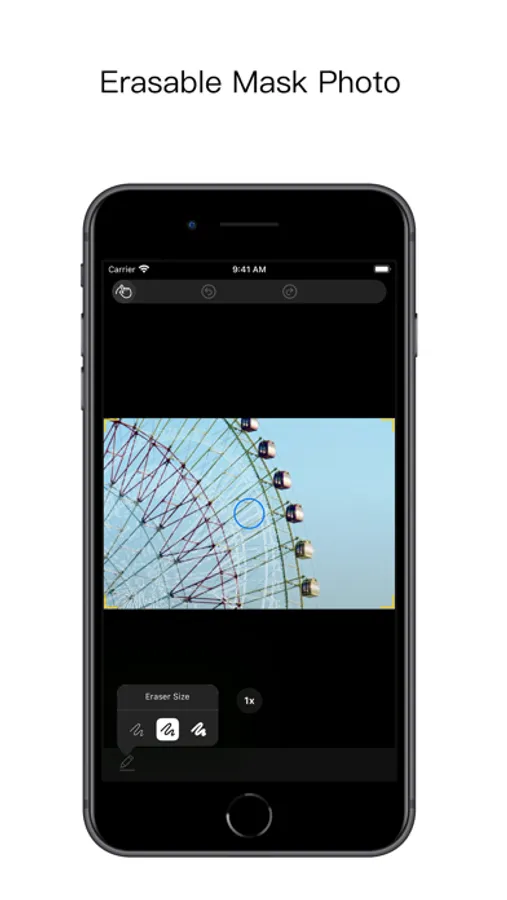
· Adjust the size of the eraser and erase excess mask references guide
Other features
· iOS 13 Dark Mode
· Swipe the preview up and down (or tap the arrow at the top) to switch albums, and click the name of the current album again to refresh the entire gallery
· Click the preview to manually focus
· Preview the zoom with two fingers
· Automatic crop according to the scale of mask photo
· Long press to delete the photo taken
· Four Orientations:Portrait、Portrait Upside Down、Landscape Left、Landscape Right
About us
We want to improve your photography with our app, but we want you to get rid of this camera aid and shoot something of your own as soon as possible.
· Tap the gallery to select a photo and the photo will be rendered as a mask guide
· Move the camera or objects so that the reference guide coincides with the objects
· Capture photo
Mask photo adjust
· Adjust the density of the mask reference guide by adjusting the blur radius, upper threshold or lower threshold
· Tap the mask button in the top toolbar to switch the mask color or close the mask
Reference photo [Advanced Feature]
· Photos in the gallery will be displayed in picture-in-picture style
· The relative position indicator is displayed while focusing, which is convenient for you to adjust the shooting Angle at any time
· Drag, zoom, minimize
Mask mode [Advanced Features]
· Adjust the size of the eraser and erase excess mask references guide
Other features
· iOS 13 Dark Mode
· Swipe the preview up and down (or tap the arrow at the top) to switch albums, and click the name of the current album again to refresh the entire gallery
· Click the preview to manually focus
· Preview the zoom with two fingers
· Automatic crop according to the scale of mask photo
· Long press to delete the photo taken
· Four Orientations:Portrait、Portrait Upside Down、Landscape Left、Landscape Right
About us
We want to improve your photography with our app, but we want you to get rid of this camera aid and shoot something of your own as soon as possible.
Masking Cam Screenshots
Tap to Rate:
Reviews for Masking Cam
Login_VIP
🤔
Bought it but it is very bad Only losing money 👎
Scampuss
Exactly what I was looking for
Great for “Before and After” pictures!