In this remote desktop app, you can connect your device to a Mac or PC and control it with touch gestures. Includes wireless and wired connection options, high-performance display quality, and support for Apple Pencil.
AppRecs review analysis
AppRecs rating 4.0. Trustworthiness 78 out of 100. Review manipulation risk 22 out of 100. Based on a review sample analyzed.
★★★★☆
4.0
AppRecs Rating
Ratings breakdown
5 star
74%
4 star
8%
3 star
4%
2 star
3%
1 star
10%
What to know
✓
Low review manipulation risk
22% review manipulation risk
✓
Credible reviews
78% trustworthiness score from analyzed reviews
⚠
Pricing complaints
Many low ratings mention paywalls or pricing
About Duet Air - Remote Desktop
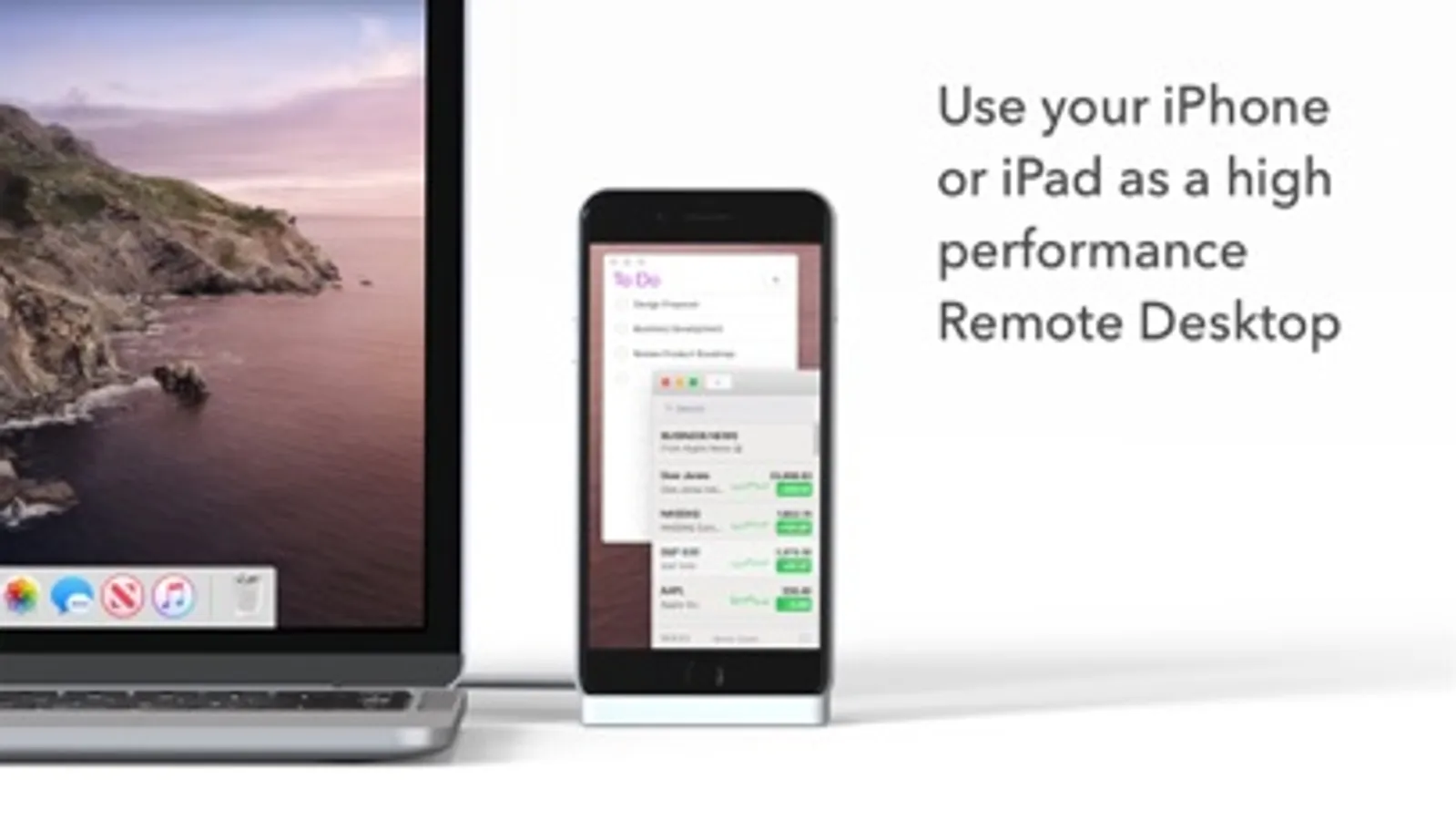
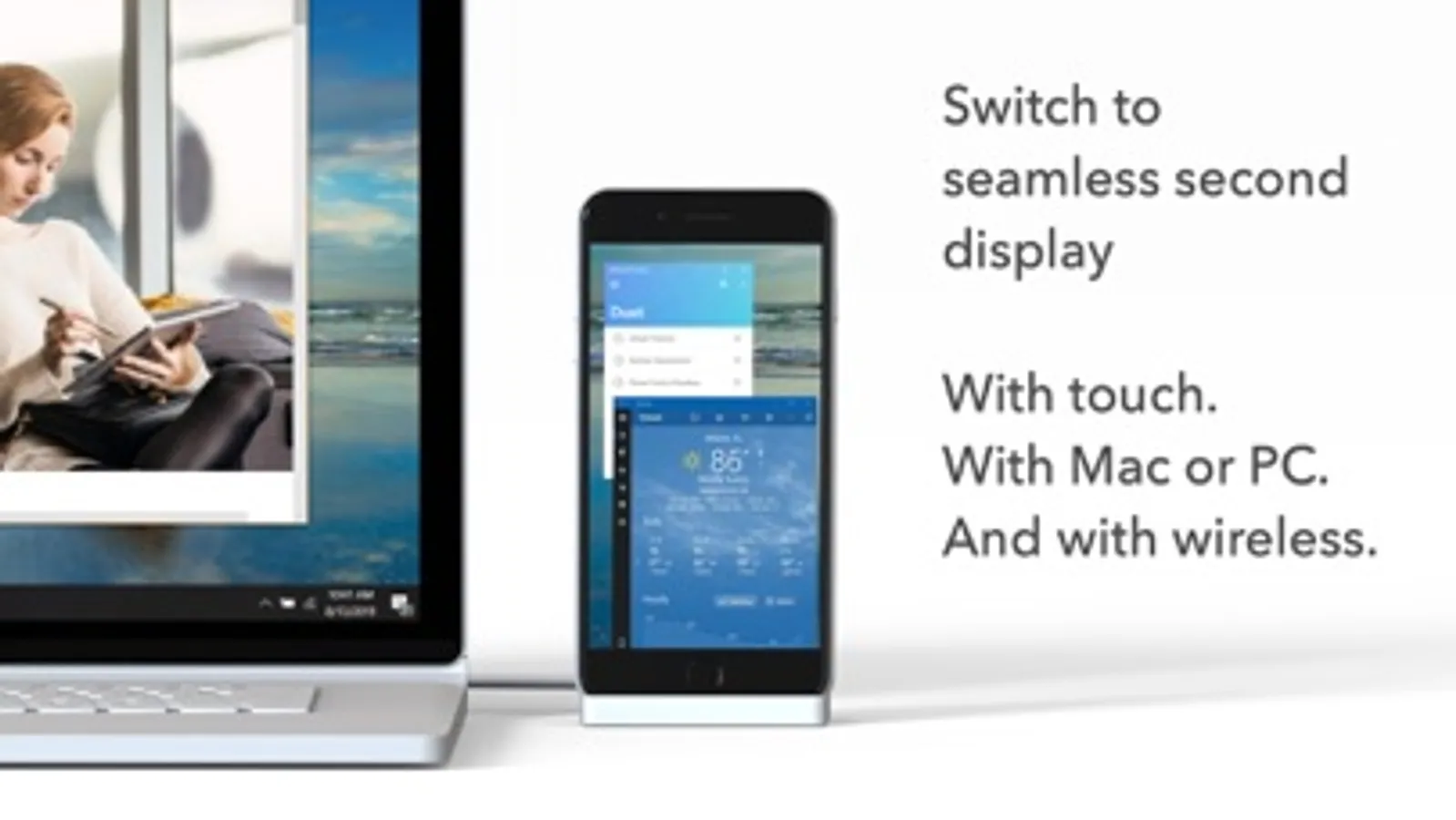
Duet turns your iPad or iPhone into the most advanced Remote Desktop or extra display for your Mac & PC. Developed by a team of ex-Apple engineers, Duet offers unparalleled performance and display quality - all with zero lag.
— DO MORE —
Be twice as productive by multitasking with two screens. And for those that travel, have a portable way to stay productive.
— INCREDIBLY SIMPLE —
To get started, plug your iPad into your desktop using your charging cable or choose the desktop to wirelessly connect to. The Duet desktop app will automatically detect your device, and transform it into a high performance touchscreen display.
— TOUCHSCREEN —
Interact with Mac & PC like never before, with touch & gestures, including two-finger scrolling, pan and zoom.
And with our latest release, you can even add a touch bar to any iPad with any Mac.
— PERFECT FOR APPLE PENCIL —
With Duet Pro, you can turn your iPad and Apple Pencil into a professional graphics tablet. We’ve re-engineered our rendering algorithms for ultra-responsive drawing, optimized specifically for designers, illustrators and artists.
Duet Pro also unlocks pressure & tilt sensitivity, hover, palm rejection, and more to seamlessly draw in the most powerful programs for professionals. Get precise control in Photoshop, Corel Painter, Lightroom, ToonBoom, Illustrator, Manga Studio and more.
— PRESS —
TechCrunch - "Feels Like Magic"
TIME - "Getting Work Done Faster and More Efficiently"
The Guardian - "Lag-free"
Forbes - "The simple thing to note is this...Duet Display works."
The Verge - "Glorious Fluidity"
Lifehacker - "It's fast, easy to use, and works great"
Business Insider - "Zero lag and true retina resolution”
Wall Street Journal - “It’s as easy as just plugging it in"
— REVIEWS —
“Awesome! My iPad Pro can be an extra monitor! Cool app”
~CEO of T-Mobile, John Legere
“Very smooth and responsive indeed, plus you could use the touch screen to “click” on screen interfaces!”
~Photographer, Lok Cheung
“Love the ability to use my iPad as a monitor with Duet.”
~Former Chief Evangelist of Apple, Guy Kawasaki
“Just started using this app called Duet… Kinda love it so far.”
~Comedian and Youtube, Phillip DeFranco
“All my mac folks look at the Duet app… GREAT!”
~Actor and Comedian, Sinbad
"I really like the app, I suppose the biggest compliment I can give is that it's so easy to setup it almost seems like an Apple product.”
~Early Adopter, M. Nightingale
"Amazing solution for me by the way. Works as I was hoping for and actually my main reason for getting an iPad : )”
~Early Adopter, M. Gemzoe
Duet Works With:
All iPhones and iPads with iOS 11.0 and later
All Macs with 10.11 (Mavericks) and later
All PCs with Windows 10 64-bit and later
Duet Air is a $24.99 per year service built for professionals and remote workers. Price may vary by location. Duet Air subscriptions will be charged to your credit card through your iTunes account. Your subscription will automatically renew unless canceled at least 24 hours before the end of the current period. You will not be able to cancel the subscription once activated. Manage Duet Air in Account Settings after the optional upgrade.
Learn more at http://www.duetdisplay.com
Terms: https://help.duetdisplay.com/duet-terms-services
Privacy Policy: https://help.duetdisplay.com/duet-privacy-policy
Duet Air - Remote Desktop Screenshots
Tap to Rate:
Reviews for Duet Air - Remote Desktop
BalanceKeeper
Extremely expensive not worth the money
I say this on my computer and say how expensive the download was but the fact that not only do you need to BUY it for your computer you then need to BUY IT AGAIN for your iPad, extremely predatory and not worth how much they charge.
MangoNectarr
Almost there
Works great most of the time for me, but for some reason on ipad 10.9 inch, sometimes when im using a bluetooth mouse I cant touch in some areas, keyboard wont fully work when i enter in my pc apps most of the time. Its weird. Other remote apps work just fine, but lack the convenience features like full screen that this has.