In this drawing app, users can perform calligraphy, ink painting, and more with realistic brush simulations. Includes multiple tools, color options, and background templates for creative expression.
AppRecs review analysis
AppRecs rating 4.6. Trustworthiness 80 out of 100. Review manipulation risk 28 out of 100. Based on a review sample analyzed.
★★★★☆
4.6
AppRecs Rating
Ratings breakdown
5 star
74%
4 star
9%
3 star
4%
2 star
8%
1 star
6%
What to know
✓
Low review manipulation risk
28% review manipulation risk
✓
Credible reviews
80% trustworthiness score from analyzed reviews
✓
High user satisfaction
83% of sampled ratings are 4+ stars (4.4★ average)
About Zen Brush 3
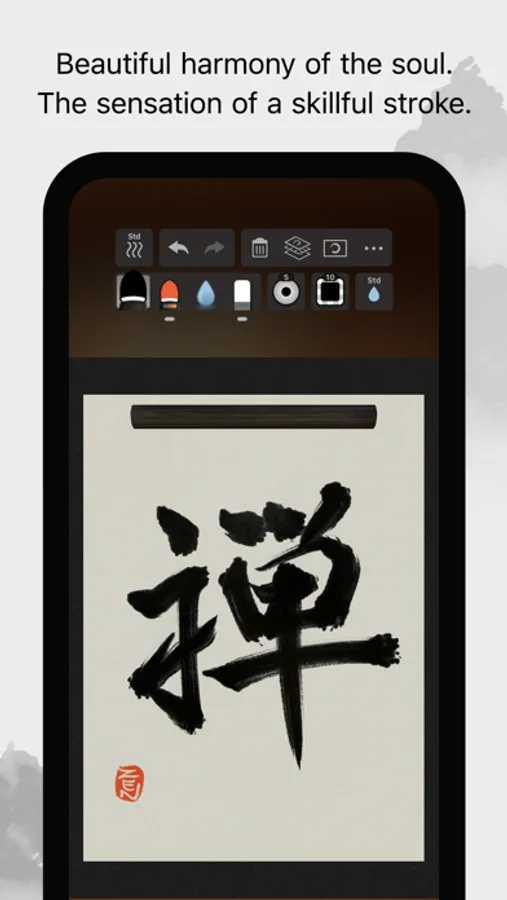
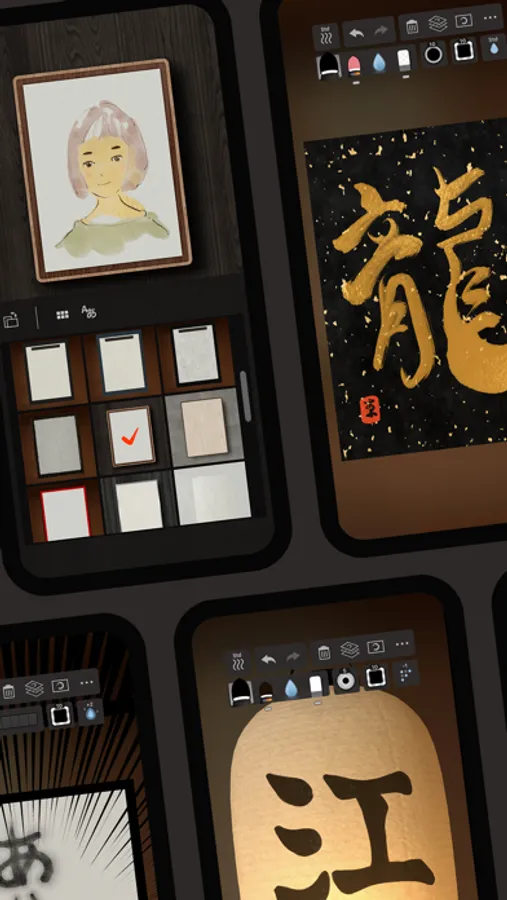
The drawing system that brings to life a feeling of silky fluent and delicate painting now allows an even wider range of expression thanks to the addition of "water" and "color". Providing a new simple and intuitive user interface, this app is designed to be optimal for performing Zen art.
Simply start the app and you are immediately ready to draw. Anyone, anywhere, can create superb Zen art with this app’s uniquely rich expressiveness. You can also easily share and edit your calligraphy and images with other apps using the Export functionality. Skillfully use the rich background style templates to create and share atmospheric artwork.
- The drawing system simulates a 3D model of an East Asian ink brush to enable varied and natural styles of brush handling.
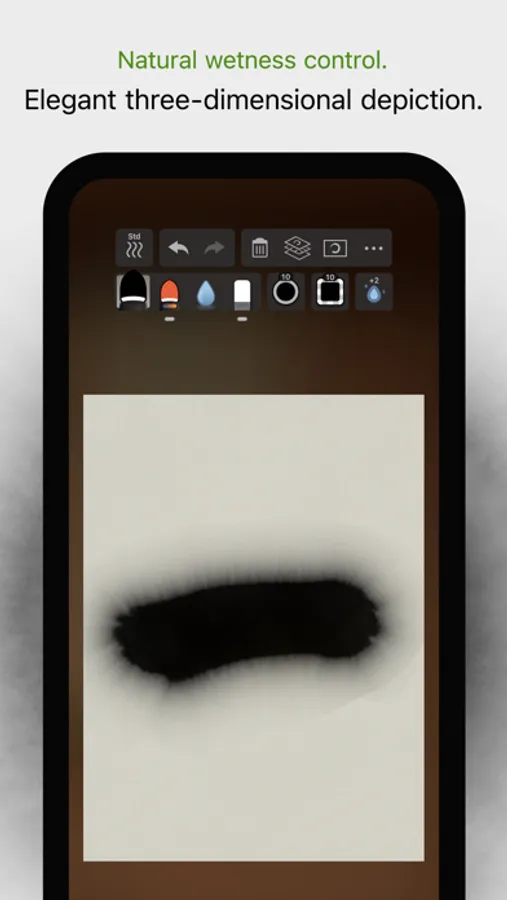
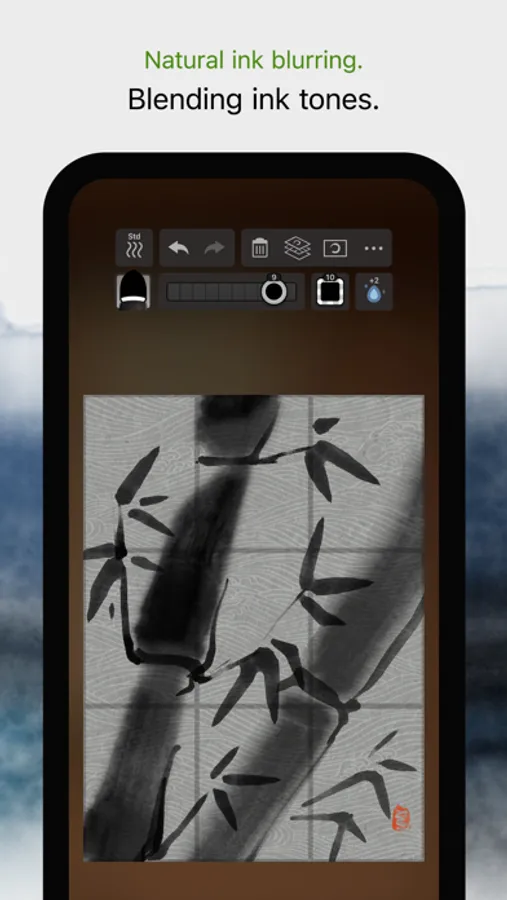
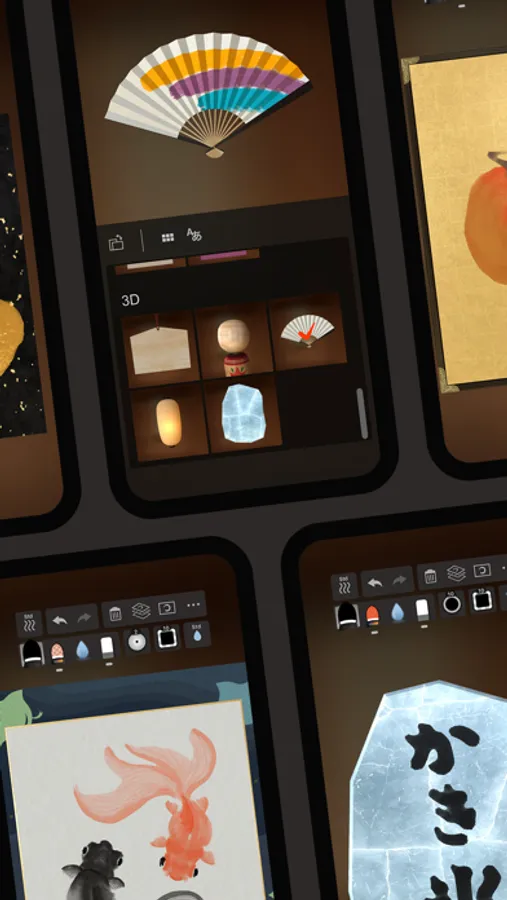
- The adjustable amount of water makes it possible to create expressions ranging from powerful edge effects to "nijimi" (bleeding) and "bokashi" (blurring) where colors mix.
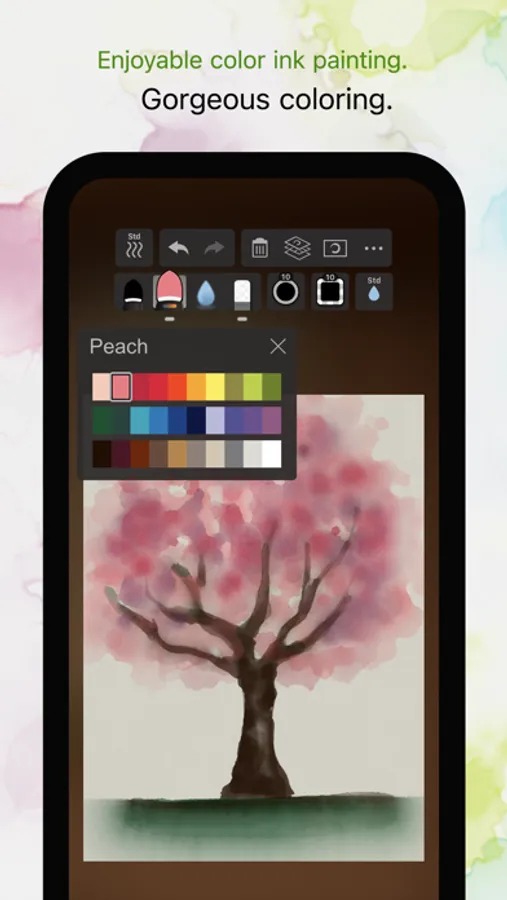
- You can also enjoy creating colored-ink paintings as well as watercolor paintings by making use of 30 selected traditional Japanese colors.
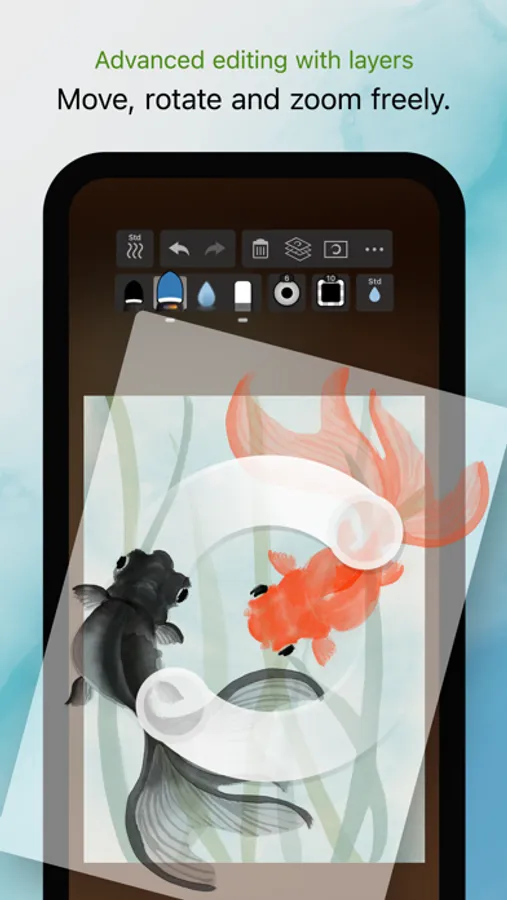
- The layer functionality allows more flexible editing.
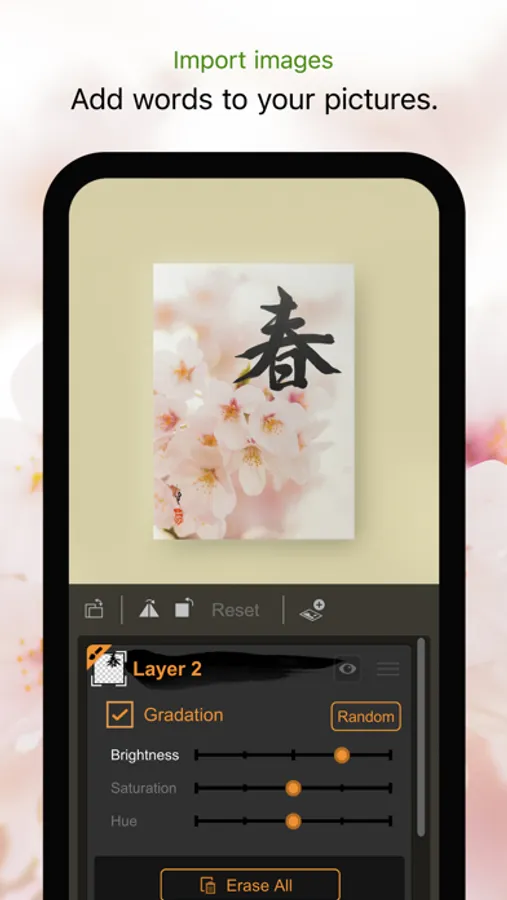
- Import photos to add text to them or use them as background images for tracing.
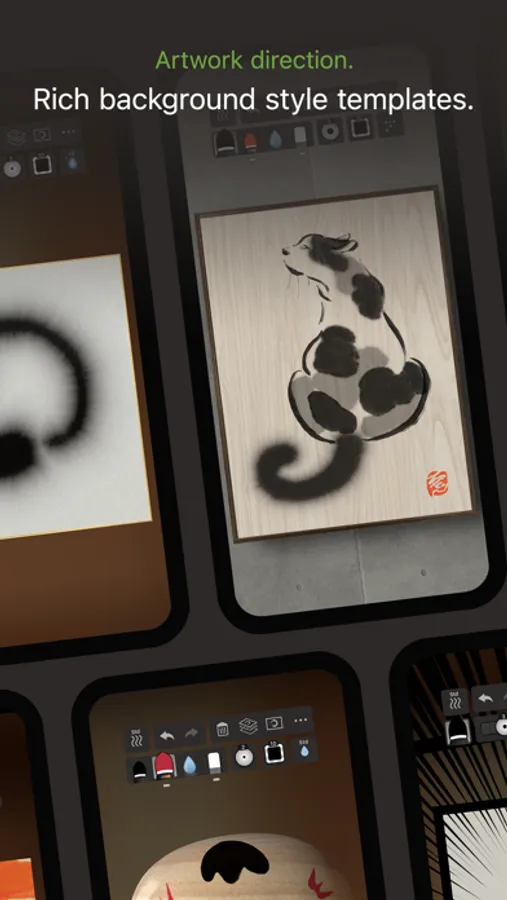
- Create fascinating artwork with a rich assortment of background style templates.
- Traditional Japanese paper templates provide an authentic feel.
Features:
- 5 main tools (ink brush, color brush, water brush, eraser, blotting paper).
- 10 levels of thickness.
- 5 levels of water (not applicable to blotting paper).
- 10 levels of ink tone (not applicable to water brush and blotting paper).
- Color palette with 30 colors.
- 89 background style templates.
- Drying functionality (fast dry, instant dry, adjustable natural dry).
- Layers functionality (import image / color adjustment / move / rotate / scale / reverse left and right / white transparency / gradation effect).
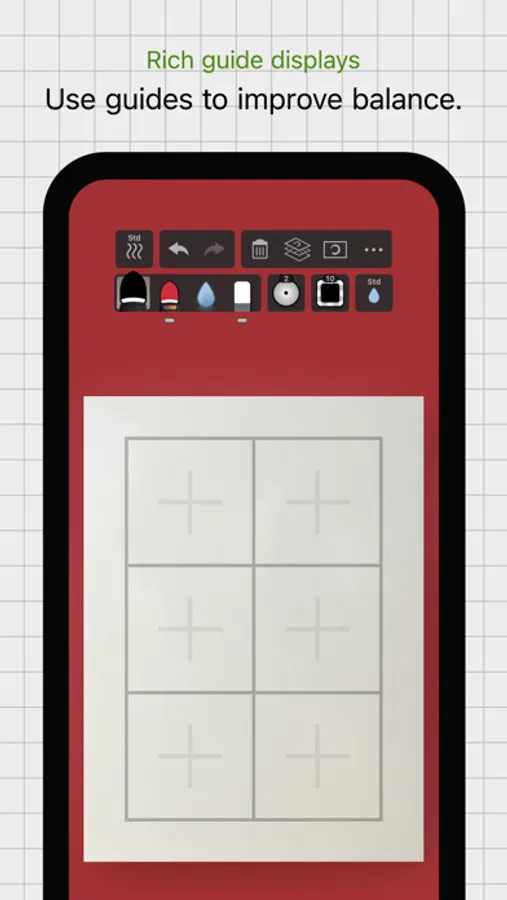
- Guide display (character guides / partition guides / grid guides).
- Movable toolbar (top / bottom / left / right).
- Canvas zoom (zoom in and out with pinch gestures).
- Undo / redo (5 levels).
- Export functionality (formats: JPEG, PNG, transparent PNG (no background)).
- Support for Apple Pencil (1st and 2nd generation).
- Support for 3D Touch (where available: iPhone 6S - XS).
- Drawing tool selection (finger and stylus / stylus only).
- Adjustable brush pressure sensitivity (5 levels, with supported stylus only).
- Adjustable tilt sensitivity (5 levels, with supported stylus only).
- Gesture functionality (pinch zoom and drag, zoom toggle with 2-finger tap).
- 3D brush display (enable / disable).
- Pointer display (enable / disable).
- 5 levels of canvas resolution with a maximum of 3072 x 4096 pixels (the higher resolutions do not work on devices with lower specs).
Zen Brush 3 Screenshots
Tap to Rate:
Reviews for Zen Brush 3
wetfrog
What
I dont get it. Zen2 was great. Then they did 3 and its terrible. They also seem to have 0 support and has this been abandoned? I think unfortunately they’ve just taking in money on the reputation of 2 and created 3 just to look as if they’re doing something. 3 is garbage. Going back to 2.
LaTosca2
Super Fun
Delightful tool to practice, experiment and imagine with - using it is a vast improvement over doom scrolling.